

iWatermark Protect Your Photos
com.plumamazingfree.iwatermark
by Plum Amazing
Screenshots



Ad slot: Top Leaderboard
About this app
★The essential Watermarking App for Photo Pros, Business and Personal Use★
News about the app is at the top of the manual.
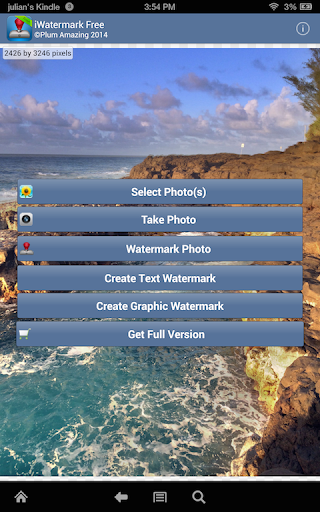
iWatermark, is the only watermarking tool available for all 4 platforms Android, iPhone/iPad, Mac and Windows. iWatermark is the most advanced utility for creating watermarks and watermarking photos.
This free app is the way to try before you buy. This free version includes a small watermark that says 'Created with iWatermark'. If you prefer to not have this watermark please upgrade to the inexpensive regular version. Buying the regular version supports our continuing work on this app.
Easily secure and protect your photos/art with a visible text or graphic or QR watermark. Once added to a photo this visible watermark displays your creation and ownership. Watermarking is increasingly important and like signing your name to a photo to subtly display, no matter where your photo goes, that its your property. Watermarking can also be used to add a personal message or fun graphics to any photo.
Thanks to all iWatermark users for the great reviews, feedback and suggestions. We promise as Android evolves iWatermark will evolve.
Touch is what Android is all about. With iWatermark you can:
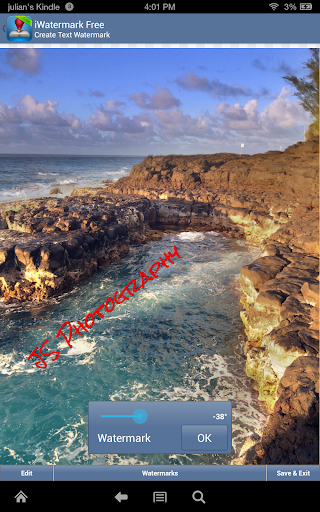
♦ With your finger click on the watermark to move it around on the page
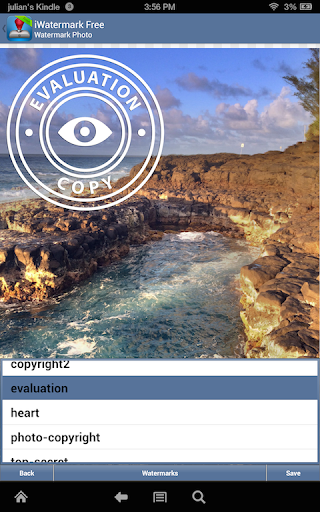
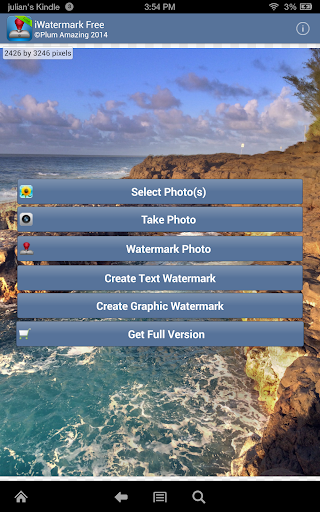
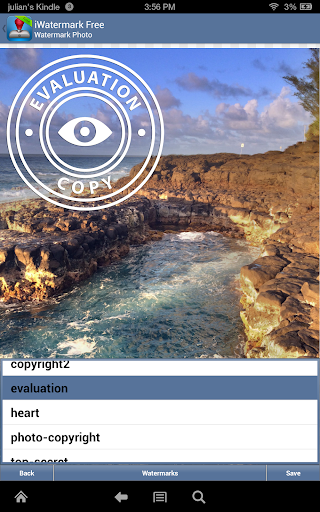
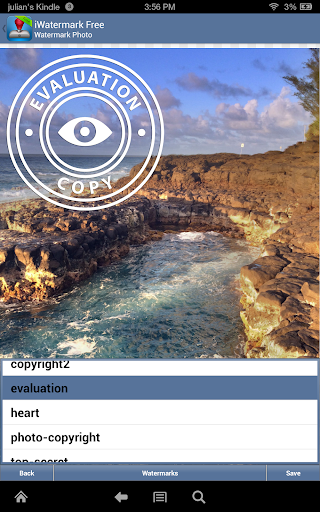
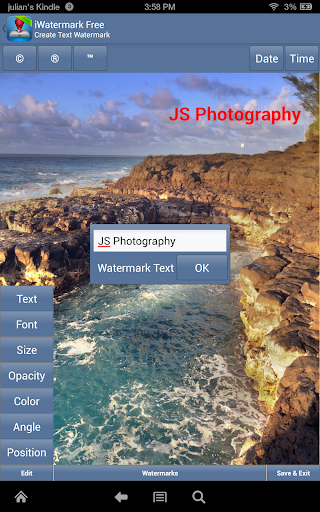
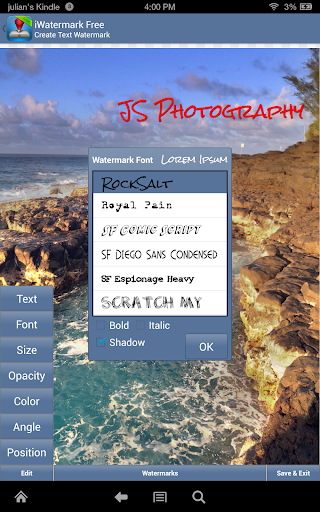
♦ Create your own text or graphic watermarks or select from the included example watermarks (both text and graphics)
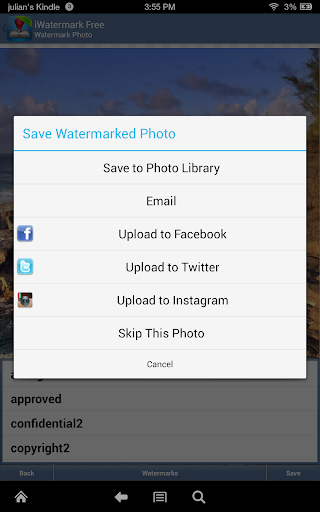
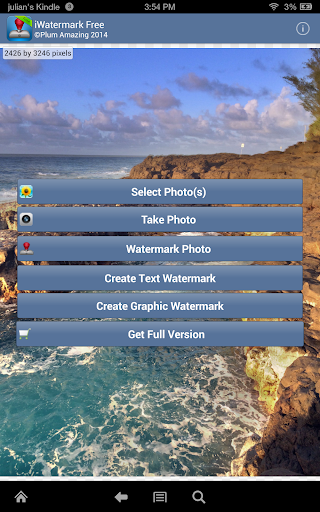
♦ Single or batch process many photos at a time
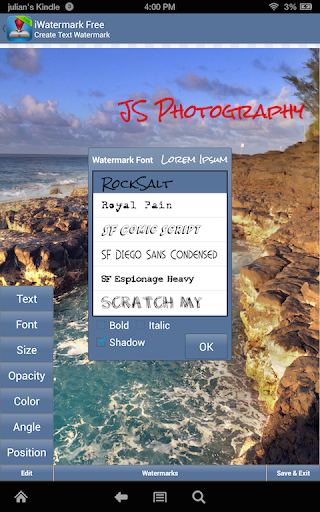
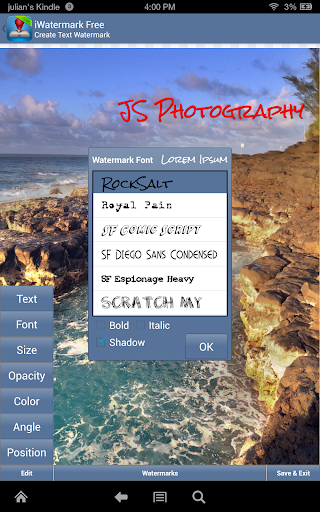
♦ Choose from the 157 fonts
♦ Use pinch/zoom to expand/contract the size of the watermark
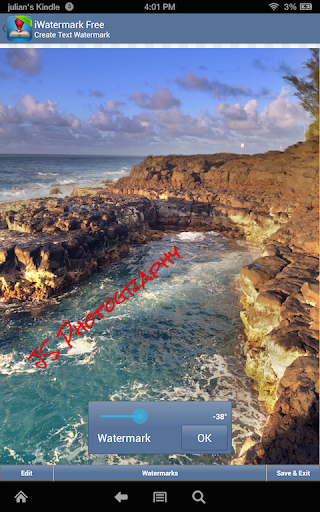
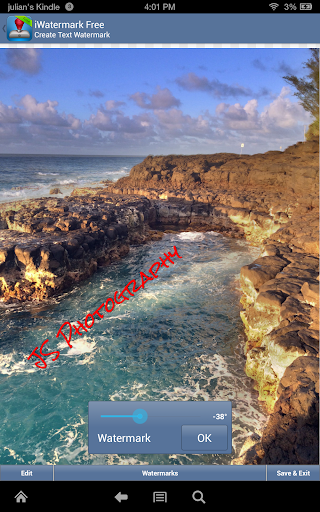
♦ Touch with two fingers at once and rotate to rotate the watermark
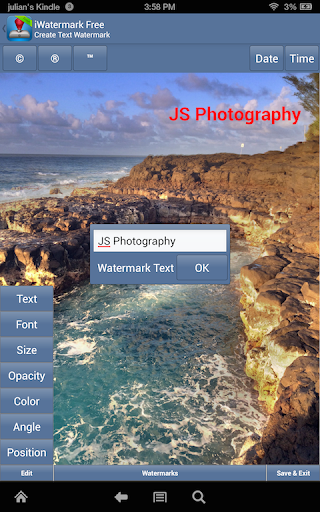
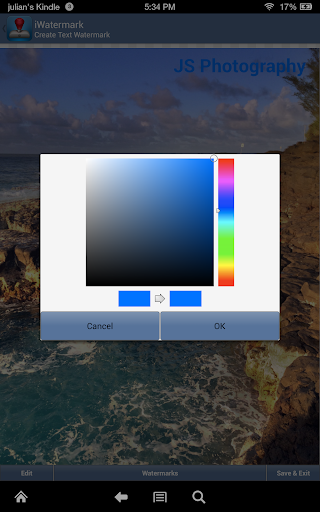
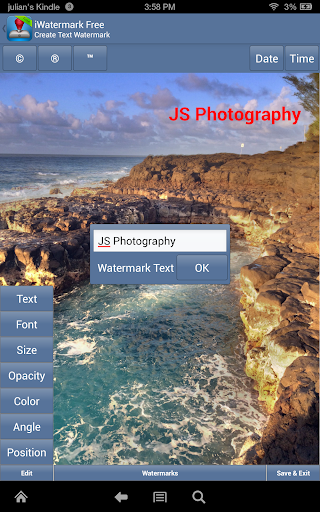
♦ By touch easily adjust the watermarks scale, opacity, font, color and angle
Create your own watermark or use our included examples. Examples are both text (names, dates, etc) and graphic (signatures, logos, etc.) watermarks which can be used immediately.
Create your own text watermarks using any Android fonts directly in iWatermark. Or you can import your own graphic watermarks to expand the range of possibilities. These can be signatures or logos which are made on your computer (which has more fonts and abilities, see FAQ below for more details) and then synched over via email and saved to the photo library.
A newer type of graphic watermark you can make directly in iWatermark is a QR code which is like a barcode. QR codes are very familiar to Android users. QR codes can contain up to 4000 chars of information. QR codes can then be read with smartphone with the right app revealing the info you encoded. Using QR codes as watermarks is one of iWatermarks unique and useful features.
Why Watermark?
Digitally sign your photos/artwork with iWatermark to claim, secure and maintain your intellectual property and reputation.
✔ Build your company brand, by having your company logo on all your images.
✔ Promote your company, name and website by using QR codes as watermarks.
✔ Avoid the surprise of seeing your photos and/or artwork elsewhere on the web or in an ad.
✔ Avoid the conflicts and headaches with plagiarists who claim they didn't know that you created it.
✔ Avoid the costly litigation that can be involved in these cases of misuse of ip.
✔ Avoid intellectual property squabbles.
Q: How do I add graphic signature like the examples by Picasso, Ben Franklin, etc.?
A: To do that you need to make the .png graphics on your computer, save the png graphics direct to the phone storage or.email it to yourself, open the email on your phone and save to your photo album. In iWatermark create a graphic watermark, choose the graphic from your photo album to add it as a new watermark.
Details/News are in the manual:
http://www.plumamazing.com//android/iwatermark/iwatermarkhelp
IMPORTANT: The signatures of John Hancock, Ben Franklin, etc. are examples of graphic watermarks. They are the real signatures of these historic people. They are ifun examples to show what is possible.
Contact us if you need help or have a suggestion.
News about the app is at the top of the manual.
iWatermark, is the only watermarking tool available for all 4 platforms Android, iPhone/iPad, Mac and Windows. iWatermark is the most advanced utility for creating watermarks and watermarking photos.
This free app is the way to try before you buy. This free version includes a small watermark that says 'Created with iWatermark'. If you prefer to not have this watermark please upgrade to the inexpensive regular version. Buying the regular version supports our continuing work on this app.
Easily secure and protect your photos/art with a visible text or graphic or QR watermark. Once added to a photo this visible watermark displays your creation and ownership. Watermarking is increasingly important and like signing your name to a photo to subtly display, no matter where your photo goes, that its your property. Watermarking can also be used to add a personal message or fun graphics to any photo.
Thanks to all iWatermark users for the great reviews, feedback and suggestions. We promise as Android evolves iWatermark will evolve.
Touch is what Android is all about. With iWatermark you can:
♦ With your finger click on the watermark to move it around on the page
♦ Create your own text or graphic watermarks or select from the included example watermarks (both text and graphics)
♦ Single or batch process many photos at a time
♦ Choose from the 157 fonts
♦ Use pinch/zoom to expand/contract the size of the watermark
♦ Touch with two fingers at once and rotate to rotate the watermark
♦ By touch easily adjust the watermarks scale, opacity, font, color and angle
Create your own watermark or use our included examples. Examples are both text (names, dates, etc) and graphic (signatures, logos, etc.) watermarks which can be used immediately.
Create your own text watermarks using any Android fonts directly in iWatermark. Or you can import your own graphic watermarks to expand the range of possibilities. These can be signatures or logos which are made on your computer (which has more fonts and abilities, see FAQ below for more details) and then synched over via email and saved to the photo library.
A newer type of graphic watermark you can make directly in iWatermark is a QR code which is like a barcode. QR codes are very familiar to Android users. QR codes can contain up to 4000 chars of information. QR codes can then be read with smartphone with the right app revealing the info you encoded. Using QR codes as watermarks is one of iWatermarks unique and useful features.
Why Watermark?
Digitally sign your photos/artwork with iWatermark to claim, secure and maintain your intellectual property and reputation.
✔ Build your company brand, by having your company logo on all your images.
✔ Promote your company, name and website by using QR codes as watermarks.
✔ Avoid the surprise of seeing your photos and/or artwork elsewhere on the web or in an ad.
✔ Avoid the conflicts and headaches with plagiarists who claim they didn't know that you created it.
✔ Avoid the costly litigation that can be involved in these cases of misuse of ip.
✔ Avoid intellectual property squabbles.
Q: How do I add graphic signature like the examples by Picasso, Ben Franklin, etc.?
A: To do that you need to make the .png graphics on your computer, save the png graphics direct to the phone storage or.email it to yourself, open the email on your phone and save to your photo album. In iWatermark create a graphic watermark, choose the graphic from your photo album to add it as a new watermark.
Details/News are in the manual:
http://www.plumamazing.com//android/iwatermark/iwatermarkhelp
IMPORTANT: The signatures of John Hancock, Ben Franklin, etc. are examples of graphic watermarks. They are the real signatures of these historic people. They are ifun examples to show what is possible.
Contact us if you need help or have a suggestion.
What's New
[update]: update UI/UX of Tip dialog.
[fix]: buttons getting hide under navigation buttons.
[fix]: buttons getting hide under navigation buttons.
App Information
Version Name
1.3.4
Version Code
134
File Size
8.8 MB
Minimum OS
Android 4.0+
Target SDK
Android 10
Developer
Plum Amazing
Contact
Website
Content Rating
Everyone
Package Name
com.plumamazingfree.iwatermarkPermissions Required
This app may request the following permissions:
Recent Reviews

A Google user
3.0★
This app is a mixed bag. Often it's exceptional, but then they do something dumb that makes it unappealing. In Oct/Nov of 2019, my photo gallery opened chronologically reverse, so it took a few minutes to get to the bottom of 2,000+ photos for the one I wanted. They eventually fixed this, but it took a while. In Aug of 19, photos opened at a small resolution. Again, it was eventually fixed, but aren't new releases tested?
A Google user
1.0★
Was great until they just updated it. Now you have to pay if you dont want their watermark at the bottom. Defeats the purpose of a FREE watermarking app. Uninstalling. EDIT: I see your response and that is NOT so. There are plenty of other reviews showing the same thing. I have used this app since January WITHOUT a iwatermark at the bottom of my images.

Matthew S
1.0★
8/30/23 HORRIBLE UPDATE!!! DOESN'T WORK!!! I've been using this app. for over 2 yrs. and it's been PERFECT. Until the current update. It now automatically adds a light long oval rectangle at the top left hand corner with the wording... 'CreatedwithiWatermark' This new update completely makes your pictures look unprofessional and actually ruins your own personal watermark and pictures. What once was a great app that made your picture look professional, now makes them look cheap and low budget.
A Google user
3.0★
Disappointed with update version. Before, its fine just like what i need. Then in update version before now, the watermark word keep jumping from the place that i save first. So i have to do trial n error to make it fit to the place i want. And now, i updated again, hoping the jumping will be gone, but got more disapponted. The folder where i choose photo to watermark, not sort by time. And it makes me works to choose the photo. Pls repair the fitur i mention back to original fitur..thanks.
A Google user
2.0★
It seems it can be good, could be good, however, it seems to be getting worse and worse. I can't afford to pay for something like this, and used to be very happy with the free version, it did everything I needed and wanted. It changed a while ago, only uploading to share to messages on Instagram, it became more difficult to position exactly where I wanted it, and now, no matter where or how I place it on my photo, it puts it in the same general area, which is NOT where I want it! Please fix it!!
A Google user
5.0★
Of 64 GB I haven't used half of it and I have enough storage space. Till yesterday the iwater maked pictures were stored in the internal memory ( as a separate album within gallery). Now it says it is stored in the external memory and not found in the gallery too. Why this when I have enough and more space in internal storage itself. !!
Ad slot: In-Content