

Super Clone: Multiple Accounts
com.polestar.super.clone
by Polestar App Cloner Dev.
Screenshots
Ad slot: Top Leaderboard
About this app
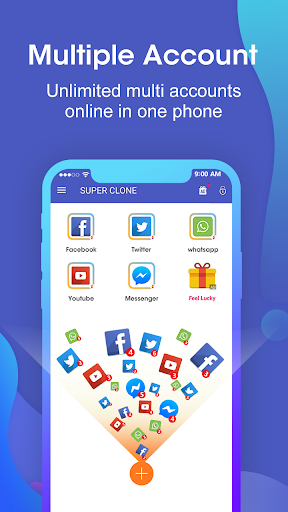
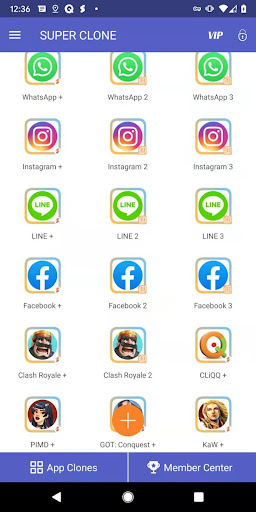
App cloner to manage more than 2 accounts! Well support Android 14 🏆🏆🏆. It can run unlimited multiple accounts for WhatsApp, Instagram, LINE, Messenger, other social app and games . Support login with Google account in each app clone! Super Clone is stable 🚀 and 100% free.
Do you have problem to manage multiple Whatsapp accounts?
Do you want to login multiple Facebook accounts on one device at the same time?
Do you want to create multiple roles in game and get multiple experience?
Do you want to quick switch between your accounts?
Do you want to customize your clones with different label and icon?
Please choose Super Clone! Manage more than 2 accounts for social and game apps.
As the top ranked multiple accounts tool, the tech of Super Clone empowered by Polestar Applab has achieved millions downloads worldwide. It is the first to support clone up to 99 multiple parallel accounts for social & game accounts and keep the accounts online in multiple spaces on one phone.
Super Clone is for users who wants to switch between multiple social and game accounts easily. Just one click to clone for whatsapp, instagram, facebook, clash and other games, customize their label and icon to identify, protect with privacy locker and fast switch between accounts with one tap.
Super Clone is the most compatible with instant message apps, game apps and social apps. Google Play Service are supported for each account and clone. You can connect with your Google or Facebook accounts in the cloned application.
❤️❤️❤️ Run multiple accounts for social and game app
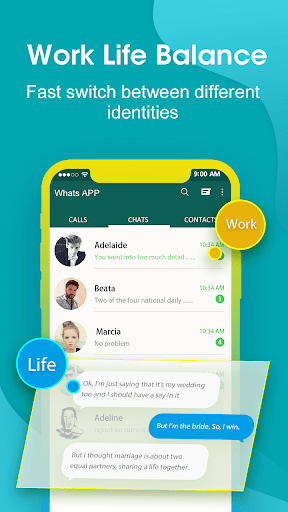
• Help you balance your work and life by login multiple account for Whatsapp, Facebook, Instagram and other social app
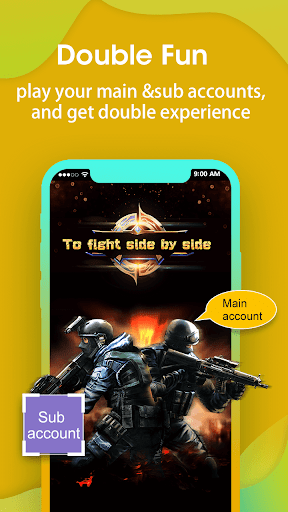
• Play games with multiple account to get multiple experiences and faster level-up
🔒🔒🔒Privacy and Security.
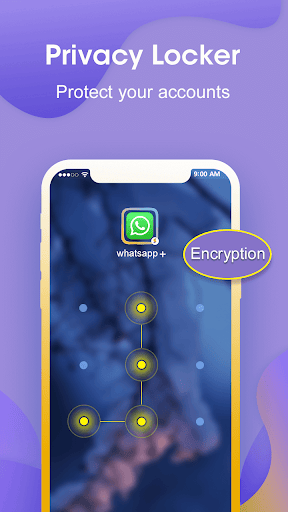
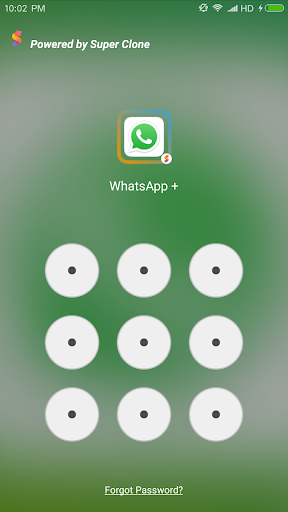
• Privacy Locker to hide and protect your cloned account
• Data of each cloned accounts are separated
😝😝😝Support to customize app icons and label
🔥🔥🔥Easy to use and one tap to switch between accounts
• Run multiple accounts simultaneously, and clearly tagged with label and icon
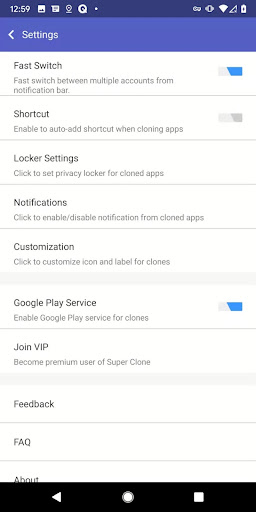
• Can manage notification of each clones
• Fast switch between account used recently
💪💪💪Google login support for multiple accounts and lite mode for less power consumption
Notes:
• Permissions: Super Clone app itself requires very few permissions itself but it may need to apply many permissions in advance for the clone apps. Please grant those permissions to Super Clone to avoid mis-function or crash when running clones
• Consumptions: Super Clone itself doesn't take up too much memory, battery and data by which are actually consumed by the apps running inside.
• Notifications: Please add Super Clone to whitelist in your system notification settings.
• Shortcuts: Sometimes you may not see shortcut not show up even if you enabled for the clone. Please check whether you granted Super Clone the permission to create shortcuts
For any problems, please feel free to contact us via the 'Feedback' feature inside Super Clone or send us an email at: [email protected]
Do you have problem to manage multiple Whatsapp accounts?
Do you want to login multiple Facebook accounts on one device at the same time?
Do you want to create multiple roles in game and get multiple experience?
Do you want to quick switch between your accounts?
Do you want to customize your clones with different label and icon?
Please choose Super Clone! Manage more than 2 accounts for social and game apps.
As the top ranked multiple accounts tool, the tech of Super Clone empowered by Polestar Applab has achieved millions downloads worldwide. It is the first to support clone up to 99 multiple parallel accounts for social & game accounts and keep the accounts online in multiple spaces on one phone.
Super Clone is for users who wants to switch between multiple social and game accounts easily. Just one click to clone for whatsapp, instagram, facebook, clash and other games, customize their label and icon to identify, protect with privacy locker and fast switch between accounts with one tap.
Super Clone is the most compatible with instant message apps, game apps and social apps. Google Play Service are supported for each account and clone. You can connect with your Google or Facebook accounts in the cloned application.
❤️❤️❤️ Run multiple accounts for social and game app
• Help you balance your work and life by login multiple account for Whatsapp, Facebook, Instagram and other social app
• Play games with multiple account to get multiple experiences and faster level-up
🔒🔒🔒Privacy and Security.
• Privacy Locker to hide and protect your cloned account
• Data of each cloned accounts are separated
😝😝😝Support to customize app icons and label
🔥🔥🔥Easy to use and one tap to switch between accounts
• Run multiple accounts simultaneously, and clearly tagged with label and icon
• Can manage notification of each clones
• Fast switch between account used recently
💪💪💪Google login support for multiple accounts and lite mode for less power consumption
Notes:
• Permissions: Super Clone app itself requires very few permissions itself but it may need to apply many permissions in advance for the clone apps. Please grant those permissions to Super Clone to avoid mis-function or crash when running clones
• Consumptions: Super Clone itself doesn't take up too much memory, battery and data by which are actually consumed by the apps running inside.
• Notifications: Please add Super Clone to whitelist in your system notification settings.
• Shortcuts: Sometimes you may not see shortcut not show up even if you enabled for the clone. Please check whether you granted Super Clone the permission to create shortcuts
For any problems, please feel free to contact us via the 'Feedback' feature inside Super Clone or send us an email at: [email protected]
What's New
Update Support for Android 15
App Information
Version Name
6.0.02.0110
Version Code
6002
File Size
8.9 MB
Minimum OS
Android 5.0+
Target SDK
Android 33
Developer
Polestar App Cloner Dev.
Contact
Website
Content Rating
Everyone
Package Name
com.polestar.super.clonePermissions Required
This app may request the following permissions:
Recent Reviews

Tomy Evans
4.0★
Wasn't super reliable, but usually got the job done perfectly. I've seen lots of people have the same problem I do now, where the app just completely does not allow any of the clones to open after the latest Android update. Luckily the only apps I cloned are ones where my accounts are accessible through login info, but many people seem to have lost all of their progress. If this doesn't get resolved soon, I'll not only have to uninstall, but retract my 4 star rating.

Dustin Ryan Shaw (D star)
5.0★
So far so good! I have been needing this in my life for a long time! I have 3 accounts on one app and it takes way too long to switch users on the one app. It's so very nice to have 3 of the same app: each logged in separately. Now instead of logging in and out and constantly verifying: I just click on the app that has that account! Why didn't I discover this sooner?

Juandale Pringle
4.0★
Great app, love that I can now use apps banned from. There are some bugs tho, specifically with apps that want to access your files and/or camera. I can't access files that are on my phone in the apps I have cloned, nor can I access my camera. It also freezes every now and then but that's not a super big deal. Would be 5 stars if I could access files and the camera.

Erika Davis
1.0★
I rarely rate apps but this one annoyed me enough to require a review. Worked well for a few days, then started having trouble and required me to force close the app two or 3 times before I could access my cloned apps. Now it won't open any of my cloned apps or allow me to add other apps. Emailed for assistance and more than a week later still no reply, not even an auto reply. Don't waste your time unless you want to lose access to your cloned accounts.

C J
2.0★
seems like it may clone but the point of having it is to use different accounts. you might think you can access these accounts well not if they're through Google play or Facebook. it won't allow any login or even connection. maybe this is known but how else do you sign into multiple accounts?!

クロエ
4.0★
App is good (used it to clone messenger) but it won't let me enable notifications 🙃 only feature that stands out from other cloning apps is it let's you add a homescreen shortcut of cloned app for FREE. one downside for me is the notification issue...
Ad slot: In-Content