

Guitar 3D - Basic Chords
com.polygonium.basicchords
by Polygonium
Screenshots

Ad slot: Top Leaderboard
About this app
No Ads!
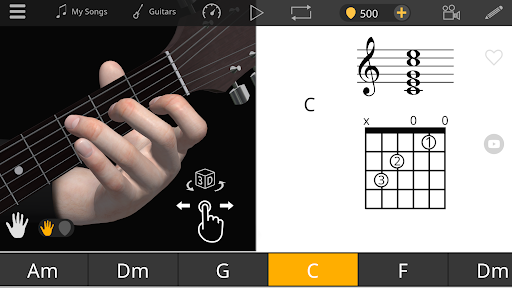
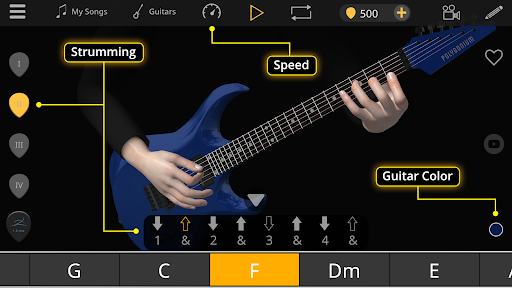
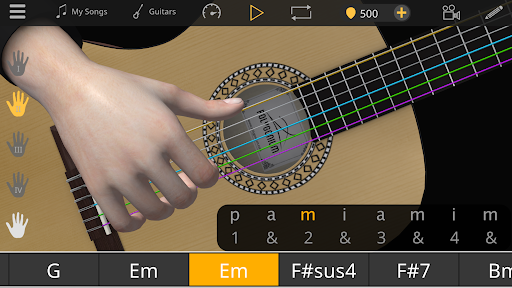
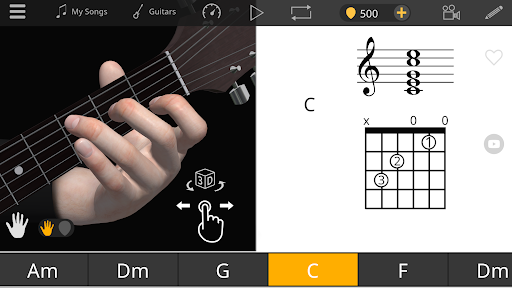
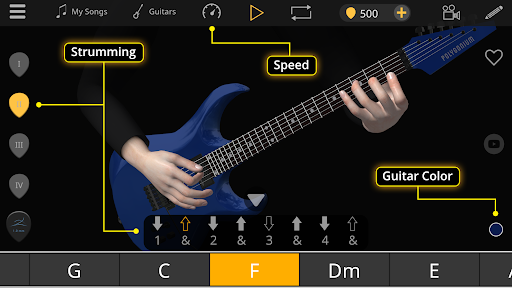
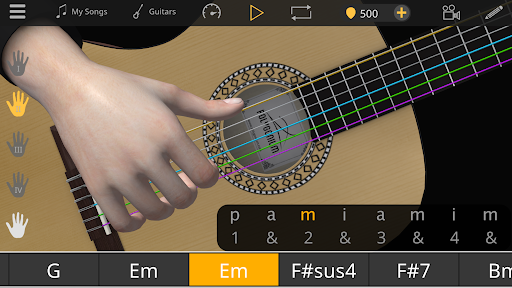
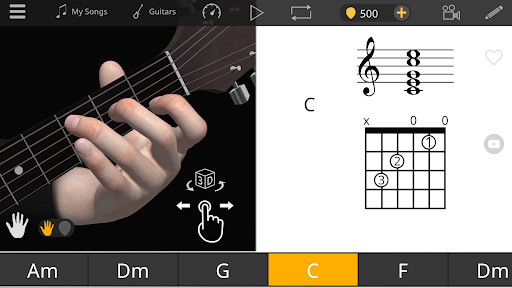
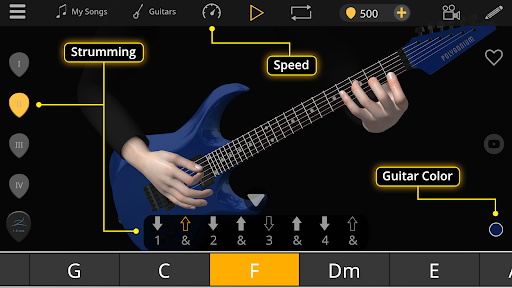
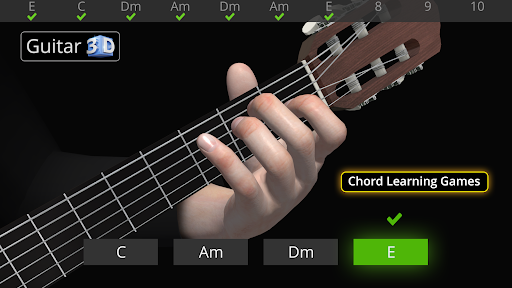
Learn to play guitar chords easy and fast with this interactive 3D ultimate guitar learning app. Unlike video guitar lessons, learn basic guitar chords and train your guitar skills simply by observing the correct guitar playing techniques using rotate and zoom features in Guitar 3D. View fingers from different angles and capture the correct finger positioning and movements in vivid detail. Strumming and fingerpicking techniques are also demonstrated while using the auto chord progression playing feature in the app. Guitar 3D Basic Guitar Chords training app is specially designed for visual learners.
How it works
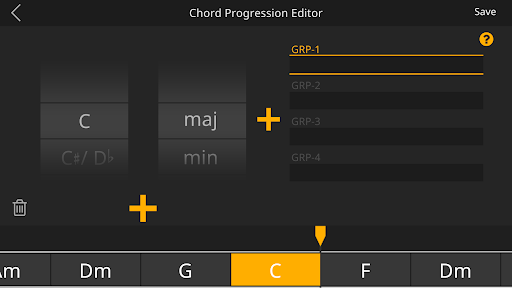
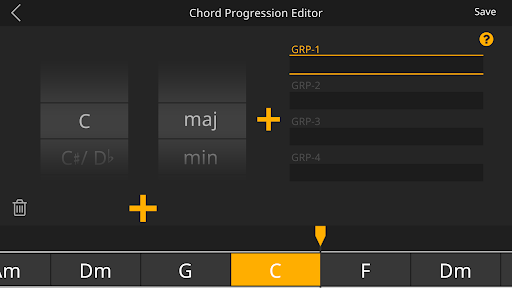
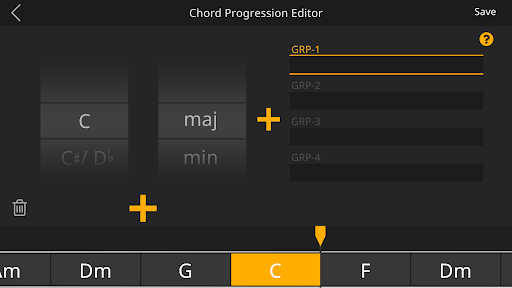
Just select the chords you want to learn and add them to the timeline. The virtual guitarist hands plays the chord sequences you have composed with strumming or fingerpicking techniques. With the simple and easy-to-use chord progression editor, creating chord chains and making music takes only a few minutes. It is really fun and easy way to learn guitar chords or compose songs!
All chords in Guitar 3D are made by recording each note from real guitars. All animations were made with worlds best academic musicians and education experts.
Features of Guitar 3D Chords App:
▸ Very easy to use
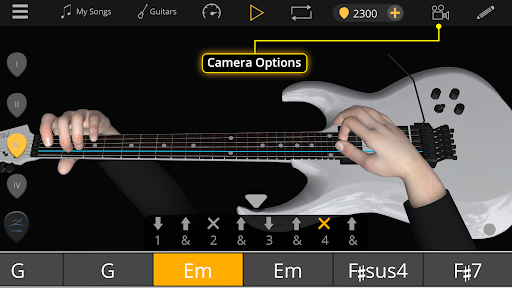
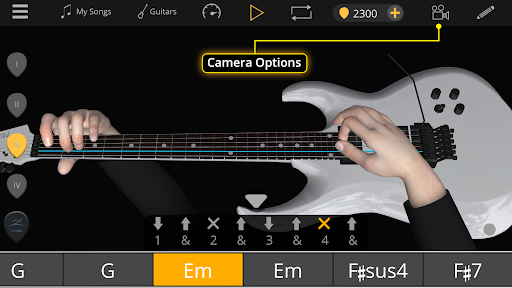
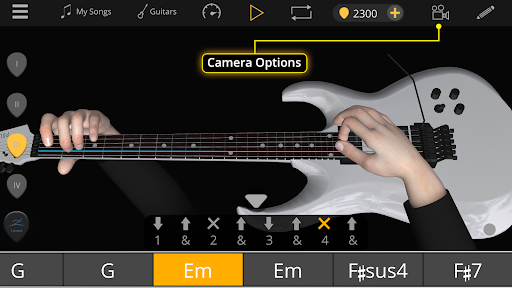
▸ 3D right and left hand viewer
▸ Chord progression editor
▸ Auto play & loop
▸ Speed control
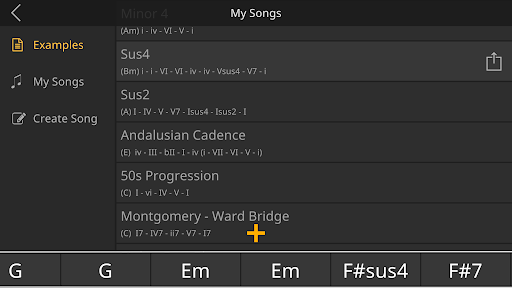
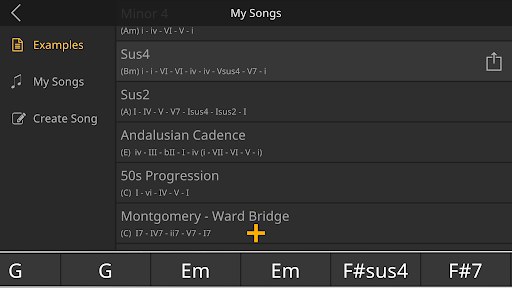
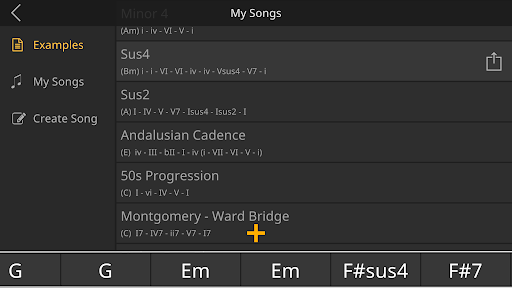
▸ Save your songs
▸ Basic barre chords
▸ First - person and split cam options
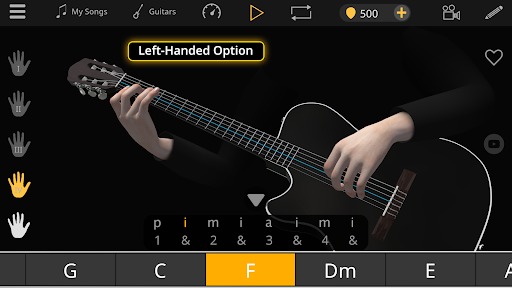
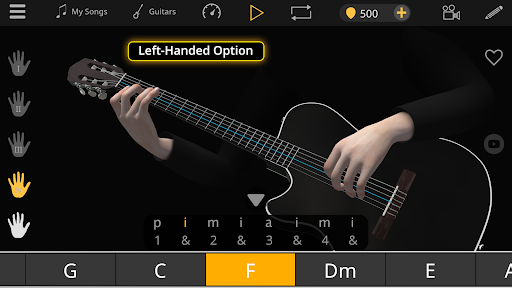
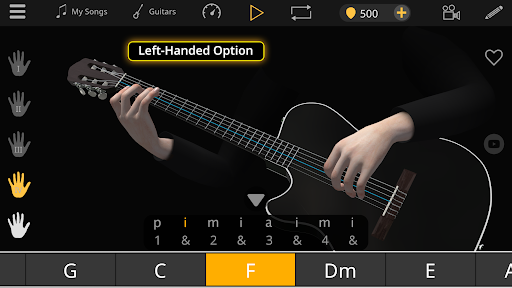
▸ Different pick and finger techniques
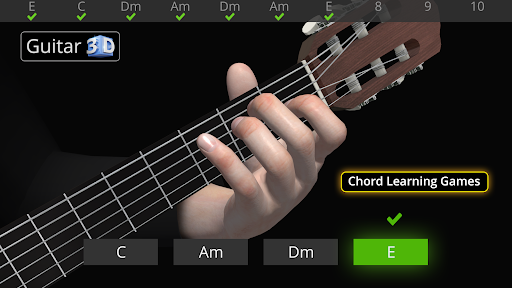
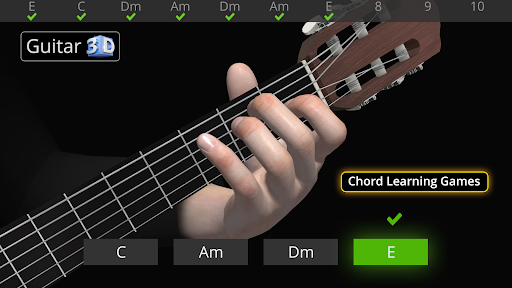
▸ Chord training game with 25 levels
▸ Option for left-handed guitarists
▸ Guitar color options
▸ Chord library(2D diagram) including all chords.
▸Clean Electric Guitar (Free)
▸Classical Guitar (unlocks by collecting In-app picks or In-app purchase)
▸Acoustic Guitar (unlocks by collecting In-app picks or In-app purchase)
▸Electro-Classical Guitar (unlocks by collecting In-app picks or In-app purchase)
If you want to follow us:
https://www.instagram.com/guitar3d
https://www.facebook.com/Guitar3D
https://www.facebook.com/Polygonium
https://www.polygonium.com/music
Learn to play guitar chords easy and fast with this interactive 3D ultimate guitar learning app. Unlike video guitar lessons, learn basic guitar chords and train your guitar skills simply by observing the correct guitar playing techniques using rotate and zoom features in Guitar 3D. View fingers from different angles and capture the correct finger positioning and movements in vivid detail. Strumming and fingerpicking techniques are also demonstrated while using the auto chord progression playing feature in the app. Guitar 3D Basic Guitar Chords training app is specially designed for visual learners.
How it works
Just select the chords you want to learn and add them to the timeline. The virtual guitarist hands plays the chord sequences you have composed with strumming or fingerpicking techniques. With the simple and easy-to-use chord progression editor, creating chord chains and making music takes only a few minutes. It is really fun and easy way to learn guitar chords or compose songs!
All chords in Guitar 3D are made by recording each note from real guitars. All animations were made with worlds best academic musicians and education experts.
Features of Guitar 3D Chords App:
▸ Very easy to use
▸ 3D right and left hand viewer
▸ Chord progression editor
▸ Auto play & loop
▸ Speed control
▸ Save your songs
▸ Basic barre chords
▸ First - person and split cam options
▸ Different pick and finger techniques
▸ Chord training game with 25 levels
▸ Option for left-handed guitarists
▸ Guitar color options
▸ Chord library(2D diagram) including all chords.
▸Clean Electric Guitar (Free)
▸Classical Guitar (unlocks by collecting In-app picks or In-app purchase)
▸Acoustic Guitar (unlocks by collecting In-app picks or In-app purchase)
▸Electro-Classical Guitar (unlocks by collecting In-app picks or In-app purchase)
If you want to follow us:
https://www.instagram.com/guitar3d
https://www.facebook.com/Guitar3D
https://www.facebook.com/Polygonium
https://www.polygonium.com/music
What's New
* Minor bug fixes and improvements.
* If you love this app please rate us. We always love to hear your feedback. Write us at [email protected] and we will get back to you.
* If you love this app please rate us. We always love to hear your feedback. Write us at [email protected] and we will get back to you.
App Information
Version Name
2.6.2
Version Code
402024
File Size
67.3 MB
Minimum OS
Android 6.0+
Target SDK
Android 33
Developer
Polygonium
Contact
Website
Content Rating
Everyone
Package Name
com.polygonium.basicchordsPermissions Required
This app may request the following permissions:
Recent Reviews

Terry Cote
5.0★
Very good trainer for learning chords. Wide variety of chords are covered and app has controls for setting speed, viewing the player from several angles, etc.. I think it even has a setting for left-handed players. I've sampled several chord apps and this, by far, is the best. Additionally, this is a very well designed app; never buggy, doesn't freeze up, no obnoxious ads, etc...give it a try. You can really learn with this app if you put in the time.

Matty C
5.0★
This is a pretty decent app. I'm an experienced musician and I even find this very useful. Even us experienced musicians for get the basics or intermediate stuff. Alot of the times you hit a plateau with your playing. And sometimes refreshing helps you get past that slump. I teach my students that and also add on to hand position "home position" for your picking hands and open their eyes up to different techniques of playing to improve their playing. This app is definitely a fun one. Great job

CHIEMELIE NWAMARA
5.0★
The apps actually nice 6 out of 5. But could you do add other instruments so we can practice alongside the guitar (not separately but can be played at the same time)

Daughter of Fire
5.0★
I'm in my 20's and I'm a complete beginner with guitar. I wasn't sure what to expect with this app but I have to say so far I'm super impressed! At the moment I'm practicing different chords, before I was using YouTube but the problem I have is that is I have to keep pausing the videos to make sure your fingers are placed correctly. The great thing about this app is that not only can you learn and practice so many different chords but the 3D image helps so much! No pausing or YouTube ads!

Rance Lesher
5.0★
I started playing guitar when I was 14 and the love of music is always been in my vains.the cords are very accurate...thanks for your music

Ron Lewerenz
5.0★
So far, I am finding this very useful. Need some time with it really to comment anymore. Would have been nice to have an easy way to exit the app (but I haven't read the instructions yet, so they might be in there. The 3D adjustable viewing angle feature makes it very easy to get your finger positions correct fast.
Ad slot: In-Content