

Video Splitter
com.psma.videosplitter
by photoshop mobile apps
Screenshots



Ad slot: Top Leaderboard
About this app
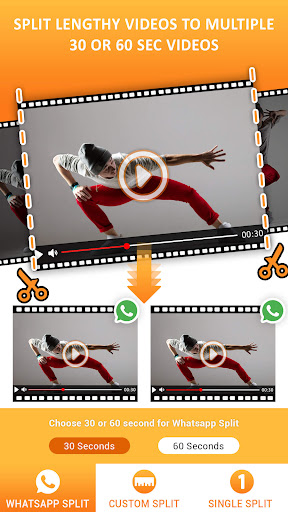
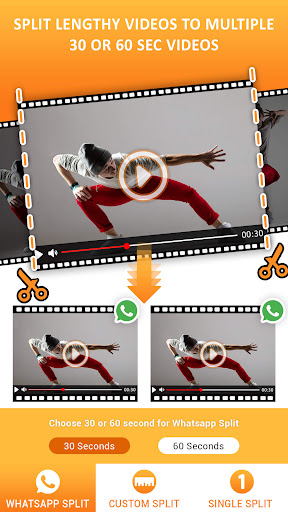
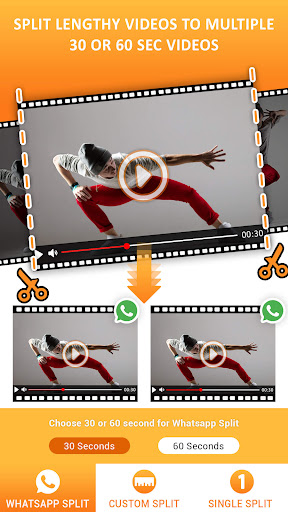
Split and post your complete stories by dividing long videos into parts of 30 seconds, 60 seconds, or custom durations.
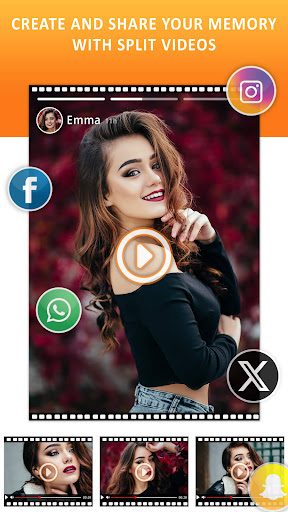
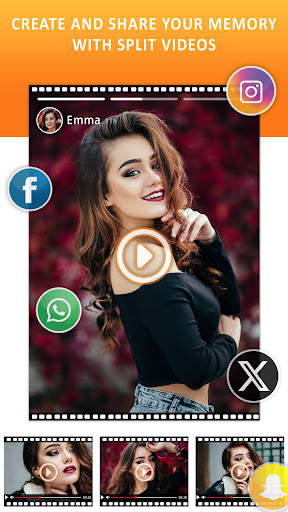
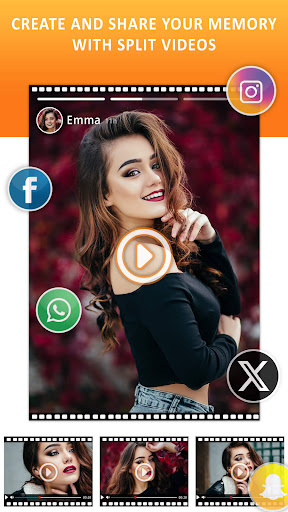
No need to use multiple apps to split videos for updating your status. With Video Splitter, you can split your videos and directly update your status or post on social media.
Video Splitter Features:
1. 30, 60 Second Split
- Automatically split your video into 30 or 60-second slices.
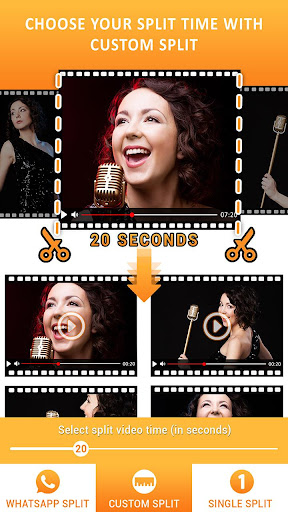
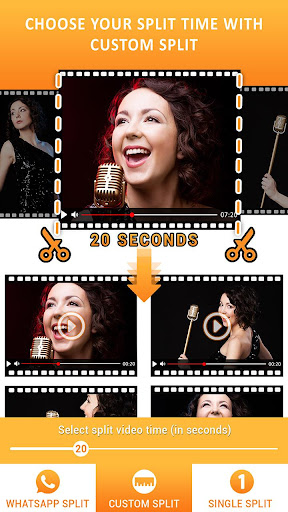
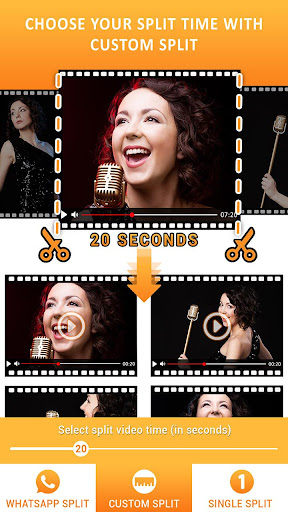
2. Custom Split
- Customize the time duration of video slices.
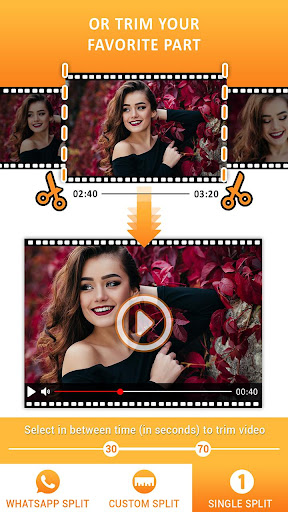
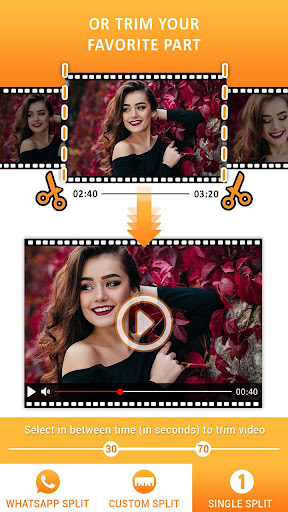
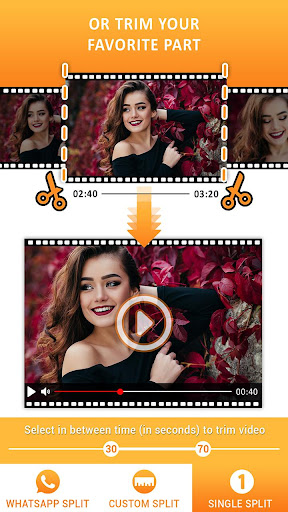
3. Single Split
- Select start and end times to cut your video.
Additional Features:
★ Works offline, saving data.
★ Maintains original video quality.
★ Saves files to your phone’s memory (Gallery).
Benefits:
★ One app to update video status on all social media platforms.
★ Ideal for sharing large videos in smaller parts on social networks.
★ Preview video results directly in the app.
★ No watermark in the output.
★ No time limit for video splitting.
★ Share single or multiple videos directly from the app.
How to Use Video Splitter:
1. Select Split Video Option.
2. Choose videos from the custom gallery.
3. Select your preferred split option:
30 or 60 Second Split: Automatically splits your video into 30 or 60-second slices.
Custom Split: Choose the time (in seconds) for each video slice.
Single Split: Select the start and end times (in seconds) of the video you want to trim.
4. Save the split video.
5. Wait for the process to complete or choose "Notify Me When Completed" to receive notifications.
6. Use the notification feature to track the progress of your video processing.
If you struggle with splitting videos for social media posts, then Video Splitter is the perfect app for you. It's quick and easy, ideal for sending large videos to social media networks. TRY NOW!
No need to use multiple apps to split videos for updating your status. With Video Splitter, you can split your videos and directly update your status or post on social media.
Video Splitter Features:
1. 30, 60 Second Split
- Automatically split your video into 30 or 60-second slices.
2. Custom Split
- Customize the time duration of video slices.
3. Single Split
- Select start and end times to cut your video.
Additional Features:
★ Works offline, saving data.
★ Maintains original video quality.
★ Saves files to your phone’s memory (Gallery).
Benefits:
★ One app to update video status on all social media platforms.
★ Ideal for sharing large videos in smaller parts on social networks.
★ Preview video results directly in the app.
★ No watermark in the output.
★ No time limit for video splitting.
★ Share single or multiple videos directly from the app.
How to Use Video Splitter:
1. Select Split Video Option.
2. Choose videos from the custom gallery.
3. Select your preferred split option:
30 or 60 Second Split: Automatically splits your video into 30 or 60-second slices.
Custom Split: Choose the time (in seconds) for each video slice.
Single Split: Select the start and end times (in seconds) of the video you want to trim.
4. Save the split video.
5. Wait for the process to complete or choose "Notify Me When Completed" to receive notifications.
6. Use the notification feature to track the progress of your video processing.
If you struggle with splitting videos for social media posts, then Video Splitter is the perfect app for you. It's quick and easy, ideal for sending large videos to social media networks. TRY NOW!
What's New
🔧 Boosted app performance and resolved Firebase issues for smoother usage.
App Information
Version Name
2.8
Version Code
21
File Size
182.0 MB
Minimum OS
Android 7.0+
Target SDK
Android 33
Developer
photoshop mobile apps
Contact
Website
Content Rating
Everyone
Package Name
com.psma.videosplitterPermissions Required
This app may request the following permissions:
Recent Reviews

Stephanie Hopkins
1.0★
Assuming I had this app on my phone some years ago when there was no subscription. I have never paid for subscription for a photo or video editing app. I get a notice that if I don't log in within 3 days my subscription will be canceled. sounds fishy to me. I investigate. As I open the app it apparently signed me up for a subscription without notification. Just noticed it said premium at the top. This is MANIPULATION. It is set up so if you open the app you subscribe. BEWARE!!!!

Mercy C.
3.0★
I love using this app better than others the only issue I don't like is that it fluctuates when splitting videos. For example there are times when a 3 minute video takes less than 5 minutes to cut and there are times when it takes over an hour for the same video. This is a regular video taken on the same phone with nothing extra. There are times also when it cuts the video but when you go to check it out in your gallery, you get a blacked out pictur & no video. 🤷♀️

Malik Touqeer Kalyar
1.0★
This app is absolutely useless. Every time I try to split a video, there are way too many ads, and even after watching the ads, the video does not get cut. I have tried reopening the app for free at least 15-20 times, but the problem persists. The app either crashes or fails to perform the basic function. It’s a complete waste of time and extremely frustrating. The developers need to fix the ad issues and make video splitting actually work. Right now, this app deserves zero stars, and I would no

Kody Schweickhardt
1.0★
way too slow. app used to be great but ever since ads were involved the processing takes ungodly amounts of time to split the video. look ads are fine if you want a paid version, but please dont allow those ads to run your app into the ground because of making the app itself extremely slower just because you want to use ads to generate revenue. keep the ads if you want but dont sacrifice processing speed. ive used this app for years and now it sucks in terms of processing speed.

Manu Kharaliya
3.0★
Now WhatsApp supports 90 sec video. Please update. Thanks for taking the initiative. My suggestion is to allow users to set the length of split video. that there will be no issue of

Samuel Stevenson Jr.
4.0★
I've used this app for years without any issues...now every time I split a 60 second video into 2, 30 second videos it always splits me at 40 and 20 seconds...hope an update fixes this....other than that great job!!
Ad slot: In-Content