

Kids App Qustodio
com.qustodio.qustodioapp
by Qustodio LLC
Screenshots

Ad slot: Top Leaderboard
About this app
Kids App Qustodio is the companion app to Qustodio Parental Control App. Please only download this app onto a device being used by a child or teen. Do not install on parent devices.
Create a free account to get started:
1. Download Qustodio Parental Control App onto your own device
2. Download Kids App Qustodio (this app) onto each child/teen’s device you want to protect.
The two apps work in tandem to give parents all the tools they need to protect kids online.
Parents, with Qustodio’s parental controls you can:
Create a safe space for your kids to explore and play online
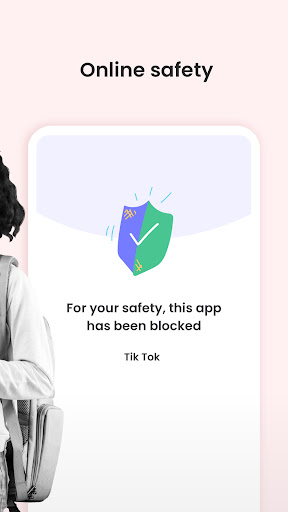
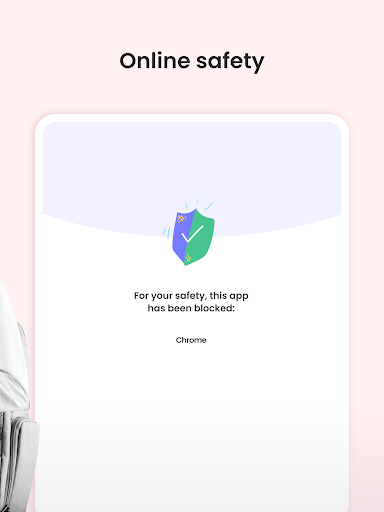
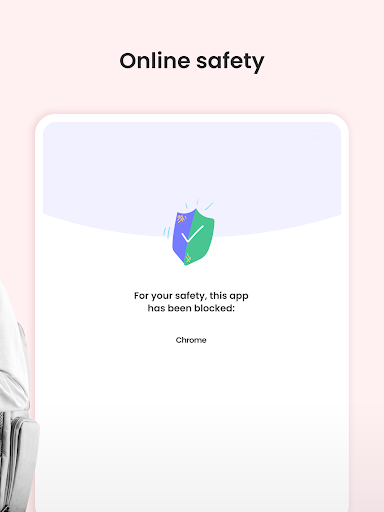
• Block apps and inappropriate content
• Prevent exposure to gambling, mature content, violence and other threats
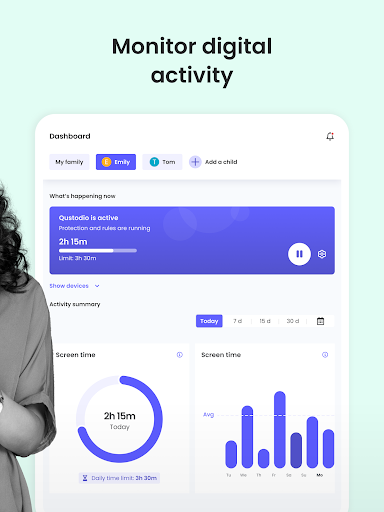
Stay involved in your children’s digital lives
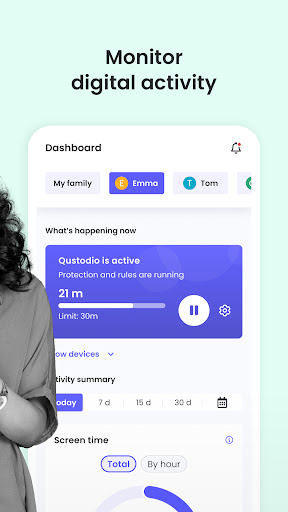
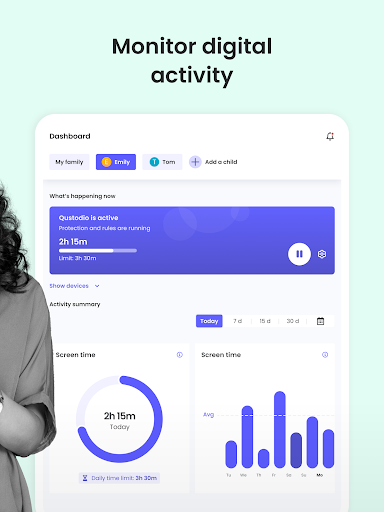
• View activity timelines and browsing history, YouTube views, screen time and more
• Receive real-time alerts
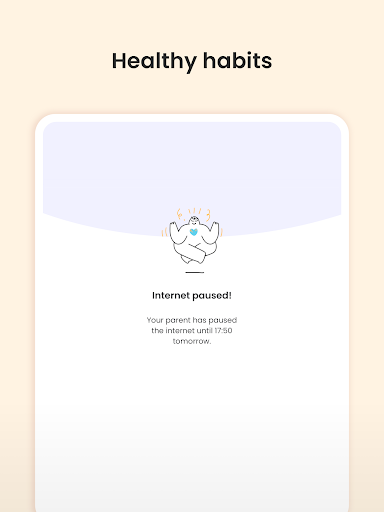
Promote healthy habits for the whole family
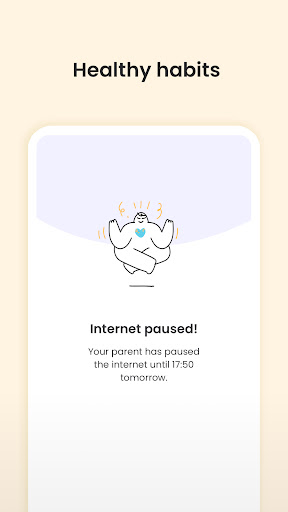
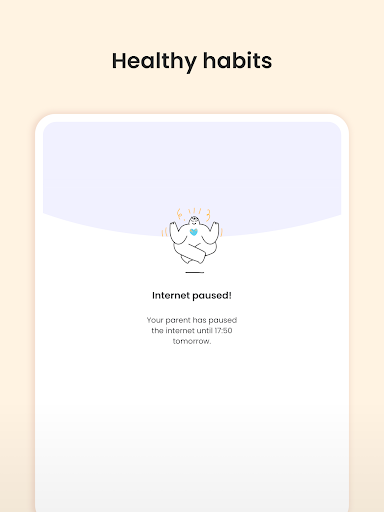
• Help avoid screen addiction
• Ensure better sleep routines
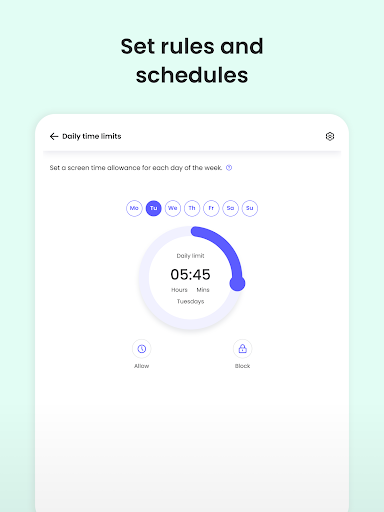
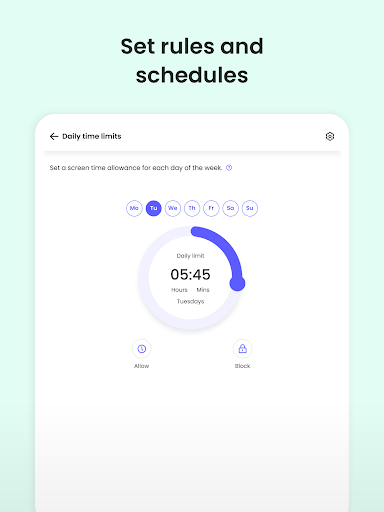
• Preserve family time with consistent time limits and screen-free time.
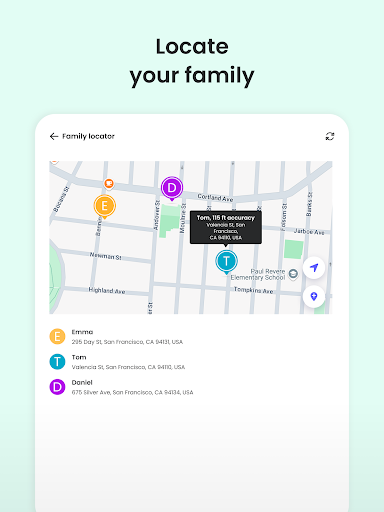
Know where your kids are at any time
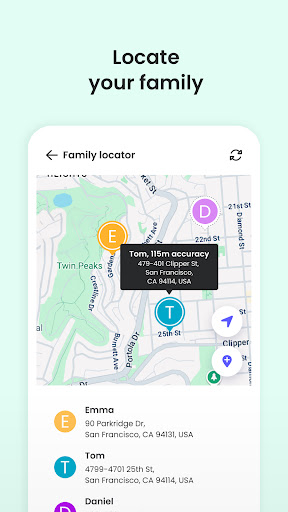
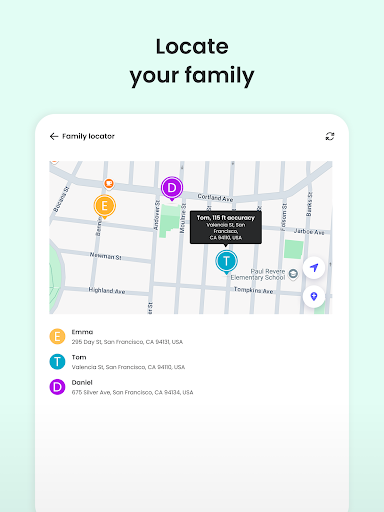
• Locate your kids on a map. Know where they are and where they have been.
• Get notification when kids arrive or leave the house
Protect your children from predators and cyberbullies
• Detect suspicious contacts
• Read sent and received texts
• Block numbers
To personalize filters, set time limits and monitor activity, use the parent’s app: Qustodio Parental Control App.
Kids App Qustodio for Android is password protected and cannot be uninstalled from a child’s device without parental permission.
Our FAQ:
• Does Qustodio Parental Control family screen time blocker app support Android 8 (Oreo): Yes.
• Does Qustodio family screen time blocker app work on other platforms besides Android? Qustodio can protect Windows, Mac, iOS, Kindle and Android.
• What languages do you support? Qustodio is available in English, Spanish, French, Italian, Portuguese, German, Japanese and Chinese.
For support. Contact us here: https://www.qustodio.com/help and [email protected]
Notes:
This app uses the Device Administrator permission. This will prevent a user from uninstalling Kids App Qustodio without your knowledge.
This app uses Accessibility services. to build an excellent device experience that helps users with behavioral disabilities set appropriate levels of access and monitoring of screen time, web content and apps, in order to limit their risks and enjoy life normally.
This app uses the VPN service to filter inappropriate web content.
Troubleshooting notes:
Huawei devices owners: Battery-saving mode needs to be disabled for Qustodio.
Create a free account to get started:
1. Download Qustodio Parental Control App onto your own device
2. Download Kids App Qustodio (this app) onto each child/teen’s device you want to protect.
The two apps work in tandem to give parents all the tools they need to protect kids online.
Parents, with Qustodio’s parental controls you can:
Create a safe space for your kids to explore and play online
• Block apps and inappropriate content
• Prevent exposure to gambling, mature content, violence and other threats
Stay involved in your children’s digital lives
• View activity timelines and browsing history, YouTube views, screen time and more
• Receive real-time alerts
Promote healthy habits for the whole family
• Help avoid screen addiction
• Ensure better sleep routines
• Preserve family time with consistent time limits and screen-free time.
Know where your kids are at any time
• Locate your kids on a map. Know where they are and where they have been.
• Get notification when kids arrive or leave the house
Protect your children from predators and cyberbullies
• Detect suspicious contacts
• Read sent and received texts
• Block numbers
To personalize filters, set time limits and monitor activity, use the parent’s app: Qustodio Parental Control App.
Kids App Qustodio for Android is password protected and cannot be uninstalled from a child’s device without parental permission.
Our FAQ:
• Does Qustodio Parental Control family screen time blocker app support Android 8 (Oreo): Yes.
• Does Qustodio family screen time blocker app work on other platforms besides Android? Qustodio can protect Windows, Mac, iOS, Kindle and Android.
• What languages do you support? Qustodio is available in English, Spanish, French, Italian, Portuguese, German, Japanese and Chinese.
For support. Contact us here: https://www.qustodio.com/help and [email protected]
Notes:
This app uses the Device Administrator permission. This will prevent a user from uninstalling Kids App Qustodio without your knowledge.
This app uses Accessibility services. to build an excellent device experience that helps users with behavioral disabilities set appropriate levels of access and monitoring of screen time, web content and apps, in order to limit their risks and enjoy life normally.
This app uses the VPN service to filter inappropriate web content.
Troubleshooting notes:
Huawei devices owners: Battery-saving mode needs to be disabled for Qustodio.
What's New
Hi Parents!
We've made more improvements and fixed some minor bugs to make your Qustodio experience even better. As always, we recommend that you enable auto-updating in the Play Store so both your and your kids' apps are always up-to-date.
The Qustodio Team
We've made more improvements and fixed some minor bugs to make your Qustodio experience even better. As always, we recommend that you enable auto-updating in the Play Store so both your and your kids' apps are always up-to-date.
The Qustodio Team
App Information
Version Name
180.68.2.2-family
Version Code
1806802
File Size
22.1 MB
Minimum OS
Android 8.0+
Target SDK
Android 34
Developer
Qustodio LLC
Contact
Website
Content Rating
Everyone
Package Name
com.qustodio.qustodioappPermissions Required
This app may request the following permissions:
Recent Reviews

Zephan Vining
1.0★
Today it randomly started blocking anything in any app that pops up in front of the rest of the screen. So like 80% of app menus, causing the apps to force close. Please let us turn off blocking we don't want! Appreciate the warning when unblocking could open up ways to get around the app. But let parents choose to accept that risk. Especially when the blocking makes 80% of apps unusable. If it makes the device unusable then you end up with no blocking which is a much bigger security threat.

A Google user
1.0★
If I could give zero I would. This app doesn't do what they advertise, such as set schedules, time frames etc. The very next day they are all reset. Now with the most recent update there is even less options of seeing what pages they've visited, the history or specific details of what they are doing. It is a very basic app that simply shows you the amount of time your child spends on an app. Everything else is false advertising. And I'm using the paid version!
A Google user
2.0★
Looks good, but didn't do what it promised. I bought the license and installed it in 2 phones and 1 PC. The PC seemed to work fine, but the time limits for both phones were useless. Phones can be used all day long. Contacted the company twice to get support. It takes them 2-3 days to contact you back. The first time I got a generic answer that didn't solve my issue. The second time was better, but still their solution didn't work. Got my money back quickly. At least I had no problems with that.
A Google user
2.0★
Quostodio is very "hit or miss." I know there's a lot of activity, particular SMS and calls, it's not picking up. It's good for blocking use during restricted times, but any kid's going to be able to get around monitoring of calls and messaging pretty easily given the # of programs that have dual capabilities (e.g. Roblox) for game play and messaging. For getting a general sense of what your child is doing with his/her phone, and setting limits on when it can be used, it's fine. Don't expect to monitor all of their communications, or even a lot of them depending on their sophistication.
A Google user
2.0★
Wonderful concept. Just couldn't get it to work reliably on ANY of the kids devices. Would be there... sometimes. Would log activities...sometimes. Would restrict access... sometimes. In addition to these issues, was way too hard to set rules. No templates. No ability to select multiple days or children. Never could get YouTube rules to work. Put in LOTS of effort to make this work. Finally gave up, which is really unusual.

Patty Miller
1.0★
They don't make canceling easy at all...in fact, it's Damn near impossible! My kid is in college and they are still charging my credit card and I keep trying yo contact to cancel. They just send you info on how to jump through 50 hoops yo do it...I don't even own the devices any more it was installed on!! DON'T DO IT!! NOT WORTH THE FRUSTRATION WHEN DONE WITH APP. UGH!!
Ad slot: In-Content