

RealVNC Viewer: Remote Desktop
com.realvnc.viewer.android
by RealVNC Limited
Screenshots
Ad slot: Top Leaderboard
About this app
RealVNC Viewer remote desktop
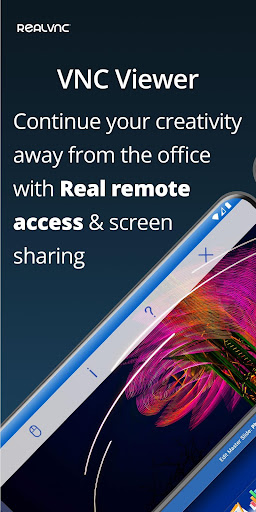
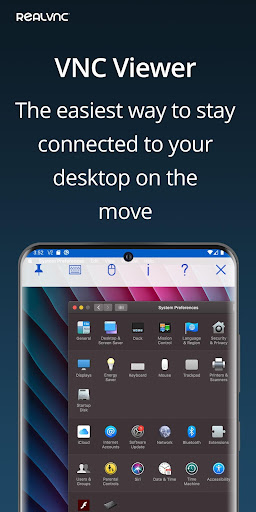
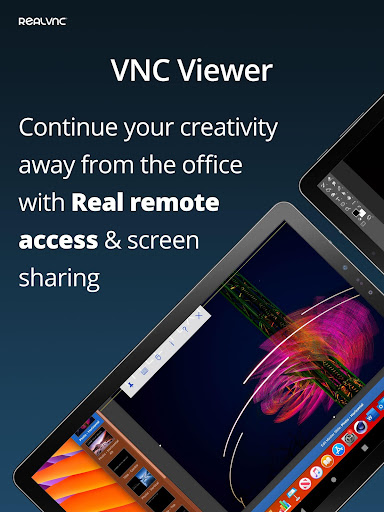
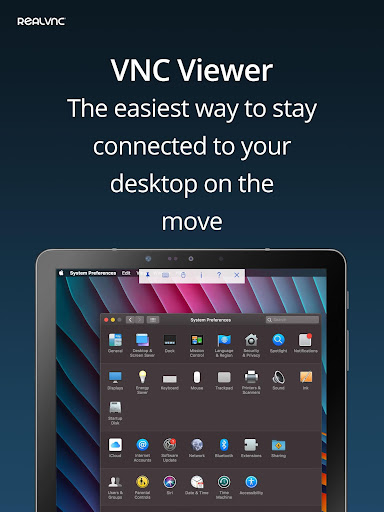
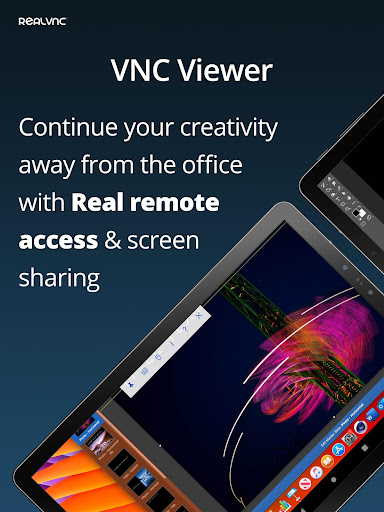
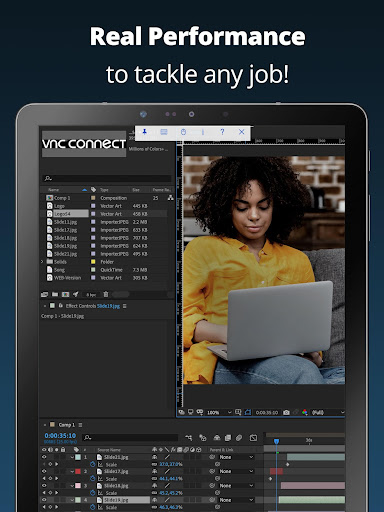
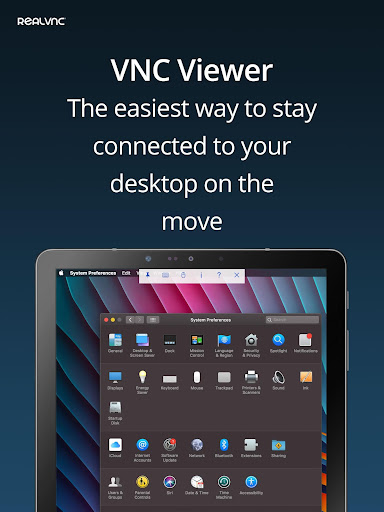
RealVNC® Viewer turns your phone into a remote desktop, giving you instant access to your Mac, Windows and Linux computers from anywhere in the world. You can view your computer's desktop remotely, and control its mouse and keyboard as though you were sitting down in front of it.
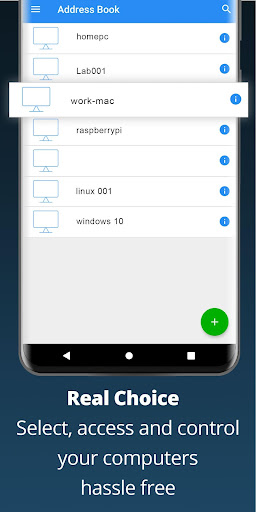
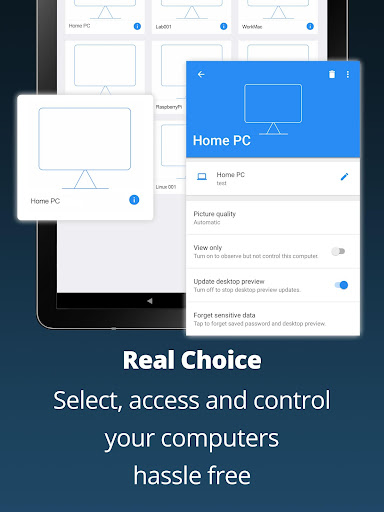
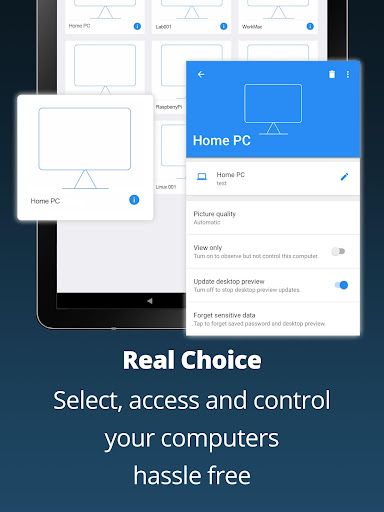
Just visit realvnc.com and download RealVNC Connect remote access software to each computer you want to control. Then sign in to RealVNC Viewer on your device using your RealVNC account credentials. Your remote computers automatically appear; simply tap one to screen share.
Alternatively, you can connect directly to RealVNC Connect with an Enterprise subscription or VNC-compatible software from third parties by entering the remote computer's IP address. Note that you may need to configure firewalls and port forward routers.
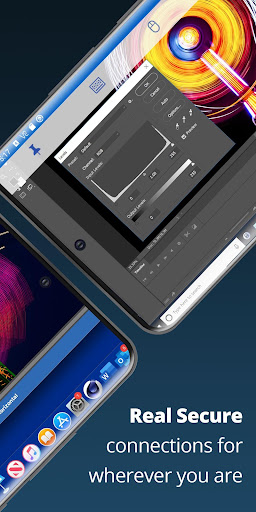
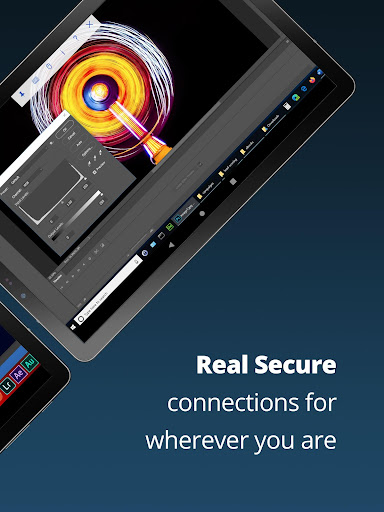
RealVNC Connect password-protects each remote computer out-of-the-box (you may need to enter the same user name and password you use to log in to your computer). All sessions are then encrypted end-to-end.
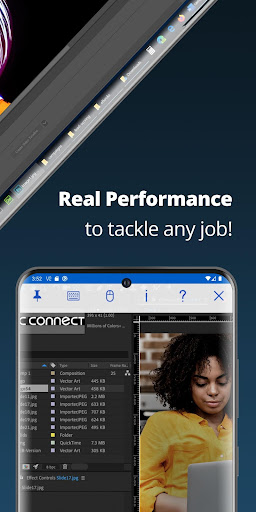
During a session, your device's touch screen serves as a trackpad to give you precise control of the remote desktop. Drag your finger to move the remote mouse cursor and tap anywhere to left-click (other gestures such as right-click and scroll are explained in-app).
RealVNC are the original inventors of VNC remote access technology, and we're confident you'll love what RealVNC Viewer has to offer. If you're still not convinced, check out our reviews!
===Key features===
- Connect with ease via our cloud service to a remote desktop.
- Backup and sync your connections between all your devices by signing in to RealVNC Viewer on each one.
- A scrolling bar above the virtual keyboard includes advanced keys such as Command/Windows.
- Support for Bluetooth keyboards and mice.
- Free, paid and trial RealVNC Connect subscriptions available.
===Contact===
We’d love to hear from you:
[email protected]
twitter.com/RealVNC
facebook.com/realvnc
Better still, leave us a review!
===Trademarks===
RealVNC and VNC are trademarks of RealVNC Limited and are protected by trademark registrations and/or pending trademark applications in the European Union, United States of America and other jurisdictions. Protected by UK patents 2481870, 2479756; US patent 8760366; EU patent 2652951.
RealVNC® Viewer turns your phone into a remote desktop, giving you instant access to your Mac, Windows and Linux computers from anywhere in the world. You can view your computer's desktop remotely, and control its mouse and keyboard as though you were sitting down in front of it.
Just visit realvnc.com and download RealVNC Connect remote access software to each computer you want to control. Then sign in to RealVNC Viewer on your device using your RealVNC account credentials. Your remote computers automatically appear; simply tap one to screen share.
Alternatively, you can connect directly to RealVNC Connect with an Enterprise subscription or VNC-compatible software from third parties by entering the remote computer's IP address. Note that you may need to configure firewalls and port forward routers.
RealVNC Connect password-protects each remote computer out-of-the-box (you may need to enter the same user name and password you use to log in to your computer). All sessions are then encrypted end-to-end.
During a session, your device's touch screen serves as a trackpad to give you precise control of the remote desktop. Drag your finger to move the remote mouse cursor and tap anywhere to left-click (other gestures such as right-click and scroll are explained in-app).
RealVNC are the original inventors of VNC remote access technology, and we're confident you'll love what RealVNC Viewer has to offer. If you're still not convinced, check out our reviews!
===Key features===
- Connect with ease via our cloud service to a remote desktop.
- Backup and sync your connections between all your devices by signing in to RealVNC Viewer on each one.
- A scrolling bar above the virtual keyboard includes advanced keys such as Command/Windows.
- Support for Bluetooth keyboards and mice.
- Free, paid and trial RealVNC Connect subscriptions available.
===Contact===
We’d love to hear from you:
[email protected]
twitter.com/RealVNC
facebook.com/realvnc
Better still, leave us a review!
===Trademarks===
RealVNC and VNC are trademarks of RealVNC Limited and are protected by trademark registrations and/or pending trademark applications in the European Union, United States of America and other jurisdictions. Protected by UK patents 2481870, 2479756; US patent 8760366; EU patent 2652951.
What's New
Android Viewer 4.9.2 Released
Added support for new versions of Android
Added support for new versions of Android
App Information
Version Name
1.2.6.109857
Version Code
109857
File Size
4.6 MB
Min SDK
Android 7+
Target SDK
Android 17
Developer
RealVNC Limited
Contact
Website
Content Rating
Everyone
Package Name
com.realvnc.viewer.androidPermissions Required
This app may request the following permissions:
Recent Reviews

Brett Palmer
2.0★
had to switch away due to Android bugs that don't seem like they will ever be fixed. every time I leave the app to check something for a few seconds and switch back the shortcut keys are all missing and I have to close the app out completely and get back in. literally happens almost every single time and became too cumbersome. I know it's not my phone because I tried it on three different phones.

Yogi Zak
3.0★
When it works, it's great. But, let it not connect the first time it tries, and it won't connect at all until you force close the app, maybe reboot your phone, perhaps reset time itself back to when it would work. Otherwise, all you'll see is "failed to resolve domain name" even though every other device is resolving it just fine. Also, who's genius idea was it to put the keyboard function in a pull-down from the top menu? Exactly where most of our phones have the pull-down notification window?

ArcAiN6
1.0★
This software used to be free, now it's just a big fat money grab. They start off by FORCING you to create an account (so they can harvest even more data to sell) then they limit what the software does to the point it's basically useless, then they let you know you can buy a subscription.. trash, stay away from it, it's bloated, and slow, and full of money grab gotchyas

Loren Supernaw
5.0★
Free version let's you have up to 5 devices, and has worked like a charm. I like it better than TeamViewer and their MAC address blacklisting questionable business practices. 5 year update: this is still my go-to server/client remote desktop program. If I could give it 6 stars, I would. Also, I still hate TeamViewer and their predatory business practices.

Michael Moray
5.0★
Haven't had any problems connecting, except when I have bad cell service, or my computer at home is downloading a large file, using all the bandwidth, which can't be blamed on the app at all. It works well, and the mouse/keyboard options can be toggled at will, making sure the screen isn't cluttered with extra features until you need them.

Tank R.
4.0★
Does what it says on the tin. Sometimes there are encryption mismatches, and sussing out exactly what's wrong takes a bit of digging. But if you're used to Linux desktops it's pretty par for the course. The frame rate is kind of slow even on the lowest quality but I can't say if it's this app, my desktop, my phone, or my LAN. That being said, its a VNC viewer, if you need to view a VNC server, this will get the job done. And it won't secretly run in the background like other apps, so thats nice
Ad slot: In-Content