

Unified Remote Full
com.Relmtech.RemotePaid
by Unified Intents
Screenshots
Ad slot: Top Leaderboard
About this app
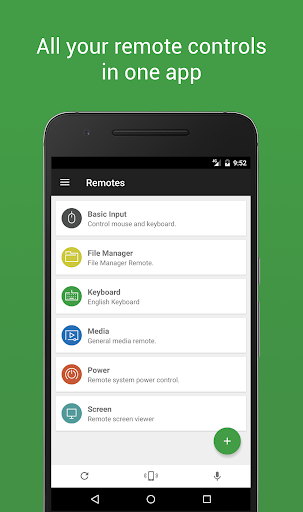
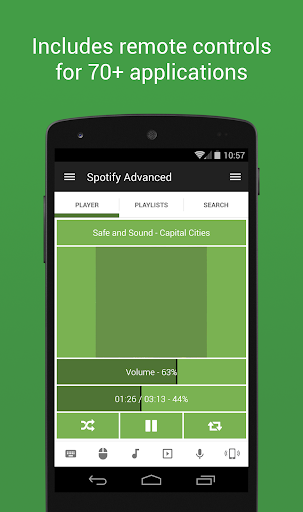
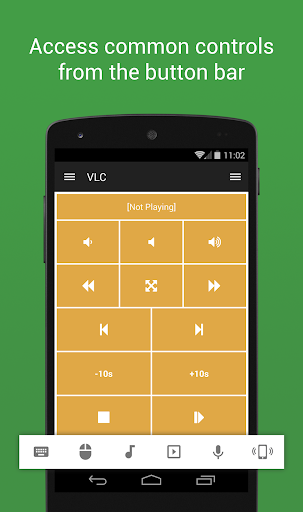
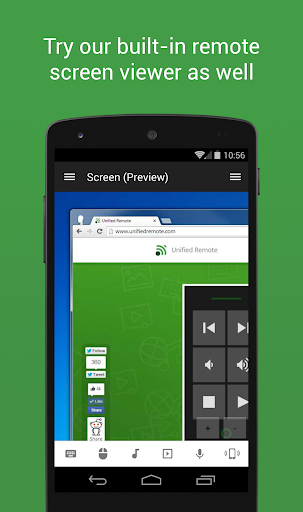
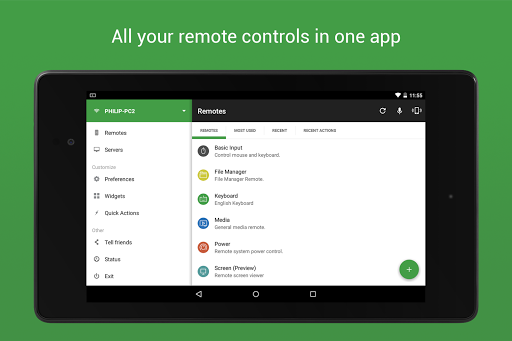
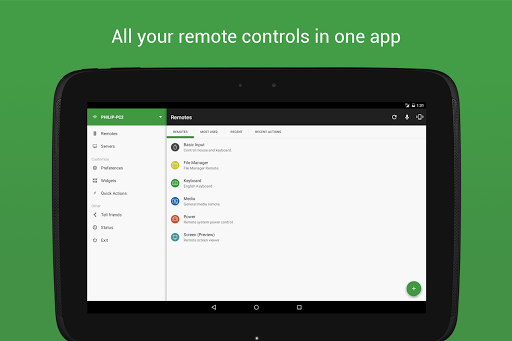
The one-and-only remote control app for your computer. Turns your device into a WiFi or Bluetooth universal remote control for Windows PC, Mac and Linux. Be lazy, you deserve it! Preloaded with support for 90+ programs including mouse & keyboard, media players, presentations, screen mirroring, power control, file manager, terminal, and much more.
Server: https://www.unifiedremote.com
“Fantastic tool for those of you who want to have a remote control for their computer for watching TV, or maybe for listening to music.” – Gizmodo
Key Features
• Easy server and app setup, that just works.
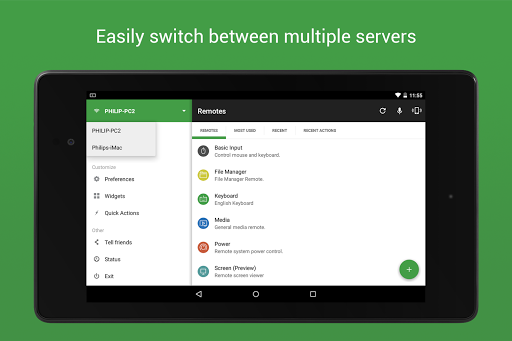
• Automatic server detection to easily find servers on your network.
• Server password protection and encryption for added security.
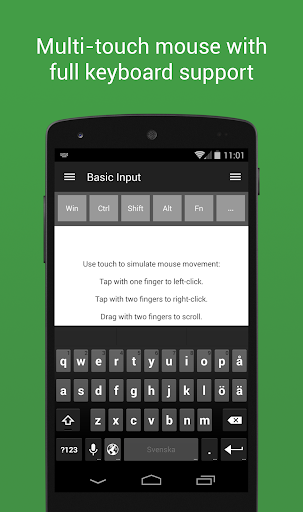
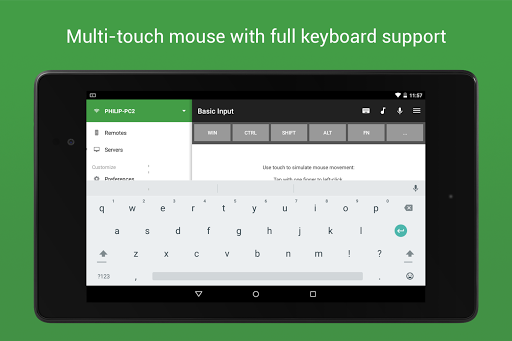
• Supports single and multi-touch mouse control.
• Wake On LAN to easily start your server.
• Includes light and dark color themes.
• Server is available for Windows, Mac, and Linux.
• Control other devices including Raspberry Pi and Arduino Yún.
• 18 free remotes
Full Version Features
• 90+ remotes
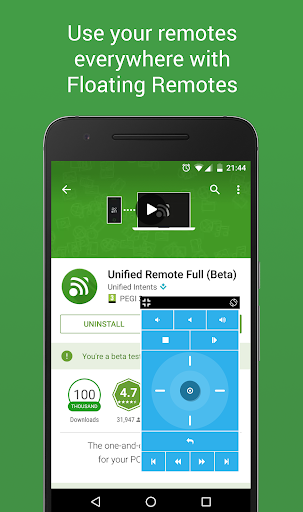
• Floating Remotes (use remotes over other apps)
• Custom Remotes
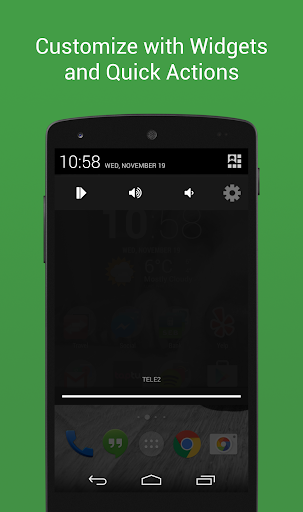
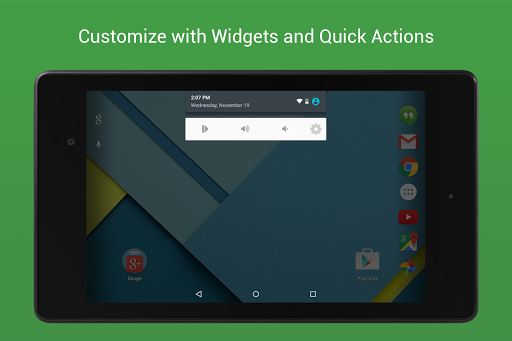
• Widgets & Quick Actions
• Voice commands
• Custom remotes
• IR actions
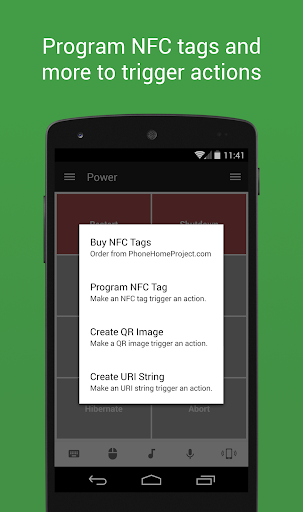
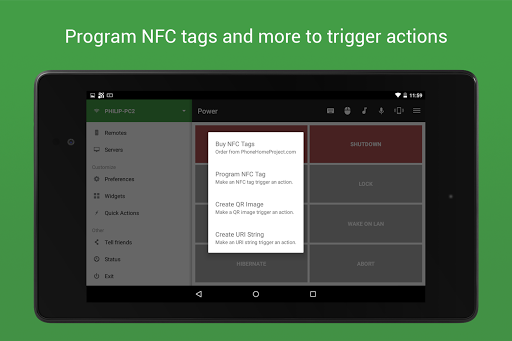
• NFC actions
• Android Wear (Quick Actions, Voice & Mouse)
Essentials
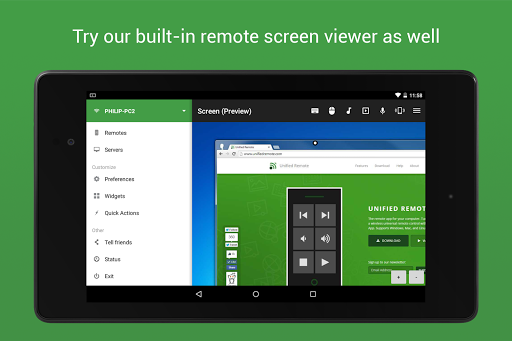
Mouse, Keyboard, Screen, Volume, and more.
Music
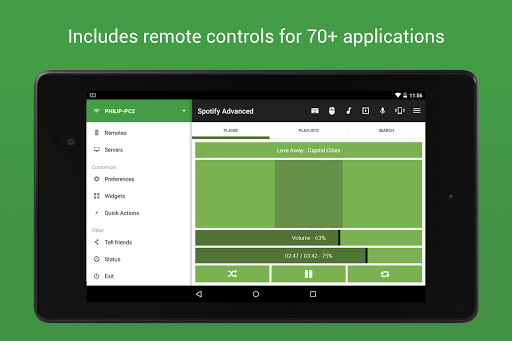
Spotify, iTunes, Google Music, Winamp, etc.
Video
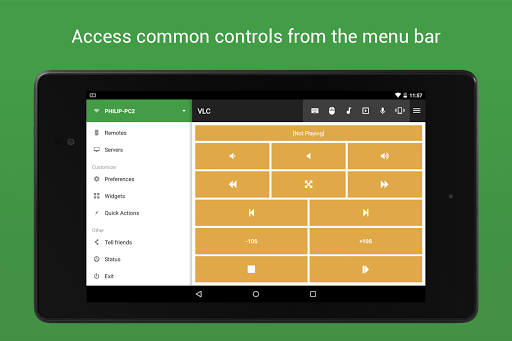
VLC, BSPlayer, Windows Media Player, PotPlayer, etc.
Media Center
Kodi (XBMC), Plex, Windows Media Center, Boxee, etc.
Streaming
YouTube, Netflix, Hulu
Presentations
PowerPoint, Keynote, Google Presentation
Browsers
Chrome, Internet Explorer, Firefox, Opera
Other
Power, Monitor, Files, Task Manager, Commands, etc.
All Remotes
https://www.unifiedremote.com/remotes
Note that some remotes are not available for all operating systems.
Permissions
• system alert window: for floating remotes.
• read phone status: for auto-pause when receiving calls.
• control NFC: for NFC actions.
• full network access: for server connection.
• view network connections: for server connection.
• view Wi-Fi connections: for server connection.
• pair with Bluetooth devices: for server connection.
• control vibration: for optional haptic feedback.
• prevent phone from sleeping: for optional wake-lock.
• transmit infrared: for IR remote control.
• install shortcuts: for launcher shortcuts.
Server: https://www.unifiedremote.com
“Fantastic tool for those of you who want to have a remote control for their computer for watching TV, or maybe for listening to music.” – Gizmodo
Key Features
• Easy server and app setup, that just works.
• Automatic server detection to easily find servers on your network.
• Server password protection and encryption for added security.
• Supports single and multi-touch mouse control.
• Wake On LAN to easily start your server.
• Includes light and dark color themes.
• Server is available for Windows, Mac, and Linux.
• Control other devices including Raspberry Pi and Arduino Yún.
• 18 free remotes
Full Version Features
• 90+ remotes
• Floating Remotes (use remotes over other apps)
• Custom Remotes
• Widgets & Quick Actions
• Voice commands
• Custom remotes
• IR actions
• NFC actions
• Android Wear (Quick Actions, Voice & Mouse)
Essentials
Mouse, Keyboard, Screen, Volume, and more.
Music
Spotify, iTunes, Google Music, Winamp, etc.
Video
VLC, BSPlayer, Windows Media Player, PotPlayer, etc.
Media Center
Kodi (XBMC), Plex, Windows Media Center, Boxee, etc.
Streaming
YouTube, Netflix, Hulu
Presentations
PowerPoint, Keynote, Google Presentation
Browsers
Chrome, Internet Explorer, Firefox, Opera
Other
Power, Monitor, Files, Task Manager, Commands, etc.
All Remotes
https://www.unifiedremote.com/remotes
Note that some remotes are not available for all operating systems.
Permissions
• system alert window: for floating remotes.
• read phone status: for auto-pause when receiving calls.
• control NFC: for NFC actions.
• full network access: for server connection.
• view network connections: for server connection.
• view Wi-Fi connections: for server connection.
• pair with Bluetooth devices: for server connection.
• control vibration: for optional haptic feedback.
• prevent phone from sleeping: for optional wake-lock.
• transmit infrared: for IR remote control.
• install shortcuts: for launcher shortcuts.
What's New
Updated Android compatibility
App Information
Version Name
3.6.0
Version Code
36000
File Size
9.8 MB
Minimum OS
Android 5.0+
Target SDK
Android 22
Developer
Unified Intents
Contact
Website
Content Rating
Everyone
Package Name
com.Relmtech.RemotePaidPermissions Required
This app may request the following permissions:
Recent Reviews

Alben Adelbai
5.0★
Pleasantly surprised as I wondered earlier if there is such an app that allows me to use my smartphone as a remote, keyboard, and mouse control over my PC. Apparently this app has everything I need to do so. Response feels a bit faster than my keyboard track pad. Love it so much that I purchased the full version, though the ad one will still function just fine. I use this nearly daily so it's one of the more used apps when I'm at home. Kudos to the developers for making this app!

Jupiter August
4.0★
Little wonky at times, but the sheer amount of things this thing can do is crazy! It is extremely helpful for when I'm drawing on my art tablet and have to name layers. My computer is at a 90° angle to my tablet's stand, due to an L-shaped desk setup. Thanks to this app, I can connect my phone to my computer and use my phone's keyboard, instead of having to try to type on my computer while trying to look at my tablet at the same time. But that's just the tip of the iceberg of this app!

Michael Belew
3.0★
update: The app has recently stopped working even after reinstall. I have tried many PC mouse control apps and this one by far is the best. Not only do you get basic mouse and keyboard control, but there are controls for more than 70 common actions and applications. I switched to this app initially because my prior app was lagging, this app has not had any issues as of now

Xander Haj
4.0★
Would give 5 stars if the Widgets on the homescreen actually looked nice. There should be more options to customize the looks. Rounded edges on all buttons would be nice, not just the ugly slants on the corners of the widgets. Otherwise, it is very easy to use, can open Media and play right from phone, amazing app. Get it instead of those terrible Mini Keyboards. Only $5 (at time if writing) and outperforms in every way.

Heather R
1.0★
It's trash. I'm literally only like 10 feet away from my pc and the mouse will constantly just stop moving when I'm using basic input. I have to restart the app for it to work again, it'll work for 1 minute, then just stop and i have to restart it again. 9 times out of 10 i get server disconnected message. extremely aggravating. don't waste your money.

Alex “BadBoy” Goodman
5.0★
If you're hesitating to download or purchase the full version... Don't. Just just do it. There's a reason you see almost nothing but 5 star reviews. This is by far, hands down one of the most useful apps in the Play Store that gets installed immediately on every phone and they PC I purchase. I've been using it for years and plan on using it for many more. Well worth the fair price. Good job developers. And thank you.
Ad slot: In-Content