
Remote Control for All TV
com.remote.control.universal.forall.tv
by Vasundhara Infotech LLC
Screenshots
Ad slot: Top Leaderboard
About this app
Are you tired of juggling multiple TV Remote Control to operate your Smart TV & other entertainment devices? Say goodbye to the hassle and confusion and welcome the ultimate TV Remote for all smart TVs.
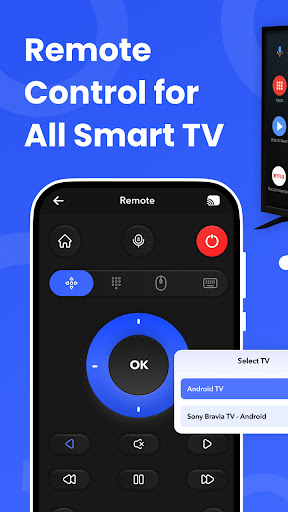
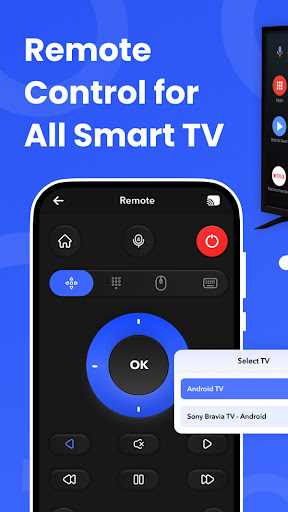
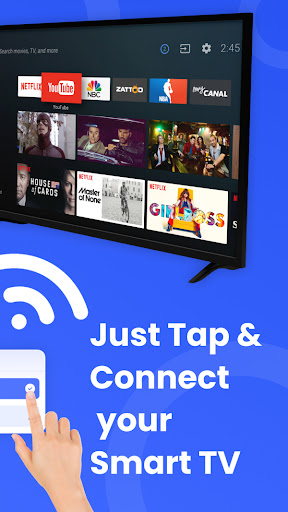
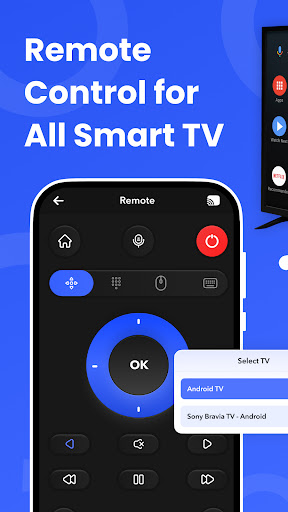
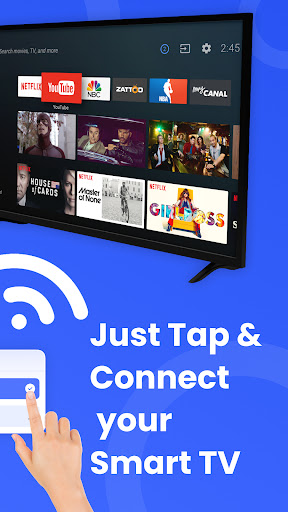
Introducing Remote Control for All TV, the ultimate solution for simplifying to control all TV for a single device with a home entertainment experience. TV Remote for All TV is designed to give you seamless control over your Smart TV Remote, Screen Mirror & Chromecast all from your Android smartphone. Say goodbye to multiple TV remote controls & Use multiple ways to connect, cast & control your Smart TV. From photos to videos & even music, our app offers a wide range of casting options, making your entertainment more dynamic.
Smart TV Remote Control:
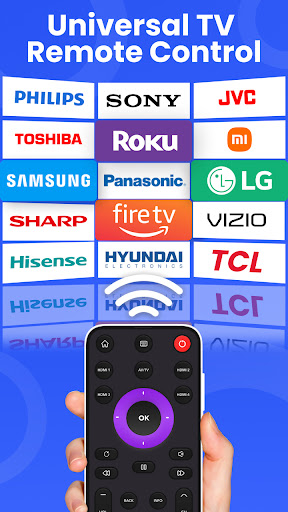
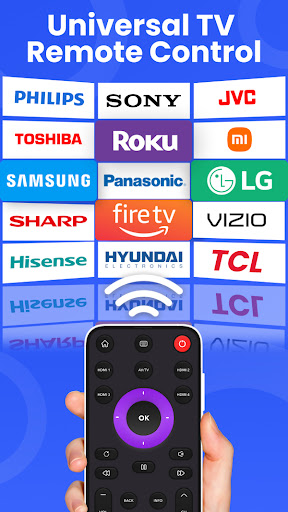
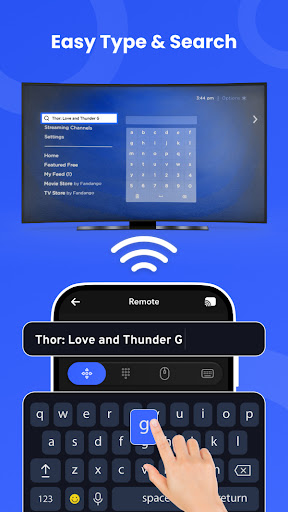
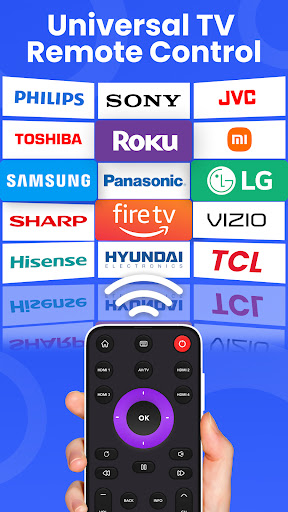
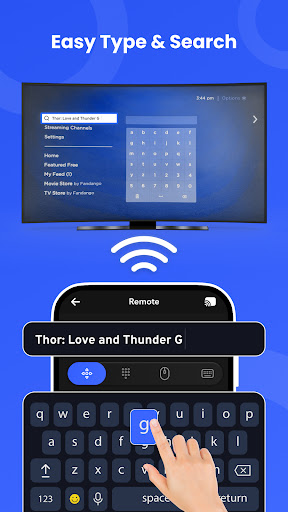
Tired of juggling your LG TV remote, Samsung smart TV remote or other Smart TV remote? Our app acts as a Universal Remote, providing easy access to all your TV's functions. Effortlessly adjust volume, change channels & navigate menus, all in one place. Seamlessly control your Smart TV with your smartphone. No more searching for a lost TV Remote.
Screen Mirroring:
Screen mirroring allows you to mirror your smartphone's screen to your television. Whatever you do on your phone, the same screen will be displayed on your TV. This innovative product provides an easy and convenient way to view your phone screen on a bigger screen. Screen mirroring is perfect for watching movies, playing games, or browsing the internet on a big screen. You can mirror your smartphone screen to your television. Whatever you do on your phone, the same screen will be displayed on your TV. Easily mirror your smartphone or tablet screen to your TV. Share moments with friends and family, present seamlessly, or simply enjoy content on the big screen.
Chrome Cast:
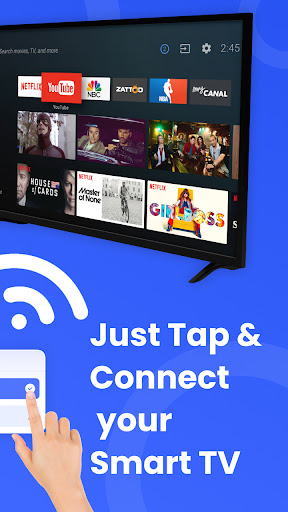
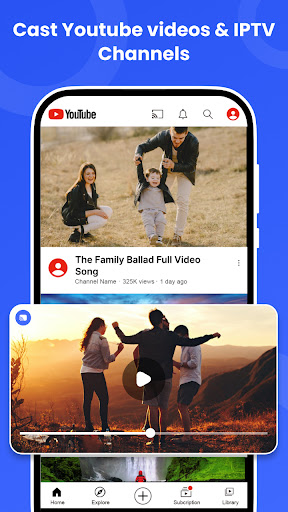
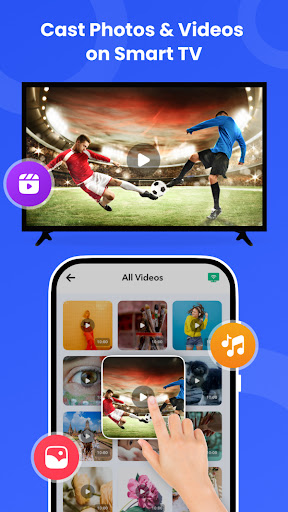
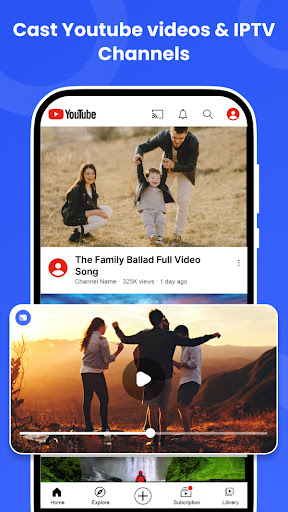
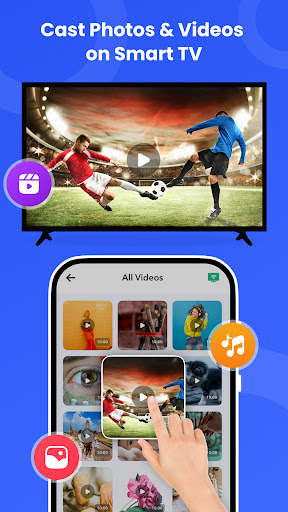
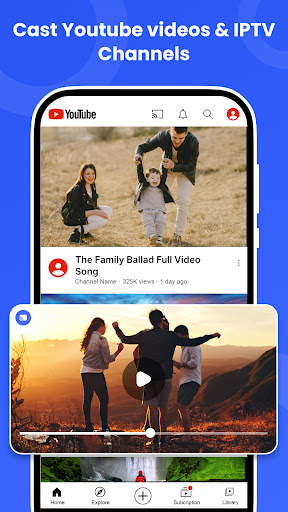
Chrome Cast is a device that allows you to cast on Google Chrome. The universal remote app has many features that make it interesting, such as the ability to cast photos, videos, & audio. It can also cast YouTube videos & IPTV channels. Cast your favorite content from your phone to your TV with a single tap. Enjoy a wide range of apps & services on the larger display.
Unique Features:
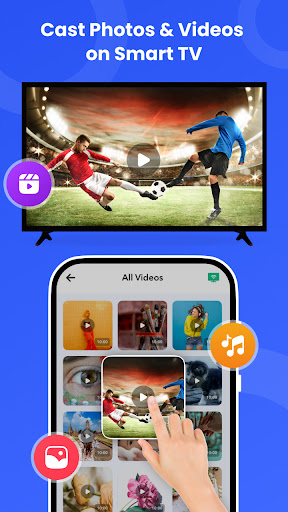
1. Photo & Audio Cast: Share your cherished memories on the big screen with photo & audio casting. Turn your TV into a digital photo frame or enhance your music experience by casting photos & audio from your phone.
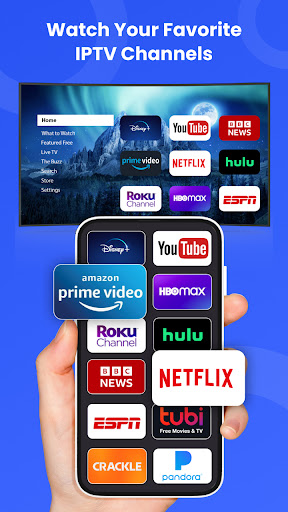
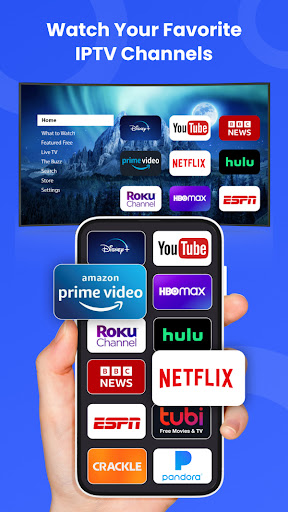
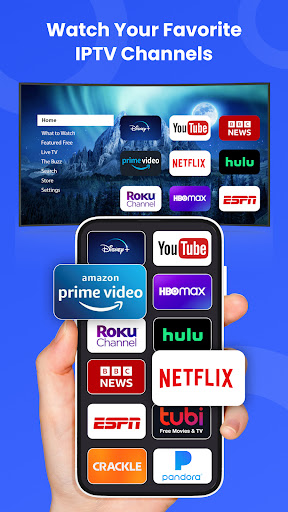
2. IPTV & Video Cast: Stream your favorite IPTV channels & videos directly from your smartphone to your TV, transforming your viewing into an immersive adventure.
3. YouTube Casting: Enjoy your favorite YouTube content on the big screen with a simple tap. Cast videos with ease & enjoy an enhanced viewing experience.
What Makes Us Unique:
1. Universal Compatibility: Whether you have a Samsung, Lg, or any other smart TV, our app is designed to work with a wide range of brands & models. Our user-friendly interface ensures that anyone can control their TV & connected devices with ease.
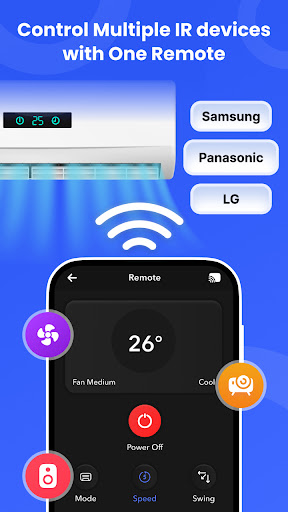
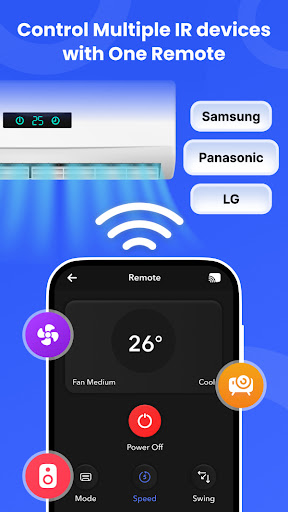
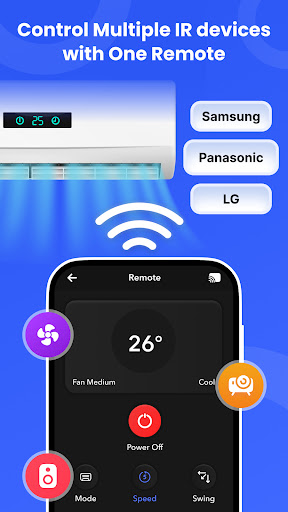
2. All-in-One Control: Consolidate all your remote controls into one app, simplifying your home entertainment center. No need to buy an expensive universal remote. Our app transforms your smartphone into a universal remote, compatible with various Smart TV.
Remote Control for All TV as Universal Remote Control:
Experience the power of a universal remote control that's not only easy to use but also enhances your TV-watching experience. From Samsung Smart TVs to setup boxes & beyond, our app empowers you to take full control of your entertainment.
Remote Control for All TV is the answer to your home entertainment woes. Download now & transform the way you interact with your TV. Say goodbye to confusion, and hello to a more convenient, enjoyable TV-watching experience.
Don't miss out on the opportunity to revolutionize your TV remote control experience. Download Remote Control for All TV today & discover a world of convenience at your fingertips.
Introducing Remote Control for All TV, the ultimate solution for simplifying to control all TV for a single device with a home entertainment experience. TV Remote for All TV is designed to give you seamless control over your Smart TV Remote, Screen Mirror & Chromecast all from your Android smartphone. Say goodbye to multiple TV remote controls & Use multiple ways to connect, cast & control your Smart TV. From photos to videos & even music, our app offers a wide range of casting options, making your entertainment more dynamic.
Smart TV Remote Control:
Tired of juggling your LG TV remote, Samsung smart TV remote or other Smart TV remote? Our app acts as a Universal Remote, providing easy access to all your TV's functions. Effortlessly adjust volume, change channels & navigate menus, all in one place. Seamlessly control your Smart TV with your smartphone. No more searching for a lost TV Remote.
Screen Mirroring:
Screen mirroring allows you to mirror your smartphone's screen to your television. Whatever you do on your phone, the same screen will be displayed on your TV. This innovative product provides an easy and convenient way to view your phone screen on a bigger screen. Screen mirroring is perfect for watching movies, playing games, or browsing the internet on a big screen. You can mirror your smartphone screen to your television. Whatever you do on your phone, the same screen will be displayed on your TV. Easily mirror your smartphone or tablet screen to your TV. Share moments with friends and family, present seamlessly, or simply enjoy content on the big screen.
Chrome Cast:
Chrome Cast is a device that allows you to cast on Google Chrome. The universal remote app has many features that make it interesting, such as the ability to cast photos, videos, & audio. It can also cast YouTube videos & IPTV channels. Cast your favorite content from your phone to your TV with a single tap. Enjoy a wide range of apps & services on the larger display.
Unique Features:
1. Photo & Audio Cast: Share your cherished memories on the big screen with photo & audio casting. Turn your TV into a digital photo frame or enhance your music experience by casting photos & audio from your phone.
2. IPTV & Video Cast: Stream your favorite IPTV channels & videos directly from your smartphone to your TV, transforming your viewing into an immersive adventure.
3. YouTube Casting: Enjoy your favorite YouTube content on the big screen with a simple tap. Cast videos with ease & enjoy an enhanced viewing experience.
What Makes Us Unique:
1. Universal Compatibility: Whether you have a Samsung, Lg, or any other smart TV, our app is designed to work with a wide range of brands & models. Our user-friendly interface ensures that anyone can control their TV & connected devices with ease.
2. All-in-One Control: Consolidate all your remote controls into one app, simplifying your home entertainment center. No need to buy an expensive universal remote. Our app transforms your smartphone into a universal remote, compatible with various Smart TV.
Remote Control for All TV as Universal Remote Control:
Experience the power of a universal remote control that's not only easy to use but also enhances your TV-watching experience. From Samsung Smart TVs to setup boxes & beyond, our app empowers you to take full control of your entertainment.
Remote Control for All TV is the answer to your home entertainment woes. Download now & transform the way you interact with your TV. Say goodbye to confusion, and hello to a more convenient, enjoyable TV-watching experience.
Don't miss out on the opportunity to revolutionize your TV remote control experience. Download Remote Control for All TV today & discover a world of convenience at your fingertips.
What's New
Thanks for staying with us! The new version offers:
- Control all TV brands and smart devices.
- Mirror your phone to your TV.
- Easily cast media to your TV.
- Bug fixes and performance improvements.
- Improve User Experience
We love getting feedback from all of you! Please leave your feedback.
- Control all TV brands and smart devices.
- Mirror your phone to your TV.
- Easily cast media to your TV.
- Bug fixes and performance improvements.
- Improve User Experience
We love getting feedback from all of you! Please leave your feedback.
App Information
Version Name
11.6
Version Code
136
File Size
34.2 MB
Minimum OS
Android 7.0+
Target SDK
Android 33
Developer
Vasundhara Infotech LLC
Contact
Website
Content Rating
Everyone
Package Name
com.remote.control.universal.forall.tvPermissions Required
This app may request the following permissions:
Recent Reviews

A Google user
2.0★
In most instances a television brand selected came up sorry this device is not supported. This really has to do with just the capability options as written into the program. A device not supported doesn't necessarily mean the television, it means the infrared portal if you have one on your phone or tablet. Not all devices have one. My suggestion first would be to allow the software to check for capabilities first before making a decision on download.

Javier Dissimoz
1.0★
I would give it minus 10 stars if possible. App is plain garbage. It only loads ads. For some reason it requires geolocation access and even allowing that nonsense it doesn't work. It keeps telling connection is slow. I have LTE broadband and all apps and devices work perfectly. So the problem is this garbage app. It should be removed from the store.
A Google user
2.0★
E for effort? It appears that my phone is the problem and it doesn't support whatever the app said. Lazors or something like that. it was full of ads and seemed a little hard to manage but once I was able to it didn't even work for my app. All I have to say is trail and error. After all, it might work for other phones.

Gaurav Sharma
1.0★
I am currently using Airtle Digital Satellite Receiver Free to Air set top box but I am not able to find a suitable remote for it using your app. Using your app I am able to find remote for my DD Dree Dish set top box but half of the control buttons are missing limiting me to access only few features of the actual remote. Kindly improve your app to the very best.

Aditya Panwar
1.0★
Completely useless app . You need to have an IR sensor for using this app . Which if you have you can do it with mobile phone software . The worst thing is that it shows explicit ads. They could have used wifi for connecting with tv . I could have given 3 stars but due to explicit ads , i am giving 1 star. I mean ads are ok but explicit ads , that too in tv remote app.

Hardik Desai
5.0★
My Roku turns off & on now to mention having to go buy a universal remote . To avoid having to getup every time to shut it off. That sounds lazy probably too but I had to thumb through remote apps quite awhile just looking for that very stating feature of having a power button. It's just also happens to be the best style and layout. WEell in my opinion after comparing so many other I was bout to give up and go get one. It Surprised me When it just shut of poof. TML LOL Thanks 👍👍👍
Ad slot: In-Content