
Human body (male) 3D scene
com.rendernet.humanmale
by Mozaik Education
Screenshots
Ad slot: Top Leaderboard
About this app
Human body (male)
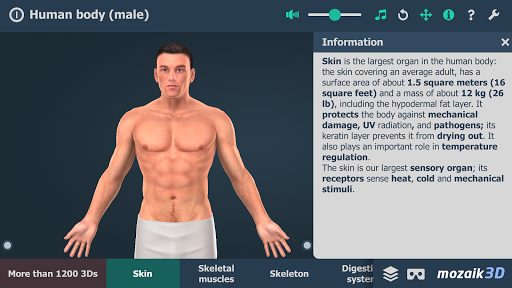
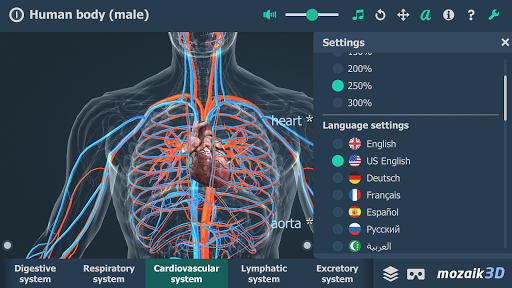
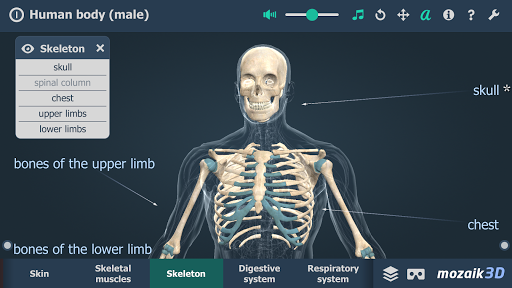
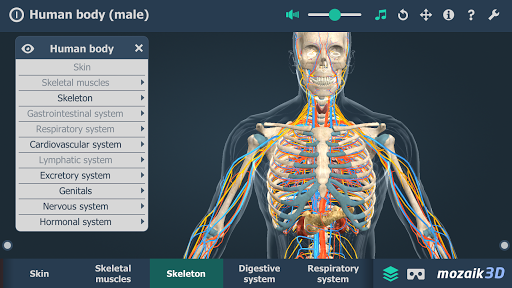
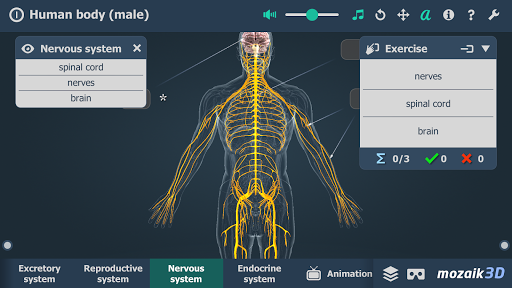
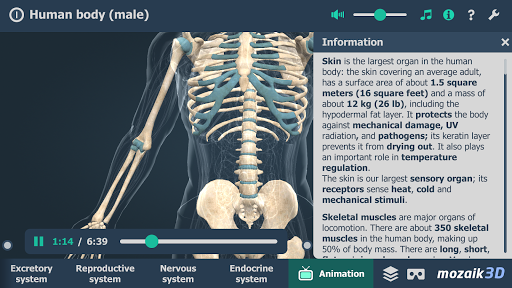
This animation introduces the most important organ systems of the human body.
Our 3D scenes have been designed for students between 8 and 18 years of age but can be interesting for everyone.
Available languages: English, American English, Deutsch, Français, Español, Русский, العربية, 日本語, 中文, 한국어, Italiano, Português, Svenska, Türkçe, Nederlands, Norsk, Polski, Magyar
With the mozaik3D App, available in the Google Play store, you can access more than 1200 similar 3D scenes.
Mozaik Interactive 3D
Our fully interactive scenes can be rotated, enlarged or viewed from pre-set angles. With the predefined views, you can easily navigate through the complex scenes. Some of the 3D scenes contain a Walk mode, enabling you to explore the scene yourself. Most of our 3D scenes include narrations and built-in animations. They also contain captions, entertaining animated quizzes and other visual elements. The 3D scenes are available in several languages, which also offers an opportunity to learn and practice foreign languages.
Usage and navigation
Rotate the scene by dragging your finger.
Zoom the scene in or out by pinching with your fingers.
Pan the view by dragging with three fingers.
Tap the buttons at the bottom to switch between predefined views.
You can change the language and set other functions in the context menu.
The context menu can be accessed by touching the bottom corners.
Activate VR mode by pressing the VR goggles icon in the bottom right corner.
In VR mode, tilt your head to right or left display the navigation panel.
This animation introduces the most important organ systems of the human body.
Our 3D scenes have been designed for students between 8 and 18 years of age but can be interesting for everyone.
Available languages: English, American English, Deutsch, Français, Español, Русский, العربية, 日本語, 中文, 한국어, Italiano, Português, Svenska, Türkçe, Nederlands, Norsk, Polski, Magyar
With the mozaik3D App, available in the Google Play store, you can access more than 1200 similar 3D scenes.
Mozaik Interactive 3D
Our fully interactive scenes can be rotated, enlarged or viewed from pre-set angles. With the predefined views, you can easily navigate through the complex scenes. Some of the 3D scenes contain a Walk mode, enabling you to explore the scene yourself. Most of our 3D scenes include narrations and built-in animations. They also contain captions, entertaining animated quizzes and other visual elements. The 3D scenes are available in several languages, which also offers an opportunity to learn and practice foreign languages.
Usage and navigation
Rotate the scene by dragging your finger.
Zoom the scene in or out by pinching with your fingers.
Pan the view by dragging with three fingers.
Tap the buttons at the bottom to switch between predefined views.
You can change the language and set other functions in the context menu.
The context menu can be accessed by touching the bottom corners.
Activate VR mode by pressing the VR goggles icon in the bottom right corner.
In VR mode, tilt your head to right or left display the navigation panel.
What's New
Bug fixes, minor improvements.
App Information
Version Name
1.32
Version Code
32
File Size
146.7 MB
Minimum OS
Android 5.1+
Target SDK
Android 34
Developer
Mozaik Education
Contact
Website
Content Rating
Everyone
Package Name
com.rendernet.humanmalePermissions Required
This app may request the following permissions:
Recent Reviews

Ryan King
3.0★
Very cool having the different layers but I wouldn't say this is educational as I turned on labels and saw practically no labels no matter whether I zoomed in or out. You can see all the different leg muscles for example, but finding out what they are all called seems to be impossible. I even RTFM'd with no luck. Seeing as this is what I wanted to use it for and the description suggests as such it was disappointing.

Shariful Islam
1.0★
Very bad apps and slow also.You have to need my help.Please contact with me kindly.My contact number is 015.......….

Gabriel Cruz
4.0★
Not really good if you want to memorize every bone or muscle in the body, as there are no labels for each. I'm just using this app for art references, but if you're looking for an anatomy study companion app, this isn't for you. If they add the labels and more information, however, I would give them 5 stars.

Matt Honorio
4.0★
Good app, but I still can't find the name of the bones. It could be easier like select and appear. The rotation is also a little strange. In my opinion it should rotate from the center of the screen and not from the original body axis because it's hard to rotate after a zoom, for example to see the hand bones. But the app is very good. I like it.

Dion Khachaturyan
5.0★
I can't say this app is flawless. As an anatomy guide, it kinda fails its purpose for teaching their users the body part since too few are named. However, regarding this anatomy guide as a reference (every artist knows that searching for the reference on the internet is extremely difficult) it's nearly perfect as you can learn pretty quickly how the body parts are drawn and in addition you'll also learn how perspectives works which is great for every non-professional artist.

A Google user
4.0★
Installed on my phone, thinking I could use the Google Daydream headset for the VR -- doesn't seem to be compatible? In which case, I'm using the standard interface which is waaaaaay too small for practical use on a phone sized screen -- I suspect a tablet would work better in this regard? I'll try that later. Overall, though, it's an impressive bit of human anatomy for the price.
Ad slot: In-Content