

QuickEdit Text Editor
com.rhmsoft.edit
by Rhythm Software
Screenshots






Ad slot: Top Leaderboard
About this app
QuickEdit text editor is a fast, stable and full featured text editor. It has been optimized for use on both phones and tablets.
QuickEdit text editor can be used as standard text editor for plain text files, or as a code editor for programming files, making it suitable for both general and professional use.
QuickEdit text editor includes a number of performance optimizations and user experience tweaks, making it faster and more responsive than other text editor apps commonly found on Google Play.
Features:
✓ Enhanced notepad application with numerous improvements.
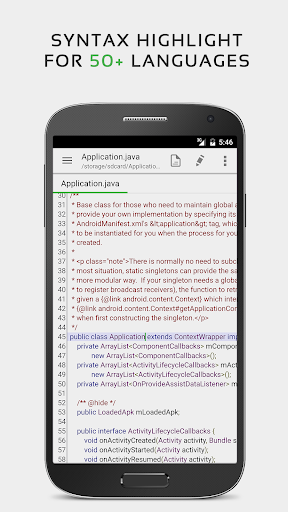
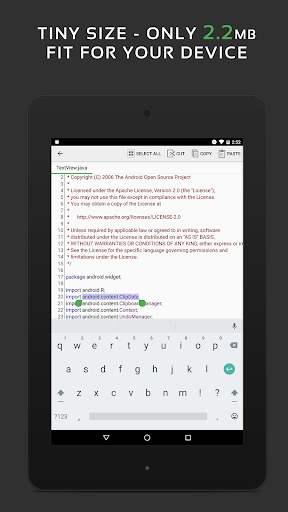
✓ Code editor and syntax highlight for 50+ languages (C++, C#, Java, XML, Javascript, Markdown, PHP, Perl, Python, Ruby, Smali, Swift, etc).
✓ Include online compiler, can compile and run over 30 common languages (Python, PHP, Java, JS/NodeJS, C/C++, Rust, Pascal, Haskell, Ruby, etc).
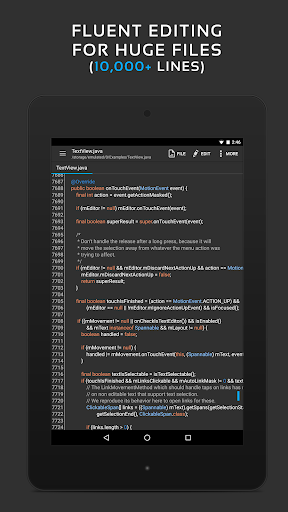
✓ High performance with no lag, even on large text files (more than 10,000 lines).
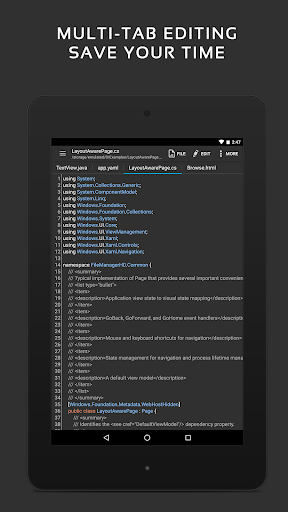
✓ Easily navigate between multiple open tabs.
✓ Show or hide line numbers.
✓ Undo and redo changes without limit.
✓ Display, increase, or decrease line indentations.
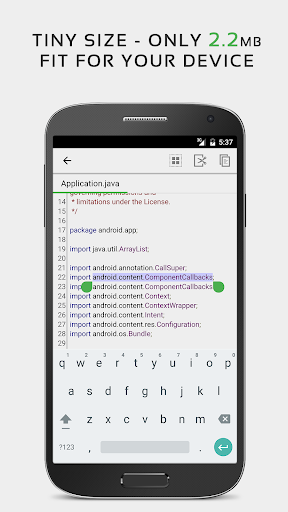
✓ Fast selecting and editing abilities.
✓ Physical keyboard support, including key combinations.
✓ Smooth scrolling both vertically and horizontally.
✓ Directly target any specified line number.
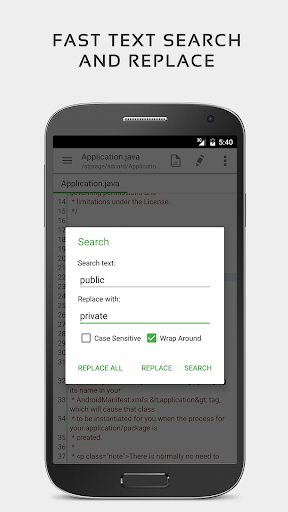
✓ Quickly search and replace content.
✓ Easily input hex color values.
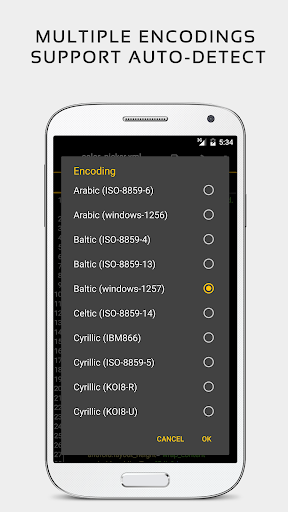
✓ Automatically detect charset and encoding.
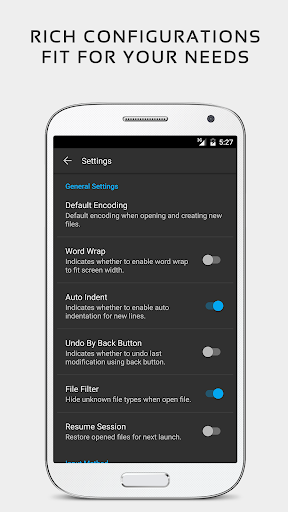
✓ Automatically indent new lines.
✓ Various fonts and sizes.
✓ Preview HTML, CSS, and markdown files.
✓ Open files from recently opened or added file collections.
✓ Ability to edit system files on rooted devices.
✓ Integrate and easy access to GitHub and GitLab.
✓ Access files from FTP, Google Drive, Dropbox, and OneDrive.
✓ Handy tool to edit INI, LOG, TXT files and hack games.
✓ Supports both light and dark themes.
✓ Optimized usage for phones and tablets.
If you can help to translate this application to your native language, please contact our email: [email protected].
If you encounter any issues or have any suggestions, please feel free to contact us: [email protected]
You can also share your comments with the QuickEdit thread on xda-developers:
http://forum.xda-developers.com/android/apps-games/app-quickedit-text-editor-t2899385
Thank you for using QuickEdit!
QuickEdit text editor can be used as standard text editor for plain text files, or as a code editor for programming files, making it suitable for both general and professional use.
QuickEdit text editor includes a number of performance optimizations and user experience tweaks, making it faster and more responsive than other text editor apps commonly found on Google Play.
Features:
✓ Enhanced notepad application with numerous improvements.
✓ Code editor and syntax highlight for 50+ languages (C++, C#, Java, XML, Javascript, Markdown, PHP, Perl, Python, Ruby, Smali, Swift, etc).
✓ Include online compiler, can compile and run over 30 common languages (Python, PHP, Java, JS/NodeJS, C/C++, Rust, Pascal, Haskell, Ruby, etc).
✓ High performance with no lag, even on large text files (more than 10,000 lines).
✓ Easily navigate between multiple open tabs.
✓ Show or hide line numbers.
✓ Undo and redo changes without limit.
✓ Display, increase, or decrease line indentations.
✓ Fast selecting and editing abilities.
✓ Physical keyboard support, including key combinations.
✓ Smooth scrolling both vertically and horizontally.
✓ Directly target any specified line number.
✓ Quickly search and replace content.
✓ Easily input hex color values.
✓ Automatically detect charset and encoding.
✓ Automatically indent new lines.
✓ Various fonts and sizes.
✓ Preview HTML, CSS, and markdown files.
✓ Open files from recently opened or added file collections.
✓ Ability to edit system files on rooted devices.
✓ Integrate and easy access to GitHub and GitLab.
✓ Access files from FTP, Google Drive, Dropbox, and OneDrive.
✓ Handy tool to edit INI, LOG, TXT files and hack games.
✓ Supports both light and dark themes.
✓ Optimized usage for phones and tablets.
If you can help to translate this application to your native language, please contact our email: [email protected].
If you encounter any issues or have any suggestions, please feel free to contact us: [email protected]
You can also share your comments with the QuickEdit thread on xda-developers:
http://forum.xda-developers.com/android/apps-games/app-quickedit-text-editor-t2899385
Thank you for using QuickEdit!
What's New
✓ Updated for latest Android version and libraries.
App Information
Version Name
1.11.0
Version Code
222
File Size
13.1 MB
Minimum OS
Android 5.0+
Target SDK
Android 33
Developer
Rhythm Software
Contact
Website
Content Rating
Everyone
Package Name
com.rhmsoft.editPermissions Required
This app may request the following permissions:
Recent Reviews

Ed Derzawiec
4.0★
I have long searched for a simple editor (MS notepad like) that would work within Samsung's "My Files" (file manager) on .txt files. Ie search for a file.. tap, view, edit, save.. All others would either not work in "My Files", required their own file management, not save to the original location, or other issue. Then I found Quick Edit and my search ended. It is more like Notepad++ in that it supports other text files including structured files with appropriate highlighting. Great app.

Ted Finch
2.0★
Copy/Paste via tap-and-hold isn't working, and hasn't for at least the past couple versions. The tap-and-hold copy/paste menu is now nearly impossible to get to appear. I use this app to strip out formatting before I paste text into Google Docs (which stupidly doesn't allow the "Paste as plain text" option in the Android app). So the above functionality is mission-critical to me. Also, the ads are even worse than they used to be, and I'm concerned could cause HR issues at work.

A Google user
4.0★
Very cool, an actual WORKING text file editor. It has lots of useful features too, just like regular computer editors. Unlike many editors, its search function works properly. It took me a long time to find a truly functional Android text editor. However, there now ARE frequent excessive full screen ads. But it's well worth getting the paid version. The one bad thing (as others have said) is the text selection is a huge pain to do. It's often easier to hold down the backspace key instead.
A Google user
3.0★
Does what it says BUT have to be careful when/where I use it. Turn the volume off before using the free version. Ads are loud enough to wake the dead & run @ 10 seconds. Would be nice if had better control over the ads. I do like that it is easy to use & I can save files on the external SD card. Can even move or copy files to my desktop computer. Don't mind having ads, but these videos are too much. Debating on going with the paid version or deleting it.

Terat Helos
5.0★
Excellent code editor! No automatic syntax completion, and the suggestions popup is disabled by default. Autoindent is intelligently-implemented, and can be turned off if you prefer. There are three themes (light, dark, black) and for each of them a bunch of syntax color schemes. The ads only seem to appear when you close a file, which is very nice. Even so, I recommend you purchase the full version to support the developers!
A Google user
1.0★
So much potential, but critical problems. Created a basic .txt file, wrote a few lines of notes into it, saved. Said it saved successfully, but it only saved half the file. The bottom half was completely gone. Also the keyboard overlays the app instead of adjusting where the bottom of the app is, so can't see the bottom of a longer file without closing the keyboard. When editing many code files, it may be essential to see what is below where you are typing.
Ad slot: In-Content