

Perfect Viewer
com.rookiestudio.perfectviewer
by Rookie001
Screenshots



Ad slot: Top Leaderboard
About this app
Perfect Viewer is a very fast image/comics/ebook viewer.
*Turn black/white image into 4 colorize image(Only available for donated users. Need install Perfect Viewer donation application).
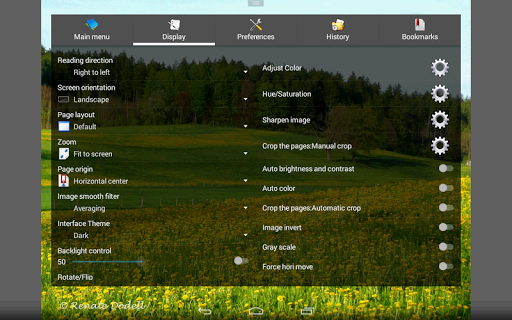
*Page layout: Auto single page, Auto dual page, Auto switch by screen orientation
*Support eEook file format: EPUB, HTML, TXT
*Support image file format: JPEG, PNG, GIF, BMP, WebP, TIFF
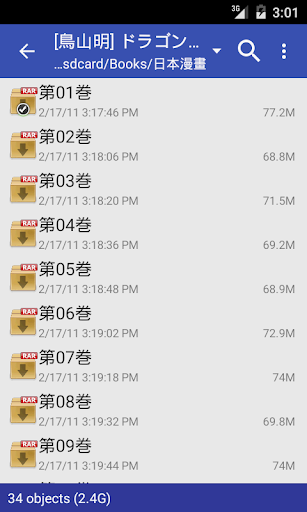
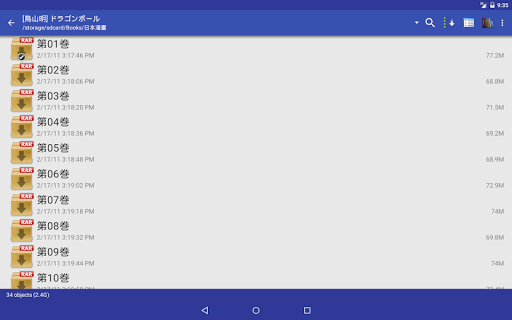
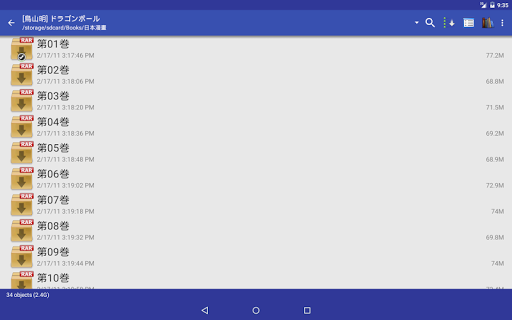
*Support archive file format: CBZ/ZIP, CBR/RAR, 7Z/CB7, LZH, CBT/TAR
*Support PDF, XPS & DJVU file after install the PDF plugin
*Open file from network file sharing(CIFS/SAMBA), FTP, SFTP, FTPS, OPDS
*Require internet permission for CIFS/SAMBA support.
*Support open files from Google Drive, Dropbox, OneDrive after install the source plugin
*Require "GET_ACCOUNTS" and "USE_CREDENTIALS" permission for Google Drive support
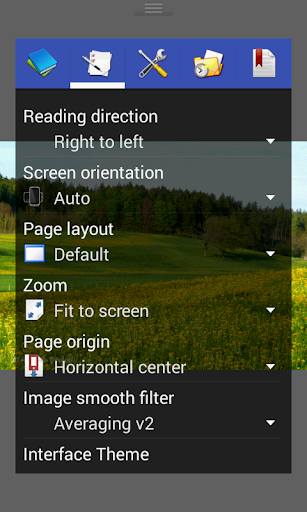
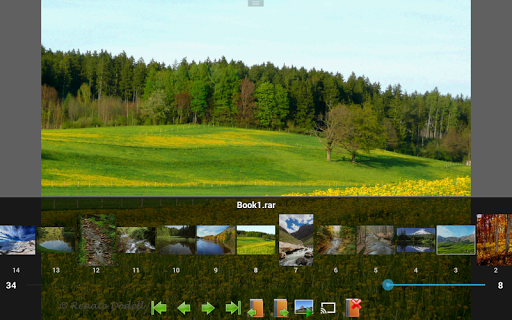
*Support 3 viewer mode: Page mode, Vertical scroll mode (PDF viewer,webtoon like) and Horizontal scroll mode.
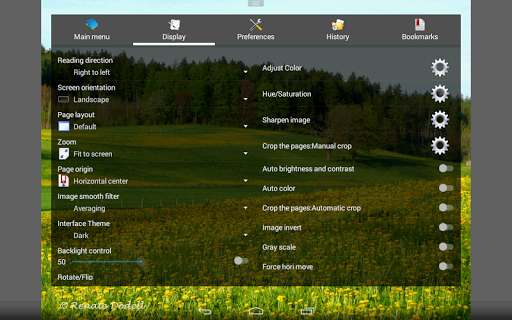
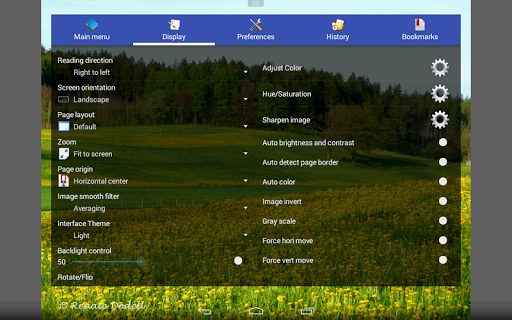
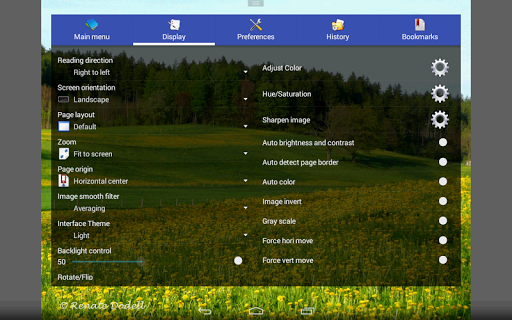
*Smooth filters: Averaging, Bilinear, Bicubic, Lanczos3;
*Five view mode: Full size, Fit Screen, Fit Width, Fit Height, Fixed size, Stretch;
*Support Left-to-right & right-to-left reading
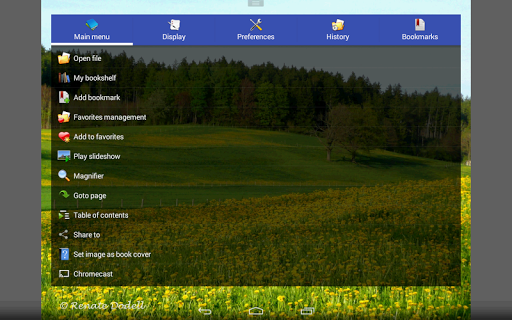
*Set image as wallpaper
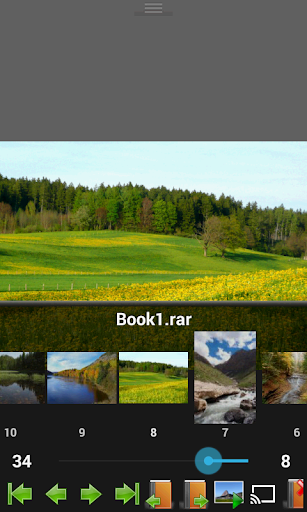
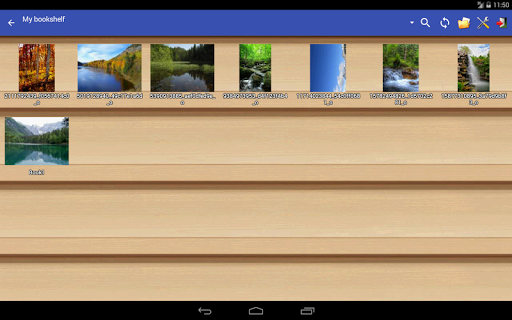
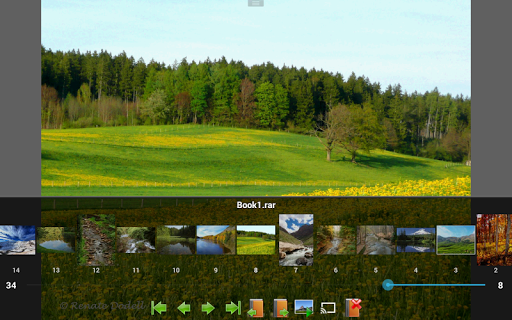
*Browse image in folder/archive as thumbnail
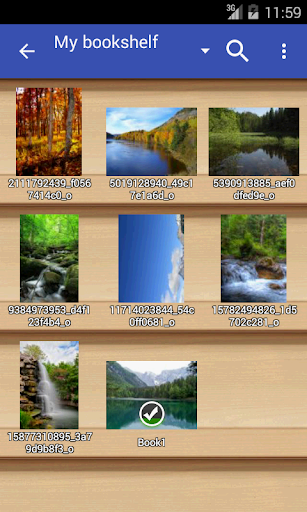
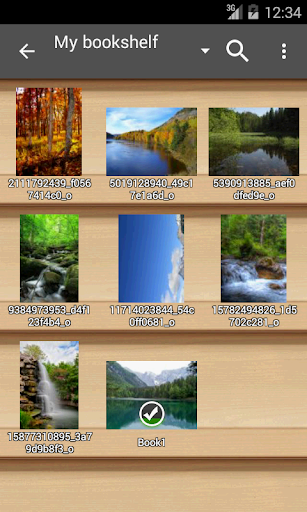
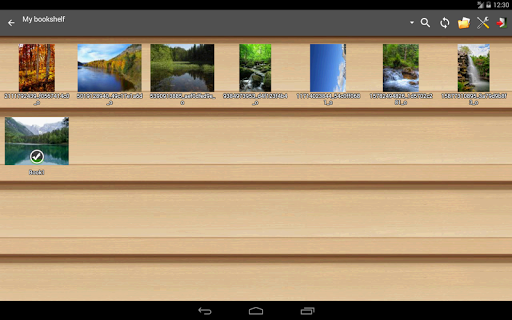
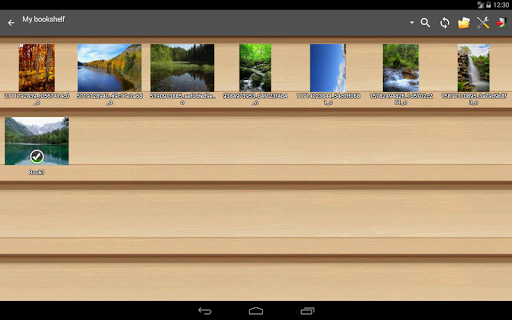
*Bookshelf function
*Support pinch to zoom & fling gesture
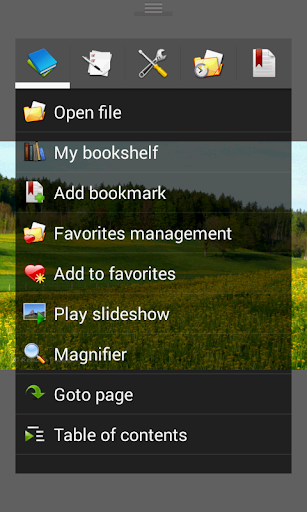
*Simple bookmark function
*My favorites management
*Cache next and previous page
*Simple file management(delete, rename)
*Slideshow
*Support extract files from archive
*Adjust image brightness,contrast & gamma
*Auto cut off white border.
*Support Google Chromecast
*Balloon magnifier
*Turn black/white image into 4 colorize image(Only available for donated users. Need install Perfect Viewer donation application).
*Page layout: Auto single page, Auto dual page, Auto switch by screen orientation
*Support eEook file format: EPUB, HTML, TXT
*Support image file format: JPEG, PNG, GIF, BMP, WebP, TIFF
*Support archive file format: CBZ/ZIP, CBR/RAR, 7Z/CB7, LZH, CBT/TAR
*Support PDF, XPS & DJVU file after install the PDF plugin
*Open file from network file sharing(CIFS/SAMBA), FTP, SFTP, FTPS, OPDS
*Require internet permission for CIFS/SAMBA support.
*Support open files from Google Drive, Dropbox, OneDrive after install the source plugin
*Require "GET_ACCOUNTS" and "USE_CREDENTIALS" permission for Google Drive support
*Support 3 viewer mode: Page mode, Vertical scroll mode (PDF viewer,webtoon like) and Horizontal scroll mode.
*Smooth filters: Averaging, Bilinear, Bicubic, Lanczos3;
*Five view mode: Full size, Fit Screen, Fit Width, Fit Height, Fixed size, Stretch;
*Support Left-to-right & right-to-left reading
*Set image as wallpaper
*Browse image in folder/archive as thumbnail
*Bookshelf function
*Support pinch to zoom & fling gesture
*Simple bookmark function
*My favorites management
*Cache next and previous page
*Simple file management(delete, rename)
*Slideshow
*Support extract files from archive
*Adjust image brightness,contrast & gamma
*Auto cut off white border.
*Support Google Chromecast
*Balloon magnifier
What's New
2025/06/09 Version 5.0.4.4
-Fixed : Crash on Android 15+ devices.
-Fixed : Crash on Android 15+ devices.
App Information
Version Name
5.0.4.2
Version Code
90000733
File Size
13.1 MB
Minimum OS
Android 4.0+
Target SDK
Android 33
Developer
Rookie001
Contact
Website
Content Rating
Everyone
Package Name
com.rookiestudio.perfectviewerPermissions Required
This app may request the following permissions:
Recent Reviews

A Google user
5.0★
Definitley worth getting used to all the options and quick-links (even if you are a novice.) Get the paid version if you read manga a lot and can afford it. Small increase in features but funds this fantastic app. Don't be scared of this app if you are a novice, just be aware that it has a lot of features and an open-source esque interface with them. Try it out, it's free! (And donate when you see how awsome it is... free is the way of the future) >:there are options for simple interface.

Logan VT
5.0★
Comicat no longer works on my tablet since upgrading to Android version 11 and they took away the privileges Comicat had to read from my SD card. I am still pissed at them for that... "hey, let's take away some of the usability our customers have grown accustom to...", at any rate... Perfect Viewer looks a lot like Comicat in many ways. If you are looking for a replacement for Comicat, this is the one to get. In a week or so, if I have no issues with it I will be paying for the Pro version.

Jason Hargis
3.0★
I have to agree with the last few reviewers. This app used to be nearly flawless, but the last few updates have nearly ruined it. The bookshelf takes forever to load. It has to reload the bookshelf every single time you go in or out of a folder. Even after a Full Scan it doesn't show the accurate number of files for a give comic.
A Google user
3.0★
Very good app for several reasons, but falls short on navigating pages. If I zoom in and try to move the image around, the image will slide after every lift of the finger and I can't move the image around until it stops sliding. Also if while zoomed I reach the edge of the image, there is no stop between the image and the next/previous image, and so it will forcibly turn the page or go to the next/previous image with no way to stay on the image I was on. This is with a set minimum drag distance.
A Google user
3.0★
Perfect Viewer is a good comic viewer its been around for years for a good reason. The only really disappointing thing about it is that it doesn't use a newer version of SMB thus I have to either use a 3rd party file explorer app to get to my library or enable legacy SMB on my server which would open it to security flaws. This is the main reason I don't use it anymore. I'd gladly update my rating to 5 stars and resume using it as my go to comic reader if they were to add an updated version of SMB.
A Google user
5.0★
This app on Android it's perfect for reading comics. The ease of use, the ability to select where my comic files are stored, the clean layout and design, the ability to customize it to my taste, and for not bombarding the user with a ton of intrusive ads make this app worth five stars. If I could give more I would. Do you have a version o of this for the iPad? I tried a handful on it and none of them let me select files stored on my device, only the cloud.
Ad slot: In-Content