

Mobizen Screen Recorder
com.rsupport.mvagent
by MOBIZEN
Screenshots
Ad slot: Top Leaderboard
About this app
The Screen Recorder you were looking for
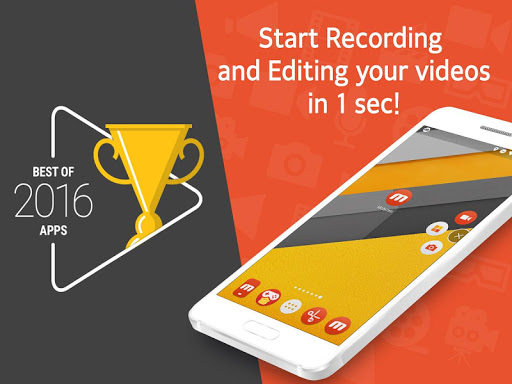
▶ The “Best of 2016 Apps” selected by Google.
▶ Screen recorder selected by global 200 million users.
▶ Featured in Google Play.
----- Featured in many countries such as Korea, USA, Europe, Japan, North and South America
▶ Screen recording, capture, and editing functions are free.
▶ The video recorded with the Mobizen app is not saved on the server, only on the user device, so use it with confidence!
▶ Use it immediately without signing up (login).
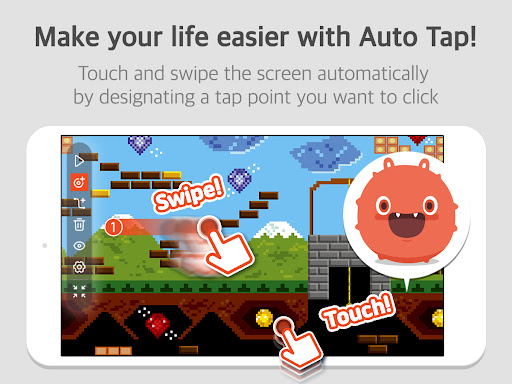
▶ Meet Auto Tap and screen recording on Mobizen!
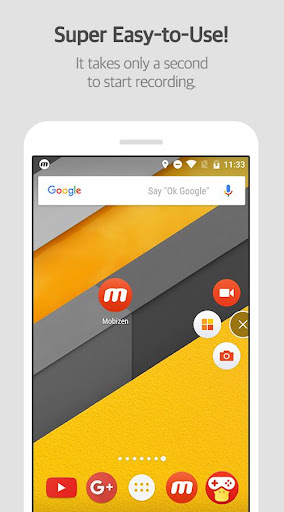
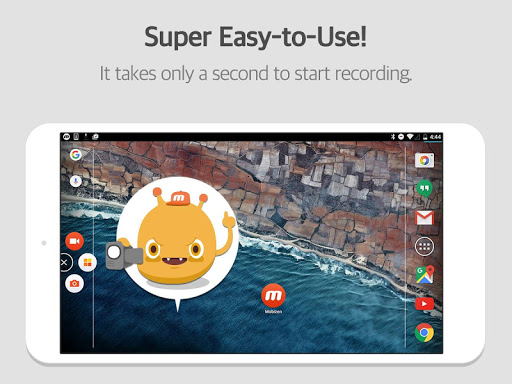
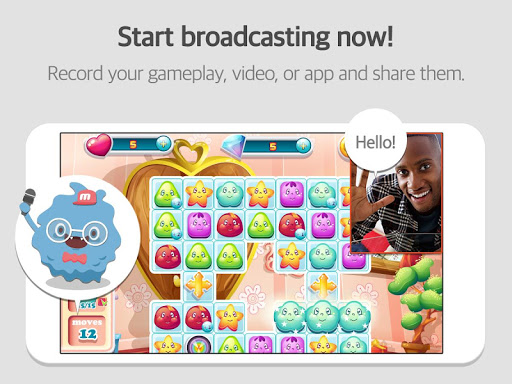
Download Mobizen Screen Recorder, which can start recording easily with one click, and start recording gameplay, video, and live broadcasting easily and conveniently!
Do you want your first screen recording to be perfect?
ㆍClean screen recording without a record button through Hide Air Circle mode!
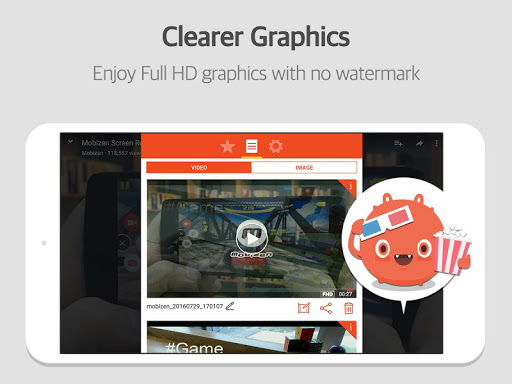
ㆍRecord the screen without watermark for free using Clean mode!
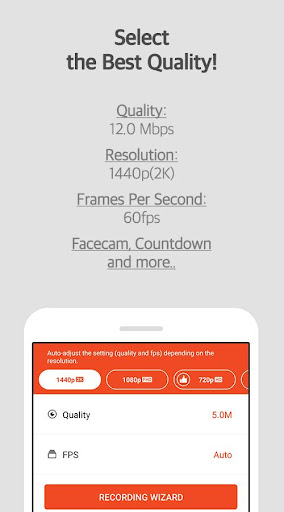
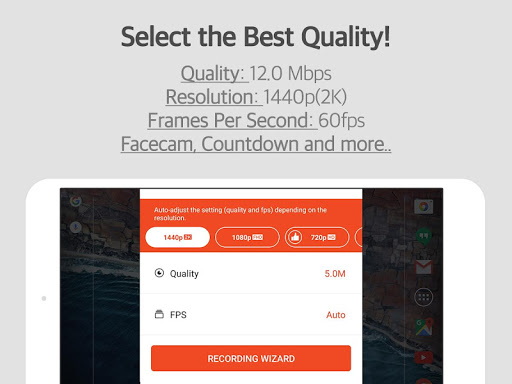
ㆍNot only FULL HD (FHD) screen recording, but also QUAD HD (QHD, 2K) screen recording! Supported maximum recording quality ▷ Recording resolution 1440P, recording quality 24.0Mbps, frame rate 60fps
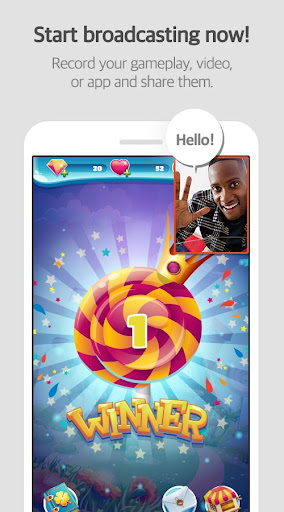
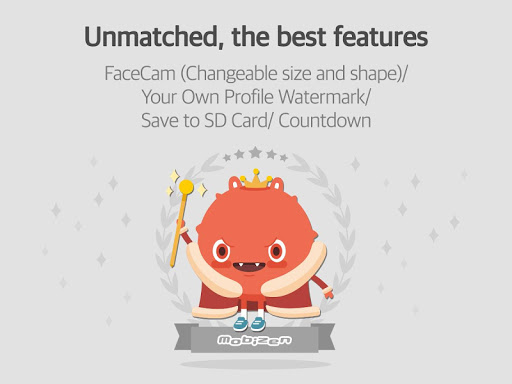
ㆍFacecam function! Express your reactions freely and record game sounds and voices together!
ㆍSave to external memory (SD card)! Record long screen recordings of more than an hour without worrying about memory!
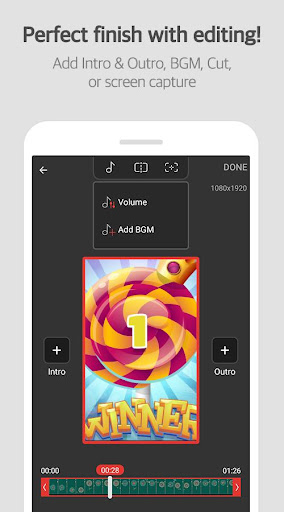
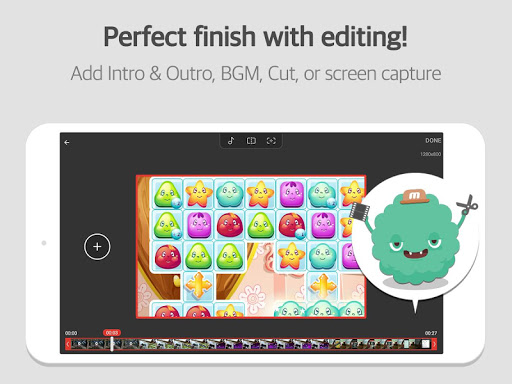
ㆍVarious image editing functions
Increase the quality of the recorded video!
Only in Mobizen
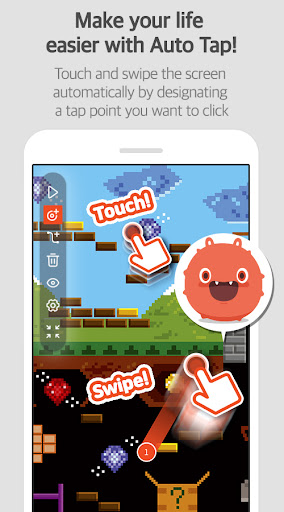
ㆍProvide Auto Tap and Auto Swiping functions!
ㆍHighlight important points through the drawing function!
ㆍCreate your own watermark!
ㆍCreate a GIF and create a fun meme!
ㆍChoose the type of Air Circle! (mini type, time bar type, transparent type)
Mobizen Recorder adopts AccessibilityService API to enable the core features Auto Tap and Auto Swiping.
1. Why is AccessibilityService API required?
▶ The AccessibilityService API allows to perform features such as Auto Tap and Auto Swiping.
2. Do you collect and/or transmit any personal data using AccessibilityService?
▶ No, we do not collect and/or transmit any personal data using AccessibilityService API.
Download it now and try it!
=====
ㆍHelpdesk: support.mobizen.com
ㆍYoutube channel: youtube.com/mobizenapp
Do you have any unnatural sounding text while using the Mobizen app?
ㆍSuggest a language☞ https://goo.gl/forms/pHGNRoD7nvalOU5l1
※ App access rights
ㆍRequired access rights
Storage: Used for saving and editing recorded video & image files.
ㆍOptional access rights
- Camera: Used for Facecam settings and Air Circle custom when recording screens.
- Microphone: Used for sound recording function during screen recording.
- Draw on top of other apps: To open Mobizen's Air Circle, you need to grant permission to draw on top of other apps.
- Notification: Used for top notification bar and some other functions from Mobizen.
* Please note that you can use the app even if you do not agree to the optional access rights.
* From Android OS 6.0 or higher, you can set and revoke access rights.
* If you are using Android OS version less than 6.0, you can modify the permissions after updating the software.
----
▶ The “Best of 2016 Apps” selected by Google.
▶ Screen recorder selected by global 200 million users.
▶ Featured in Google Play.
----- Featured in many countries such as Korea, USA, Europe, Japan, North and South America
▶ Screen recording, capture, and editing functions are free.
▶ The video recorded with the Mobizen app is not saved on the server, only on the user device, so use it with confidence!
▶ Use it immediately without signing up (login).
▶ Meet Auto Tap and screen recording on Mobizen!
Download Mobizen Screen Recorder, which can start recording easily with one click, and start recording gameplay, video, and live broadcasting easily and conveniently!
Do you want your first screen recording to be perfect?
ㆍClean screen recording without a record button through Hide Air Circle mode!
ㆍRecord the screen without watermark for free using Clean mode!
ㆍNot only FULL HD (FHD) screen recording, but also QUAD HD (QHD, 2K) screen recording! Supported maximum recording quality ▷ Recording resolution 1440P, recording quality 24.0Mbps, frame rate 60fps
ㆍFacecam function! Express your reactions freely and record game sounds and voices together!
ㆍSave to external memory (SD card)! Record long screen recordings of more than an hour without worrying about memory!
ㆍVarious image editing functions
Increase the quality of the recorded video!
Only in Mobizen
ㆍProvide Auto Tap and Auto Swiping functions!
ㆍHighlight important points through the drawing function!
ㆍCreate your own watermark!
ㆍCreate a GIF and create a fun meme!
ㆍChoose the type of Air Circle! (mini type, time bar type, transparent type)
Mobizen Recorder adopts AccessibilityService API to enable the core features Auto Tap and Auto Swiping.
1. Why is AccessibilityService API required?
▶ The AccessibilityService API allows to perform features such as Auto Tap and Auto Swiping.
2. Do you collect and/or transmit any personal data using AccessibilityService?
▶ No, we do not collect and/or transmit any personal data using AccessibilityService API.
Download it now and try it!
=====
ㆍHelpdesk: support.mobizen.com
ㆍYoutube channel: youtube.com/mobizenapp
Do you have any unnatural sounding text while using the Mobizen app?
ㆍSuggest a language☞ https://goo.gl/forms/pHGNRoD7nvalOU5l1
※ App access rights
ㆍRequired access rights
Storage: Used for saving and editing recorded video & image files.
ㆍOptional access rights
- Camera: Used for Facecam settings and Air Circle custom when recording screens.
- Microphone: Used for sound recording function during screen recording.
- Draw on top of other apps: To open Mobizen's Air Circle, you need to grant permission to draw on top of other apps.
- Notification: Used for top notification bar and some other functions from Mobizen.
* Please note that you can use the app even if you do not agree to the optional access rights.
* From Android OS 6.0 or higher, you can set and revoke access rights.
* If you are using Android OS version less than 6.0, you can modify the permissions after updating the software.
----
What's New
A new version has been released.
- Fixed app slowdown caused by ads
- Improved drawing features and added new colors
- Enhanced reward ad UI/UX
- Other improvements and bug fixes
App Information
Version Name
3.10.1.5
Version Code
170400959
File Size
42.5 MB
Minimum OS
Android 5.0+
Target SDK
Android 33
Developer
MOBIZEN
Contact
Website
Content Rating
Everyone
Package Name
com.rsupport.mvagentPermissions Required
This app may request the following permissions:
Recent Reviews

Bytemaster
5.0★
So useful and well thought out. With the little widget "floating dot" to activate the recording. It records with quality audio and video. Soooo easy to use... "Right out of the Box 🗃" I use it a lot to tutor people thru an app or something by recording the steps, my commentary. They can play it over and over and I can really talk and explain stuff without limit.

Sunny Studios
1.0★
I LOVE IT! Edit: I do not. It no longer works, but I keep having to re-download because it's the only one that I can use to make videos. (I've tried many others) But recording long videos is impossible because it stops recording after like 2 minutes of the video with no warning- so I'm sitting her for like 30 minutes thinking I'm recording and talking to myself just to find out it was all for nothing. Even when it was recording, that part doesn't save either. Fix this please.

A Google user
3.0★
It's not bad but it's not good. Ive only been using it to record songs for videos. But I don't understand why you need Mobizen Headphones- it's annoying because it used to be free. You also have that watermark you need to pay for to get rid of. I understand you would put a watermark but, right in front of the screen?? Come on. Wouldn't the screen recorder circle when you record indicate that your using Mobizen?? I would recommend this app but not for recording games,ect.

Taneshia gordon
3.0★
I've been using Mobizen for about a year or two without any issues, there haven't been any problems up until now. The reason I gave this 3 stars is because, whenever I open Mobizen and open another app to record, after about 1-2 minutes it would close itself. I've tried restarting my phone, uninstalling the app and reinstalling it, and downloading the LG version, nothing worked. Many other people are having problems with this to, I hope you fix this glitch soon.

exxi
4.0★
I love Mobizen so much. There is only one complaint. That is that the Air circle when recording is still there in the video. I would like to see an update where it could eliminate that in the finished video, like how it automatically adds the watermark. I know that the watermark is there to promote the app, and that is reasonable, but it is so big! I wish you could maybe make it smaller. Otherwise, perfect. I love this app, and would recommend for everyone.
A Google user
3.0★
Originally the experience was ok...but then you went subscription for something that that didn't even have as many options as DU Recorder. I ha e no problem paying for products but this isn't worth an ongoing fee. None of it is. Yeah there is the ability to use it still at its most barebones to record, thank you but what I would have paid for is a higher price than the subscription fees to have full use. Otherwise you can forfet my $$$. You won't get any of mine.
Ad slot: In-Content