

SmartThings
com.samsung.android.oneconnect
by Samsung Electronics Co., Ltd.
Screenshots


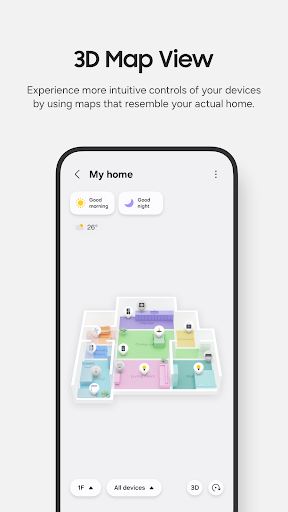
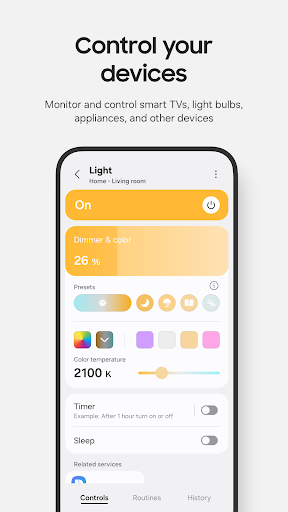
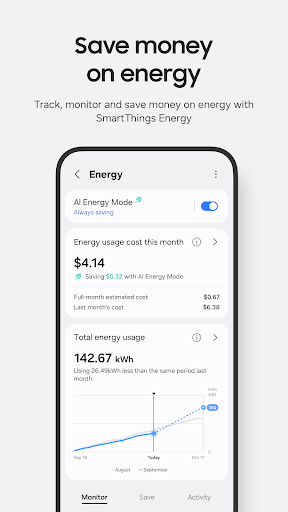
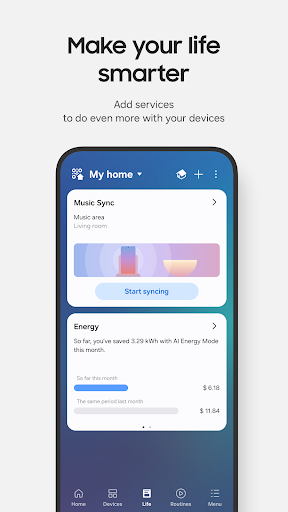

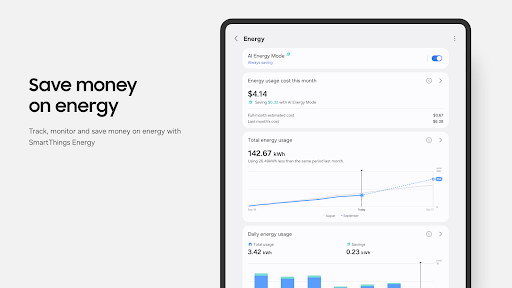
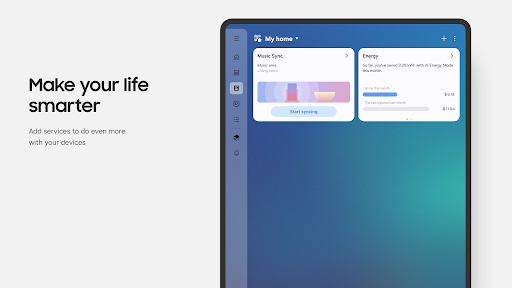
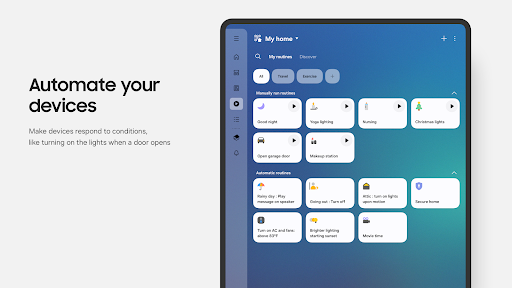
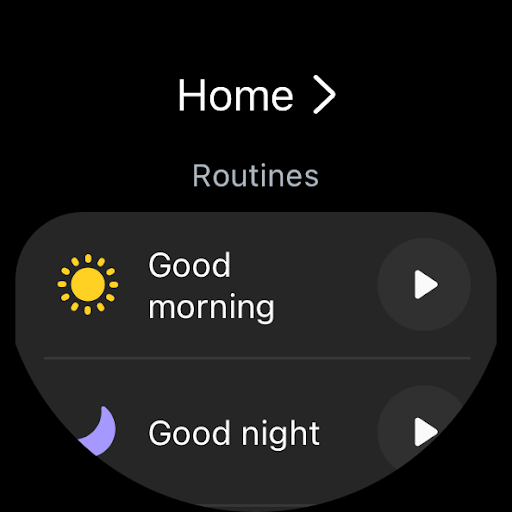

Ad slot: Top Leaderboard
About this app
Quickly and easily connect and control your smart home devices through SmartThings.
SmartThings is compatible with 100s of smart home brands. So, you can control all of your smart home gadgets in one place, including your Samsung Smart TV and smart home appliances.
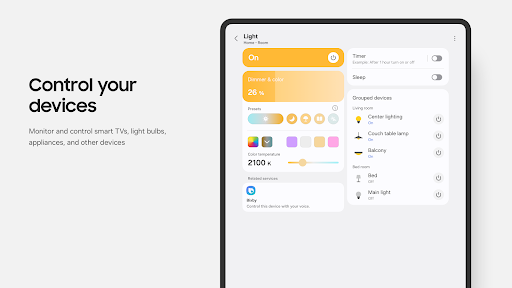
With SmartThings, you can connect, monitor and control multiple smart home devices quicker and easier. Connect your Samsung smart TVs, smart appliances, smart speakers and brands like Ring, Nest and Philips Hue - all from one app.
Then control your smart devices using voice assistants including Alexa, Bixby and Google Assistant
[Key Features]
- Control and check in on your home from wherever you are
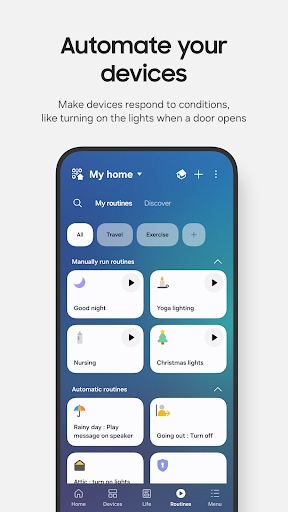
- Build routines that are set on time, weather, and device status, so your home runs smoothly in the background
- Allow shared control by giving access to other users
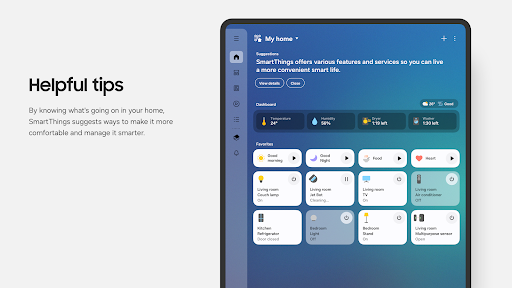
- Receive status updates about your devices with automated notifications
※ SmartThings is optimized for Samsung smartphones. Some features may be limited when used with other vendors' smartphones.
※ Some features may not be available in all countries.
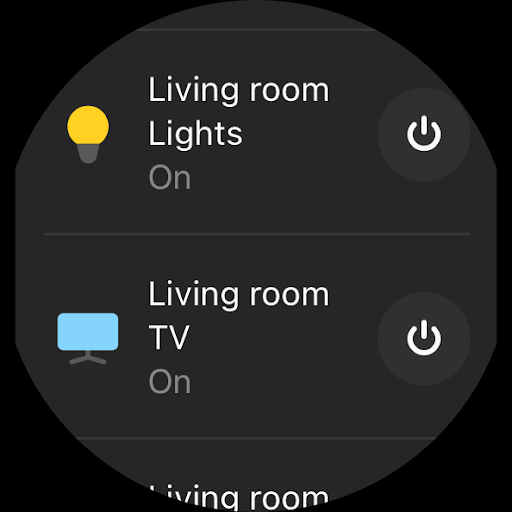
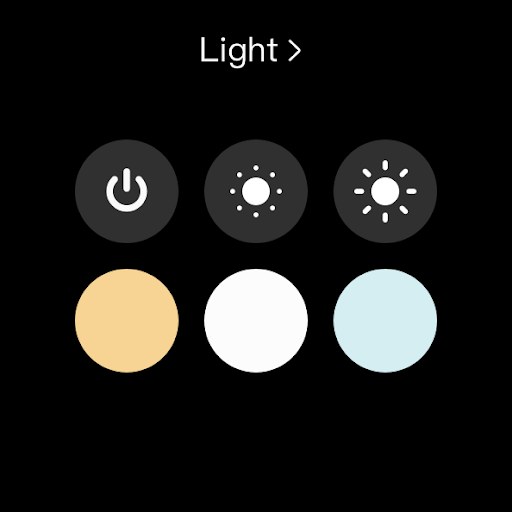
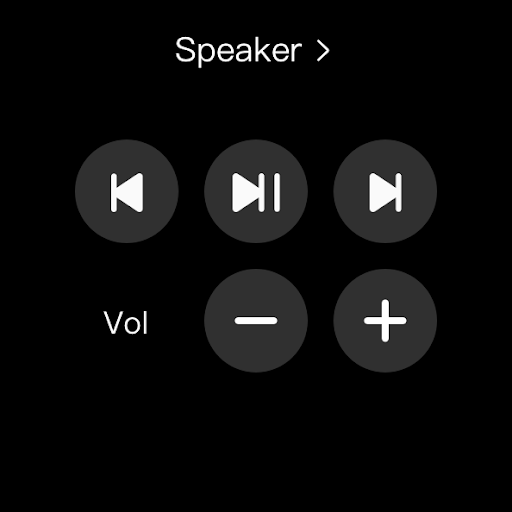
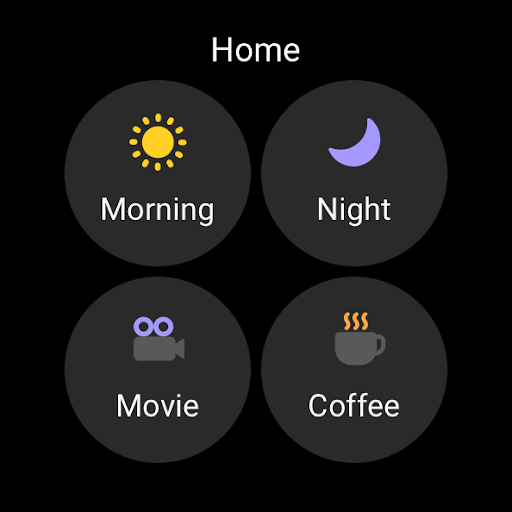
※ You can also install SmartThings on Wear OS-based watches.
※ SmartThings for Wear OS is only available when the watch is connected to a mobile phone. You can get a quick access to routine run and device control by adding SmartThings tile on your watch. We provide SmartThings complications that allow you to enter SmartThings app service directly from watchface.
[App requirements]
Some mobile devices may not be supported.
- Memory size : 3GB over
※ App permissions
The following permissions are required for the app. You can use the app without optional permissions, but some functions may be limited.
[Optional access permissions]
• Location : Used to locate your devices, create routines based on your location, and scan for nearby devices using Wi-Fi
• Nearby devices : (Android 12 ↑) Used to scan for nearby devices using Bluetooth Low Energy (BLE)
• Notifications : (Android 13 ↑) Used to provide notifications about SmartThings devices and features
• Camera : Used to scan QR codes so you can easily add members and devices to SmartThings
• Microphone : Used to add certain devices to SmartThings using high-frequency sounds
• Storage : (Android 10~11) Used to save data and share content
• Files and media : (Android 12) Used to save data and share content
• Photos and videos : (Android 13 ↑) Used to play photos and videos on SmartThings devices
• Music and audio : (Android 13 ↑) Used to play sound and video on SmartThings devices
• Phone : (Android 10 ↑) Used to make calls on smart speakers
• Contacts : (Android 10 ↑) Used to get phone numbers of your contacts to send text message notifications
• Physical activity : (Android 10 ↑) Used to detect when you start pet walks
SmartThings is compatible with 100s of smart home brands. So, you can control all of your smart home gadgets in one place, including your Samsung Smart TV and smart home appliances.
With SmartThings, you can connect, monitor and control multiple smart home devices quicker and easier. Connect your Samsung smart TVs, smart appliances, smart speakers and brands like Ring, Nest and Philips Hue - all from one app.
Then control your smart devices using voice assistants including Alexa, Bixby and Google Assistant
[Key Features]
- Control and check in on your home from wherever you are
- Build routines that are set on time, weather, and device status, so your home runs smoothly in the background
- Allow shared control by giving access to other users
- Receive status updates about your devices with automated notifications
※ SmartThings is optimized for Samsung smartphones. Some features may be limited when used with other vendors' smartphones.
※ Some features may not be available in all countries.
※ You can also install SmartThings on Wear OS-based watches.
※ SmartThings for Wear OS is only available when the watch is connected to a mobile phone. You can get a quick access to routine run and device control by adding SmartThings tile on your watch. We provide SmartThings complications that allow you to enter SmartThings app service directly from watchface.
[App requirements]
Some mobile devices may not be supported.
- Memory size : 3GB over
※ App permissions
The following permissions are required for the app. You can use the app without optional permissions, but some functions may be limited.
[Optional access permissions]
• Location : Used to locate your devices, create routines based on your location, and scan for nearby devices using Wi-Fi
• Nearby devices : (Android 12 ↑) Used to scan for nearby devices using Bluetooth Low Energy (BLE)
• Notifications : (Android 13 ↑) Used to provide notifications about SmartThings devices and features
• Camera : Used to scan QR codes so you can easily add members and devices to SmartThings
• Microphone : Used to add certain devices to SmartThings using high-frequency sounds
• Storage : (Android 10~11) Used to save data and share content
• Files and media : (Android 12) Used to save data and share content
• Photos and videos : (Android 13 ↑) Used to play photos and videos on SmartThings devices
• Music and audio : (Android 13 ↑) Used to play sound and video on SmartThings devices
• Phone : (Android 10 ↑) Used to make calls on smart speakers
• Contacts : (Android 10 ↑) Used to get phone numbers of your contacts to send text message notifications
• Physical activity : (Android 10 ↑) Used to detect when you start pet walks
What's New
In order to provide you with better services, some features have been improved in the new version.
- By connecting your Samsung devices to SmartThings, you can receive proactive diagnosis on product issues and easily receive necessary support for making service & maintenance reservations.(KR/AU)
- When you need help, press the Safe button. SmartThings Safe service can send notifications to members and ask for help.
- By connecting your Samsung devices to SmartThings, you can receive proactive diagnosis on product issues and easily receive necessary support for making service & maintenance reservations.(KR/AU)
- When you need help, press the Safe button. SmartThings Safe service can send notifications to members and ask for help.
App Information
Version Name
1.8.14.26
Version Code
181426010
File Size
114.9 MB
Minimum OS
Android 11+
Target SDK
Android 34
Developer
Samsung Electronics Co., Ltd.
Contact
Website
Content Rating
Everyone
Package Name
com.samsung.android.oneconnectPermissions Required
This app may request the following permissions:
Recent Reviews

Tony King
2.0★
This app is supposed to control my various Samsung smart devices in my home. However, for example, it can indicate that my gas stove is turned on, but it cannot check status or turn it off. It can turn on or off my TV, but offers minimal control on channel selection. The "smart" TV can't even remember what channel I last watched soI have to go look for it each time. There is a ways to go for Samsung to really claim these appliances and this app as truly smart.

David Atwell
1.0★
This app keeps on getting worse and worse. It STARTED as a simple remote control, but now it requires me to DOWNLOAD A DIFFERENT WEB BROWSER (despite saying that it supports Firefox) to sign in, and insists on showing ads. ADS. IN MY REMOTE CONTROL. FOR THE TELEVISION THAT I PAID. MONEY. FOR. I will never buy another Samsung device again after this, I can guarantee that.

Michael Homburger
1.0★
I made the mistake and updated to the latest version. Everything is bigger now, bring the small icons on top back, Home Insights takes up a quarter of the home screen. But what's eben more annoying (and unfortunately, cannot be turned off) are the annoying ads every time I launch the app. PLEASE turn these off! I don't want to be sold to by an app that is supposed to control my devices.

Mr. Weatherspoon
2.0★
well y'all do good on mobile applications. why you make it so hard on TVs to stay connected to this app. all four TVs are connected to Ethernet always. yet you use lose communication if not used in a week. and think the TVs are off and not connected to ethernet or Wi-Fi. and just to keep the TVs from interacting with each other we have to put tape over the sensors because they( 2 tv's) are right next to each other on the same wall,and we have to use this app which is unreliable. pls Fix

Ron Allen
1.0★
Website is abysmal. Internet goes down and so does everything attached to it. What is the point in spending money on a box if you cannot access the thermostat, lights, routines when the Internet goes down? if I can access the router and smart things, everything behind the firewall should be accessible. And the logic on routines still falls short. we really could use if/then/else/else if or additional nested if/then or select case or even proper coding access, particularly for thermostat access.

Haley
1.0★
it's ok. I love the idea, but the execution definitely has issues. like sometimes it won't connect. the reason for this review though is that the size of this app massively increased and is now the app taking up the most storage on my phone. with what?! why?! edit: now it's unusable and just says downloading any time I try to click my device. I tried deleting and redownloading the app and the issue remains
Ad slot: In-Content