

AirDroid: File & Remote Access
com.sand.airdroid
by SAND STUDIO
Screenshots

Ad slot: Top Leaderboard
About this app
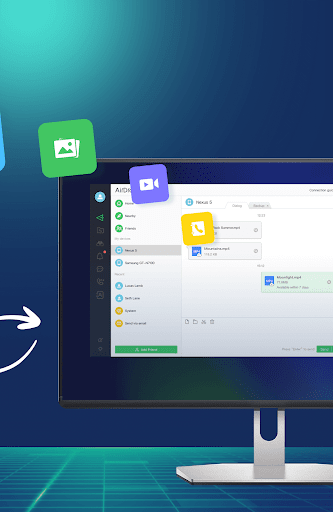
AirDroid is your best personal mobile device management suite, which is built on 10 years of non-stop improvements, including file transfer and management, screen mirroring, remote control, and receive SMS notifications right from your computer - all can be done with just one AirDroid app.
Major features:
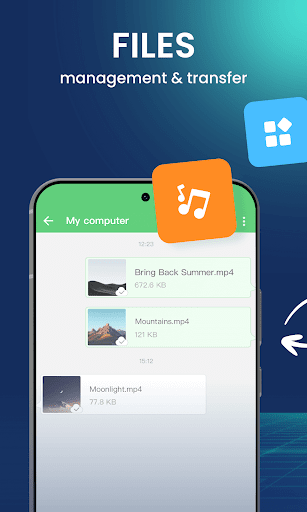
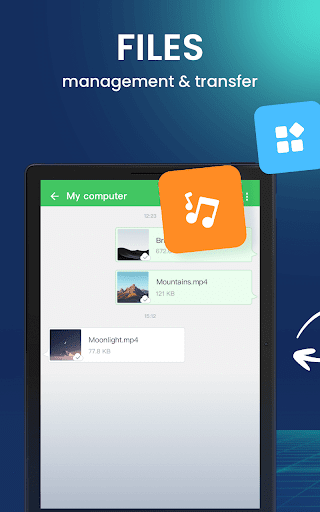
1. Enjoy hyper-fast file transferring without limitations
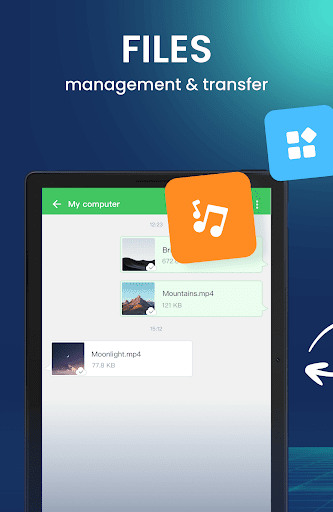
You can use AirDroid to enjoy the incredibly fast file-transferring speed at 20MB/s, under both local and remote connections. Enjoy the uncompromising experience for productivity even when switching to Wi-Fi, 4G, or 5G network. The nearby feature also allows you to instantly and directly send photos & video files to your nearby friends, even without an account or internet connection.
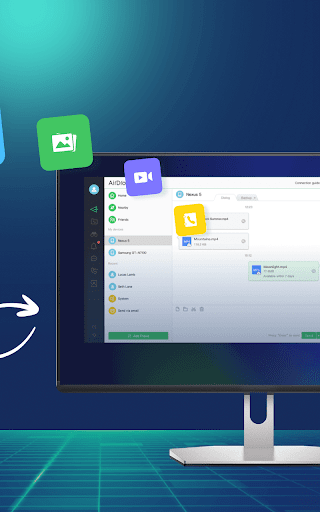
2. All-in-one file management
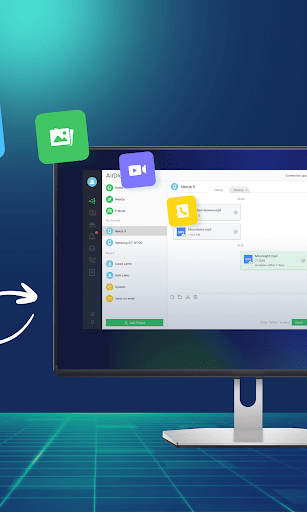
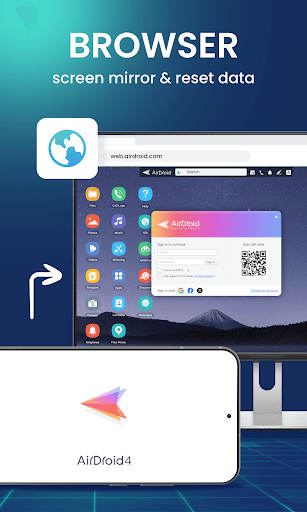
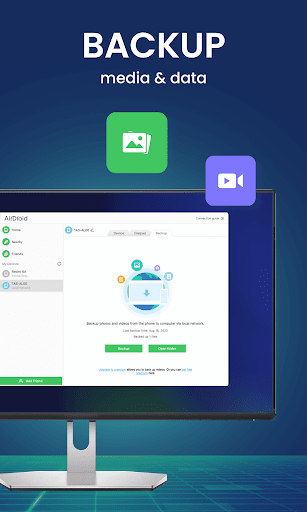
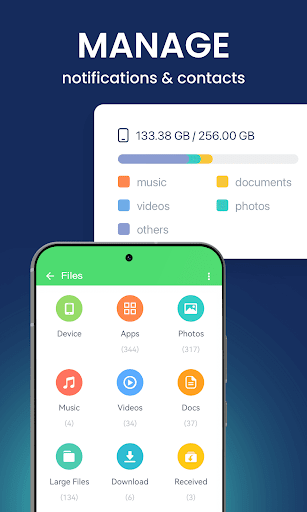
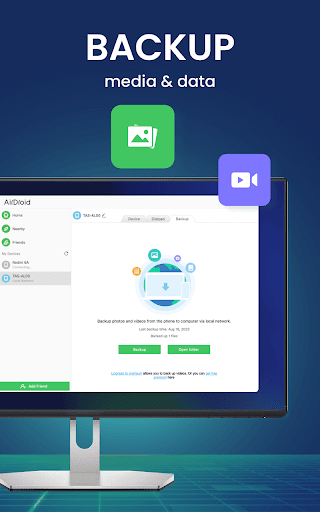
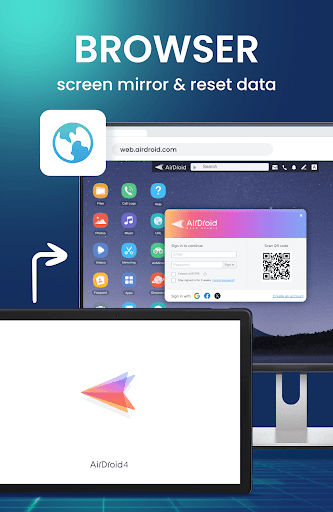
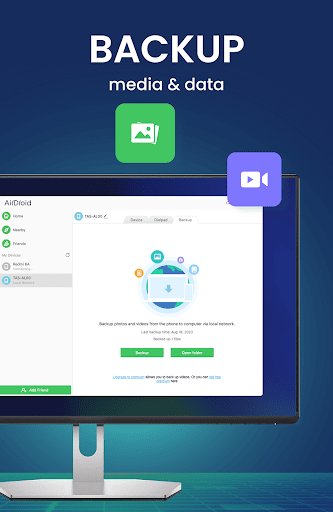
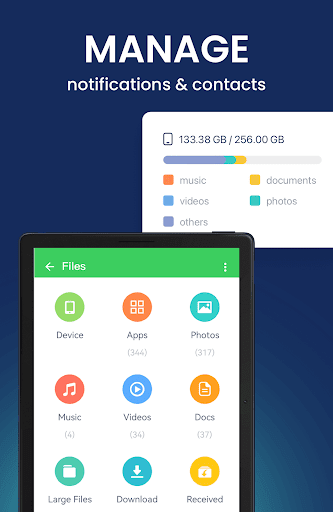
From the desktop client or the web client web.airdroid.com, you can check up and manage photos, videos, music, apps, storage, and more on your devices. You can even automatically sync and upload your photos & videos to your PC, that way you can not only save up your device's storage but also avoid the risk of having your privacy leaked.
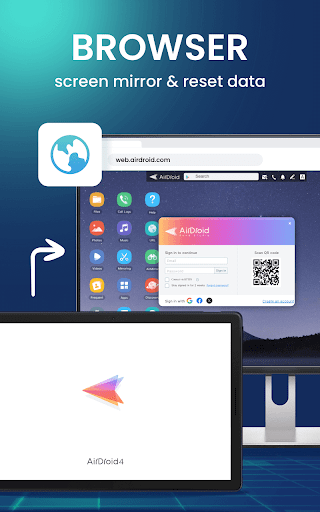
3. Screen Mirroring
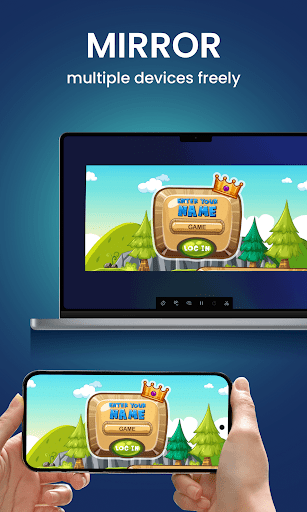
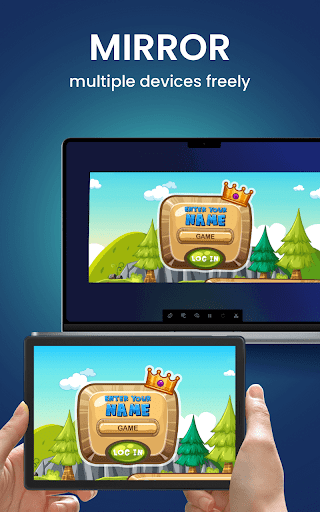
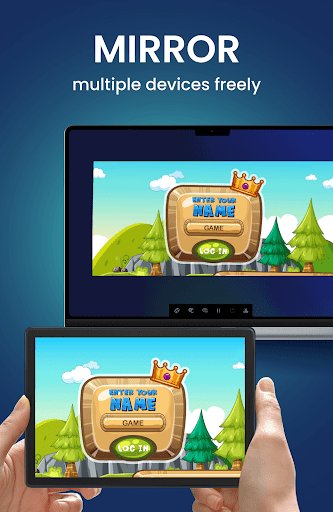
Mirror your Android devices to pc wirelessly so that you can share your screen with your students or partners. You can also stream your broadcast with AirDroid, to share your games or pictures with your audience more efficiently.
Screen mirroring doesn't require the phones and the computer to be on the same network. A practical solution for various scenarios.
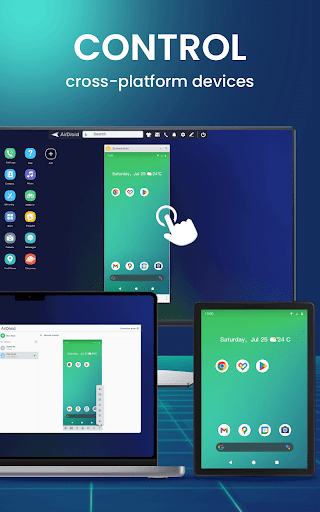
4. Remote Control Android devices
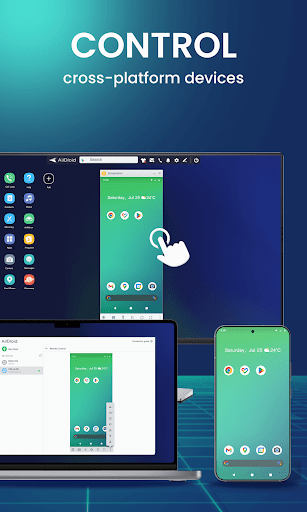
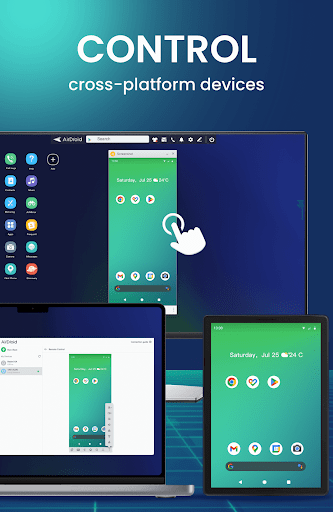
You can take full control of your Android devices, without rooting your devices, just need to connect to the AirDroid PC client for a fast setting, to do whatever you want to do on your Android devices remotely, ex, play games, open an app, check the phone status.
Remote control for AirDroid is easy to set up and runs smoothly even if your device is on the other side of the globe.
*If you need to remote control an Android device from another Android device, you need to download AirMirror for the controller device.
5. Remote Monitoring
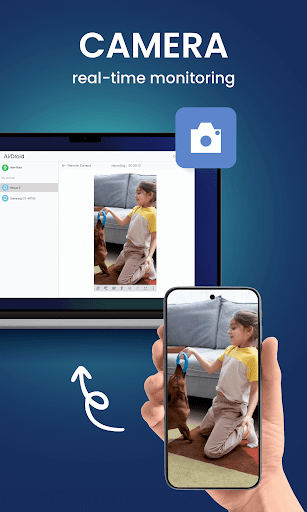
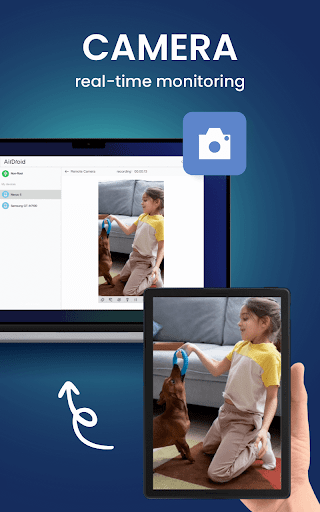
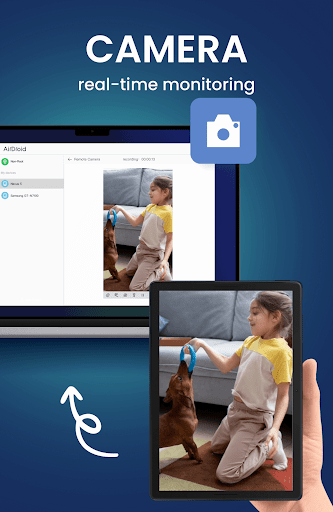
Make use of unused Android phones and have them be your eyes by using the remote camera feature. Monitor the device surroundings, or listen in on environmental sounds with One-Way Audio, so you don't need to stay on the screen at all times.
You can check in on newborns and pets or safeguard your home, all without spending extra on new cameras.
5. Notifications & SMS Management
AirDroid helps you focus on work by letting you manage the phone right from your computer.
You can receive and send texts, connect to headsets, enter or copy the phone number and make the call right from the computer. The Notification feature allows you to sync your phone's app notifications (such as WhatsApp, Line, and Facebook Messenger) to the computer, and you can directly reply to them on your desktop. Important messages are always up-to-date.
6. Make calls on PC
You can import phone numbers in bulk directly on the AirDroid desktop client, click to call, and talk to your customers or friends through the handset or Bluetooth headset of the phone. AirDroid helps you avoids the trouble of manually entering phone numbers on mobile phones and possible errors, and improves your efficiency.
FAQs:
Q: Do I have to register an account to use AirDroid?
A: With an AirDroid account, you can enjoy all the features under the local and remote connection. If you don't want to register, you can use AirDroid under the same wifi with limited features.
Q: Does AirDroid free to use?
A: You can use AirDroid for free under the local area network. When running under a non-local network, the free account has a 200MB/month data limit and cannot use the remote camera. We recommend that you upgrade to premium to enjoy unlimited remote data and unlock all functions and services.
Major features:
1. Enjoy hyper-fast file transferring without limitations
You can use AirDroid to enjoy the incredibly fast file-transferring speed at 20MB/s, under both local and remote connections. Enjoy the uncompromising experience for productivity even when switching to Wi-Fi, 4G, or 5G network. The nearby feature also allows you to instantly and directly send photos & video files to your nearby friends, even without an account or internet connection.
2. All-in-one file management
From the desktop client or the web client web.airdroid.com, you can check up and manage photos, videos, music, apps, storage, and more on your devices. You can even automatically sync and upload your photos & videos to your PC, that way you can not only save up your device's storage but also avoid the risk of having your privacy leaked.
3. Screen Mirroring
Mirror your Android devices to pc wirelessly so that you can share your screen with your students or partners. You can also stream your broadcast with AirDroid, to share your games or pictures with your audience more efficiently.
Screen mirroring doesn't require the phones and the computer to be on the same network. A practical solution for various scenarios.
4. Remote Control Android devices
You can take full control of your Android devices, without rooting your devices, just need to connect to the AirDroid PC client for a fast setting, to do whatever you want to do on your Android devices remotely, ex, play games, open an app, check the phone status.
Remote control for AirDroid is easy to set up and runs smoothly even if your device is on the other side of the globe.
*If you need to remote control an Android device from another Android device, you need to download AirMirror for the controller device.
5. Remote Monitoring
Make use of unused Android phones and have them be your eyes by using the remote camera feature. Monitor the device surroundings, or listen in on environmental sounds with One-Way Audio, so you don't need to stay on the screen at all times.
You can check in on newborns and pets or safeguard your home, all without spending extra on new cameras.
5. Notifications & SMS Management
AirDroid helps you focus on work by letting you manage the phone right from your computer.
You can receive and send texts, connect to headsets, enter or copy the phone number and make the call right from the computer. The Notification feature allows you to sync your phone's app notifications (such as WhatsApp, Line, and Facebook Messenger) to the computer, and you can directly reply to them on your desktop. Important messages are always up-to-date.
6. Make calls on PC
You can import phone numbers in bulk directly on the AirDroid desktop client, click to call, and talk to your customers or friends through the handset or Bluetooth headset of the phone. AirDroid helps you avoids the trouble of manually entering phone numbers on mobile phones and possible errors, and improves your efficiency.
FAQs:
Q: Do I have to register an account to use AirDroid?
A: With an AirDroid account, you can enjoy all the features under the local and remote connection. If you don't want to register, you can use AirDroid under the same wifi with limited features.
Q: Does AirDroid free to use?
A: You can use AirDroid for free under the local area network. When running under a non-local network, the free account has a 200MB/month data limit and cannot use the remote camera. We recommend that you upgrade to premium to enjoy unlimited remote data and unlock all functions and services.
What's New
1. Bug fixes and finetunes that improve stability and user experience.
App Information
Version Name
4.3.7.1
Version Code
40307010
File Size
95.2 MB
Minimum OS
Android 7.0+
Target SDK
Android 33
Developer
SAND STUDIO
Contact
Website
Content Rating
Everyone
Package Name
com.sand.airdroidPermissions Required
This app may request the following permissions:
Recent Reviews

Nathan Hand
4.0★
It's very helpful. However, it shouldn't make you have to upgrade to the Premium Paid Version after only sending a few files or items! You should make it compatible with Free-Users, for however long it takes! Just not any Large Files, without the software upgrade! Re: I will definitely give a 5 star rating if you guys improve or at least least Lengthen the Free Trial Period!

A Google user
3.0★
Why isn't pricing clearer? The Play Store is like a used car lot and vendors love it. I would like a little more information on pricing other than it will run me between $1.99 and $300. So to find out, I have to install the app configure everything on my Android, PC, wait to find out what I'm going to be charged, is it a one time fee or subscription etc. I don't have time for that. I've test driven this back when. No fond memories. May be better now. Don't know, don't care.
A Google user
1.0★
My only real complaint is that it won't let me reply to messages from third party apps from my pc. Everything else about this app is great. Still can't reply on kik or WhatsApp. When I switch to USB debug mode, it just continuously says its connecting. I get the message notifications on my pc, but when I click on reply, nothing happens. It just takes me to that "connecting" screen. Will be removing the app.

Story Time with Mrs. Cynthia
3.0★
I loved it at first. I'm a teacher doing distance learning. I was using it as a "document reader" through remote camera. However, lately it's been freezing, disconnecting or just not working. Hopefully that is something that get fixed. I can't afford to buy an actual document reader! Update: now they charge for the remote camera. Will the purchase make it better because it still disconnects and freezes??

Gargantua Blargg
1.0★
Update 2: Trying again years later on Android 11. Requires login before I can do anything. Create account on their website. Can't log in with app using same login. OK, create separate login for app. But... can't use that login on website. It's like the two systems don't talk to each other. Failed again. I ended up using a simple SSHD app to access files with zero problems. Update: neutered in Android 8 (Oreo) due to system restrictions. can't mirror screen or control from desktop PC at all without installing special software on the PC. Oh well. Fantastic amount of stuff you can do through a web browser, but I can't get it to stop running itself in the background all the time after I'm done using it and exit the app. I've disabled all automatic features, extras, automatic update, etc. but even when I kill it it keeps re-running a few processes. I already installed it a while back but uninstalled due to this, and will probably be uninstalling it again for the same reason. I only use it occasionally so having it bloat up my system 24/7 isn't worth it. Apparently they acknowledged this issue years ago in their forums and promised a fix, but they've never fixed it. Meh, I'll stick with other apps that provide the features I use.
A Google user
1.0★
I challenge anybody to successfully add a friend using this app. I clicked the add button and entered my wife's email address to "invite" her, and it successfully sent her an invitation email, but it only included a link for her to install AirDroid. It in no way added her to my friends list. She also tried sending me an invitation, but again, the app never added me to her friends list either! I admit it may be operator error, but if so, AirDroid needs to be way more clear and intuitive about how to go about connecting to friends in order to exchange files! Furthermore, I could find nothing about how to do it in the FAQ or help files. Not only will I not pay for a subscription, but I will uninstall this apparently once useful app altogether.
Ad slot: In-Content