

Video Collage Maker
com.scoompa.collagemaker.video
by Scoompa
Screenshots
Ad slot: Top Leaderboard
About this app
Selected as Best App of 2014 by Google !
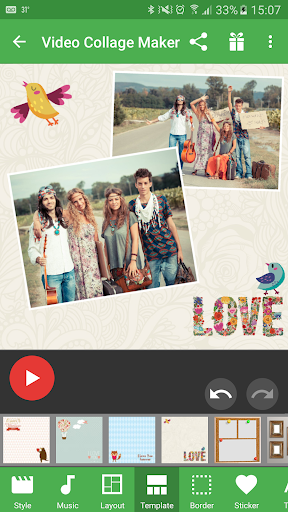
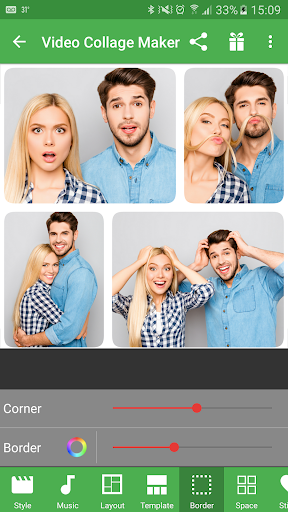
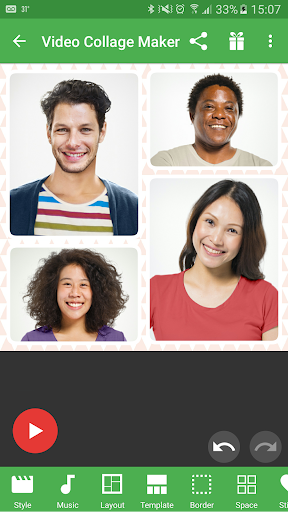
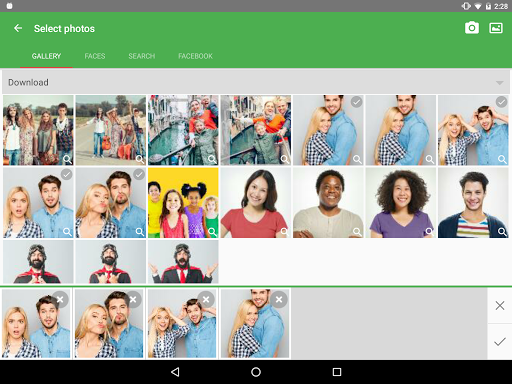
Select photos to create a beautiful short video collage (grid of photos).
Video or Photo Save either photo collage or video collage
Easy to use. Fast and Intuitive
Customization:
Sound tracks
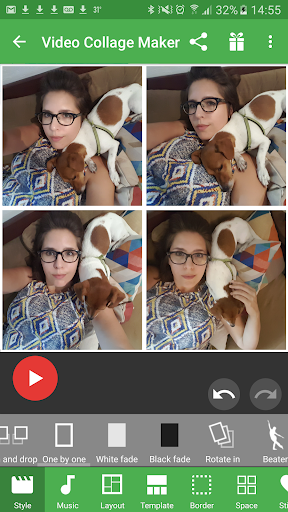
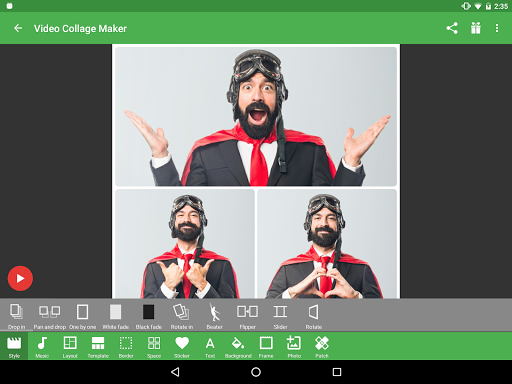
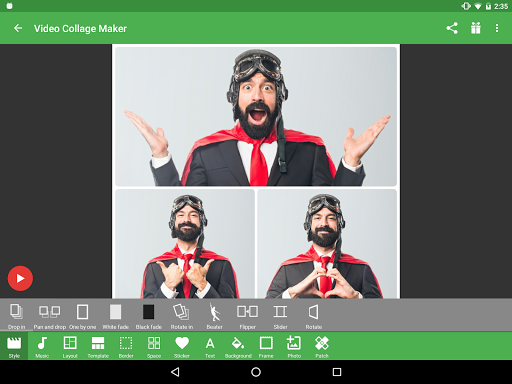
Slideshow styles
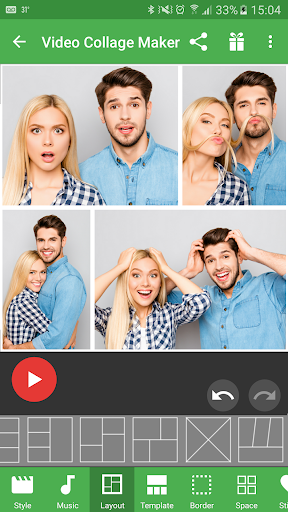
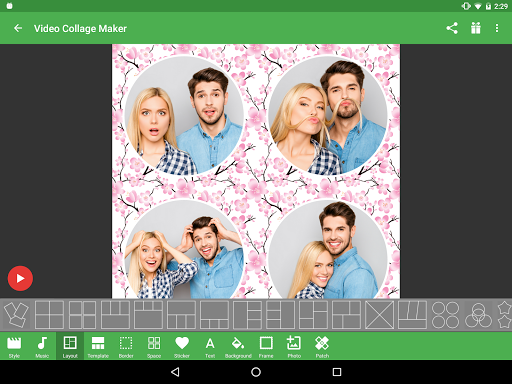
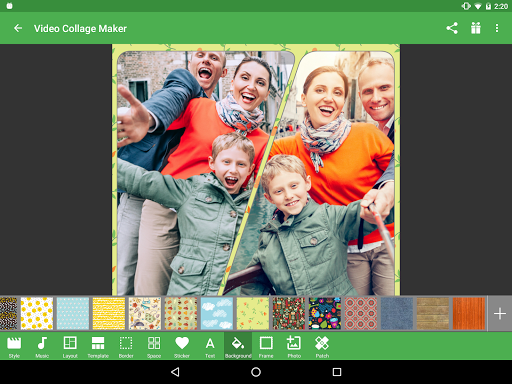
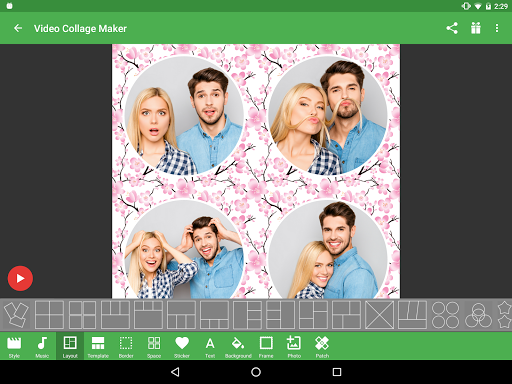
Collage Layouts 100+ predefined or create your own.
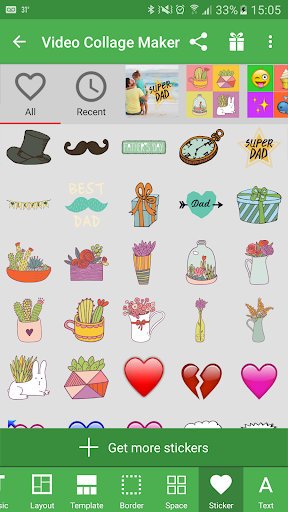
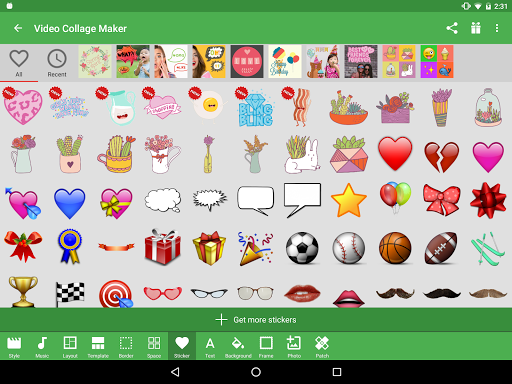
Stickers 100+ stickers. Use image search to import more.
Text 55+ different fonts
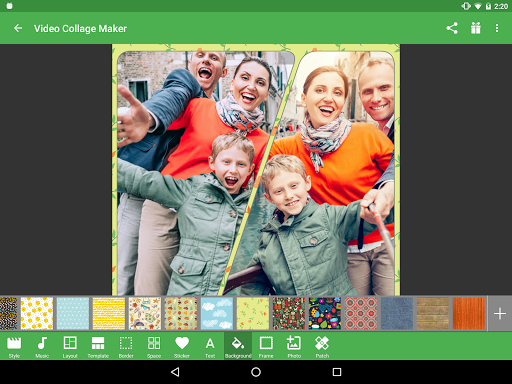
Backgrounds
Filters enhance your photos
Photo or Video save high resolution HD photos to your phone’s gallery, or hi-res MP4 videos
Many photo sources Camera pictures, social networks, or search the web for pics.
Share video collages you create with others.
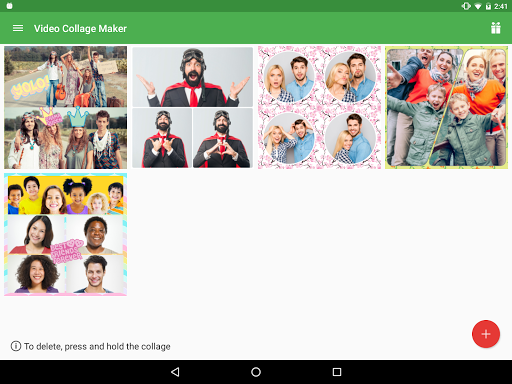
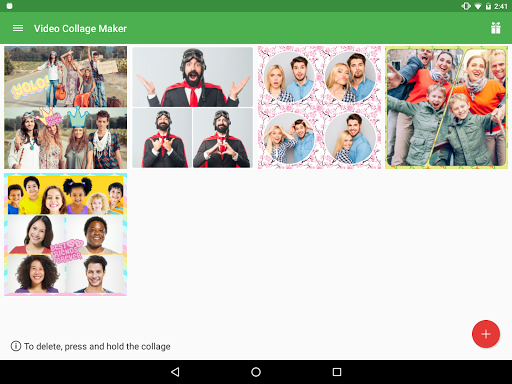
Modify re-edit the collage any time.
More information:
* No private data is collected - see privacy policy and terms below
* Free with ads.
Some of the pictures appearing on this page are licensed under Creative Common Attribution license, see “Credits” screen.
Select photos to create a beautiful short video collage (grid of photos).
Video or Photo Save either photo collage or video collage
Easy to use. Fast and Intuitive
Customization:
Sound tracks
Slideshow styles
Collage Layouts 100+ predefined or create your own.
Stickers 100+ stickers. Use image search to import more.
Text 55+ different fonts
Backgrounds
Filters enhance your photos
Photo or Video save high resolution HD photos to your phone’s gallery, or hi-res MP4 videos
Many photo sources Camera pictures, social networks, or search the web for pics.
Share video collages you create with others.
Modify re-edit the collage any time.
More information:
* No private data is collected - see privacy policy and terms below
* Free with ads.
Some of the pictures appearing on this page are licensed under Creative Common Attribution license, see “Credits” screen.
What's New
Stability and performance fixes
App Information
Version Name
24.9
Version Code
249
File Size
42.5 MB
Minimum OS
Android 7.0+
Target SDK
Android 28
Developer
Scoompa
Contact
Website
Content Rating
Everyone
Package Name
com.scoompa.collagemaker.videoPermissions Required
This app may request the following permissions:
Recent Reviews

A Google user
2.0★
Cannot send not even to my own phone. Time spent to put it all together then not be able to send it to a friend or family member is frustrating. Plus the frames ended up with blank pictures. The music works great Years later & still it will not send to anyone. Kept resizing by deleting photos & still not send. So whats the sense in taking the time to put a video together. 🤐😩😵

Linda Casarez
5.0★
Love this video collage maker. I've had this app since 2018. I download it each time I get a new phone. It's easy to use, you can add music to the video collage (use their music or download your own) You can save the video to your own photo gallery, and you can share it on social media. I have never encountered any problems with the app.

Exotic Seduction
4.0★
..This app cant be used with videos like title could be portrayed as, it instead turns pictures into videoslideshows. I like this app but I do not like how fast the pics move when slideshow is created, so it would be nice if pics slow down—it would also be nice if you put an option to add transitions (have a large selection of them) and pleaseee put a picture duration that can be customized by us, but overall this is still a nice app, worthy of 5 stars if the things I mentioned do not bother you
A Google user
1.0★
"Video Collage Maker" only makes slideshows. If you want to make a video collage, you need their "Slideshow Maker." Words no longer have meaning. Names do not indicate function. This app is apparently transapptual. Waste of time.
A Google user
3.0★
It is a nice app with good features but there is no way to control the speed of the pictures .. it is like watching a video in fast forward .. it would be great to have control over the display speed
A Google user
4.0★
yes I do love this app a lot because all things I can do with it and create pictures and designs with my loved ones in my closest friends and two special cars for them as well I really have fun I wish that you can add more stuff to the program and everything to make it more exciting if I see that then I will give you an update of you take care and thank you for everything.
Ad slot: In-Content