

Clock
com.sec.android.app.clockpackage
by Samsung Electronics Co., Ltd.
Screenshots

Ad slot: Top Leaderboard
About this app
The Clock app provides Alarm, World Clock, Stopwatch, and Timer features. Use the Clock app to manage your time efficiently, as well as check the weather by city.
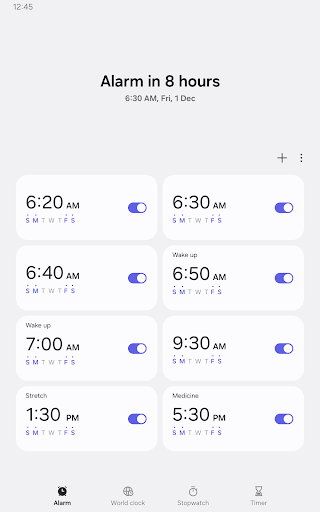
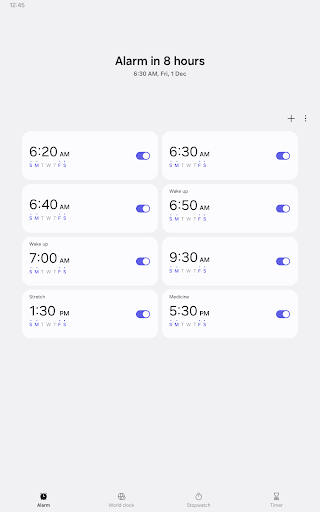
• Alarm
This feature allows you to assign dates to alarms, and repeat alarms can skip one day and be turned on again. The Snooze feature allows you to create the same effect as setting multiple alarms.
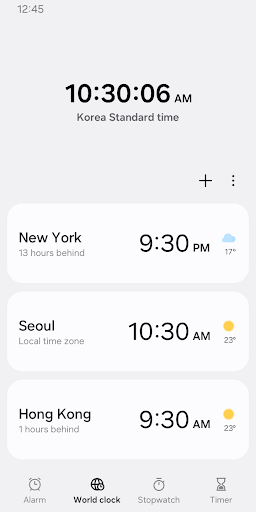
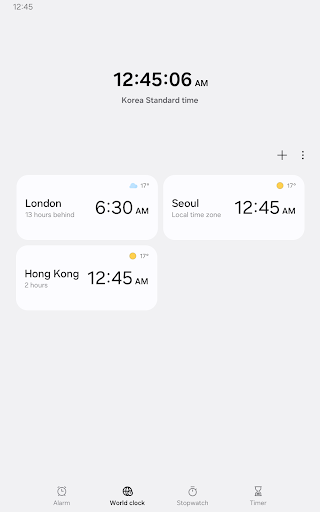
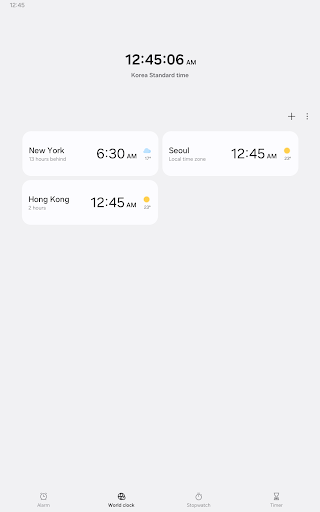
• World Clock
This feature allows you to check the time and weather by city. Quickly confirm the location of a specific city with the globe.
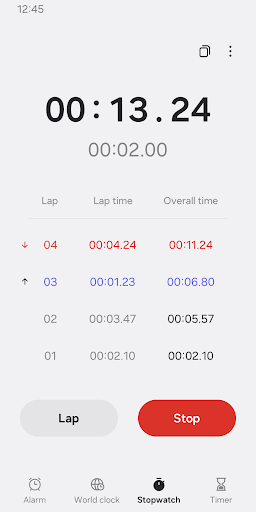
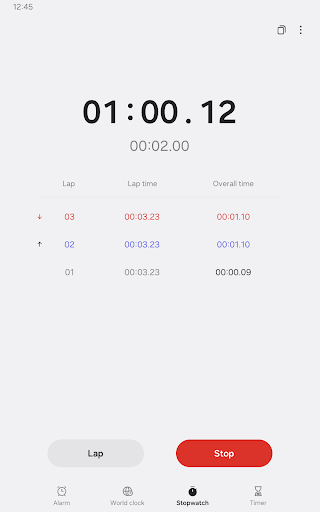
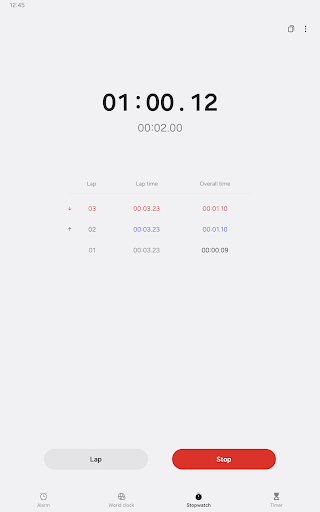
• Stopwatch
This feature allows you to record the elapsed time for each section and copy the recorded value.
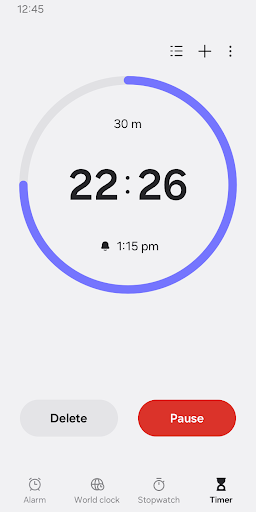
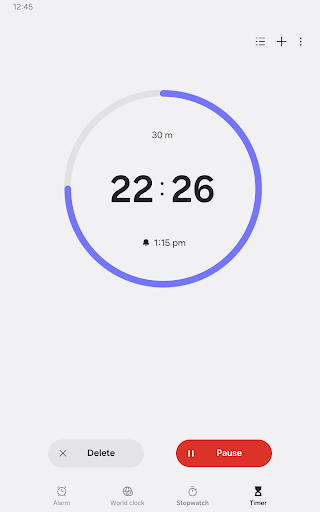
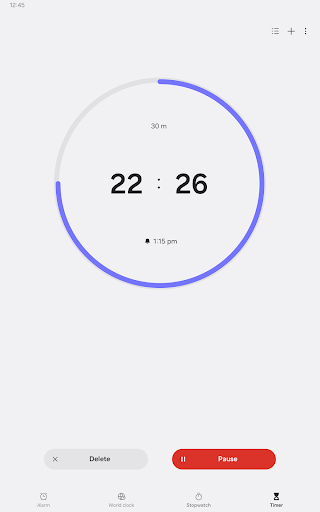
• Timer
This feature allows you to save frequently used timer times as preset timers, as well as run multiple timers simultaneously.
The following permissions are required to use this app, but you can use the basic features of the app without allowing these permissions.
Optional permissions
• Music and audio: Used to open sounds saved on your phone or tablet for alarms and timer alerts
• Notifications: Used to show ongoing timers and notify you about upcoming and missed alarms
• Photos and videos: Used to select images and videos for alarm backgrounds(Android 14 and higher)
• Alarm
This feature allows you to assign dates to alarms, and repeat alarms can skip one day and be turned on again. The Snooze feature allows you to create the same effect as setting multiple alarms.
• World Clock
This feature allows you to check the time and weather by city. Quickly confirm the location of a specific city with the globe.
• Stopwatch
This feature allows you to record the elapsed time for each section and copy the recorded value.
• Timer
This feature allows you to save frequently used timer times as preset timers, as well as run multiple timers simultaneously.
The following permissions are required to use this app, but you can use the basic features of the app without allowing these permissions.
Optional permissions
• Music and audio: Used to open sounds saved on your phone or tablet for alarms and timer alerts
• Notifications: Used to show ongoing timers and notify you about upcoming and missed alarms
• Photos and videos: Used to select images and videos for alarm backgrounds(Android 14 and higher)
What's New
Improved and stabilized some features
App Information
Version Name
12.9.15.13
Version Code
1291513000
File Size
22.6 MB
Min SDK
Android 28+
Target SDK
Android 29
Developer
Samsung Electronics Co., Ltd.
Contact
Content Rating
Everyone
Package Name
com.sec.android.app.clockpackagePermissions Required
This app may request the following permissions:
Recent Reviews

Joel McGregor
1.0★
Terrible alarm. Sometimes it will let you snooze for up to 60 minutes and sometimes it gives you no time choice. Also why 60 minutes maximum? Often I want a reminder alarm days or hours ahead and the only way to do that is to set multiple alarms. Awful. If I don't have time to do something when the alarm goes off, I don't have time to set another alarm.

LMTabone
3.0★
I've been using this app for years, it's been very reliable and easy to use. After the last round of updates though, the widget options for the alarms don't all show the names of the alarms. This info with the alarm time, and the days the alarm will go off are all important pieces to show on. Please update all the widgets! Right now the only widget that shows all the info takes up 1/3 of the screen. Previous widget designs worked much better!!

Nina B
1.0★
Stopped using this app in '23 because the alarm stopped working after an update. Fast forward to 4/25, decided to try it again. Was actually working well, then the big Samsung update happened and it's garbage again. My alarm doesn't go off since the recent update. And what happened to having the alarm say the time of day? That option is gone! Going back to a different clock app.

Dan D. Lion94
2.0★
After turning off my alarms for work, some of them refuse to notify me when it's time for an alarm to go off even when I turned it back on again, I've had to reset my alarms multiple times and it doesn't fix the problem half the time, it would also be nice to be able to fully uninstall the app off my phone, guess it's time to search for a new clock app and bloatware removal.

Tremayne “Mayne Teezy” Teague
1.0★
The same as the previous reviews. In the past month or so, the alarm clock stopped functioning properly. The biggest problem is I am missing my alarms now. The alarm only goes off once and doesn't repeat for 5 mins like it used to. It now only plays for about 10 seconds. It will then snooze for 5 min. So if u aren't alerted within the 10 seconds, it is completely useless. This is extremely infuriating and it is sabotaging my career.

Brandon Hawkins
2.0★
I had to read the other reviews to see if I was the only one, but it appears that numerous people have encountered this absolutely world shattering bug where you set an alarm and it never goes off. No notification. No snoozes. No ringing. Nothing. I read on Google that resetting your phone can potentially fix this problem. That is, however, entirely pointless since you don't know it won't work until it happens. I've almost gotten fired twice now due to the alarm not going off, unforgivable.
Ad slot: In-Content