

Samsung Internet Browser
com.sec.android.app.sbrowser
by Samsung Electronics Co., Ltd.
Screenshots



Ad slot: Top Leaderboard
About this app
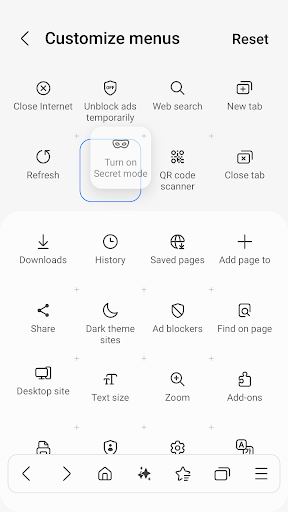
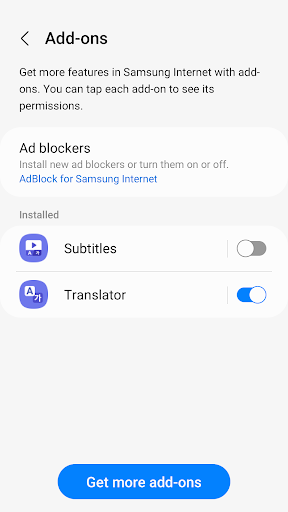
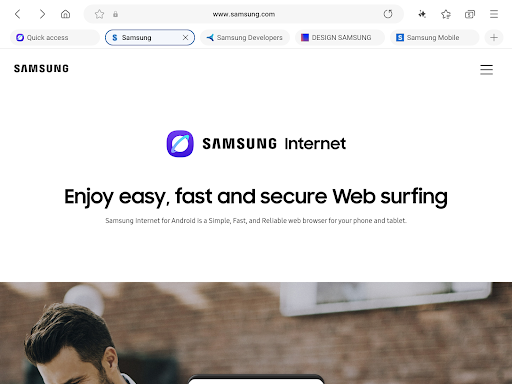
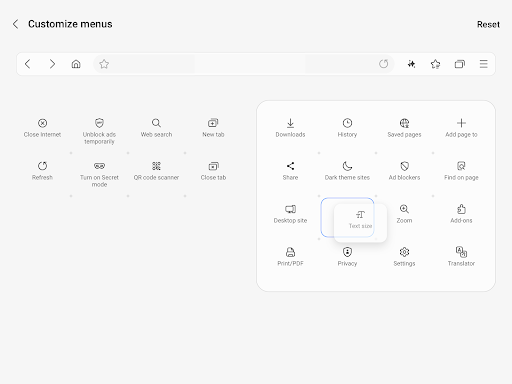
Samsung Internet provides the best web browsing experience for you with Video Assistant, Dark Mode, Customize menu, Extensions such as Translator, and by protecting your privacy with Secret mode, Smart Anti-Tracking and Smart Protection.
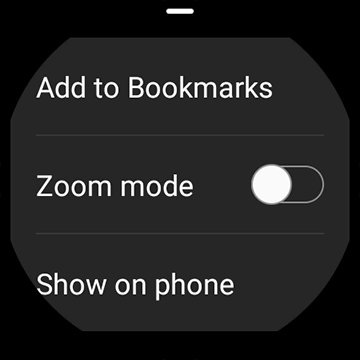
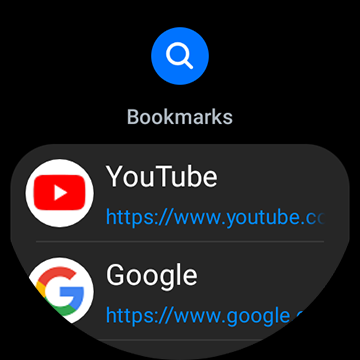
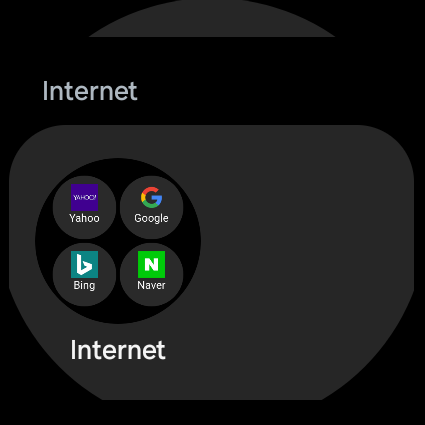
Samsung Internet with tiles and complication feature is available on Galaxy Watch devices that support Wear OS. (※ Galaxy Watch4 series and models released later)
■ New Features for you
* Recommendation to close old tabs
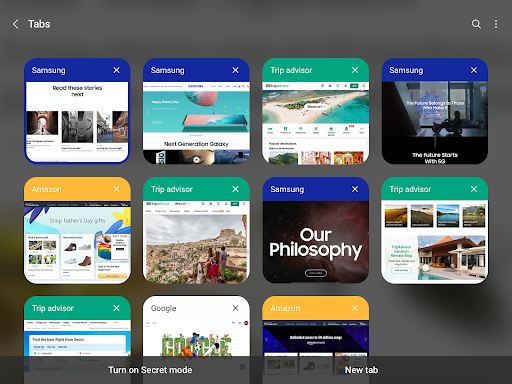
If you have a large number of tabs open in your browser, a list of older, less-used tabs you might want to close is provided via the “Tab manager” menu
■ Security & Privacy
Samsung Internet helps you protect your security and privacy while browsing the Internet.
* Smart Anti-Tracking
Intelligently identify domains which have cross-site tracking ability and block storage (cookie) access.
* Protected Browsing
We will warn you before you can view known malicious sites to prevent you from visiting web sites which may try to steal your data.
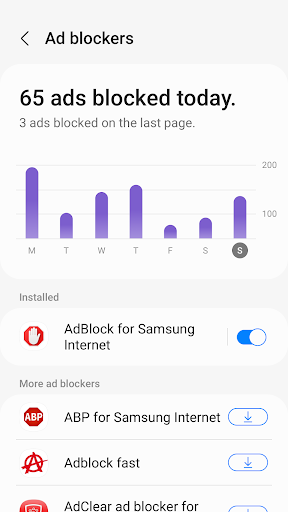
* Content Blockers
Samsung Internet for Android allows 3rd party apps to provide filters for content blocking, making browsing safer and more streamlined.
The following permissions are required for the app service.
For optional permissions, the default functionality of the service is turned on, but not allowed.
[Required permissions]
none
[Optional permissions]
Location: Used to provide location-based content requested by the user or location information requested by the webpage in use
Camera: Used to provide webpage shooting function and QR code shooting function
Microphone: Used to provide recording function on webpage
Phone: (Android 11) Requires access permission to check the mobile phone information in order to provide country-specific feature optimization
Nearby devices: (Android 12 or higher) To find and connect to nearby Bluetooth devices when requested by the website
Music and audio: (Android 13 or higher) To upload audio files on webpages
Photos and videos: (Android 13 or higher) To upload photos and videos on webpages
Files and media: (Android 12) To upload files stored in storage spaces on webpages
Storage: (Android 11 or lower) To upload files stored in storage spaces on webpages
Notifications: (Android 13 or higher) To display the download progress and website notifications
Samsung Internet with tiles and complication feature is available on Galaxy Watch devices that support Wear OS. (※ Galaxy Watch4 series and models released later)
■ New Features for you
* Recommendation to close old tabs
If you have a large number of tabs open in your browser, a list of older, less-used tabs you might want to close is provided via the “Tab manager” menu
■ Security & Privacy
Samsung Internet helps you protect your security and privacy while browsing the Internet.
* Smart Anti-Tracking
Intelligently identify domains which have cross-site tracking ability and block storage (cookie) access.
* Protected Browsing
We will warn you before you can view known malicious sites to prevent you from visiting web sites which may try to steal your data.
* Content Blockers
Samsung Internet for Android allows 3rd party apps to provide filters for content blocking, making browsing safer and more streamlined.
The following permissions are required for the app service.
For optional permissions, the default functionality of the service is turned on, but not allowed.
[Required permissions]
none
[Optional permissions]
Location: Used to provide location-based content requested by the user or location information requested by the webpage in use
Camera: Used to provide webpage shooting function and QR code shooting function
Microphone: Used to provide recording function on webpage
Phone: (Android 11) Requires access permission to check the mobile phone information in order to provide country-specific feature optimization
Nearby devices: (Android 12 or higher) To find and connect to nearby Bluetooth devices when requested by the website
Music and audio: (Android 13 or higher) To upload audio files on webpages
Photos and videos: (Android 13 or higher) To upload photos and videos on webpages
Files and media: (Android 12) To upload files stored in storage spaces on webpages
Storage: (Android 11 or lower) To upload files stored in storage spaces on webpages
Notifications: (Android 13 or higher) To display the download progress and website notifications
What's New
v28.0.5.9
* Fixed bugs and improved stability
* Fixed bugs and improved stability
App Information
Version Name
25.0.1.3
Version Code
1250103502
File Size
126.1 MB
Min SDK
Android 26+
Target SDK
Android 34
Developer
Samsung Electronics Co., Ltd.
Contact
Website
Content Rating
Everyone
Package Name
com.sec.android.app.sbrowserPermissions Required
This app may request the following permissions:
Recent Reviews

Erica P
3.0★
The browser has worked fairly flawlessly for years until this latest system update. Now, it crashes multiple times a day. I can't go on the Lowe's website or it crashes every time. If I do shopping searches on Google, it'll crash if I click a result. Other crashes seem random. My storage space and memory are fine. I've turned my phone off and back on a few times anyway, to no avail. I don't know what got changed during the latest update, but please change it back.

D Jones
1.0★
Takes forever to do anything. If I type into the search bar it won't do anything and will just erase what I typed. I have to use the search bar at the top of the page for it to work. when searching something it'll take literally minutes before it searches but I zero issues when I use any other search engine. Such a garbage app. id recommend anything else

Pamela RulatheRed McDonald
2.0★
First,Samsung has major issues with most of their devices and applications due to weak security leaks. Every single phone that I have used with Samsung seems to have the same problem. You should be able to uninstall any application , many of mine are greyed out and obstructed from performing correctly. For example; when I download the application and even before opening the app, I get loads of data installed and the same in my cache. When I go to clear the cache, it immediately comes right back.

Bryanna Thomas
2.0★
I really want to like this app but there's a big problem in the way of long term use. There seems to be no efficient way to export/import secret mode bookmarks. I bookmark a lot in both modes for quicker scrolling. I noticed the issue recently and you can't use the app long term if you can't transfer your bookmarks over the years with manually as the only option. Sync does not work which is fine for privacy from cloud, but neither does a cable or app work! This needs to be an update.

gg
1.0★
This app has been extremely slow recently. I know its not just my phone because everything else works perfectly and my husband's internet app has also been causing him problems. Its slow, it freezes, and it hasn't been loading pages at all, it just crashes. Its getting very annoying. I'm switching back to Chrome until they fix this issue. It seems after the latest update, its been causing problems.

A Google user
1.0★
After the recent update for this app, I have noticed that it loads very slow. My phone lags alot and freezes when using it, which makes it difficult to navigate between tabs etc. Plus, whenever I type in anything, there is a long delay between when I type something and when my typed words appear. Please revert the app back to its previous version (it was just fine). This update has ruined the app. I'd give it 0 stars if I could.
Ad slot: In-Content