
Samsung Mobile Print
com.sec.print.mobileprint
by HP Inc.
Screenshots



Ad slot: Top Leaderboard
About this app
Print, Scan or send Fax wirelessly from your Android phone, tablet, or any other supported Android device to almost any* Samsung Laser Printer.
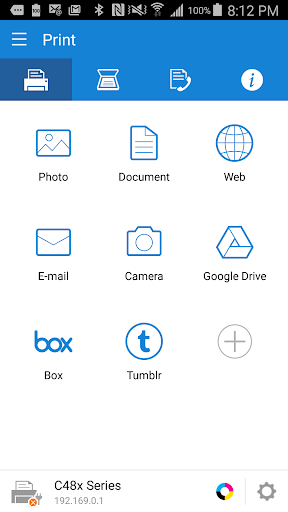
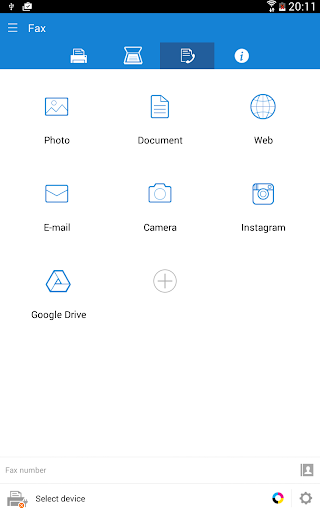
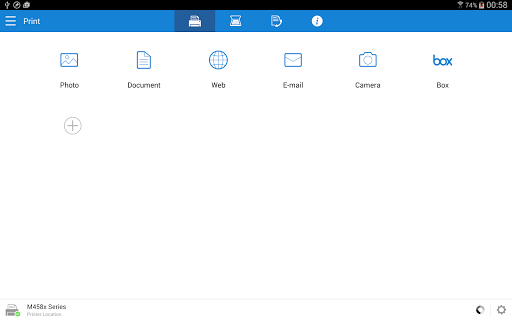
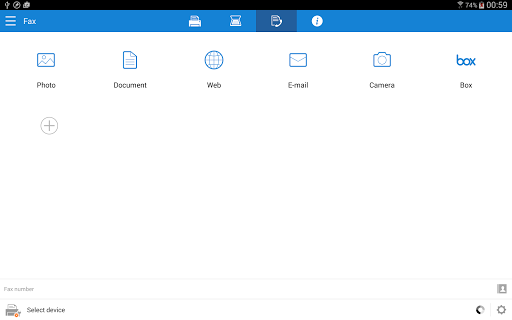
Samsung Mobile Print empowers to print or send fax, most of the digital contents like Office documents, PDF, images, emails, web pages or even the contents on your social network sites.
Let your content be on your phone or on Google drive it’s just easy.
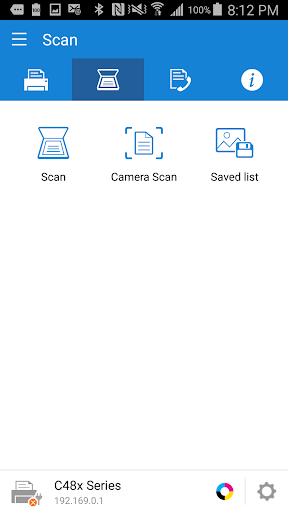
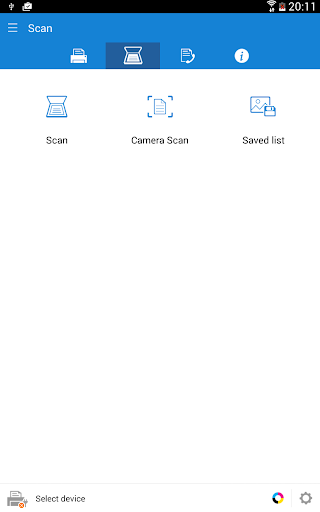
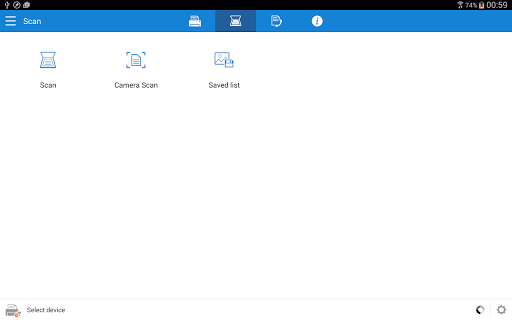
It also supports scanning from your network multi-functional device and saving in various formats like pdf, jpg or png. Sharing your scanned documents is just a click away.
Key Features
> Intuitive action bar style user interface.
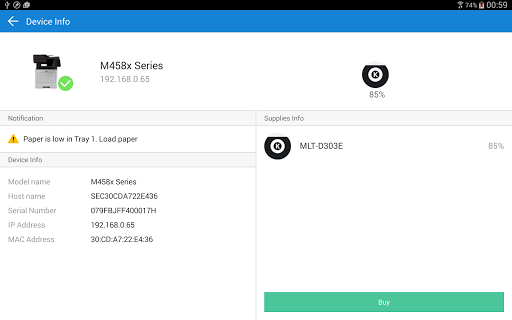
> Automatic discovery of supported network devices.
> Select multiple images, tap to crop or rotate.
> Supports multiple image sizes and multiple images on a page.
> Print or send fax documents/emails/email attachments/web pages/images.
> Supports contents at Google Drive, Dropbox, Evernote, OneDrive, Box and Facebook.
> Scan from flatbed or ADF and save as PDF, PNG, JPG.
> Print or Scan pages as big as A3*.
> Share to open any of the supported content from any other App.
> For corporate environment, supports security features like Job Accounting, Confidential Print and Secure Release.
> Integration support for Auto Toner Ordering Service (US and UK)
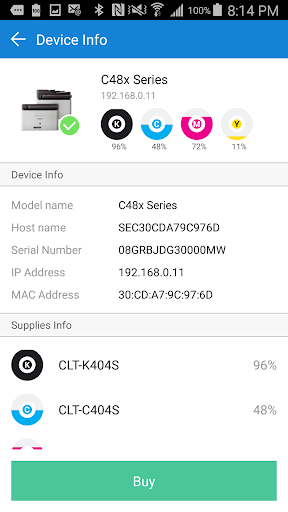
> Integration support for following printer's Wi-Fi setup (M2020/2070/283x/288x/262x/282x/267x/287x/301x/306x Series, CLP-360 Series, CLX-330x Series, C410/460/430/480 Series)
**Supports Only Samsung Printers**
* Scanning and sending fax is supported only on supported N/W printers.
* Printing can be done on printers connected via Print server or Shared.
* Maximum print and scan size would depend on the media size supported by the device.
* If you use the CJX-1050W/CJX-2000FW printer, please install "" Samsung Mobile Print Photo"" instead this app.
Supported Model List
* M2020/2070/283x/288x/262x/282x/267x/287x/4370/5370/4580 Series
* C410/460/1810/1860/2620/2670/140x/145x/4820 Series
* CLP-300/31x/32x/350/360/610/620/660/670/680/770/775 Series
* CLX-216x/316x/317x/318x/838x/854x/9252/9352/92x1/93x1 Series
* ML-1865W/2150/2160/2165/2250/2525/257x/2580/285x/2950/305x/3300/347x/331x/371x/405x/455x/551x/651x Series
* SCX-1490/2000/320x/340x/4623/4x21/4x24/4x26/4x28/470x/472x/4x33/5x35/5x37/6545/6555/8030/8040/8123/8128 Series
* SF-650, SF-760 Series
Permission Details:
Below are the details about the permissions Samsung Mobile Print app is using.
. STORAGE : To print photos and files.
. LOCATION : Location permission is required to search for nearby Wi-Fi Direct printers.
. NFC : For direct connection between mobile device and Printer.
. CAMERA : To use Camera.
. INTERNET: For any network communication.
. READ_CONTACTS: For selecting Fax number from Address book.
. GET_ACCOUNTS: For showing registered accounts in email printing and printing contents from Google drive.
. USE_CREDENTIALS: For printing from Google Drive.
. VIBRATION : To notify when NFC tag was read properly
Samsung Mobile Print empowers to print or send fax, most of the digital contents like Office documents, PDF, images, emails, web pages or even the contents on your social network sites.
Let your content be on your phone or on Google drive it’s just easy.
It also supports scanning from your network multi-functional device and saving in various formats like pdf, jpg or png. Sharing your scanned documents is just a click away.
Key Features
> Intuitive action bar style user interface.
> Automatic discovery of supported network devices.
> Select multiple images, tap to crop or rotate.
> Supports multiple image sizes and multiple images on a page.
> Print or send fax documents/emails/email attachments/web pages/images.
> Supports contents at Google Drive, Dropbox, Evernote, OneDrive, Box and Facebook.
> Scan from flatbed or ADF and save as PDF, PNG, JPG.
> Print or Scan pages as big as A3*.
> Share to open any of the supported content from any other App.
> For corporate environment, supports security features like Job Accounting, Confidential Print and Secure Release.
> Integration support for Auto Toner Ordering Service (US and UK)
> Integration support for following printer's Wi-Fi setup (M2020/2070/283x/288x/262x/282x/267x/287x/301x/306x Series, CLP-360 Series, CLX-330x Series, C410/460/430/480 Series)
**Supports Only Samsung Printers**
* Scanning and sending fax is supported only on supported N/W printers.
* Printing can be done on printers connected via Print server or Shared.
* Maximum print and scan size would depend on the media size supported by the device.
* If you use the CJX-1050W/CJX-2000FW printer, please install "" Samsung Mobile Print Photo"" instead this app.
Supported Model List
* M2020/2070/283x/288x/262x/282x/267x/287x/4370/5370/4580 Series
* C410/460/1810/1860/2620/2670/140x/145x/4820 Series
* CLP-300/31x/32x/350/360/610/620/660/670/680/770/775 Series
* CLX-216x/316x/317x/318x/838x/854x/9252/9352/92x1/93x1 Series
* ML-1865W/2150/2160/2165/2250/2525/257x/2580/285x/2950/305x/3300/347x/331x/371x/405x/455x/551x/651x Series
* SCX-1490/2000/320x/340x/4623/4x21/4x24/4x26/4x28/470x/472x/4x33/5x35/5x37/6545/6555/8030/8040/8123/8128 Series
* SF-650, SF-760 Series
Permission Details:
Below are the details about the permissions Samsung Mobile Print app is using.
. STORAGE : To print photos and files.
. LOCATION : Location permission is required to search for nearby Wi-Fi Direct printers.
. NFC : For direct connection between mobile device and Printer.
. CAMERA : To use Camera.
. INTERNET: For any network communication.
. READ_CONTACTS: For selecting Fax number from Address book.
. GET_ACCOUNTS: For showing registered accounts in email printing and printing contents from Google drive.
. USE_CREDENTIALS: For printing from Google Drive.
. VIBRATION : To notify when NFC tag was read properly
What's New
1. Target API level updated to 34.
2. Bug fix.
2. Bug fix.
App Information
Version Name
4.08.039
Version Code
380
File Size
30.0 MB
Minimum OS
Android 4.3+
Target SDK
Android 33
Developer
HP Inc.
Contact
Website
Content Rating
Everyone
Package Name
com.sec.print.mobileprintPermissions Required
This app may request the following permissions:
Recent Reviews

A Google user
2.0★
After setting up my M2020 with the Samsung Easy Printer Manager, it was simple to use. BUT then it disconnects, and re-connecting is a PITA, so I often just give up. Theres no option to navigate folder by folder. The app scans the phone and lists ALL files, so I have to know the EXACT name of the file. Finally, it can't be moved to the SD card any longer. 80+ megabytes is far too big for something only used occasionally and that works erratically. Uninstalled.
A Google user
1.0★
WHAT THE H*LL SAMSUNG! Ever since the last update it is virtually impossible to connect my phone to the printer. Takes sometimes up to 40 attempts (no joke) or more to connect. It seems I always end up bringing out my laptop and connecting it with a printer cable in order to print a document. I don't understand whats going on. It use to work fairly decent before. I think its time to look into other printing options, because either the printer or the app really blow.

Ashley Sidney
1.0★
I've almost always had difficulties using this app with my printer... I always have to jump through multiple hoops to connect the printer to the phone. Nothing has changed as far a phone, printer or wifi but it always says the printer is not visible to the app/phone. Always shows the surrounding printers that aren't mine. Very annoying.

Vadym Charkovskyy
2.0★
This app used to be working bad, now it's just stopped printing and yes, it is connected to the printer, when you send page to print for half of second message appears on printer and gone and nothing happened how much u try. I was able to print from Adobe app, but this one still dead. Update: after reinstalling app sims to start working again. But it is still interfering with other WiFi signals sometimes and won't print.
A Google user
1.0★
There's a bug with the version updated around Nov. 2019 where scanned pdf files have nothing but blank pages, which makes the scanner unusable or useless. Also, the scanned images are no longer stored to the Scan folder as they used to be but to a secure folder somewhere that cannot be found, which seems to cause problems with sharing with other services such as Google Photos.
A Google user
2.0★
This app was working fine until recently. Now my scans are cropped and only a little part (like a thumbnail) is showing in the final output. This is extremely painful as I am not able to use the scanner. Can you please fix it...I mean it was working fine before, so it's probably one of your recent updates. (I tried using both Android 9 and 10 - same issue)
Ad slot: In-Content