

Parental Control SecureKids
com.securekids.launcher_reloaded
by Grupo Deidev
Screenshots








Ad slot: Top Leaderboard
About this app
Android parental control for mobile and tablet, SecureKids is an app to help you manage your children devices. SecureKids allows you to decide which websites your children can access, which applications they can use and install, to and from who they can call and send messages, and many other features in a useful, fast and handy way.
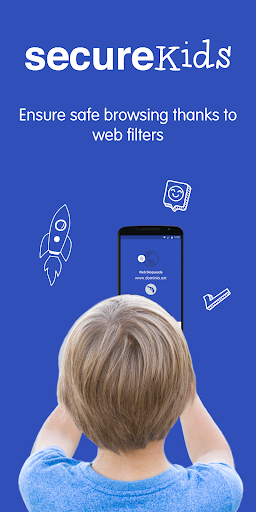
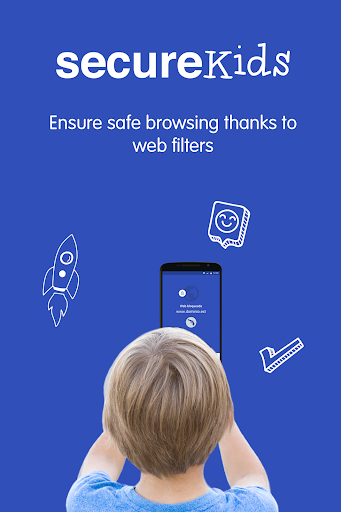
Block Web Pages: Choose between our different web filters and block undesired web categories or create a list of pages where access is allowed for your child device and block every other webpage.
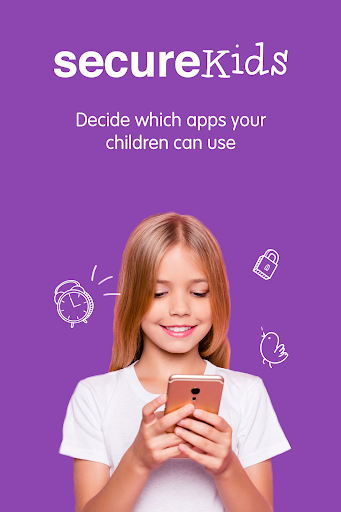
Block Applications: You can block any application you wish from a device, leaving enabled those your children can access and use. Also, you can set a maximum usage time limit for any application, so they don’t spend the whole day playing games instead of doing their chores and homework.
Block Calls:You can create a phone number list from all the contact list, so you can avoid certain calls, and block unknown contacts or international calls.
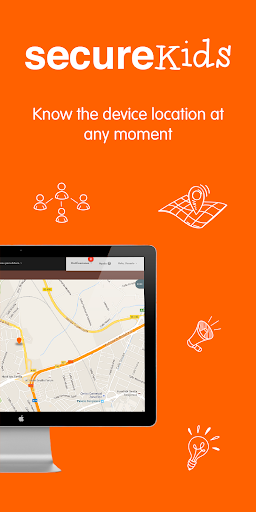
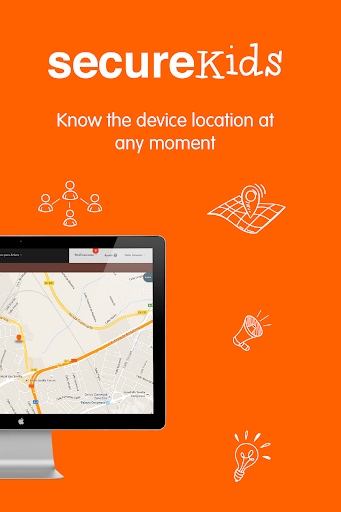
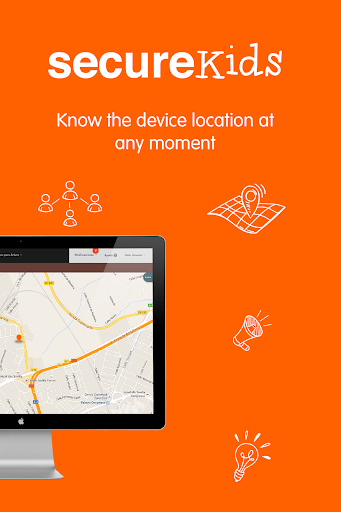
Locate Devices: With this feature you can know your child location at all times with just one click. You do not need to call your child to know where he/she is, with SecureKids you will know the exact location in an easy and convenient way.
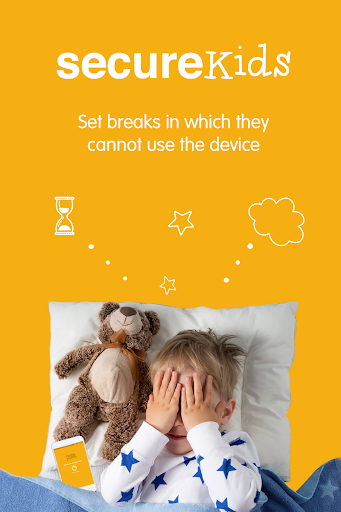
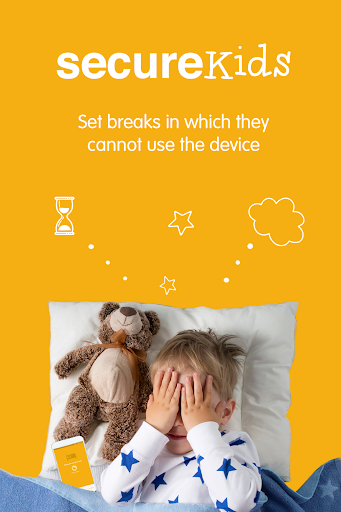
Block Devices: The perfect solution for school or bed time, block the mobile device with this feature, this way your children could not use them for a set time frame that you decide. There are different categories and you could set custom breaks that suit your needs.
Emergency button: This emergency feature emits a signal, locating the exact position of your child on a map, and taking, if possible, an automatic photograph. This signal will be sent to parent’s mail or the parental SecureKids app, alerting them of the emergency.
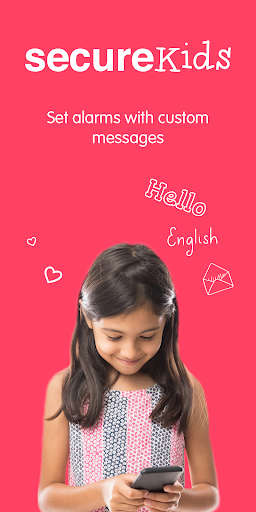
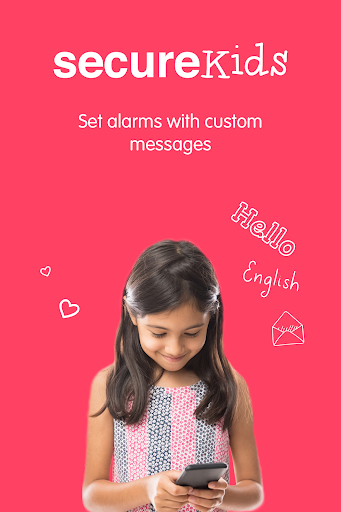
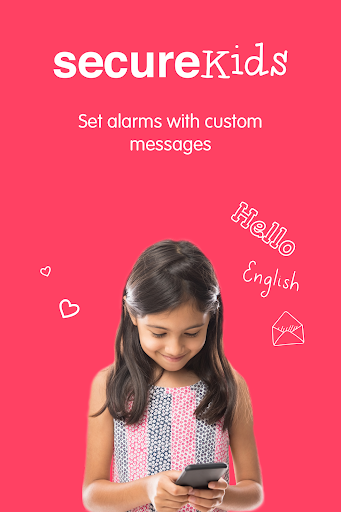
Alarms: This SecureKids tool you could set clock alarms in the android devices of your children anywhere and anytime, without the need of having their device with you.
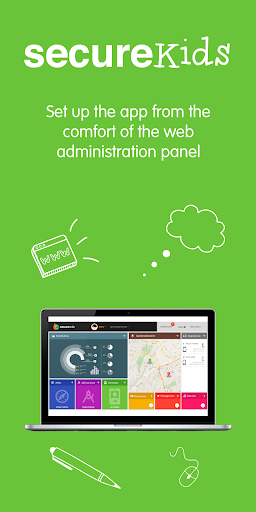
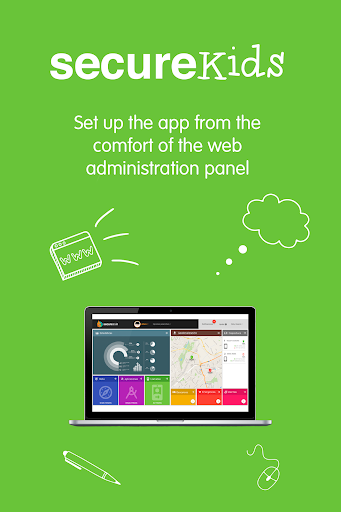
Parent App: To make easier your devices management with SecureKids, we have incorporated to this app a “parent section”, with which you could manage every feature of SecureKids parental control anytime and anywhere.
Statistics: With this new SecureKids feature you can monitor your child device, which apps are more used, how many time has been user the device or which apps categories are used the most.
If you want to start using SecureKids you just need to sign up on our web page:
https://panel.securekids.es/en/users/login
You can also sign up using our Android app. Once your account is created you can start managing the parental control on your children's devices. The configuration can be done from our management panel or from our Android SecureKids app inside the “parents section”.
Need more info? Visit our web page:
https://securekids.es/
or send us an e-mail: [email protected]
This app uses the Device Administrator permission.
This app uses Accessibility services. We use that permission to offer a safe usage to disabled people. This includes mental problems and learning disabilities, ADD/ADHD, autism, addictions, depression, etc. We apply a device usage control that allows them using Android on a safe and controlled way. We limit the use and access to apps and websites, we also avoid the uninstall of SecureKids.
SecureKids requires call permission, so we can detect, handle or block calls in order to avoid unwanted calls from our users.
We use the permission to ”process outgoing calls” as it’s needed to avoid unwanted calls and avoid making calls to blocked, unknown or international numbers.
Block Web Pages: Choose between our different web filters and block undesired web categories or create a list of pages where access is allowed for your child device and block every other webpage.
Block Applications: You can block any application you wish from a device, leaving enabled those your children can access and use. Also, you can set a maximum usage time limit for any application, so they don’t spend the whole day playing games instead of doing their chores and homework.
Block Calls:You can create a phone number list from all the contact list, so you can avoid certain calls, and block unknown contacts or international calls.
Locate Devices: With this feature you can know your child location at all times with just one click. You do not need to call your child to know where he/she is, with SecureKids you will know the exact location in an easy and convenient way.
Block Devices: The perfect solution for school or bed time, block the mobile device with this feature, this way your children could not use them for a set time frame that you decide. There are different categories and you could set custom breaks that suit your needs.
Emergency button: This emergency feature emits a signal, locating the exact position of your child on a map, and taking, if possible, an automatic photograph. This signal will be sent to parent’s mail or the parental SecureKids app, alerting them of the emergency.
Alarms: This SecureKids tool you could set clock alarms in the android devices of your children anywhere and anytime, without the need of having their device with you.
Parent App: To make easier your devices management with SecureKids, we have incorporated to this app a “parent section”, with which you could manage every feature of SecureKids parental control anytime and anywhere.
Statistics: With this new SecureKids feature you can monitor your child device, which apps are more used, how many time has been user the device or which apps categories are used the most.
If you want to start using SecureKids you just need to sign up on our web page:
https://panel.securekids.es/en/users/login
You can also sign up using our Android app. Once your account is created you can start managing the parental control on your children's devices. The configuration can be done from our management panel or from our Android SecureKids app inside the “parents section”.
Need more info? Visit our web page:
https://securekids.es/
or send us an e-mail: [email protected]
This app uses the Device Administrator permission.
This app uses Accessibility services. We use that permission to offer a safe usage to disabled people. This includes mental problems and learning disabilities, ADD/ADHD, autism, addictions, depression, etc. We apply a device usage control that allows them using Android on a safe and controlled way. We limit the use and access to apps and websites, we also avoid the uninstall of SecureKids.
SecureKids requires call permission, so we can detect, handle or block calls in order to avoid unwanted calls from our users.
We use the permission to ”process outgoing calls” as it’s needed to avoid unwanted calls and avoid making calls to blocked, unknown or international numbers.
What's New
* Android 13 update.
* Performance improvements.
* Bug fixes.
* Performance improvements.
* Bug fixes.
App Information
Version Name
0.24
Version Code
212
File Size
16.4 MB
Minimum OS
Android 6.0+
Target SDK
Android 31
Developer
Grupo Deidev
Contact
Website
Content Rating
Everyone
Package Name
com.securekids.launcher_reloadedPermissions Required
This app may request the following permissions:
Recent Reviews

A Google user
3.0★
A year later and both of these ideas would be helpful, especially the daily time limit. 12/17/17 - Does almost everything we need it to. A daily time limit would be great as our son abides by whatever restrictions the app dictates. Lastly, what this needs next is decibel volume control for headphones based on safety recommendations. I will raise rating once these are implemented. Keep up the great work!
A Google user
2.0★
EDIT: Lowered rating because after free trial ended I could not remove the app from my kids tablet. Because settings were blocked, I couldn't activate the wifi to log into the tablet nor could I look up the unlock code from my phone...just a "Contact Us" Button and a message showing trial ended. I fix computers/tablets/phones etc. and it took me quite some time to trick the tablet into uninstalling the app.. Other than that, Decent app!

Emmanuel Frank
2.0★
Nice, but missing key feature - no report on Internet sites visited. Uodate: though I liked this app, I had to move to another paid app due to lack of reports on websites visited. This is a key feature for me. Prefer to give my kids freedom, but periodically confirm they are using it appropriately. I don't want to be completely blank on what they do online. The other option is allowing access to only specific sites, which is too controlling IMHO.

Bethany Woodburn
1.0★
Horrible! I have paid twice to upgrade it, but it still won't let me add my third child! I will be getting my money back! It's a scam! If I could leave zero stars I would. Visually and practically it's almost perfect, but I have 3 kids. I would like to use it for all three kids. I'm so mad it's not funny. Almost 23$ it's taken from me. And not a single thing has allowed me to add another child. Someone better contact me ASAP!

Maggie Perez
2.0★
I installed this app in a phone and in a tablet and have been trying for two days to put it in these devices and it keeps saying that your having a problem with your internet, to try again in a couple of minutes and same thing keeps happening...I really want to have this app cause i like the way it works but if this issue isn't fixed then i'm gonna have to uninstall...I would greatly appreciate it if this could be taken care of.

Herbert Vaughn
2.0★
I'm lowering my initial rating because the app is not working properly. I can't unlock my kids apps. The app hasn't been working properly, and it just keeps giving me an error (500) message. When it works, it's an excellent app to help my kids learn to use their time wisely, and to do the "important" things 1st. But it's very frustrating to them and myself when I can't even control their apps anymore. DO NOT WASTE THE MONEY...
Ad slot: In-Content