

Securly Home
com.securly.pnphub
by Securly Inc.
Screenshots

Ad slot: Top Leaderboard
About this app
Bring the one online safety solution trusted by over 15,000 schools into your home.
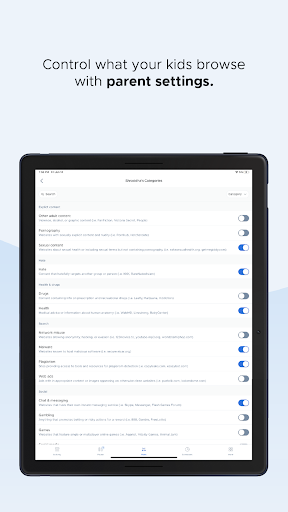
Wave goodbye to the stress that comes with sending school devices home. Securly Home is a free feature included with your school’s Filter purchase, giving parents control over their child’s school device when it goes home, including web filtering, site restrictions, and regulated screen time.
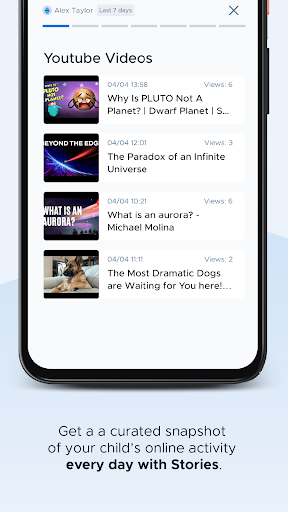
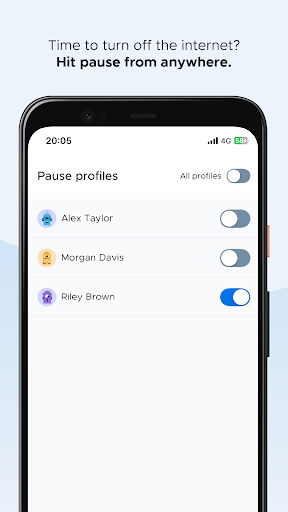
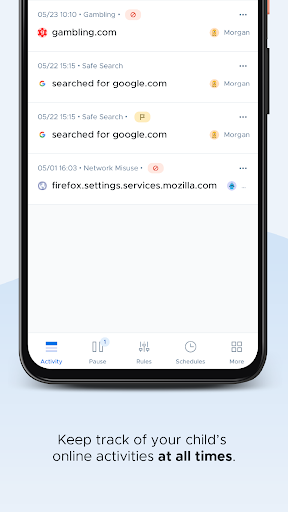
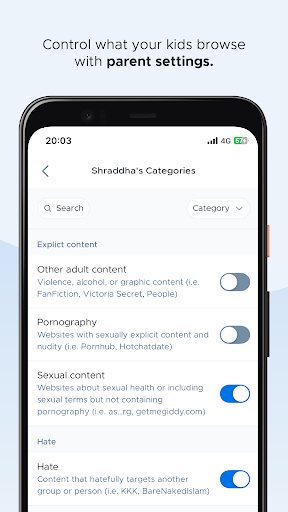
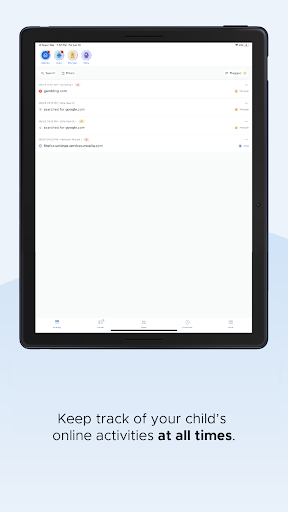
Securly Home lets parents stay informed with what their child is doing online, whether at school or at home. This comprehensive, easy to use app lets parents block inappropriate content, view a real-time activity feed, and pause the internet from anywhere, anytime.
Securly Home works with school-owned devices only. Parents can:
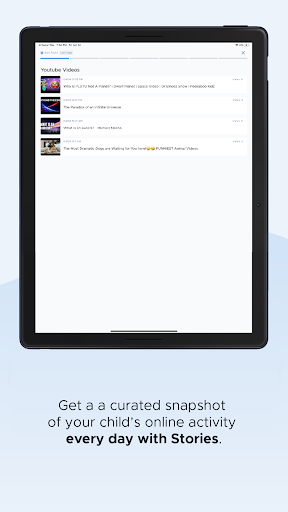
View a real-time activity feed
Customize rules specifically for school devices at home
Receive notifications about concerning activity (e.g. bullying, self-harm)
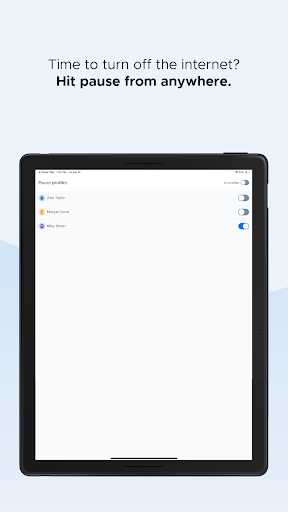
Limit screen time from anywhere with the pause button
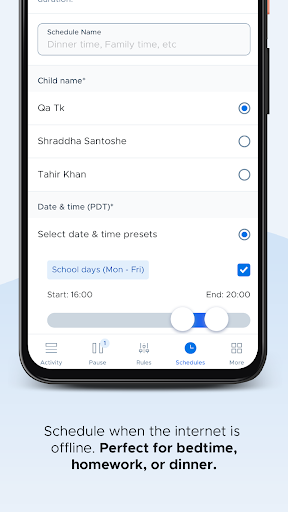
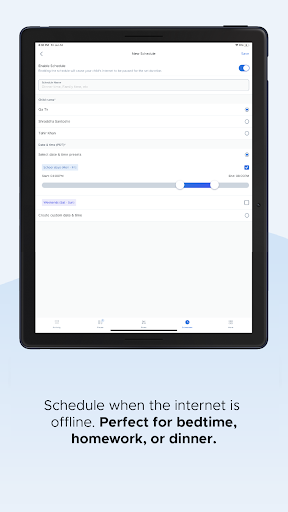
Determine when the internet is offline with offline scheduling
Wave goodbye to the stress that comes with sending school devices home. Securly Home is a free feature included with your school’s Filter purchase, giving parents control over their child’s school device when it goes home, including web filtering, site restrictions, and regulated screen time.
Securly Home lets parents stay informed with what their child is doing online, whether at school or at home. This comprehensive, easy to use app lets parents block inappropriate content, view a real-time activity feed, and pause the internet from anywhere, anytime.
Securly Home works with school-owned devices only. Parents can:
View a real-time activity feed
Customize rules specifically for school devices at home
Receive notifications about concerning activity (e.g. bullying, self-harm)
Limit screen time from anywhere with the pause button
Determine when the internet is offline with offline scheduling
What's New
- Minor fixes
App Information
Version Name
4.4.6
Version Code
83
File Size
13.5 MB
Minimum OS
Android 9+
Target SDK
Android 34
Developer
Securly Inc.
Contact
Website
Content Rating
Everyone
Package Name
com.securly.pnphubPermissions Required
This app may request the following permissions:
Recent Reviews

Monica Gonzalez
1.0★
Terrible User Experience!!!! It hasn't worked right since the day we bought it. Setting it up was pretty easy and straightforward but it doesn't work like it's supposed to. The activity doesn't show until days later if at all. It has also locked up frequently and I have to reset it by unplugging it. I've also had to reset the specific devices and re-add them. That'll work briefly and then the problem starts up again. Contacting support is pointless. They have no chat or phone contact available.

Joe Waln
1.0★
While the app is easier to use than similar apps (e.g., Qustodio), it is just as useless. The pause internet feature makes it harder to use Safari, but my kids just laughed as they showed me how easy it was for them to can continue to access YouTube and other internet based content through other apps. If I want any real control, I have to go to Parental Controls on the iPad itself.

Charles Kinnan
1.0★
All around frustrating. Page transitions in the application are incredibly slow as are waiting for authentication emails. Random server and timeout errors plague the app. Creating a custom schedule always leaves Saturdays in an error state but default schedules don't include Saturday. Setting a password doesn't appear to work. Better to use a router based solution like Synology.

Lanette
3.0★
I have used this app since last school year and in the beginning of the school year, the app was working perfectly. I was able to see all of my kids' laptop usage, which was very useful. At some point mid-year, the app stopped working correctly and I was only seeing the usage for one child. I have tried to uninstall and reinstall the app, but nothing seems to be working. I was hoping with the new academic year, things might be different, but it's not. I can only see the usage from one child.

Oluwadamilola Omoniyi
2.0★
I think this app just works for accessing your children's online activity on their Chromebook. Its block website feature is not effective. I have tried to block YouTube access several times with support from Securly's technical staff but my kids keep accessing YouTube videos. My kids did not bypass any features or use any technical skills to access YouTube. Securly's controls are just not good enough.

Melissa Rafferty
2.0★
The weekly emails have a link to view my child's activity. This works fine on desktop and provides the info expected. On mobile, it directs immediately (without a chance to tell my browser to show "Desktop Site") to the app store/Google Play instead. I do not want to download yet another unnecessary app, and trying to force it instead of giving the option is a very poor practice.
Ad slot: In-Content