

magicplan
com.sensopia.magicplan
by Sensopia Inc
Screenshots

Ad slot: Top Leaderboard
About this app
GET IT RIGHT IN REAL TIME
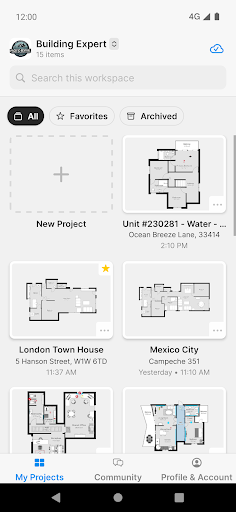
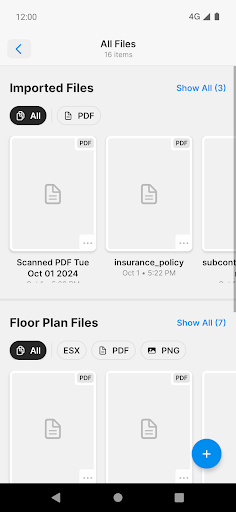
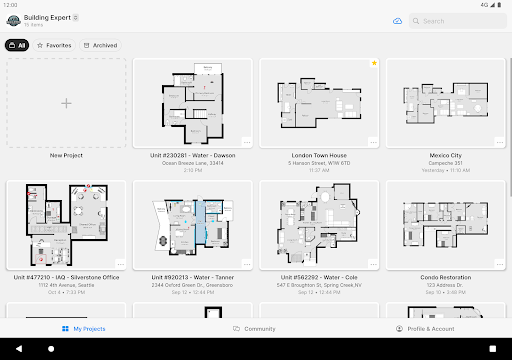
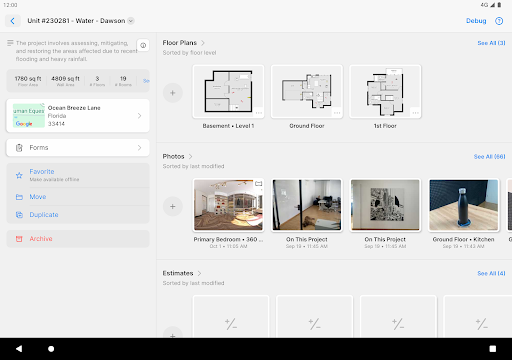
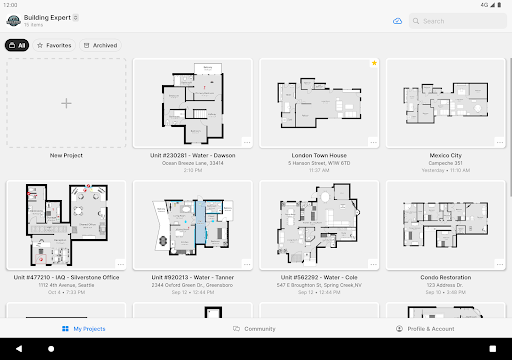
magicplan is the advanced floor plan app that enables remodelers, restoration, and claims professionals to capture what counts instantly.
Top features:
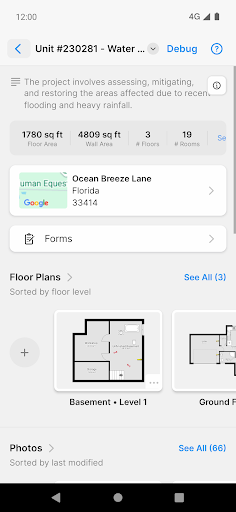
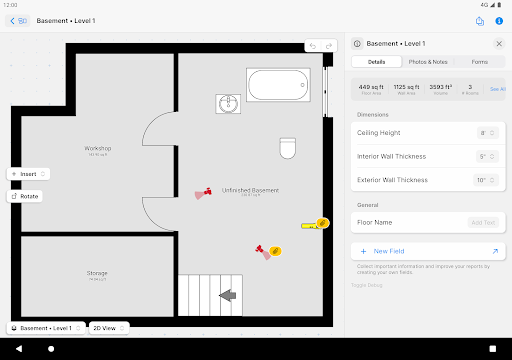
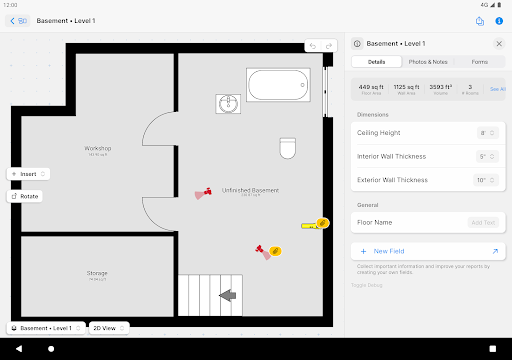
· Real-time Floor Plans
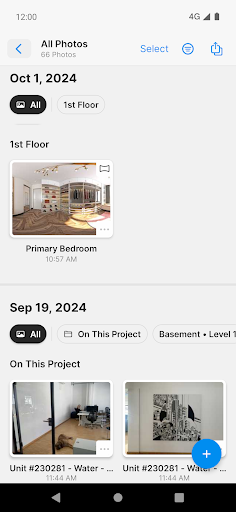
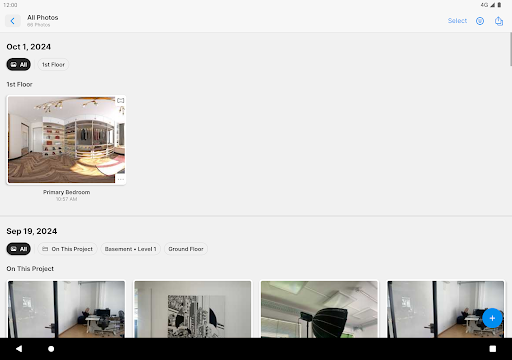
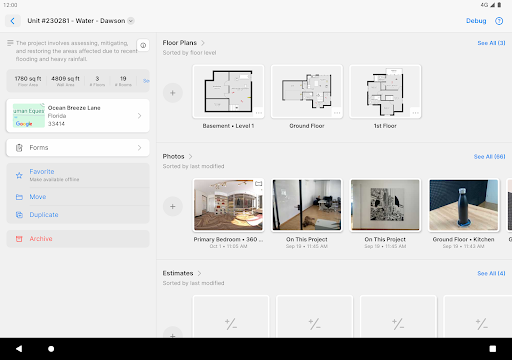
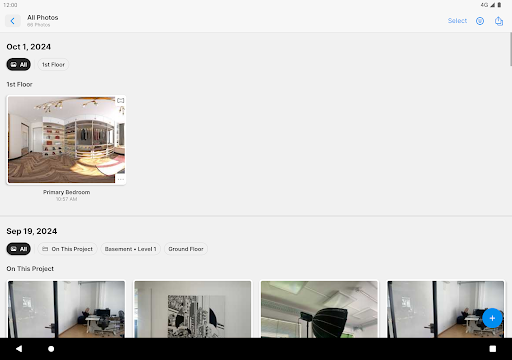
· Photos
· Notes
· Objects & Equipment
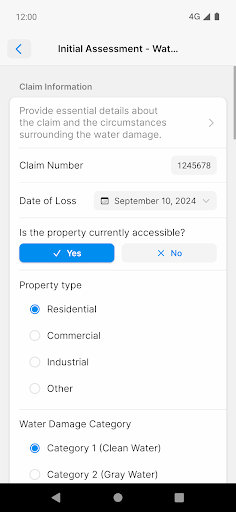
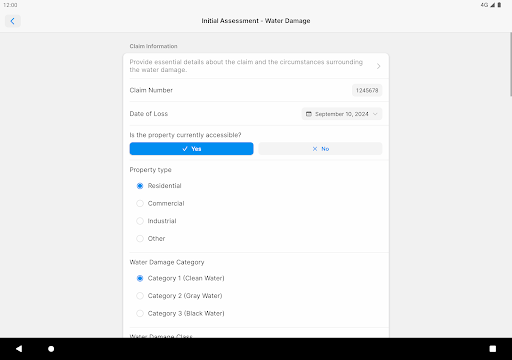
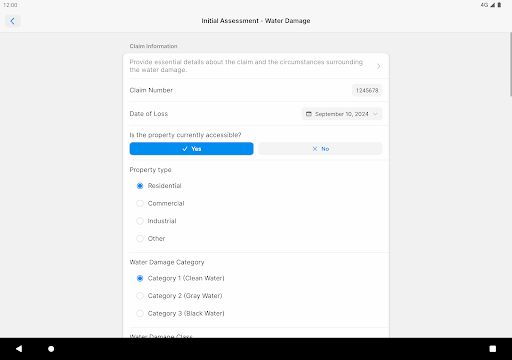
· Forms & Checklists
· 360° Panoramas
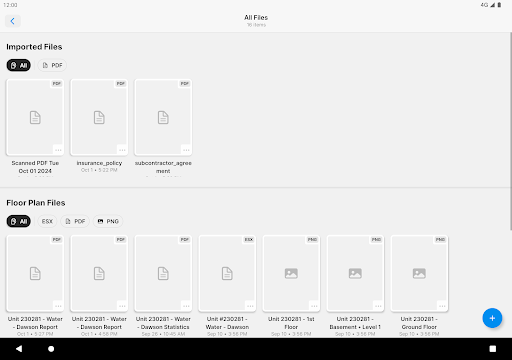
· Reports
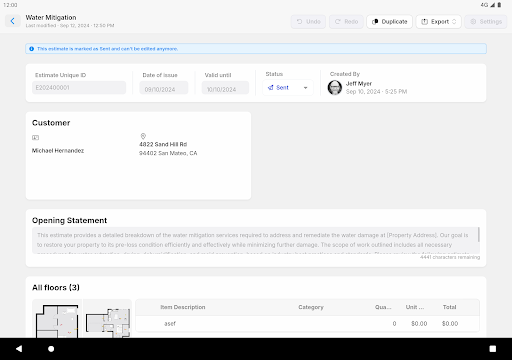
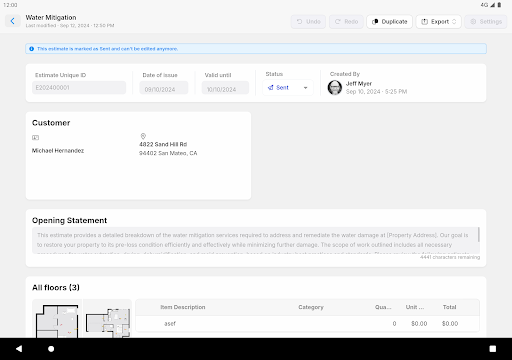
· Price Lists & Estimates
No more waiting, no more wondering, no more wasted time and effort. Get more done and get paid faster.
· Make floor plans quickly by drawing or connecting a laser measure
· Get all the details you need right away, like measurements and pictures
· Customize it for your jobs
· It’s accurate and helps you work faster
· You don't have to wait or guess about anything
Connect your Hilti, Bosch, DeWalt, Leica, Stabila and Würth laser meters, Ricoh 360.
We integrate with Xactimate® (direct integration, no ESX) and CoreLogic.
Compatible models: HILTI PD-I, Bosch GLM 50 CX, Bosch GLM 50-27 C Professional, Bosch GLM 50-27 CG Professional, Bosch GLM 100 C, Bosch GLM 120 C / GLM 400 CL, Bosch GLM 165-27 C Professional, Bosch GLM 165-27 CG Professional, Bosch PLR 30 C, Bosch PLR 40 C, Bosch PLR 50 C, DeWalt DW03201, Leica Disto D110, Leica Disto D510, Leica Disto D810, Leica Disto D1, Leica Disto D2, Leica Disto X3, Leica Disto X4, Leica Disto E7100i, Leica Disto E7500i, Stabila LD250 BT, Stabila LD520, WDM WDM
8-14, Ricoh Theta V, Ricoh Theta S, Ricoh Theta SC & SC2.
magicplan is the advanced floor plan app that enables remodelers, restoration, and claims professionals to capture what counts instantly.
Top features:
· Real-time Floor Plans
· Photos
· Notes
· Objects & Equipment
· Forms & Checklists
· 360° Panoramas
· Reports
· Price Lists & Estimates
No more waiting, no more wondering, no more wasted time and effort. Get more done and get paid faster.
· Make floor plans quickly by drawing or connecting a laser measure
· Get all the details you need right away, like measurements and pictures
· Customize it for your jobs
· It’s accurate and helps you work faster
· You don't have to wait or guess about anything
Connect your Hilti, Bosch, DeWalt, Leica, Stabila and Würth laser meters, Ricoh 360.
We integrate with Xactimate® (direct integration, no ESX) and CoreLogic.
Compatible models: HILTI PD-I, Bosch GLM 50 CX, Bosch GLM 50-27 C Professional, Bosch GLM 50-27 CG Professional, Bosch GLM 100 C, Bosch GLM 120 C / GLM 400 CL, Bosch GLM 165-27 C Professional, Bosch GLM 165-27 CG Professional, Bosch PLR 30 C, Bosch PLR 40 C, Bosch PLR 50 C, DeWalt DW03201, Leica Disto D110, Leica Disto D510, Leica Disto D810, Leica Disto D1, Leica Disto D2, Leica Disto X3, Leica Disto X4, Leica Disto E7100i, Leica Disto E7500i, Stabila LD250 BT, Stabila LD520, WDM WDM
8-14, Ricoh Theta V, Ricoh Theta S, Ricoh Theta SC & SC2.
What's New
Hey there, in this version, we focused on bug fixes and performance improvements.
We constantly want to improve magicplan. Please ask questions, give feedback, and share your ideas. We’re always happy to connect with members of our community!
We constantly want to improve magicplan. Please ask questions, give feedback, and share your ideas. We’re always happy to connect with members of our community!
App Information
Version Name
2024.8.0
Version Code
24080000
File Size
186.9 MB
Minimum OS
Android 8.0+
Target SDK
Android 33
Developer
Sensopia Inc
Contact
Website
Content Rating
Everyone
Package Name
com.sensopia.magicplanPermissions Required
This app may request the following permissions:
Recent Reviews

Taylor Schwartz
5.0★
I like to design possible future homes and this byfar is the best free program! No annoying ads or pay walls and you can do a lot of things for it being free! I also thought it was pretty easy to use. The only problem I have is it could have more objects and some of the objects are the wrong size (the king bed in the app, for example, is a little smaller than an actual king bed). Overall, great app!

G
2.0★
Use this for work for blueprinting damaged rooms and anything other than a square room it will freeze on most of the time and lose my progress. I got a certain digital measure to be more efficient and have never been able to use that setup. I always have to go in and manually draw everything, and it still freezes. Don't even try an open floor plan with partial walls less than a foot wide. I have games that use more processing power and never give me the issues this does.

A Google user
2.0★
I had no hopes, even through the initial setup up the room using the scan camera feature. But alas, once I realized that it had created a roughly accurate shape, just 4 times the size of my actual space. I would have forgiven that, but my GOD, who designed the controls to manually change dimensions. I would be trying to adjust something, and despite freezing walls for the 10th time, when I zoomed out, walls and dimensions of adjacent rooms were all wrong. You guys need to do better.

Michael Knaul
2.0★
I would be willing to subscribe in a heartbeat if it were possible to do the exterior, and if there were a condition/severity that could be applied to each component. It also needs the functionality to re-order items/rooms/categories on the report. I am a home inspector, and I would need support for these things as well as the ability to add general categories, such as "electrical" for notation, to use this software professionally.

Kaila Peterson
2.0★
Initially, I loved this app when I first installed it. I chose the free account, and after some time and patience in learning the quirks of the app, was content to mess around. However, my app recently began acting odd, I could no longer move rooms as a whole unit, abd couldnt delete rooms. I figured it may have been an updating issue, so I uninstalled and reinstalled the app. I have since been unable to open the app. It just closes immediately when I click on the icon.

Gary Ossege
3.0★
I and not a very techy person. At first I thought this was a great app. The more I got into it the harder it was to use. It's very touchy and most people who are in trades have fat fingers. You need to set it up so that it has other controls to move things around because as soon as you pick up your finger it gives you a different option on the object's movement. So it gets extremely frustrating windows and doors change sizes and locations after you let go. Not enough room to explain better.
Ad slot: In-Content