

Measure X - All-in-1 Toolbox
com.skypaw.multi_measures
by SkyPaw Co., Limited
Screenshots














Ad slot: Top Leaderboard
About this app
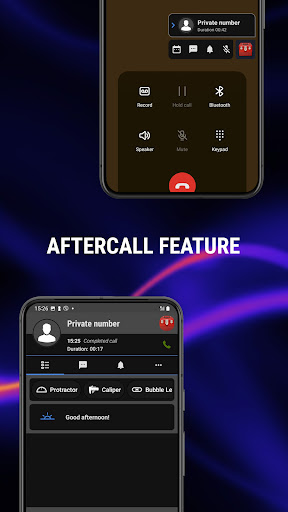
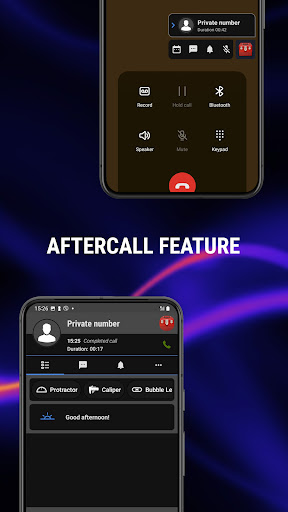
Introducing the Aftercall feature in our Measure X - All-in-1 Toolbox — an innovative way to enhance your calling experience! With Aftercall, you’ll receive a unique prompt during calls, helping you identify incoming callers in real time. Once the call ends, you can instantly access all the tools the situation requires with just a tap. Enjoy a seamless and interactive way to personalize your device like never before!
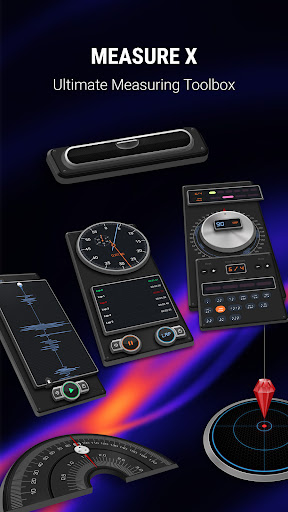
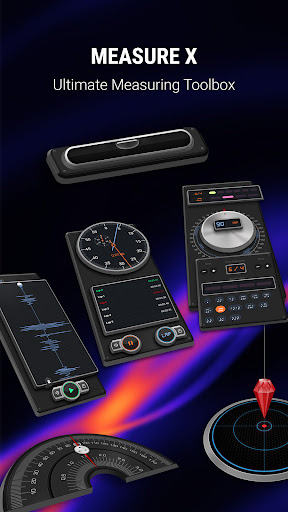
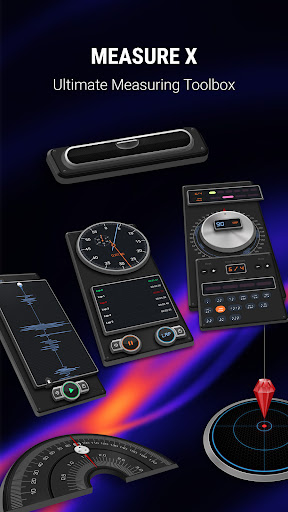
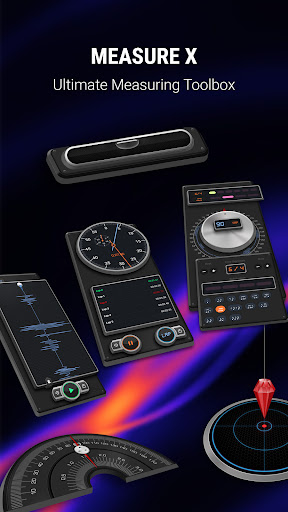
Transform your smartphone into a powerful and versatile measurement tool with Measure X! Whether you're a professional, DIY enthusiast, or just someone who loves precision, Measure X provides you with a comprehensive set of tools to measure just about anything with ease and accuracy.
Key Features:
Light/Lux Meter: Measure the illuminance, or the amount of light that hits a surface. This tool is useful for applications that need to adapt to varying light conditions, such as automatic brightness adjustment in screens, photography apps for setting the correct exposure, or for monitoring and optimizing lighting conditions in a room.
Protractor: Measure angles with precision, perfect for carpentry, engineering, and home projects.
Caliper: Measure the distance between two opposite sides of an object with high accuracy.
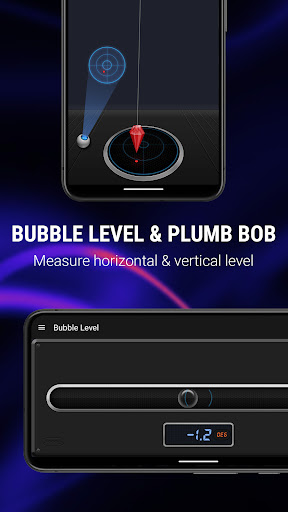
Bubble Level: Ensure your surfaces are perfectly horizontal or vertical.
Plumb Bob: Verify the vertical alignment of structures with ease.
Seismometer: Detect and record seismic activity.
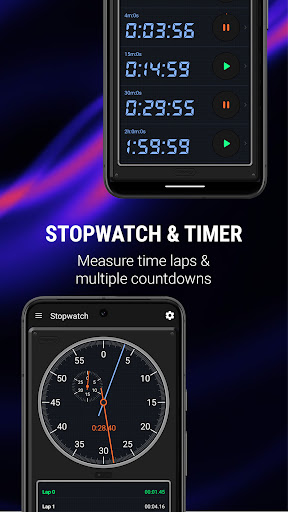
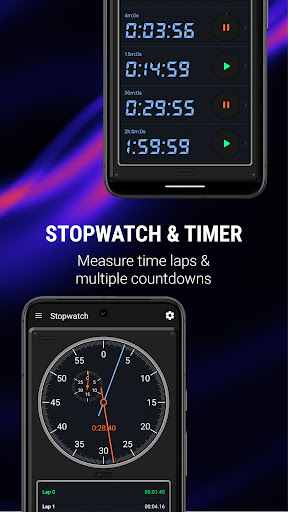
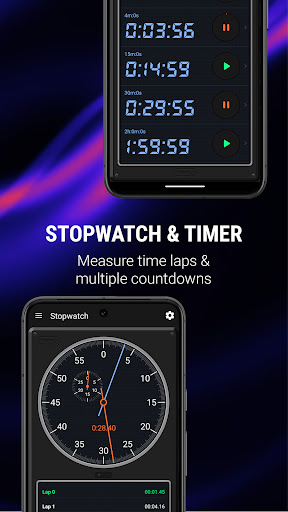
Stopwatch & Timers: Track time with multiple stopwatches and timers, ideal for cooking, workouts, and more.
Metronome with Setlists: Keep perfect time in your music practice with adjustable tempo and customizable setlists.
Sound Meter: Measure ambient noise levels with precision.
Magnetometer: Detect magnetic fields around you.
Compass: Always find your way with a reliable digital compass.
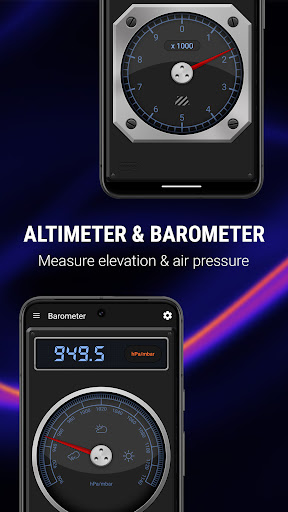
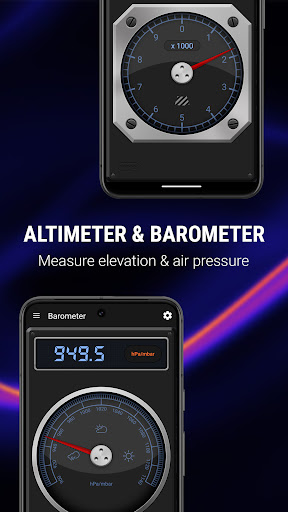
Altimeter & Barometer: Measure altitude and atmospheric pressure for hiking, climbing, and weather tracking.
Why Choose Measure X?
User-Friendly Interface: Intuitive and easy-to-use design ensures you get the measurements you need quickly.
High Accuracy: State-of-the-art algorithms ensure precise measurements every time.
Versatile Applications: Suitable for a wide range of professional and personal uses.
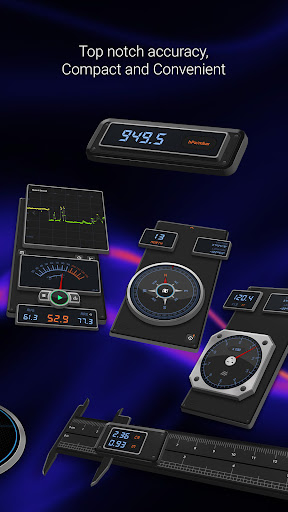
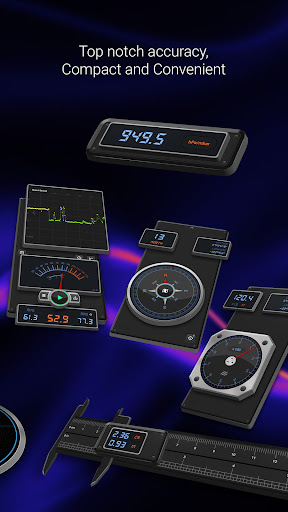
Compact and Convenient: All your essential measurement tools in one app, ready to go wherever you need them.
Turn your smartphone into a multifunctional measurement device. Download Measure X now and experience the ultimate convenience and precision at your fingertips!
Transform your smartphone into a powerful and versatile measurement tool with Measure X! Whether you're a professional, DIY enthusiast, or just someone who loves precision, Measure X provides you with a comprehensive set of tools to measure just about anything with ease and accuracy.
Key Features:
Light/Lux Meter: Measure the illuminance, or the amount of light that hits a surface. This tool is useful for applications that need to adapt to varying light conditions, such as automatic brightness adjustment in screens, photography apps for setting the correct exposure, or for monitoring and optimizing lighting conditions in a room.
Protractor: Measure angles with precision, perfect for carpentry, engineering, and home projects.
Caliper: Measure the distance between two opposite sides of an object with high accuracy.
Bubble Level: Ensure your surfaces are perfectly horizontal or vertical.
Plumb Bob: Verify the vertical alignment of structures with ease.
Seismometer: Detect and record seismic activity.
Stopwatch & Timers: Track time with multiple stopwatches and timers, ideal for cooking, workouts, and more.
Metronome with Setlists: Keep perfect time in your music practice with adjustable tempo and customizable setlists.
Sound Meter: Measure ambient noise levels with precision.
Magnetometer: Detect magnetic fields around you.
Compass: Always find your way with a reliable digital compass.
Altimeter & Barometer: Measure altitude and atmospheric pressure for hiking, climbing, and weather tracking.
Why Choose Measure X?
User-Friendly Interface: Intuitive and easy-to-use design ensures you get the measurements you need quickly.
High Accuracy: State-of-the-art algorithms ensure precise measurements every time.
Versatile Applications: Suitable for a wide range of professional and personal uses.
Compact and Convenient: All your essential measurement tools in one app, ready to go wherever you need them.
Turn your smartphone into a multifunctional measurement device. Download Measure X now and experience the ultimate convenience and precision at your fingertips!
What's New
- [Improvements]: much improve performance and accuracy for decibel tool
- [Fixes]: fix several crashing issues
- [Others]: Third party components upgrade
- [Others]: Various improvements and bug fixes
- [Fixes]: fix several crashing issues
- [Others]: Third party components upgrade
- [Others]: Various improvements and bug fixes
App Information
Version Name
2.2.6
Version Code
226
File Size
30.4 MB
Minimum OS
Android 7.0+
Target SDK
Android 23
Developer
SkyPaw Co., Limited
Contact
Website
Content Rating
Everyone
Package Name
com.skypaw.multi_measuresPermissions Required
This app may request the following permissions:
Recent Reviews

Vox Luna
2.0★
Looks promising, but asks for permissions that're iffy at best. Canera? That nakes sense. Location? Maybe so. Mic? No idea what for. Contacts? Seems excessive. Overlay? For "aftercall" tool use, I guess. But I just want to measure, not talk on the phone, nor give up my contact list. That's before even getting to the subscription. Sorry, uninstalled.

Adora Applesauce Meowmeow
1.0★
the app keeps granring itself the "phone permission". 1) how did you do it 2) stop it now. I did not say any of what you said in your (pointless) reply. the permission is automatically granted, despite I deny it periodically. And a last note: I had PAID a una tantum pro version which now has disappeared in favor of a ridiculous pro plan with periodic payments. it's never gonna happen. but I already paid and now I have nothing

Travis Joel
1.0★
requires access to my phones contact list in order to open? Why? No thanks. too many unnecessary permission requests.

A Banerjee
3.0★
The app is good but has a bug with Android. Once you go into settings or share settings etc, there is no way to go back to the tool screen. Eg, when you are in Altimeter and press settings, there is no way to come back to Altimeter screen unless you close the app... This is annoying. I bought the full version thinking this might solve it, but it did nothing.

A Google user
5.0★
IT WORKS GREAT. I paid for the full app and NEVER had a problem installing it on my new phones, it's on my 4th phone since purchasing it. I've had it on Sony and now LG, no problems. I have never been asked for more money either. This app works great and I have NEVER had any issues.

Gary Erwin
2.0★
App. Is pretty user friendly and useful 'tools' to have on stash. But it COULD be so much more, and even more valuable, with some practical additions. As example, a simple linear measuring function, like a tape measure, but this app. Does NOT have, just today i was looking to measure the dimensions of my new (loft style) apartment, and opened up this app. 'assuming' said function was available, but: "oops!", nothing to measure with, uhm...On the 'measure x' app. (go figure).
Ad slot: In-Content