Smart Watch app - BT Notifier

Smart Watch app - BT Notifier

com.smartwatch.bluetooth.sync.notifications by Tech that app
4.2 (228,439)
10M+
COMMUNICATION
14.5 MB
Updated Oct 16, 2025
View on Google Play

Screenshots

Screenshot Screenshot Screenshot Screenshot Screenshot Screenshot Screenshot Screenshot Screenshot Screenshot Screenshot Screenshot Screenshot Screenshot Screenshot
Ad slot: Top Leaderboard

About this app

💡How to Start:


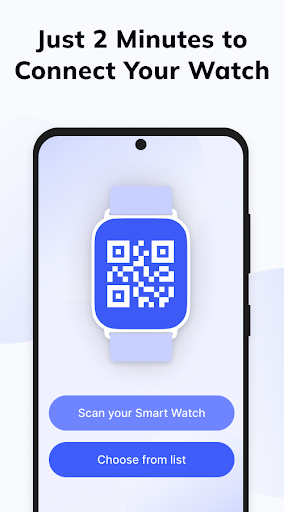
1. Install Smartwatch Bluetooth Notificator from Google Play on your phone.
2. Give permissions for “Access Notifications” and “Location access”.
3. Install Smartwatch Bluetooth Notificator on your smartwatch as well.
4. Turn on Bluetooth on your smartwatch.
5. Enable discovery mode to make your smartwatch visible.
6. Find your smartwatch name in the list and connect.
Congratulations! Your devices are now synchronized.


🎯Features and Benefits:


• Easy device synchronization via Bluetooth.
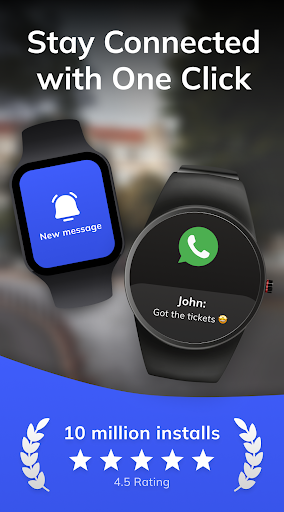
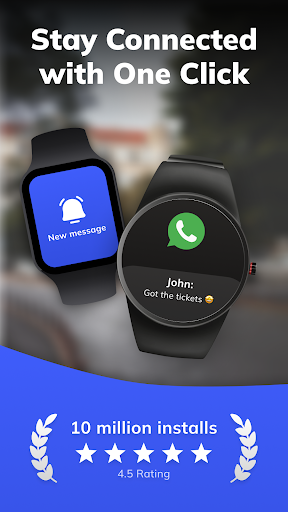
• Receive notifications on your smartwatch so you never miss important updates.
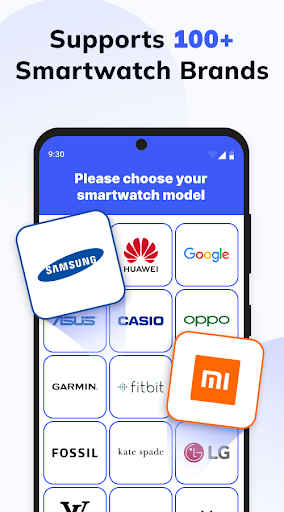
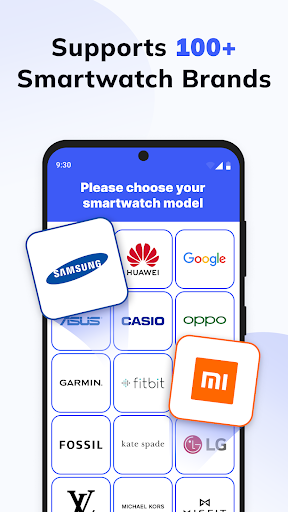
• Compatible with all smartwatches including Samsung, Galaxy, Garmin, Huawei, and more.
Free version available on Google Play with an option to upgrade to PRO for additional features.


🔔PRO Version Benefits:


• Additional features and faster synchronization process.
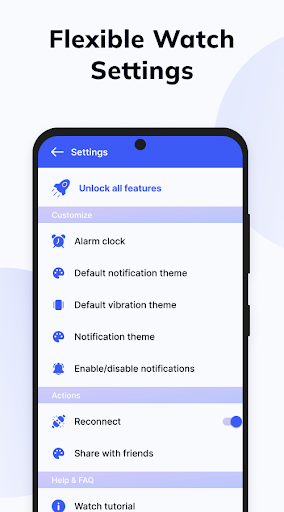
• More options for customizing notifications and app settings.


🚀What's New in This Version:


• Accelerated device synchronization.
• Improved interface for easy management.


If something goes wrong or if you're unsure, don’t worry! You can always repeat the process or contact support. Don’t be afraid to try new things!


📱Stay Connected:


Follow our updates and new apps on Google Play!

What's New

- Minor fix

App Information

Version Name
214.0
Version Code
214
File Size
14.5 MB
Minimum OS
Android 6.0+
Target SDK
Android 34
Developer
Tech that app
Contact
Website
Content Rating
Everyone
Package Name
com.smartwatch.bluetooth.sync.notifications

Permissions Required

This app may request the following permissions:

  • approximate location (network-based)
  • precise location (GPS and network-based)
  • read the contents of your USB storage
  • modify or delete the contents of your USB storage
  • view Wi-Fi connections
  • view network connections
  • pair with Bluetooth devices
  • access Bluetooth settings
  • full network access
  • run at startup
  • control vibration
  • prevent device from sleeping
  • receive data from Internet

Recent Reviews

Harry Mack
5.0★
This app is exactly what I needed for getting notifications on my watch. Setup was quick and simple—just install on both devices, grant permissions, and connect via Bluetooth. The instructions were clear and easy to follow. What impressed me most is the universal compatibility. It works perfectly with my watch where other apps have failed, and the sync is fast and reliable. I no longer miss important alerts, and it’s made my watch so much more useful.
Carolyn Miller
1.0★
Purchased 1 watch for me, 1 for hubby. Neither one of us could get it to work. Could be a great product, if the software worked. All they were interested in was getting your credit card information. Sending both watches back. This is 4th set of watches we purchased and the only set that we could not get to work. Don't have 2 days to find out how they work. Better software, please.
John Cooper148
5.0★
This Smartwatch app is amazing! It connects very fast and works perfectly with my watch. The interface is simple, modern, and easy to understand. I’ve been using it for a few days and it keeps everything running smoothly. Notifications, fitness tracking, and connection stability are all great. I really like how it syncs data instantly without any lag. Definitely one of the best smartwatch apps available — highly recommended to everyone who wants a reliable and smart tool for their watch!
MD SIAM (HASSAN)
5.0★
"The Smart Watch app - BT Notifier is fantastic! Setup was quick, and it instantly provides a reliable Bluetooth connection between my phone and watch. All my notifications—calls, texts, and app alerts—come through perfectly. It truly makes my smartwatch a lot more useful and ensures I never miss an important update."
Yahya
5.0★
I had an amazing experience using Smart Switch! The transfer process was fast, smooth, and very simple to set up. It saved me a lot of time when moving all my data to my new phone, including photos, apps, and settings. I really appreciate how user-friendly the interface is, and everything worked without any issues. Highly recommended for anyone who wants an easy, reliable way to transfer their data securely and quickly.
Arslan Karaman
5.0★
Very good app. Setup was quick and easy - just install on both devices, authorize and connect via Bluetooth. The instructions were clear and easy to follow. What impressed me the most was the universal compatibility. It works great with my watch where other apps fail and syncing is fast and reliable. I no longer miss important alerts and it has made my watch much more useful. This app is a must have for my watch to receive notifications. Thank you very much to the author
Ad slot: In-Content