

Home Designer - Architecture
com.SoftwareDevelopmentKemper.HomeDesigner
by Sebastian Kemper
Screenshots








Ad slot: Top Leaderboard
About this app
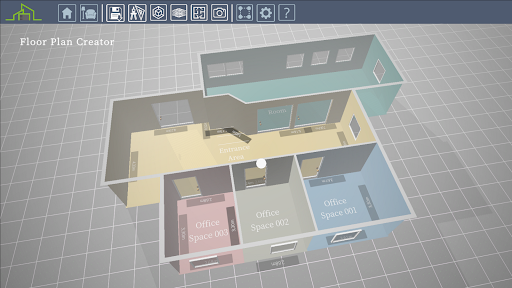
Would you like to create a 3D floor plan quickly and easily and maybe even set it up with modern furniture?
Then you have found exactly the right software with Home Designer - Architecture.
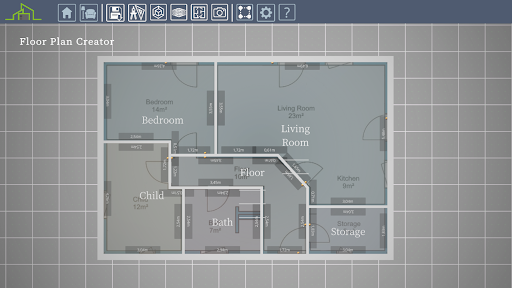
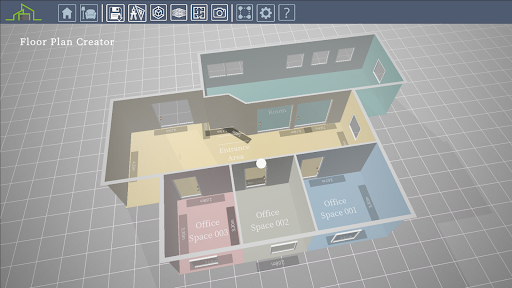
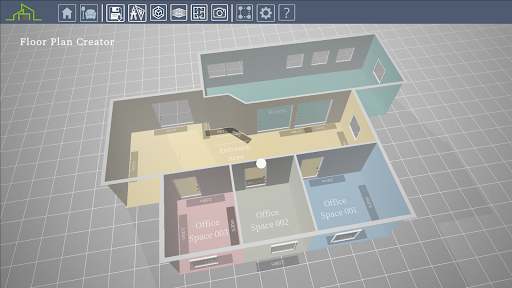
You can quickly create rooms and entire floor plans with just a few clicks. You can even import an image file as a template, where you may have already drawn a 2D floor plan, to redraw it in Home Designer - Architecture.
You can insert doors and windows and change their design and size.
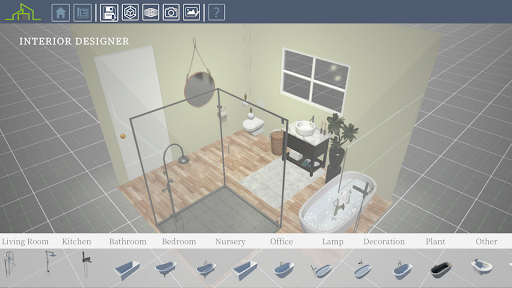
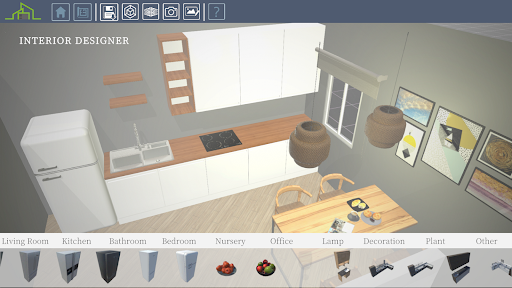
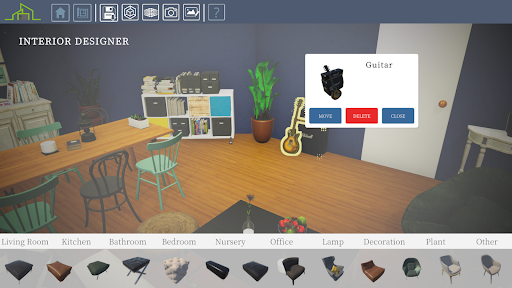
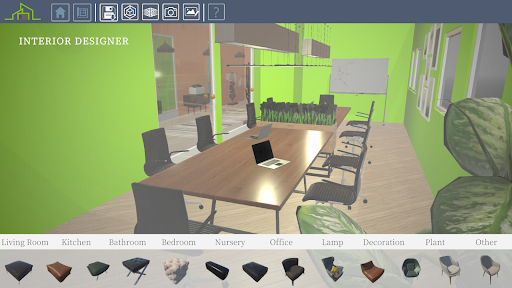
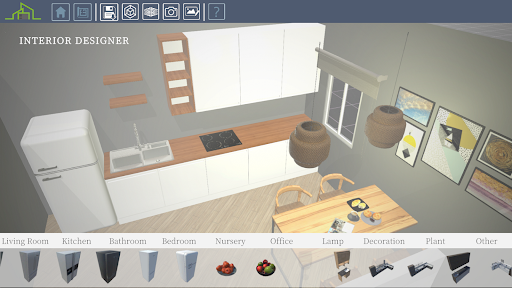
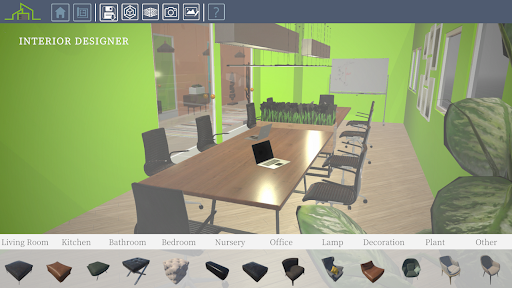
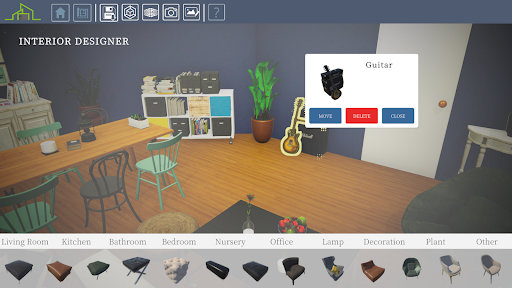
Once your floor plan is complete, it's time for the interior design. Here you have over 1000 pieces of furniture that you can use to set up your 3D floor plan.
Once the interior design is finished, use the photo editor and the photo function to create dreamy pictures of your work.
1. CREATE YOUR 3D FLOOR PLAN
- Draw rooms in 2D or 3D
- Import a 2D drawing as a template
- Change the height of the room and the thickness of the walls (inside and outside)
- Create doors and windows (fully configurable)
- Use the photo function to record your floor plan from different perspectives
2. INTERIOR DESIGN
- Use over 1000 different furniture and accessories and decorate your 3D floor plan
- Furniture can also be resized
- Use numerous wall colors and floor designs
- Use image editing to make your result even more realistic
- Use the photo function to capture and share your design
I wish you a lot of fun with Home Designer - Architecture!
Then you have found exactly the right software with Home Designer - Architecture.
You can quickly create rooms and entire floor plans with just a few clicks. You can even import an image file as a template, where you may have already drawn a 2D floor plan, to redraw it in Home Designer - Architecture.
You can insert doors and windows and change their design and size.
Once your floor plan is complete, it's time for the interior design. Here you have over 1000 pieces of furniture that you can use to set up your 3D floor plan.
Once the interior design is finished, use the photo editor and the photo function to create dreamy pictures of your work.
1. CREATE YOUR 3D FLOOR PLAN
- Draw rooms in 2D or 3D
- Import a 2D drawing as a template
- Change the height of the room and the thickness of the walls (inside and outside)
- Create doors and windows (fully configurable)
- Use the photo function to record your floor plan from different perspectives
2. INTERIOR DESIGN
- Use over 1000 different furniture and accessories and decorate your 3D floor plan
- Furniture can also be resized
- Use numerous wall colors and floor designs
- Use image editing to make your result even more realistic
- Use the photo function to capture and share your design
I wish you a lot of fun with Home Designer - Architecture!
App Information
Version Name
2.3
Version Code
23
File Size
97.5 MB
Min SDK
Android 23+
Target SDK
Android 33
Developer
Sebastian Kemper
Contact
Website
Content Rating
Everyone
Package Name
com.SoftwareDevelopmentKemper.HomeDesignerPermissions Required
This app may request the following permissions:
Recent Reviews

Patrick Eldridge
1.0★
difficult to use, long and multiple loading times, won't allow me to message under contact. it just shows error. trying to cancel but unable to as of this point. don't recommend..

Sagabundo mub
1.0★
If the app can't run without downloading additional hundreds of MB you should download them at install not at first time opening, it has a bitter taste. Recommended to be use only with Snapdragon Elite!

Salma Qanitah Simatupang
1.0★
it's difficult to operate it. it's not easy to navigate how to make a room. let alone to move further. i wish i could like this app but i can't even properly build a wall

Khanyisile Msiza
1.0★
This app looks great, it looks like you could make some amazing, professional looking floorplans and when I saw people saying it was difficult to understand I thought they were exaggerating. But it's been almost a week and I still don't know what's going on here. I've watched the tutorial and still haven't figured out how to create a simple floor plan. Maybe it's me, maybe this app was made for professional architects and not the average person I don't know, but I'm over it at this point.

Jacqueline S
1.0★
You have to download the furniture EVERYTIME you open the app up and this wouldn't be a problem if it didn't take 15 minutes to do. The lay out is confusing do not recommend.

Dominique
1.0★
Who on this earth has half an hour to waste waiting for an app to open? Why not make it that the furniture you want downloads when you select it instead of getting old and gray waiting for things to download that you aren't even going to use.
Ad slot: In-Content