

Smart Home Design | Floor Plan
com.SoftwareentwicklungKemper.SmartHomeDesign
by Sebastian Kemper
Screenshots


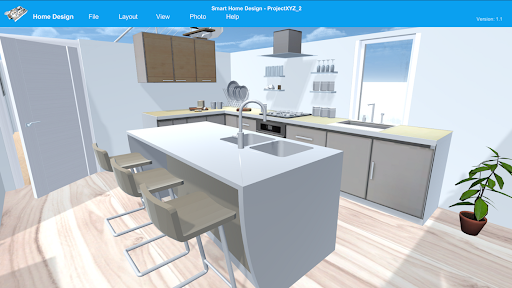
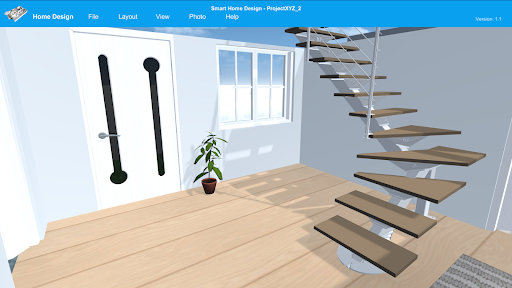
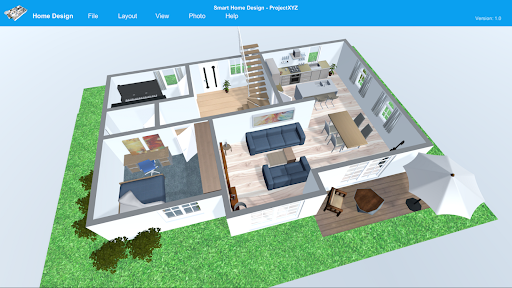

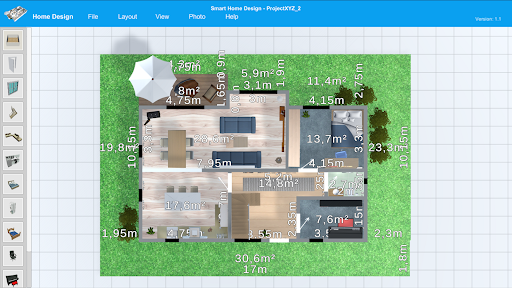



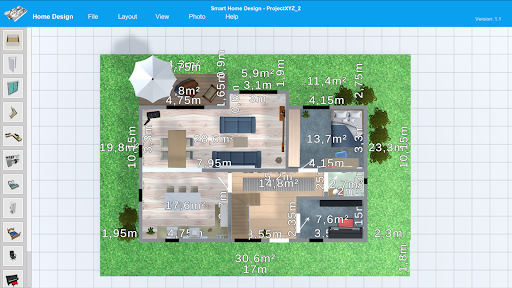
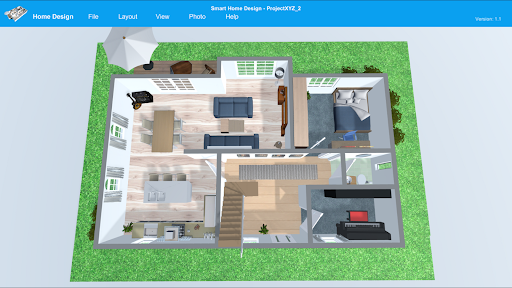
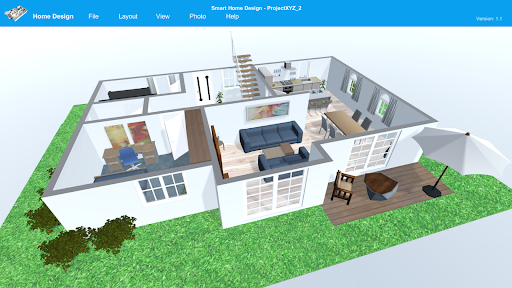

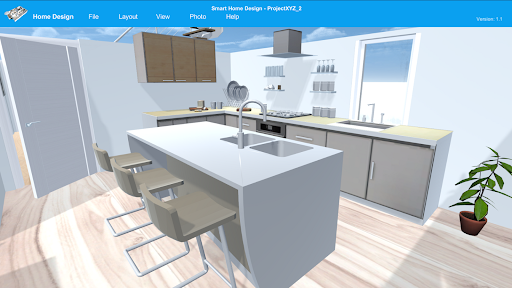
Ad slot: Top Leaderboard
About this app
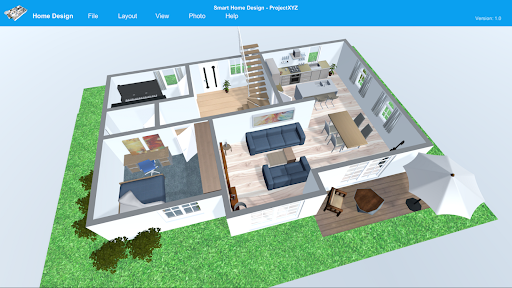
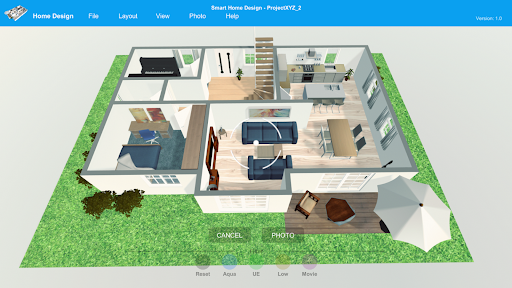
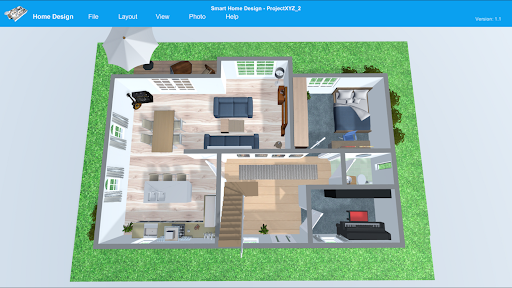
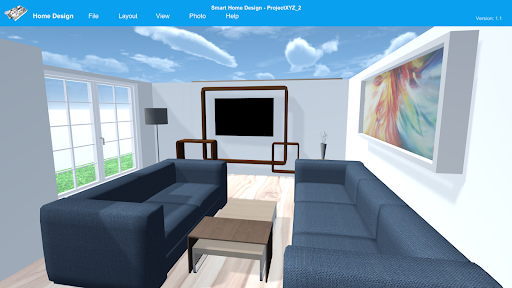
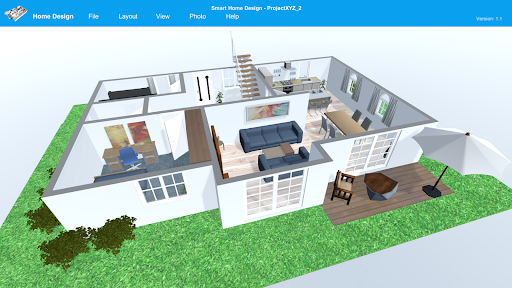
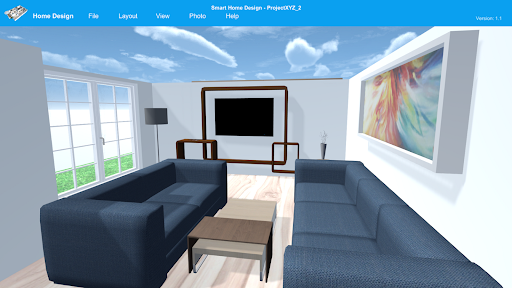
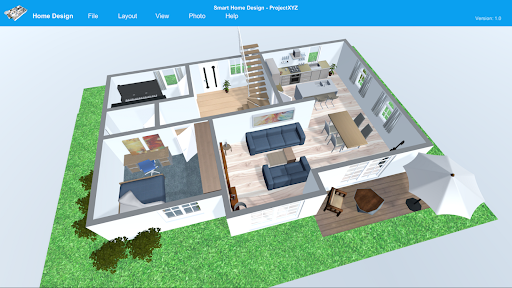
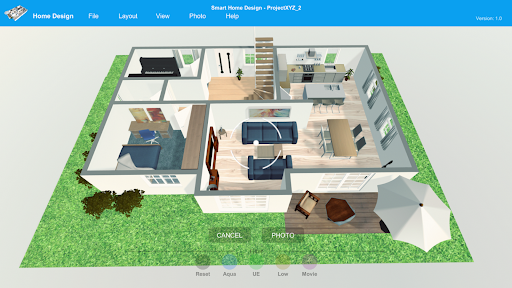
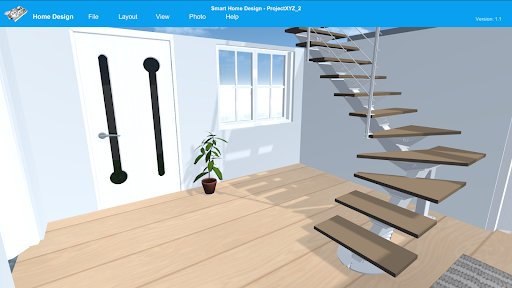
Smart Home Design offers you the possibility to create 3D floor plans quickly and easily and to furnish your rooms according to your taste. Create high-resolution pictures of your project with Smart Home Design. Convince your customers and business partners with 3D images. Use the first person mode to virtually walk around your project. Plan your building project or furnish your own home. Smart Home Design will help you with this.
Particularities:
* Extensive furniture libraries for interior decoration
* 3D Viewer, Fly Cam Mode and First Person Mode
* Photo function for creating high-resolution images
* Filter functions
* Light and shadow effects
* Skymap function
* Measurement function
Particularities:
* Extensive furniture libraries for interior decoration
* 3D Viewer, Fly Cam Mode and First Person Mode
* Photo function for creating high-resolution images
* Filter functions
* Light and shadow effects
* Skymap function
* Measurement function
App Information
Version Name
4.1
Version Code
41
File Size
164.4 MB
Minimum OS
Android 7.0+
Target SDK
Android 34
Developer
Sebastian Kemper
Contact
Website
Content Rating
Everyone
Package Name
com.SoftwareentwicklungKemper.SmartHomeDesignPermissions Required
This app may request the following permissions:
Recent Reviews

Nicole Rife
5.0★
Looks like a great setup so far a little complicated because you don't know what each button represents til u click on it. Then u have to erase selections u didn't want to!!!! So, it would be nice for a description to be listed on popup when you hover over selection. Instead of having no idea what you are selecting and what it is suppose to accomplish. Very frustrating; but seems to be an easy fix

Cass Guenther
1.0★
These reviews must be lies because I used it for five minutes and got frustrated with the mechanics glitching. Tried to line a set of stairs up and once it would hit a straight 180 degree, it would start spinning and glitching out nonstop. Using the buttons to adjust sizing would ALSO move the map so the entire screen would shift. Placing a door was impossible. Overall it was more frustrating frankly, like the OG Assassin's Creed games where you'd spontaneously jump off walls.

Amanda Knight
1.0★
I was excited try this, Paid for 1 month to test out the features. Unfortunately, it's SO glitchy. I had furniture scattered all over that couldn't be manipulated or deleted once selected. Functional items were difficult to select when placed close to one another. Resizing items caused the entire field of view to pan around as you slide the sizing meter. You can't manipulate items in any view other than 2D, so adding wall art is a crapshoot. No custom room shape feature. Needs major work...

Craig
5.0★
Excellent app for builders who want their clients to see their vision before the building begins, which allows for all the clients changes to be made before the first name. I know very little about computers or technology but this app was definitely designed to be extremely user friendly.

Shalom Maponga
4.0★
i don't get you people I literally download this game it is good but why do I have to buy the pro version isn't it suppose to be free with all features,But U do love the game ❤️❤️❤️❤️4 hearts only last thing what's the point of putting stairs if they don't go anywhere

Lenn Uw
2.0★
Has potential, but highly annoying in current state. Keep having walls and more, stuck on other walls or object. No way to get them to move. Or no way to select something 'below' another object. Often get frozen parts, where something is selected but unselect when selected another thing. Spend an hour, couldn't get beyond a square room with 2 little walls and a door, just because of the many bugs. Disappointing, was hoping to have finally found a working app for simple room planning.
Ad slot: In-Content