

JuiceSSH - SSH Client
com.sonelli.juicessh
by Sonelli Ltd
Screenshots
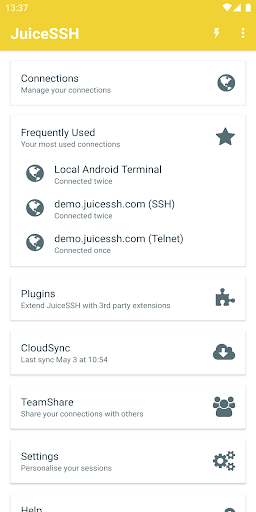
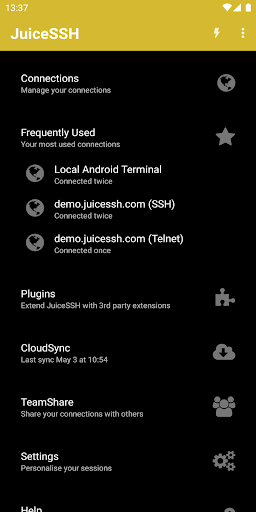
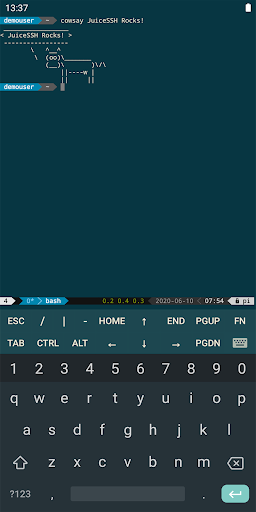
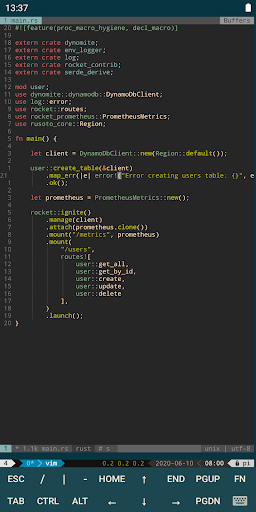
Ad slot: Top Leaderboard
About this app
The all in one terminal client for Android including SSH, Local Shell, Mosh and Telnet support.
Features:
- Full color terminal / ssh client
- Popup keyboard with all those normally hard to find characters
- Use the volume keys to quickly change font size
- External keyboard support
- Gestures for irssi, weechat, tmux and screen
- Community and third party plugins
- Official Mosh support (http://mosh.mit.edu)
- Telnet support
- Local Android terminal support
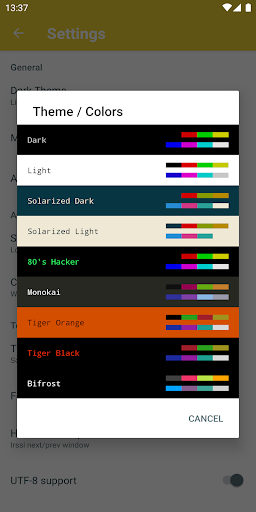
- Dark, Light, 80's hacker, Molokai, Solarized Dark and Solarized Light terminal color themes
For an overview of solarized color scheme and why it rocks for terminal usage check out http://ethanschoonover.com/solarized
- Click URLs to open in a browser
- Copy & Paste within sessions
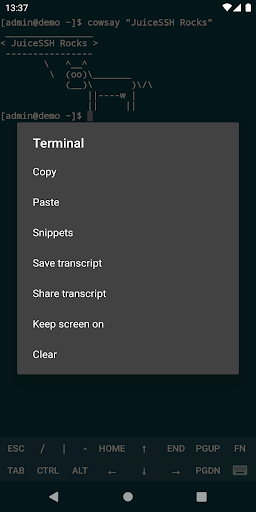
- Save / Share SSH transcripts
- UTF-8 character support
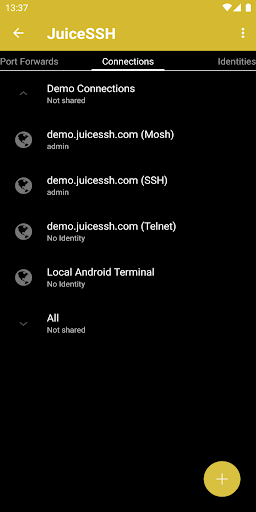
- Easily organize your connections by group
- Keep multiple SSH sessions running in the background
- Seamlessly connect 'via' other SSH connections with one click
- Immediate access when you open the app to your frequently used connections
- IPv6 support
- Password & OpenSSH private key support (ed25519, ECDSA, RSA and DSA)
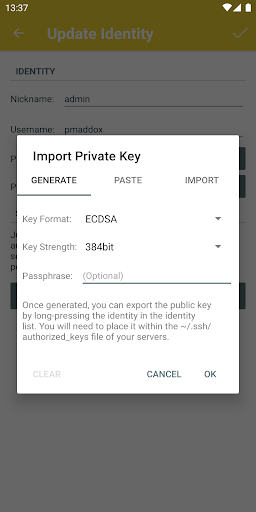
- SSH key generator (optional passphrase encryption supported)
- Identities (users/password/keys) are abstracted from connections. Instead of updating every connection when you change your password - just update the identity and any connections linked to it will use the new password/key.
- zlib compression to improve SSH sessions on high latency connections
Pro Features (optional in-app purchase):
- Quick and easy port forwards that can be connected to via the app or widget and can automatically open in a browser if required.
- Integrate with Amazon AWS / EC2, synchronize connections and automatically group servers based on their class or security groups.
- Securely keep everything in sync between multiple devices
- Automated AES-256 encrypted backups of all of your connections and settings
- A beautiful widget for fast access to either your frequently used connections, or a specific group
- Team collaboration. Share your groups of connections with team members and start working together instead of separately.
- Handy snippets library for quick access to your frequently used commands
- Security lock to automatically protect JuiceSSH after a period of inactivity
Features:
- Full color terminal / ssh client
- Popup keyboard with all those normally hard to find characters
- Use the volume keys to quickly change font size
- External keyboard support
- Gestures for irssi, weechat, tmux and screen
- Community and third party plugins
- Official Mosh support (http://mosh.mit.edu)
- Telnet support
- Local Android terminal support
- Dark, Light, 80's hacker, Molokai, Solarized Dark and Solarized Light terminal color themes
For an overview of solarized color scheme and why it rocks for terminal usage check out http://ethanschoonover.com/solarized
- Click URLs to open in a browser
- Copy & Paste within sessions
- Save / Share SSH transcripts
- UTF-8 character support
- Easily organize your connections by group
- Keep multiple SSH sessions running in the background
- Seamlessly connect 'via' other SSH connections with one click
- Immediate access when you open the app to your frequently used connections
- IPv6 support
- Password & OpenSSH private key support (ed25519, ECDSA, RSA and DSA)
- SSH key generator (optional passphrase encryption supported)
- Identities (users/password/keys) are abstracted from connections. Instead of updating every connection when you change your password - just update the identity and any connections linked to it will use the new password/key.
- zlib compression to improve SSH sessions on high latency connections
Pro Features (optional in-app purchase):
- Quick and easy port forwards that can be connected to via the app or widget and can automatically open in a browser if required.
- Integrate with Amazon AWS / EC2, synchronize connections and automatically group servers based on their class or security groups.
- Securely keep everything in sync between multiple devices
- Automated AES-256 encrypted backups of all of your connections and settings
- A beautiful widget for fast access to either your frequently used connections, or a specific group
- Team collaboration. Share your groups of connections with team members and start working together instead of separately.
- Handy snippets library for quick access to your frequently used commands
- Security lock to automatically protect JuiceSSH after a period of inactivity
What's New
• Fix issue with Xiaomi devices where the terminal background color was overridden by MIUI 12.
• Added option to change the terminal font.
• Available fonts: Cascadia Code, Sauce Code Pro, Roboto Mono, JetBrains Mono, Fira Code, Open Dyslexic, Inconsolata and Droid Sans Mono.
• Don't see your favourite font there? Drop us a mail at [email protected]; fonts will be prioritized based on the number of requests.
• Added option to change the terminal font.
• Available fonts: Cascadia Code, Sauce Code Pro, Roboto Mono, JetBrains Mono, Fira Code, Open Dyslexic, Inconsolata and Droid Sans Mono.
• Don't see your favourite font there? Drop us a mail at [email protected]; fonts will be prioritized based on the number of requests.
App Information
Version Name
3.2.2
Version Code
200
File Size
23.7 MB
Minimum OS
Android 8.0+
Target SDK
Android 29
Developer
Sonelli Ltd
Contact
Website
Content Rating
Everyone
Package Name
com.sonelli.juicesshPermissions Required
This app may request the following permissions:
Recent Reviews

David Young
2.0★
Disconnects quickly. Maybe 5 minutes? I can connect to the same device from other clients, same network, no problem. The various port forwards and/or ssh terminal sessions simply stop working. No good for me. And I paid for the pro version. Edit: Termius works perfectly, though...too bad. I like this app better. Would use it if it worked.

Riseabove #
4.0★
Knocked off a star. Only thing I want is to have ONE row at top of keyboard for functions instead of two. Please let me customize that. I don't use it often enough but I want to support this app so I will purchase. Edit: I noticed not compatible with Android 7 so can't use on my tablet, using another app now and I like using the same apps on both devices. Also the fonts don't resize well in the app when increased in android display settings, cuts off everything.

Samuel Walters-Nevet
5.0★
I really liked this app. The advanced connection configuration options (proxy connections, script execution, etc.) is what, for me, really set it apart from the other clients & even convinced me to purchase the Pro version. Edit: Seems the devs have returned to supporting the app and previous issues seem resolved. Thrilled to see bugs ironed out!

A Google user
5.0★
Freakin' AWESOME! I purchased this WAY back, and stopped using in 2014 when I had issues on my device. Now several phones later I gave it a go again. It recognized my purchase and unlocked pro, then loaded all my snippets, giving me EVERY server I has configured SIX YEARS ago! UNBELIEVABLE! Seriously, one of the best purchases I've made for Android.
A Google user
1.0★
This used to be the go to app for IT pros on the move. It was so good I paid for the pro version. However, it's very worrying there has been no update for three years, no cryptographic standards updates etc etc. I also note that there is no response from the support address, so I now suspect this app to be abandonware. I have changed my rating as a result.
A Google user
5.0★
Honestly one of the best ssh clients in existence. I use it to manage my Server on the go, and it is wonderfull. Especially, since one can scroll in a tmux (you can't do it in any other bash, as far as I'm aware of), and the tab feature is... Well, it works, that's more, than many other clients can do. In addition, the possibility to add plugins is very nice and not at all usual. Thanks a lot.
Ad slot: In-Content