

Sony | Support for Xperia
com.sonymobile.support
by Sony Corporation
Screenshots
Ad slot: Top Leaderboard
About this app
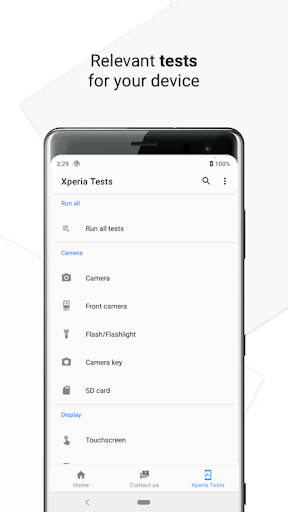
The Support application from Sony provides an effortless self-support solution with a personal touch. It contains product-specific support with diagnostic capabilities.
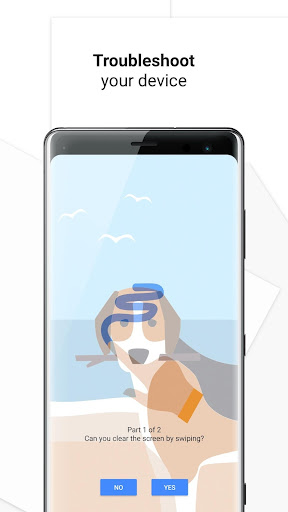
* You can troubleshoot your device for issues with e.g. touchscreen, camera or light sensor.
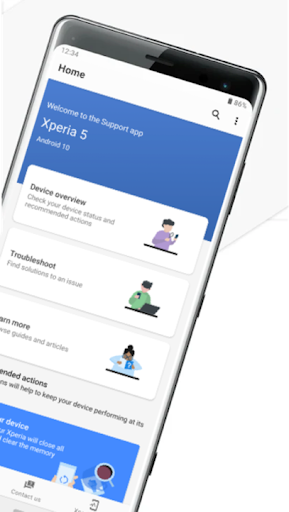
* You can get quick information about your device: software version, memory capacity, application issues and more.
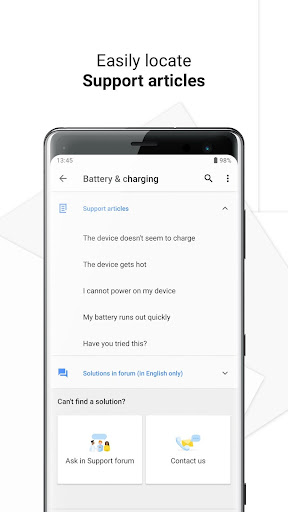
* You can read our support articles, find solutions in our support forum and if you need to, you can contact our support experts.
* Depending on your device model or OS version, this app or features may not be supported. Additionally, even within the same series, support may vary depending on the mobile carrier.
This application uses analytics software to collect and aggregate statistics to help us improve this app and our services. None of this data can be used to identify you.
* You can troubleshoot your device for issues with e.g. touchscreen, camera or light sensor.
* You can get quick information about your device: software version, memory capacity, application issues and more.
* You can read our support articles, find solutions in our support forum and if you need to, you can contact our support experts.
* Depending on your device model or OS version, this app or features may not be supported. Additionally, even within the same series, support may vary depending on the mobile carrier.
This application uses analytics software to collect and aggregate statistics to help us improve this app and our services. None of this data can be used to identify you.
What's New
This update includes fixes and performance improvements.
Happy to assist you,
Support app team
Happy to assist you,
Support app team
App Information
Version Name
5.11.2
Version Code
51102
File Size
21.2 MB
Minimum OS
Android 9+
Target SDK
Android 33
Developer
Sony Corporation
Contact
Website
Content Rating
Everyone
Package Name
com.sonymobile.supportPermissions Required
This app may request the following permissions:
Recent Reviews

Andy Ferguson
1.0★
Suddenly being FORCED to host an app I don't need or want, that insists on its ability to send me notifications, is not "supportive". Offering support to your user base is sensible, but there's zero need for this to be mandatory (unless of course there's a data benefit to Sony, but they don't SAY that's the purpose...). I've awarded it at least two stars more than I would want to.

Alex L
1.0★
Bloatware, plain and simple.

NoctOtaku Lu Caem (NoctOtaku)
1.0★
Nowhere accurate, just giving cosmetic results on how much is "optimized", not even saying specifically what it's deleting in order to make space, even if apps/programs has stopped it will say "no issues detected yet"... Horrible support app btw, unnecessary too. Even the asking prompt doesn't work which says "this is not available yet" when it used to work before. Waste of space/resources. Useless degen trash..

A Google user
1.0★
Sony updates don't work, period. Phone is continuously prompting to download updates and restart phone, all to no effect. 6 attempted updates in the last 24hrs have all failed, still the notifications keep coming. Not a good introduction to an expensive new phone: Very poor user experience. Tempted to return to my old phone which actually works.

Glyn
3.0★
The mobile is Great. What i don't like is the adaptive brightness setting. It kept changing making the screen too dark when i was trying to look at something even when it was dark in the room. I switched it off as it was all wrong light when it was supposed to be dark and dark when i wanted it light. I now have my screen brightness set at 50% which is perfect.
A Google user
4.0★
You've improved the user interface and its automatic capabilities, though with an older device, like this, its reliant on google play services to get updates. Why you didn't make your 4K UHD device in 6.3", I will never know, it would have been a cheaper price and better at playing media.
Ad slot: In-Content