

Video Editor
com.wevideo.mobile.android
by WeVideo Inc.
Screenshots





Ad slot: Top Leaderboard
About this app
Capture, edit and share incredible videos - anywhere, anytime - for your personal life, school work, and your business with WeVideo’s video editor for Android.
With WeVideo and your mobile device, you don’t need to be a professional to create and share compelling, high-quality videos.
EASY-TO-USE VIDEO EDITOR:
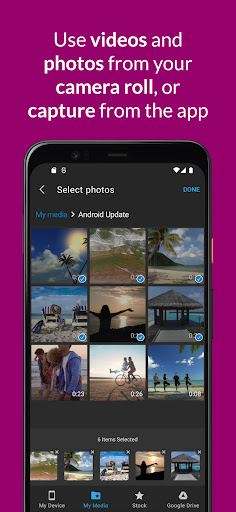
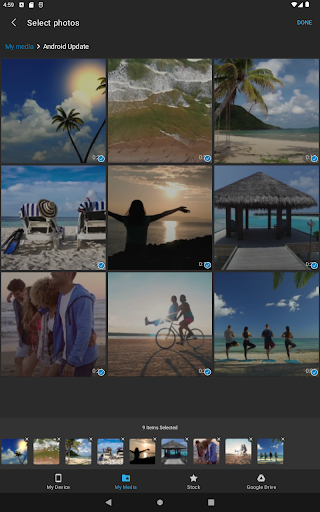
• Use videos and photos from your camera roll on your phone, or capture them from your camera
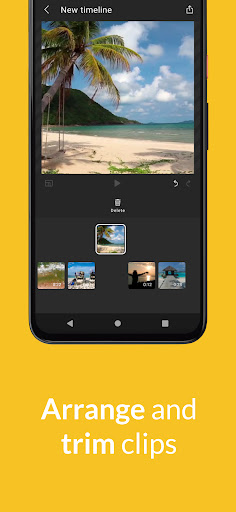
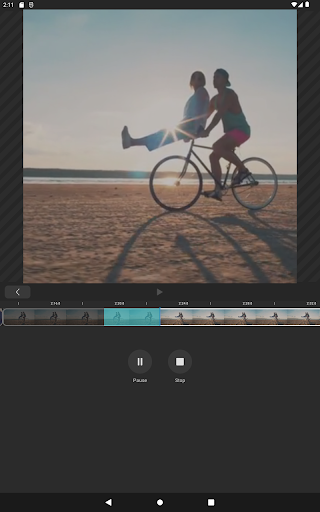
• Arrange and trim clips
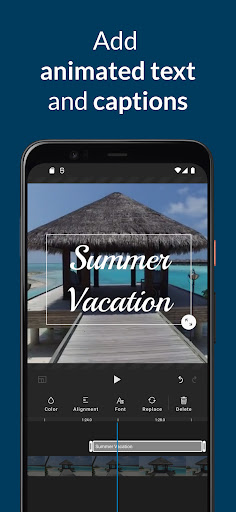
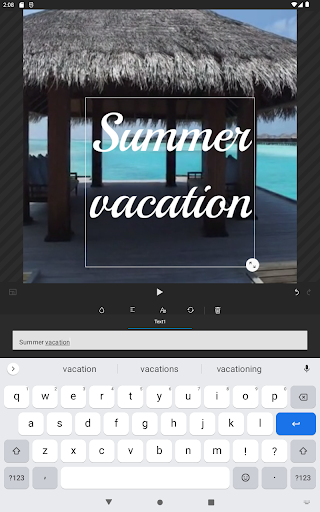
• Add text titles and captions
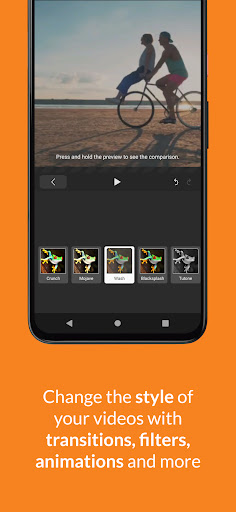
• Change the style of your videos with transitions, filters, animations, and more
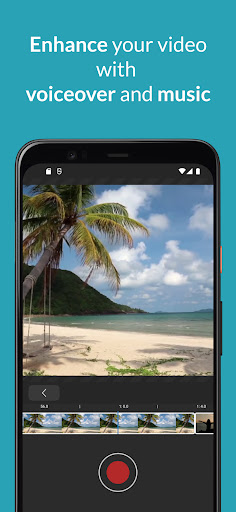
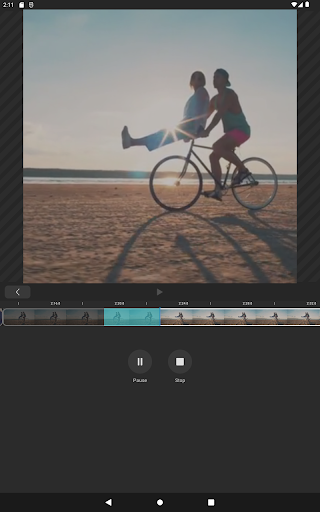
• Enhance your video with voiceover and music tracks
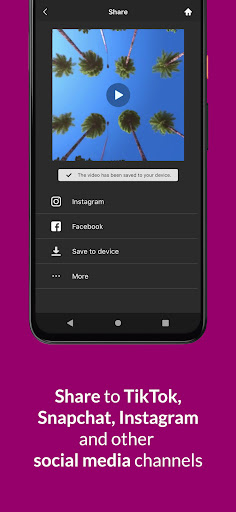
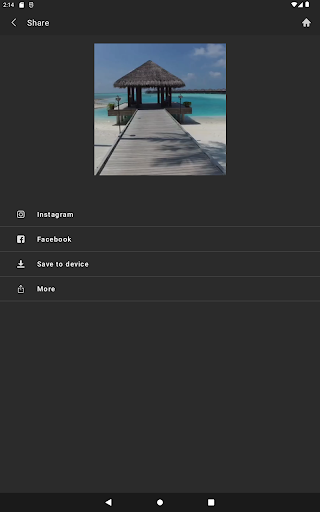
• Share to TikTok, Snapchat, Instagram, and other social media channels
FEATURES
• EASY ACCESS AND CAPTURE
Access photos and videos from your photo library or capture them from your device’s camera
• CUT AND TRIM
Trim video clips and arrange them in the order you want
• TEXT TITLES AND CAPTIONS
Emphasize key points by adding text titles and captions
• AUDIO: MUSIC, SOUND EFFECTS, AND VOICEOVER
Enhance your video with voiceover narration, music tracks, and sound effects*
• EXTENSIVE CONTENT LIBRARY*
Leverage the WeVideo stock library that includes:
⁃ Royalty-free video clips
⁃ Royalty-free music tracks
⁃ Royalty-free photos and illustrations
⁃ Motion titles
⁃ Transitions
⁃ Font
⁃ Filters
• STUNNING VIDEO EFFECTS
⁃ Photo animations - Use the Ken Burns effect to make photos come alive
⁃ Remove the WeVideo watermark (paid plans)
• EASY TO STORE, EXPORT, PUBLISH AND SHARE
⁃ Publish your videos in up to 4K Ultra HD*
⁃ Format your videos in vertical or landscape (9:16, 1:1, 16:9) for easy viewing on any device
⁃ Save to your device or store in the cloud*
⁃ Share directly to social media sites like:
TikTok
Snapchat
Instagram
Facebook
* Dependent on your plan type
Love the WeVideo video editor?
Like us on Facebook: http/www.facebook.com/wevideo
Follow us on Twitter: http://twitter.com/wevideo
Privacy policy: https//www.wevideo.com/privacy
Terms of use: https://www.wevideo.com/terms-of-use
With WeVideo and your mobile device, you don’t need to be a professional to create and share compelling, high-quality videos.
EASY-TO-USE VIDEO EDITOR:
• Use videos and photos from your camera roll on your phone, or capture them from your camera
• Arrange and trim clips
• Add text titles and captions
• Change the style of your videos with transitions, filters, animations, and more
• Enhance your video with voiceover and music tracks
• Share to TikTok, Snapchat, Instagram, and other social media channels
FEATURES
• EASY ACCESS AND CAPTURE
Access photos and videos from your photo library or capture them from your device’s camera
• CUT AND TRIM
Trim video clips and arrange them in the order you want
• TEXT TITLES AND CAPTIONS
Emphasize key points by adding text titles and captions
• AUDIO: MUSIC, SOUND EFFECTS, AND VOICEOVER
Enhance your video with voiceover narration, music tracks, and sound effects*
• EXTENSIVE CONTENT LIBRARY*
Leverage the WeVideo stock library that includes:
⁃ Royalty-free video clips
⁃ Royalty-free music tracks
⁃ Royalty-free photos and illustrations
⁃ Motion titles
⁃ Transitions
⁃ Font
⁃ Filters
• STUNNING VIDEO EFFECTS
⁃ Photo animations - Use the Ken Burns effect to make photos come alive
⁃ Remove the WeVideo watermark (paid plans)
• EASY TO STORE, EXPORT, PUBLISH AND SHARE
⁃ Publish your videos in up to 4K Ultra HD*
⁃ Format your videos in vertical or landscape (9:16, 1:1, 16:9) for easy viewing on any device
⁃ Save to your device or store in the cloud*
⁃ Share directly to social media sites like:
TikTok
Snapchat
* Dependent on your plan type
Love the WeVideo video editor?
Like us on Facebook: http/www.facebook.com/wevideo
Follow us on Twitter: http://twitter.com/wevideo
Privacy policy: https//www.wevideo.com/privacy
Terms of use: https://www.wevideo.com/terms-of-use
What's New
We've added the ability to list, rename, and delete web projects from your mobile device. Plus, you can now upload media directly to them!
App Information
Version Name
8.38.0
Version Code
449
File Size
121.5 MB
Minimum OS
Android 8.0+
Target SDK
Android 33
Developer
WeVideo Inc.
Contact
Website
Content Rating
Everyone
Package Name
com.wevideo.mobile.androidPermissions Required
This app may request the following permissions:
Recent Reviews

A Google user
3.0★
I have been using it for more than a year, every day. needs (TIME LINE) marker in clipfor editing. Honestly looking for new app that will give us time line with simple editing. Need more features for editing portion, like Bold font, slow motion features, etc. furthermore; I lost my subscription with 60 days left. left feedback, with no response. so we are shopping again. Sorry, but that's the truth.

Rafal Urbanski
2.0★
Unable to trim the beginning of a clip. When selecting clips no video files filtration, displays old images first, impossible to select the files you want when you have thousands of photos and videos.

Sue K (PlanetZhooZhoo)
1.0★
This app is now really poor, which is disappointing, as it used to have so much more functionality and integrate so much better with the web version. It adds in transitions and effects automatically that I don't want and now it's useless as a video editor. I can't start the outline of a video on my phone and transfer to the web version to finish off. It even keeps crashing when I try to upload videos I've made. Please go back to the old version that actually worked.

Felix Steinbaugh
3.0★
Really good, but you cannot access a lot of stuff without paying.

Max Sterling
1.0★
Used this app to make videos a few years ago. Worked great. Hadn't used it in years, tried to make a simple video, and just couldn't. I don't know if all the features went to the premium version. But it wasn't photo-friendly, adding music friendly, or at all user friendly.

Khaled Abu Mazen
1.0★
The mobile version is garbage, only tried using the free version for about 10 minutes and couldn't accomplish anything. You can't edit and the latency and frame rate between your trimming and the video screen is horrid. Overall just a bad experience. The whole point of a video editor is to be able to trim and split videos which this can't do to anywhere near a useful degree. Desktop version is quite good though.
Ad slot: In-Content