

Xfinity Stream
com.xfinity.cloudtvr
by Comcast
Screenshots
Ad slot: Top Leaderboard
About this app
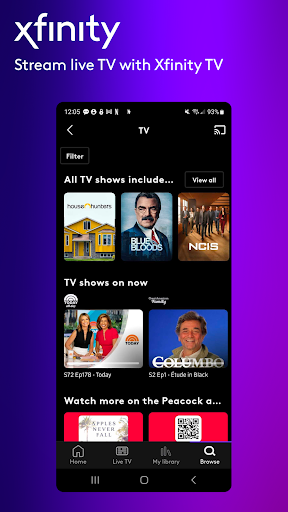
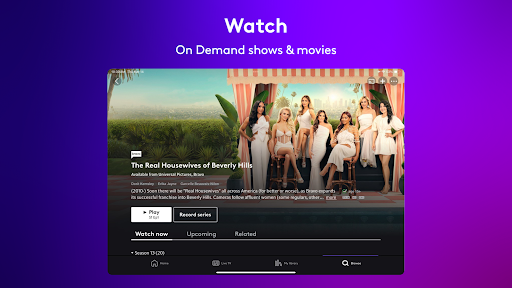
Enjoy the entertainment you love with the Xfinity Stream app, access included for all Xfinity and NOW TV customers. Watch sports, news, movies, shows and more.
Top Features
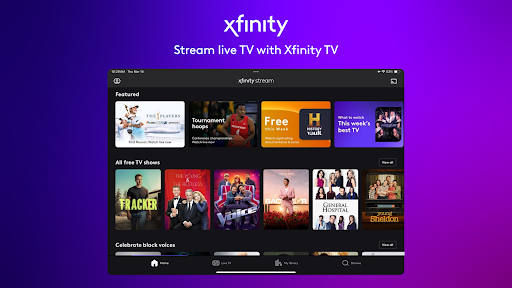
- Xfinity TV customers can watch 250+ channels of live TV on the go and your
entire channel line-up at home
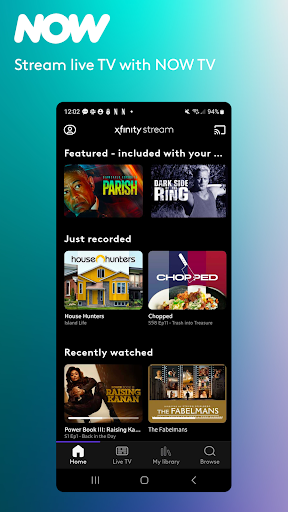
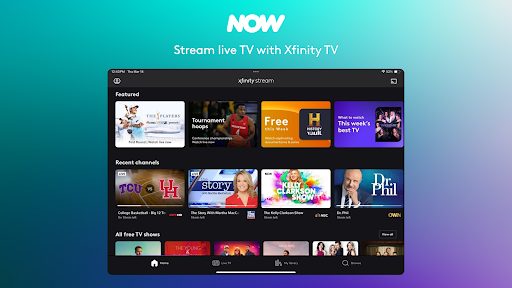
- NOW TV customers can watch 40+ channels of live TV from anywhere
- Xfinity internet customers can watch free live streaming channels and free On
Demand shows and movies
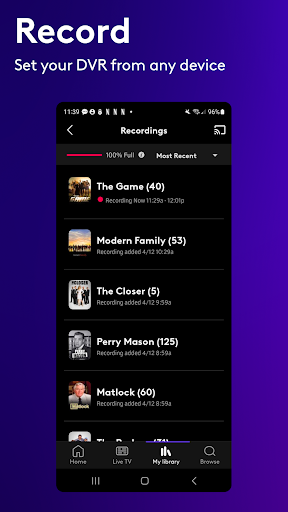
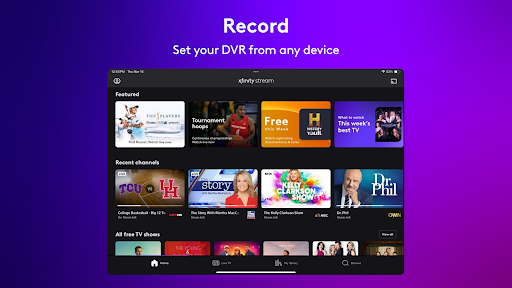
- Schedule DVR recordings from any device
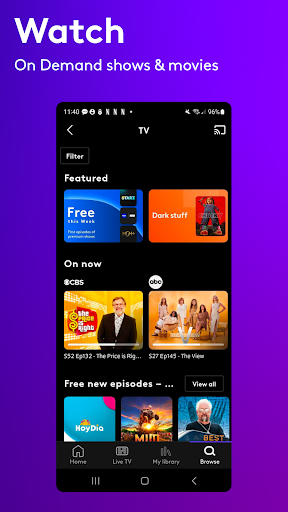
- Access thousands of shows and movies to stream On Demand
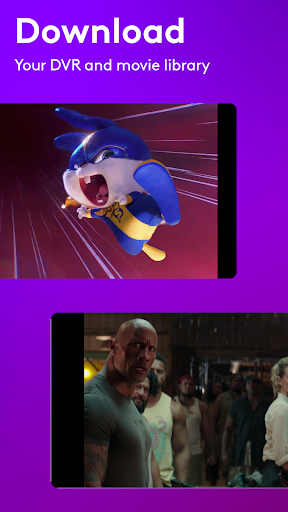
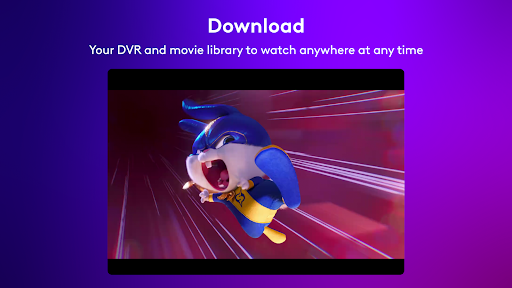
- Download your recordings and movie library to watch offline
- Cast from your smartphone or tablet to the big screen with Chromecast and
supported TVs
- Start watching right after order, and get your full set of channels and features
as soon as your services are activated in your home
Help & Support
- Features may vary based on level of service.
- Additional information on the Xfinity Stream app minimum system requirements: https://www.xfinity.com/support/articles/xfinity-tv-app-requirements
- Look up your existing Xfinity ID (email, mobile phone, or username) or reset your password: xfinity.com/password
- Learn more about ‘Do Not Sell My Personal Information’ options at https://www.xfinity.com/privacy/manage-preference
- Please note: This app features Nielsen’s proprietary measurement software which will allow you to contribute to market research, like Nielsen’s TV Ratings. For more information, please see www.nielsen.com/digitalprivacy.
- License Agreement: Your use of this application is subject to the Xfinity Web Services Terms of Service located at http://my.xfinity.com/terms/web/ . If you do not agree to the terms and conditions of the Web Service Terms of Service, do not download, install, or use this application.
- Requires a minimum Android OS version of 7.0
Top Features
- Xfinity TV customers can watch 250+ channels of live TV on the go and your
entire channel line-up at home
- NOW TV customers can watch 40+ channels of live TV from anywhere
- Xfinity internet customers can watch free live streaming channels and free On
Demand shows and movies
- Schedule DVR recordings from any device
- Access thousands of shows and movies to stream On Demand
- Download your recordings and movie library to watch offline
- Cast from your smartphone or tablet to the big screen with Chromecast and
supported TVs
- Start watching right after order, and get your full set of channels and features
as soon as your services are activated in your home
Help & Support
- Features may vary based on level of service.
- Additional information on the Xfinity Stream app minimum system requirements: https://www.xfinity.com/support/articles/xfinity-tv-app-requirements
- Look up your existing Xfinity ID (email, mobile phone, or username) or reset your password: xfinity.com/password
- Learn more about ‘Do Not Sell My Personal Information’ options at https://www.xfinity.com/privacy/manage-preference
- Please note: This app features Nielsen’s proprietary measurement software which will allow you to contribute to market research, like Nielsen’s TV Ratings. For more information, please see www.nielsen.com/digitalprivacy.
- License Agreement: Your use of this application is subject to the Xfinity Web Services Terms of Service located at http://my.xfinity.com/terms/web/ . If you do not agree to the terms and conditions of the Web Service Terms of Service, do not download, install, or use this application.
- Requires a minimum Android OS version of 7.0
What's New
With this release, we fixed a few minor bugs.
App Information
Version Name
8.3.1.3
Version Code
80301003
File Size
52.2 MB
Minimum OS
Android 7.0+
Target SDK
Android 34
Developer
Comcast
Contact
Website
Content Rating
Teen
Package Name
com.xfinity.cloudtvrPermissions Required
This app may request the following permissions:
Recent Reviews

Bev Owen
1.0★
When casting to Chromecast from the app, rewinding is unbelievably bad. It keeps freezing and doesn't rewind. If your phone goes to sleep, when you wake it up, it starts the program at the beginning. Same happens when you have to pause it and when you resume play, it freezes and goes back to the beginning. There is no option to skip recap or skip intro. Playing any content on this app via Chromecast on the TV is painstakingly time consuming. This is the worst streaming app ever.

Topher
2.0★
Lot of bugs lately. Will go to cancel recordings and it confirms it's canceled then I'll check back later & see it is recording and bumping something else out. Or I've had games that are recording that will simply stop recording part way into it. Fun to find out later... And not due to too many recordings either, not sure what's happening there. And now I'm only seeing some of my recordings on my tablet, which is how I watch most of my sports, so I'm losing 1 of my main pulls for xfinity there

JP Pauley
1.0★
#1 The very first show I selected to try to stream wanted me to "pay extra" even though I am already paying for the Peacock service and what I selected was supposed to be included. #2 I select a different show, Deadliest Catch season 20, and start watching that. After 3 episodes it shuts down when the episode ends. I open it back up. It's in the middle of the last episode I watched and neither arrow allows me to go back to the episode list to select the one I actually want to watch.

Joseph Zagami
1.0★
Constant audio sync issues, tons of ads - this app is not good. Don't worry! the ads have perfect audio sync, it's the stuff you pay for that's messed up 🙄 The most infuriating part is you can't fix the audio sync issue. just reality with this app. mirrors my experience across Xfinity as a whole - subpar service, exorbitant prices. use something else.

Mehmood Nurmohamed
1.0★
Impossible to cast anything from my mobile device to my TV. Every other streaming service I have has no issues with casting. Starting up a TV show for casting results in a long delay. App eventually times out. This occurs with every single channel. Xfinity should pay us to use this turd app. Edit: Still the same pile of turd as of 10/1. Won't connect to my TV and always displays the same useless error code.

Autumn Barber
1.0★
Chromecast doesn't work, I can find my Chromecasts from every other streaming app except this one. what good is an app if one of it's only features to watch on a big TV doesn't work!?? And to add another thing, if it finally does decide to Chromecast, it literally does not stream properly. Constant buffering, resumes after ads in the wrong place, bad quality.
Ad slot: In-Content