

Video Watermark - Create & Add
com.zmobileapps.videowatermark
by photoshop mobile apps
Screenshots










Ad slot: Top Leaderboard
About this app
Protect your Videos by adding watermark. Create your own brand identity(Logo) and watermark your videos.
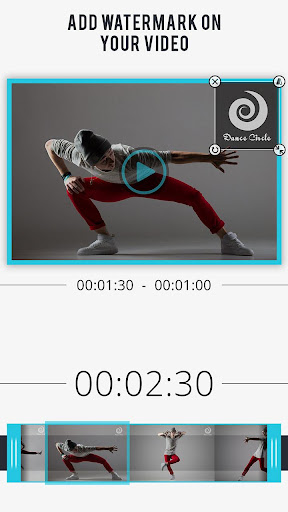
You don't need a Computer to add watermark on videos. Video Watermark allows you to add watermark on videos right on your phone.
Video Watermark works in background and let you do other things while adding watermark on videos in background.
Create your own brand identity(Watermark/Logo), apply your watermark on your videos and get your desired attention from others by sharing your eye catching watermarked videos on social media.
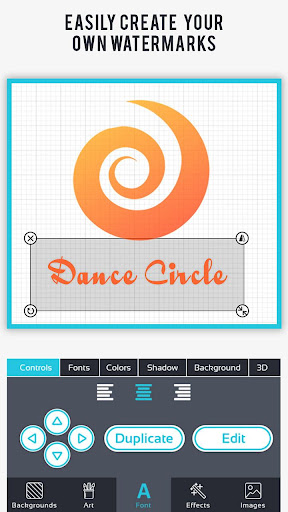
Video Watermark is a fast and easy to use app to create and apply watermark on video. Create your own watermark or use existing watermark template and apply on any of your video on the go.
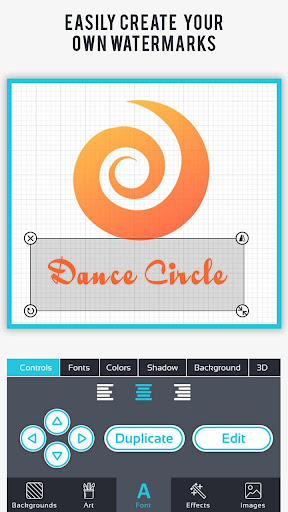
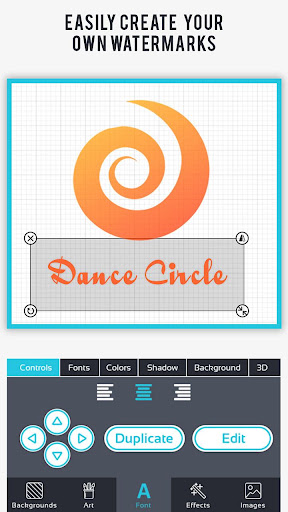
Video Watermark comes with professional Watermark/ Logo Maker so that you can create your own brand identity(Logo) and Advance video editing tool helps you to apply watermark on video easily.
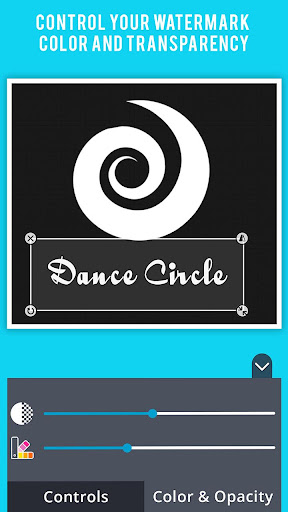
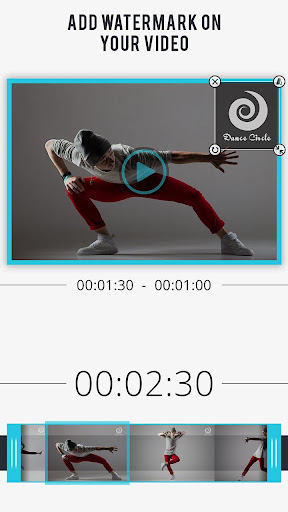
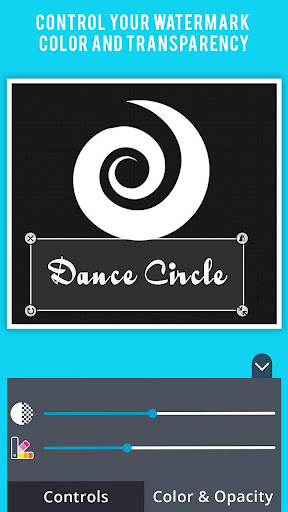
Video Watermark adds watermark to your video to make it personalize. Also you can set watermark position, color and opacity over your video to personalize or copyright video.
WHY USE VIDEO WATERMARK:
✔ Fast and easy to use with user friendly UI.
✔ High Quality video generated.
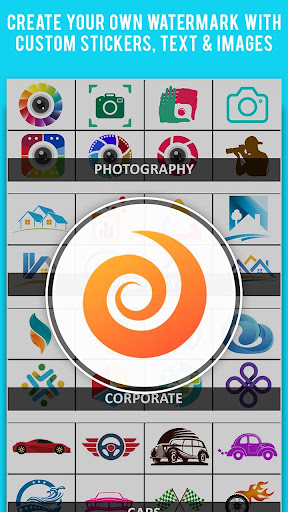
✔ Easy to create watermark with "Create Watermark" feature.
✔ Easy to Modify Watermark or Add On Video.
✔ Supports MP4 and major format in Videos
✔ Easy to adjust position, size, hue.
✔ Change transparency of your added watermark.
✔ Easy to save.
✔ View all generated video in album gallery.
✔ Delete or Easy sharing to Social Media.
FEATURE:
● Select a Video from gallery to be edit.
● Create or Choose a Watermark.
● Adjust size, position hue and transparency of Watermark.
● Then Apply and wait for process to complete or choose notify me later.
● "Notify me later" feature notify you when your video with Watermark is ready.
● Notification Feature show you notification with process(i.e. how much is done) even if your app is not opened.
● Save your time because you need not to wait for the process to complete if once started.
● Preview your saved video and share easily.
You don't need a Computer to add watermark on videos. Video Watermark allows you to add watermark on videos right on your phone.
Video Watermark works in background and let you do other things while adding watermark on videos in background.
Create your own brand identity(Watermark/Logo), apply your watermark on your videos and get your desired attention from others by sharing your eye catching watermarked videos on social media.
Video Watermark is a fast and easy to use app to create and apply watermark on video. Create your own watermark or use existing watermark template and apply on any of your video on the go.
Video Watermark comes with professional Watermark/ Logo Maker so that you can create your own brand identity(Logo) and Advance video editing tool helps you to apply watermark on video easily.
Video Watermark adds watermark to your video to make it personalize. Also you can set watermark position, color and opacity over your video to personalize or copyright video.
WHY USE VIDEO WATERMARK:
✔ Fast and easy to use with user friendly UI.
✔ High Quality video generated.
✔ Easy to create watermark with "Create Watermark" feature.
✔ Easy to Modify Watermark or Add On Video.
✔ Supports MP4 and major format in Videos
✔ Easy to adjust position, size, hue.
✔ Change transparency of your added watermark.
✔ Easy to save.
✔ View all generated video in album gallery.
✔ Delete or Easy sharing to Social Media.
FEATURE:
● Select a Video from gallery to be edit.
● Create or Choose a Watermark.
● Adjust size, position hue and transparency of Watermark.
● Then Apply and wait for process to complete or choose notify me later.
● "Notify me later" feature notify you when your video with Watermark is ready.
● Notification Feature show you notification with process(i.e. how much is done) even if your app is not opened.
● Save your time because you need not to wait for the process to complete if once started.
● Preview your saved video and share easily.
What's New
🔧 Boosted app performance and resolved Firebase issues for smoother usage.
App Information
Version Name
2.2
Version Code
14
File Size
197.3 MB
Minimum OS
Android 7.0+
Target SDK
Android 33
Developer
photoshop mobile apps
Contact
Website
Content Rating
Everyone
Package Name
com.zmobileapps.videowatermarkPermissions Required
This app may request the following permissions:
Recent Reviews

Eliyael Yisrael
5.0★
Easy to use and get up and going fast. If you want to just put your watermark or text just simply type it in, then you can choose which color that you want your fonts and click the check wait a few seconds to finalize and that's it. You now have a watermark on a video. It has a lot of tools to use so you can be very creative and have fun.!

Megan Dominguez
5.0★
my first time downloading it! it was simple, and did exactly what I needed. not a single issue !!! I feel like I just stole from them. it was that easy. please don't change anything!!!! I didn't run into ads either. this is great. not sure if they'll ask me to pay after a few go's. hopefully not.

Patricia Ada Bisong Ononye
5.0★
It's an an excellent experience. It is easy to use and give you options to modify your watermark placement. I also like the moving watermark style. I love it

ellen otah
5.0★
So easy, simple and handy. Creating and adding water marks to a video couldn't be simpler. I love it.

Adithyan
5.0★
excellent app helps me through out my yt shorts channel to make edits and watermarks it would be better if you could save your watermarks otherwise it will be diffter every next time still the app is great

Savage Marshmallow
2.0★
I tried using a simple text as watermark. fonts are nice and so are the controls. But one thing makes me upset. My raw video is 65MB. but after i put that simple text watermark, my video became 286MB ??? That's really unacceptable. Imagine you have to upload it on a platform that have MB limit. Your app wont totally help at all. Hope to cross your app again in future and by that time. I'll expect that this rating gives you an insight of what's going on with your app. Thanks.
Ad slot: In-Content