Document Reader & PDF Editor icon

Phone

Document Reader & PDF Editor

Productivity QR Code Scanner. ⭐ 4.70 100,000,000+

Office Reader - Read PDF, Word, Excel, PPT files & Open ZIP/RAR Document files

Version 1.3.0.75 37.3 MB Everyone

Screenshots

Document Reader & PDF Editor screenshot
Permissions Explained 17 permissions requested View details

This app requests 17 permissions. The table below explains what each permission may allow and what users should review before installing.

Status Permission What it means Why it may be used User safety note
Common Vibration control android.permission.VIBRATE Allows the app to control device vibration. Used for notifications, alerts, haptic feedback, timers, alarms, or game feedback. Generally low risk by itself.
Common Internet access android.permission.INTERNET Allows the app to open network connections and communicate with online services. Commonly used for streaming, syncing, login, ads, analytics, downloads, cloud features, and app updates. Common permission. Review the app’s behavior if it does not appear to need online access.
Common View network status android.permission.ACCESS_NETWORK_STATE Allows the app to check whether the device is connected to Wi-Fi, mobile data, or another network. Often used to avoid loading content when offline or to adjust loading based on connection quality. Generally low risk by itself.
ℹ️ Review Send notifications android.permission.POST_NOTIFICATIONS Allows the app to send notifications to the device. Used for alerts, reminders, messages, account activity, updates, or media controls. Review notification settings if the app sends too many alerts.
ℹ️ Review Manage External Storage android.permission.MANAGE_EXTERNAL_STORAGE This is an Android permission or app-specific permission requested by the app. The app may use this permission for features related to its category, device support, background behavior, storage, connectivity, or system integration. Review this permission before installing, especially if it does not match the app’s expected purpose.
⚠️ Sensitive Read external storage android.permission.READ_EXTERNAL_STORAGE Allows the app to read files from shared device storage. Used by media players, file managers, backup apps, editors, upload tools, and document apps. Sensitive permission. Review carefully if the app does not need access to files or media.
⚠️ Sensitive Modify external storage android.permission.WRITE_EXTERNAL_STORAGE Allows the app to write or modify files in shared device storage. Used for saving downloads, media files, exports, edited documents, backups, or cached content. Sensitive permission. Make sure file access matches the app’s purpose.
ℹ️ Review Com Vivo Notification Permission Badge Icon com.vivo.notification.permission.BADGE_ICON This is an Android permission or app-specific permission requested by the app. The app may use this permission for features related to its category, device support, background behavior, storage, connectivity, or system integration. Review this permission before installing, especially if it does not match the app’s expected purpose.
ℹ️ Review Com Adjust Preinstall Read Permission com.adjust.preinstall.READ_PERMISSION This is an Android permission or app-specific permission requested by the app. The app may use this permission for features related to its category, device support, background behavior, storage, connectivity, or system integration. Review this permission before installing, especially if it does not match the app’s expected purpose.
ℹ️ Review Keep device awake android.permission.WAKE_LOCK Allows the app to prevent the device from sleeping while a task is running. Used for media playback, downloads, navigation, alarms, calls, or long-running background tasks. Review battery usage if the app keeps the device awake too often.
ℹ️ Review Vending Billing com.android.vending.BILLING This is an Android permission or app-specific permission requested by the app. The app may use this permission for features related to its category, device support, background behavior, storage, connectivity, or system integration. Review this permission before installing, especially if it does not match the app’s expected purpose.
ℹ️ Review Gms Permission Ad Id com.google.android.gms.permission.AD_ID This is an Android permission or app-specific permission requested by the app. The app may use this permission for features related to its category, device support, background behavior, storage, connectivity, or system integration. Review this permission before installing, especially if it does not match the app’s expected purpose.
ℹ️ Review Finsky Permission Bind Get Install Referrer Service com.google.android.finsky.permission.BIND_GET_INSTALL_REFERRER_SERVICE This is an Android permission or app-specific permission requested by the app. The app may use this permission for features related to its category, device support, background behavior, storage, connectivity, or system integration. Review this permission before installing, especially if it does not match the app’s expected purpose.
ℹ️ Review Access Adservices Ad Id android.permission.ACCESS_ADSERVICES_AD_ID This is an Android permission or app-specific permission requested by the app. The app may use this permission for features related to its category, device support, background behavior, storage, connectivity, or system integration. Review this permission before installing, especially if it does not match the app’s expected purpose.
ℹ️ Review Access Adservices Attribution android.permission.ACCESS_ADSERVICES_ATTRIBUTION This is an Android permission or app-specific permission requested by the app. The app may use this permission for features related to its category, device support, background behavior, storage, connectivity, or system integration. Review this permission before installing, especially if it does not match the app’s expected purpose.
ℹ️ Review Access Adservices Topics android.permission.ACCESS_ADSERVICES_TOPICS This is an Android permission or app-specific permission requested by the app. The app may use this permission for features related to its category, device support, background behavior, storage, connectivity, or system integration. Review this permission before installing, especially if it does not match the app’s expected purpose.
ℹ️ Review Foreground Service android.permission.FOREGROUND_SERVICE This is an Android permission or app-specific permission requested by the app. The app may use this permission for features related to its category, device support, background behavior, storage, connectivity, or system integration. Review this permission before installing, especially if it does not match the app’s expected purpose.

About Document Reader & PDF Editor

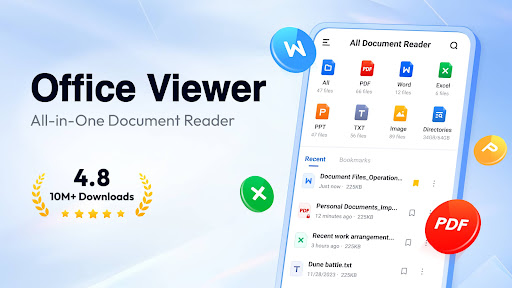
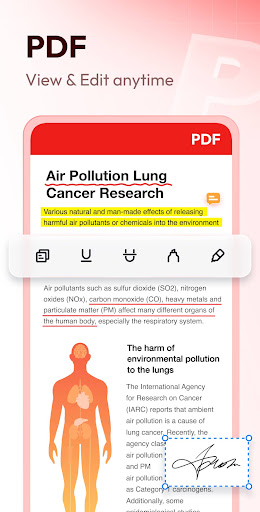
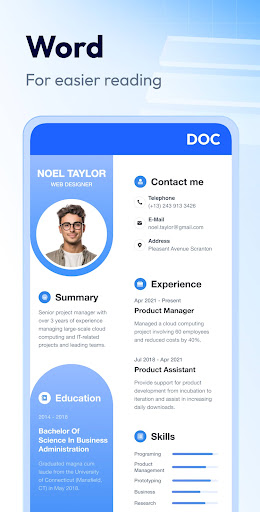
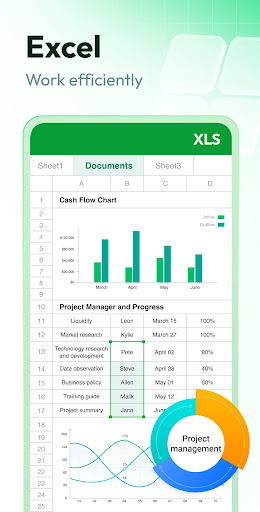
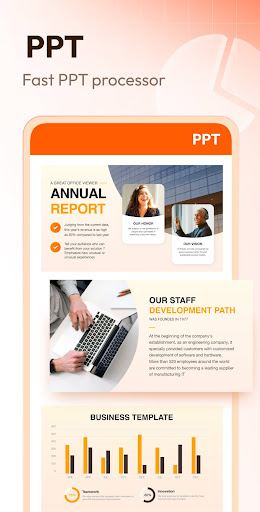
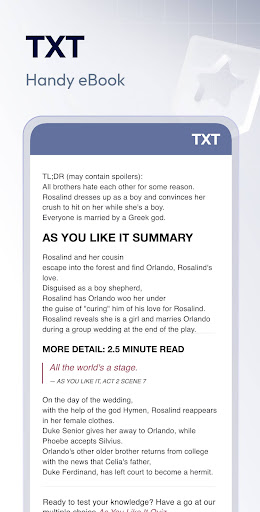
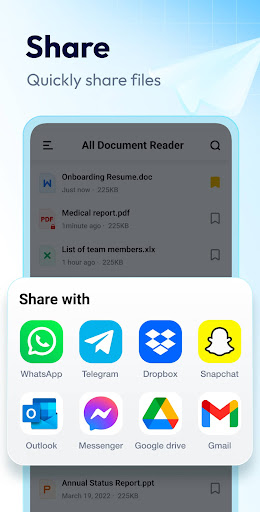
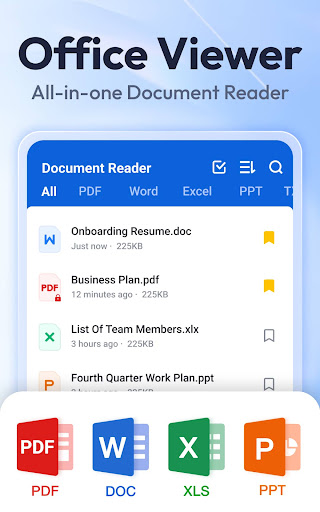
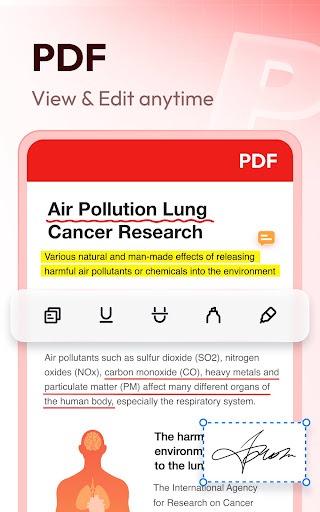
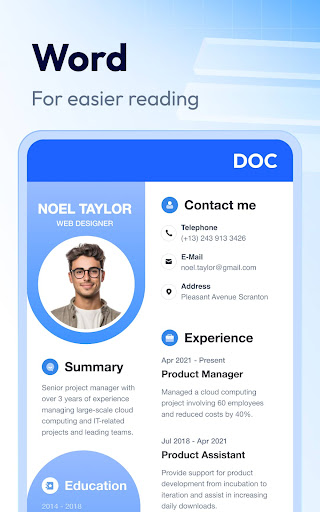
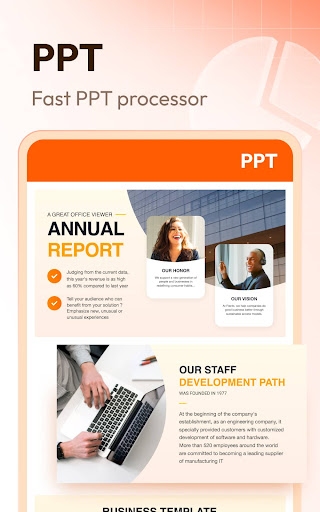
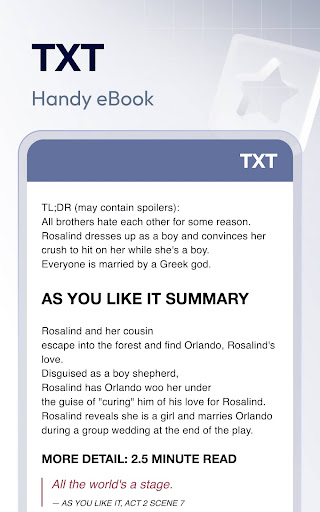
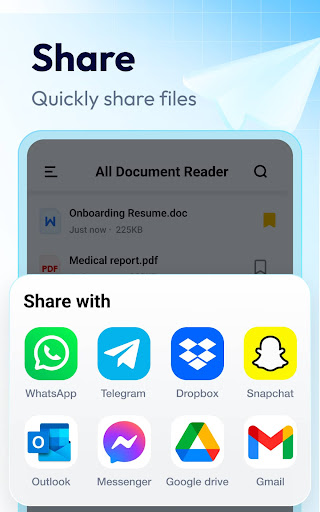
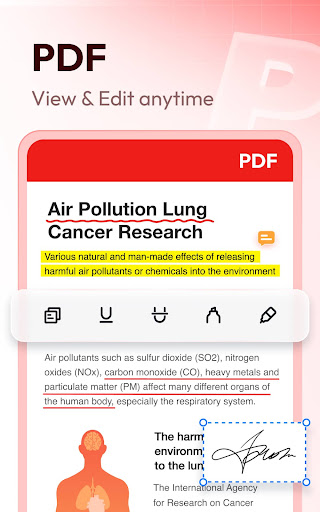
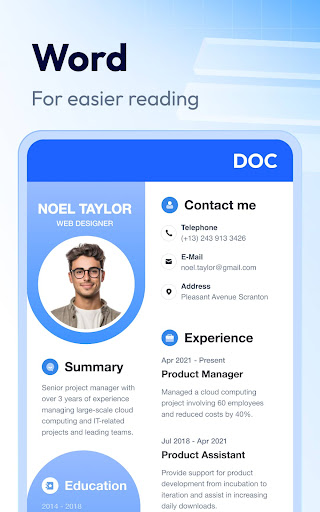
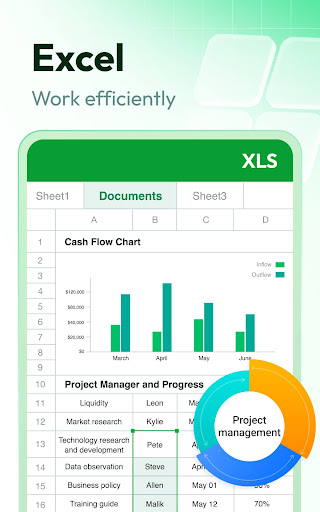
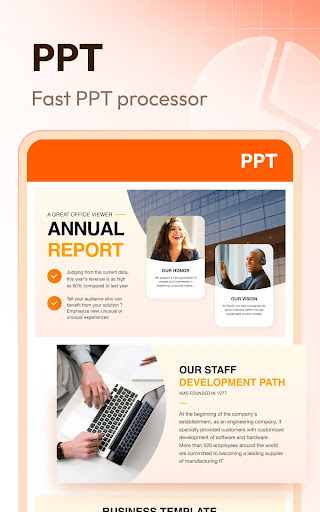
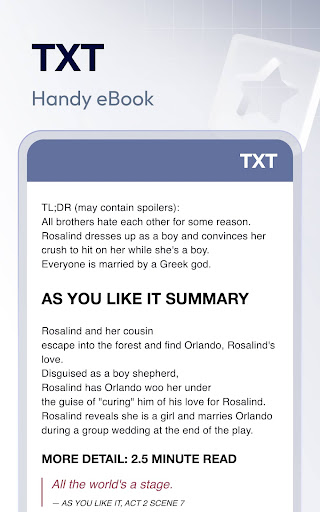
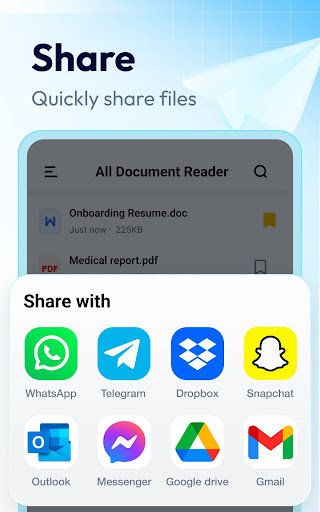
Document Reader is an all-in-one file viewer that helps you read and manage all formats of office files easily. PDF, WORD, EXCEL, PPT, TXT, etc. all supported. It's very easy to use, and compatible with all office formats. Just open it, you'll see all your documents well organized in folders for quick search and view. Open Word, read PDF, manage all files in one place easily! Why choose Document Reader? 👏 Support all formats - PDF, DOC, DOCX, XLS, XLXS, PPT, TXT, PNG, JPG, RTF, etc. 👏 All document viewer/office viewer 👏 Read all documents anywhere, anytime with just one click 👏 Simple and clear file lists, easy to search and manage files 👏 Bookmark documents for quick access 👏 No internet required, read documents offline Download this simple, fast, lightweight all document reader now, and you'll get a PDF reader, Word/Excel viewer, PPT viewer, all in one! Document Reader can work as: 📕 PDF Reader/PDF Viewer - Zoom in/zoom out pages while reading - Jump to the page you want directly - Switch from landscape and portrait reading mode freely - Easily print and share PDFs 📘 Word Reader - Handy document viewer for all DOC, DOCX, and DOCS files - Easily find your target file through quick search feature - Sort all documents by file path, size, name, last edit date, etc. - Simple and elegant interface 📈 Excel/Text Viewer - Quickly open XLS, XLSX, TXT files and search out the data you want - A simple and straightforward way to read spreadsheets on your device 🔍 PPT Viewer - Viewing PPT, PPTX, PPS, PPSX files has never been easier - Fast and stable performance, HD quality ➡️ More features on the way… ✔️ Image to PDF converter ✔️ Edit documents freely ✔️ Support more document formats, RAR, ZIP, MOBI, HTML, etc. ✔️ Night mode ✔️ Search text within documents … Try Document Reader now and you can read, edit and manage documents in all formats on the go! Permission Needed: To read and edit files on your device, users with Android 11 or higher need to grant the MANAGE_EXTERNAL_STORAGE permission. Rest assured, this permission will never be used for any other purpose. Thank you for choosing Document Reader. 💗 We welcome all feedback and suggestions. If you have any questions, don't hesitate to contact us at [email protected].

What Document Reader & PDF Editor Is Used For

Document Reader & PDF Editor appears to be a phone-based productivity app for opening and viewing common office files in one place. Based on the metadata, people commonly use apps like this to read PDFs, view Word documents, check spreadsheets, open presentations, and browse other document types without switching between multiple apps.

It also seems aimed at basic document management on Android, with support for file lists, folder-style organization, search, bookmarking, and offline viewing. The metadata mentions storage access permissions such as MANAGE_EXTERNAL_STORAGE and external storage read/write access, which suggests the app may need broad file access to scan, open, and manage documents saved on the device. It also lists ZIP/RAR and image-related support, so it may be useful when a user needs to open mixed file types from downloads, shared folders, or work files on the phone.

Some features described in the metadata, such as document editing, image-to-PDF conversion, and text search inside documents, may appeal to users who need lightweight document handling on the go. Since it is a phone app, it looks most relevant for everyday mobile reading rather than advanced desktop-style office work.

Common uses

  • Open and read PDF, Word, Excel, and PowerPoint files on Android
  • Browse documents stored on the device in a simple file list
  • Search for files by name, path, size, or recent changes
  • Bookmark frequently used documents for quicker access
  • View documents offline without needing an internet connection
  • Handle additional file types such as TXT, images, ZIP, and RAR based on the metadata
  • Use document tools like page zoom, rotation, and text search where supported
Best for:
Mobile document viewing Phone users Offline reading File organization Office file access

App Details

Package:
all.documentreader.filereader.office.viewer
Category:
Productivity
Developer:
QR Code Scanner.
Version:
1.3.0.75
Updated:
Mar 16, 2026
Min Android:
6.0
Age Rating:
Everyone
Contains Ads:
Yes
In-App Purchases:
Yes

Official Listing

  • Official listing available on Google Play
  • Package name: all.documentreader.filereader.office.viewer
  • Age rating: Everyone

Explore More

Browse more apps in Productivity or explore the Phone hub .

Related Productivity Apps

WPS Office-PDF, Word, Sheet icon

WPS Office-PDF, Word, Sheet

Productivity WPS SOFTWARE PTE. LTD.

PDF, Word, Sheet, PowerPoint, Form & Notes

Version 18.24 178.7 MB ⭐ 4.50 500,000,000+ installs
Image to PDF Converter icon

Image to PDF Converter

Productivity Simple Design Ltd.

Image to PDF & PDF Reader: easily convert to PDF, manage and read all local PDFs

Version 1.6.2 23.1 MB ⭐ 4.88 50,000,000+ installs
PDF Reader - Hi Read icon

PDF Reader - Hi Read

Productivity Simple Design Ltd.

PDF Reader - All PDF file, document read & manage by PDF Viewer for android fast

Version 1.4.1 18.2 MB ⭐ 4.74 50,000,000+ installs
One Read icon

One Read

Productivity Simple Design Ltd.

Easy All Document Reader & Viewer: PDF, DOCX, Excel, PPT, TXT file, Office Suite

Version 1.1.8 24.2 MB ⭐ 4.73 50,000,000+ installs

How to Download Document Reader & PDF Editor

If this app is not hosted directly on APKApps official link, then for the safest and most up-to-date version, install it from its official Google Play listing.