About OpenDocument Reader Pro
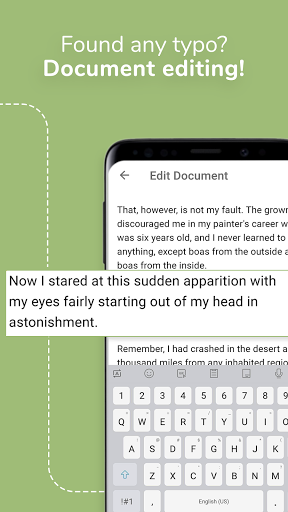
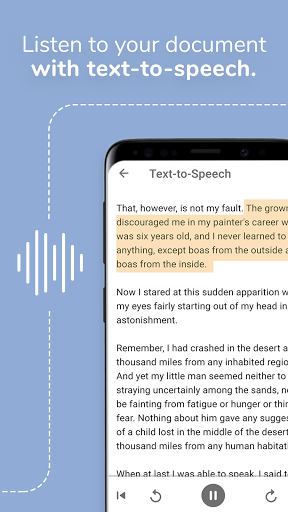
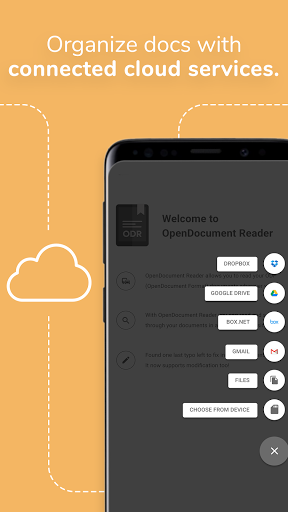
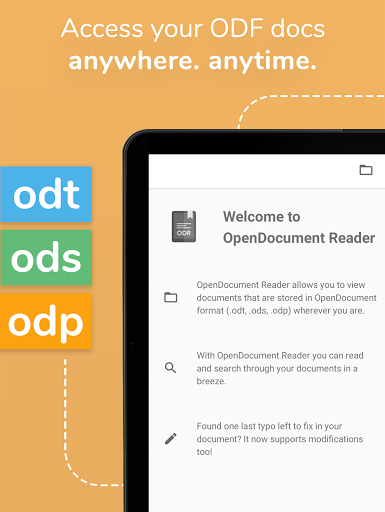
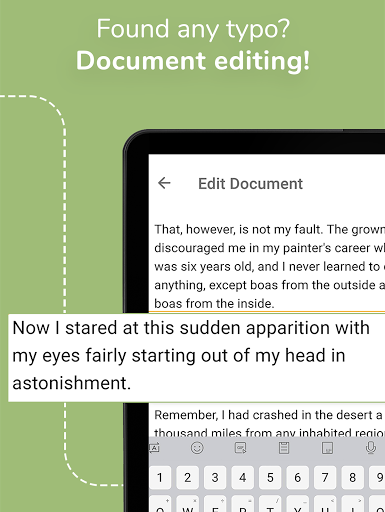
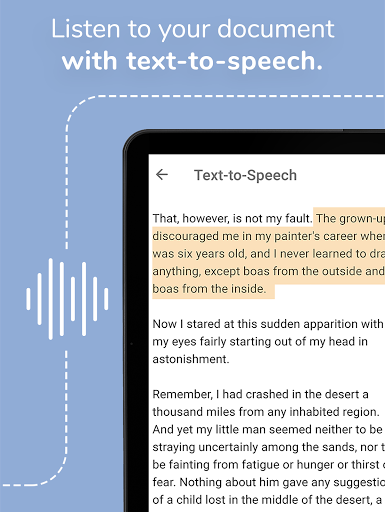
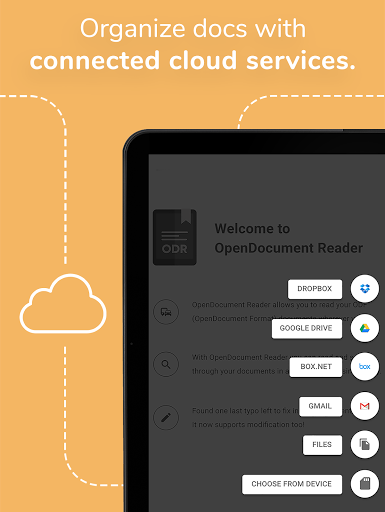
View and modify documents created using LibreOffice or OpenOffice on the go using the Document Reader & Document Editor! 📄🚶 The file reader & document editor allows you to open files like ODF (Open Document Format) documents created using LibreOffice or OpenOffice wherever you are. In the bus on your way to school wanting to look at your notes before the big exam? No problem! With the Document Reader you can open files wherever you like and read & search through your documents to go in a clean and simple way. Is there just one last typo left to fix in your document before sending it out to colleagues? The File Editor supports modification of documents now! Fast, simple and well integrated. You can open files from ODF (ODT, ODS & many more) that you have created with Libre Office or OpenOffice also from within other apps. Supported apps include GMail, Google Drive, iCloud, OneDrive, Nextcloud, Box.net, Dropbox and lots of others! Or use our integrated file explorer instead to open files on your device. THE ALL IN ONE DOCUMENT READER AND DOCUMENT EDITOR 📄 ➡️open files with ODF: ODT (writer), ODS (calc), ODP and ODG without a hassle ➡️basic editing of documents with the file editor to fix typos, add sentences, etc ➡️securely open password-protected documents ➡️search for keywords in your ODT (writer), ODS (calc) or ODG and highlight them ➡️print documents if your device is connected to a printer ➡️read your documents in fullscreen to avoid distractions ➡️select and copy text out of your documents ➡️enjoy your documents even without internet connectivity - fully offline capable ➡️read out aloud your documents using Text-To-Speech technology DOCUMENTS TO GO - WHEREVER YOU LIKE 🚶 In addition to that, the document reader & document editor aims to support various other file formats as well as possible: - Portable Document Format (PDF) - Archives: ZIP - Images: JPG, JPEG, GIF, PNG, WEBP, TIFF, BMP, SVG, etc - Videos: MP4, WEBM, etc - Audio: MP3, OGG, etc - Text files: CSV, TXT, HTML, RTF - Microsoft Office (OOXML): Word (DOC, DOCX), Excel (XLS, XLSX), PowerPoint (PPT, PPTX) - Apple iWork: Pages, Numbers, Keynote - Libre Office and Open Office ODF (ODT, ODS, ODP, ODG) - PostScript (EPS) - AutoCAD (DXF) - Photoshop (PSD) This app is open source. We are not affiliated with OpenOffice, LibreOffice or similar. Made in Austria. Ads are shown in order to support the development of this app. They are free to remove temporarily via the in-app menu. We highly appreciate all kinds of feedback via email. ODF is the format used by office suites like Open Office and Libre Office. Text documents (Writer, ODT), as well as spreadsheets (Calc, ODS) and also presentations (Impress, ODP) are supported, including support with the file editor for complex formatting and embedded images. Graphs are no problem either. If you want to secure your data you can even open password-protected documents. Other applications that are using this format are NeoOffice, StarOffice, Go-oo, IBM…
What OpenDocument Reader Pro Is Used For
OpenDocument Reader Pro appears to be a document viewer and basic editor for Android phones, focused on opening files created with LibreOffice or OpenOffice. Based on the metadata, it is commonly used to read ODF documents such as ODT, ODS, ODP, and ODG, and to make small edits like fixing typos or adding short text before sharing or sending a file. It may also be useful for people who need to review documents away from a desktop computer, such as students, office workers, or anyone handling office files on the go.
The app also seems designed for general document access, with support listed for formats like PDF, DOC/DOCX, XLS/XLSX, PPT/PPTX, images, text files, and some media files. The permission list suggests it can work with local storage and network-connected file sources, which fits a use case where users open documents from the device or from cloud services. Features like searching text, fullscreen reading, text-to-speech, printing, and password-protected file handling point to a practical document utility rather than a full office suite.
Common uses
- Open LibreOffice/OpenOffice documents such as ODT, ODS, ODP, and ODG files
- Make basic edits to documents, such as correcting text or adding short changes
- Search within documents and highlight matching terms
- Open files from device storage or connected cloud/file apps
- Read documents offline when internet access is unavailable
- Copy text from documents for reuse in other apps
- Use text-to-speech or fullscreen reading for easier review
App Details
Package:
at.tomtasche.reader.pro
Developer:
Stefl und Taschauer OG
Version:
Varies with device
Updated:
Mar 23, 2026
Min Android:
Varies with device
Age Rating:
Everyone
Contains Ads:
No
In-App Purchases:
No
Official Listing
-
Official listing available on
Google Play
-
Package name:
at.tomtasche.reader.pro
-
Age rating:
Everyone
Related Business Apps
Business
•
LinkedIn
Smarter career moves start here. AI job alerts, insights & the right tools.
Version 4.1.1185.1
90.3 MB
⭐ 4.10
1,000,000,000+ installs
Business
•
zoom.com
Version Varies with device
181.9 MB
⭐ 4.10
1,000,000,000+ installs
Business
•
Microsoft Corporation
Chat, meet, and collaborate to achieve more together, all in one place on Teams
Version 1416/1.0.0.2026044202
346.8 MB
⭐ 4.70
500,000,000+ installs
Business
•
Adobe
Scan and save to multiple files types like PDF, Microsoft Word, JPEG and more.
Version Varies with device
79.3 MB
⭐ 4.70
100,000,000+ installs
Business
•
MobiSystems
Version 16.2.59203
151.0 MB
⭐ 4.30
100,000,000+ installs
Business
•
MobiSystems
File manager | Explorer for cloud storage files & folders | Hide private photos.
Version Varies with device
23.1 MB
⭐ 4.20
100,000,000+ installs
How to Download OpenDocument Reader Pro
If this app is not hosted directly on APKApps official link,
then for the safest and most up-to-date version, install it from its official Google Play listing.