About Stickey Intervals
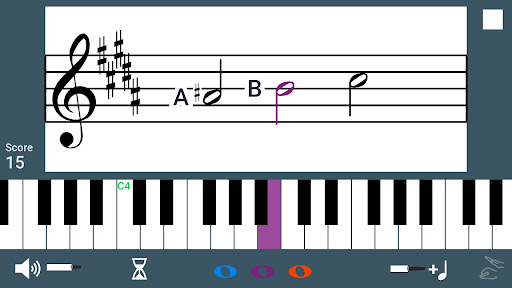
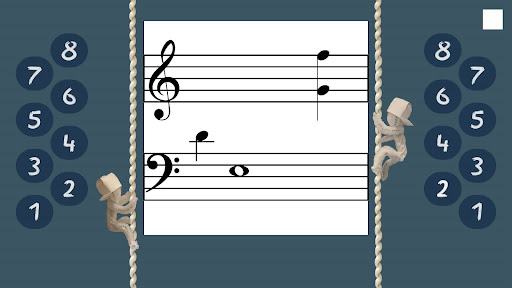
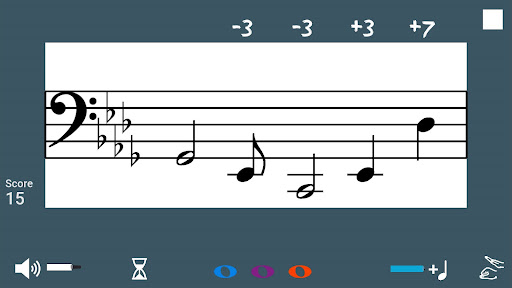
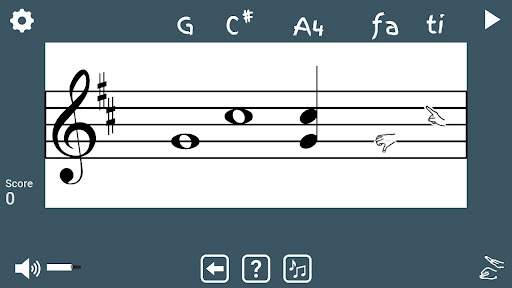
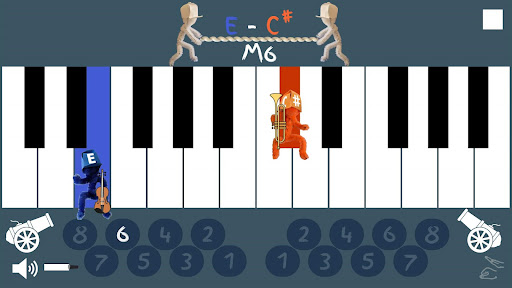
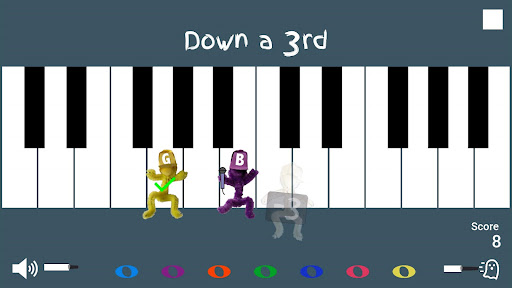
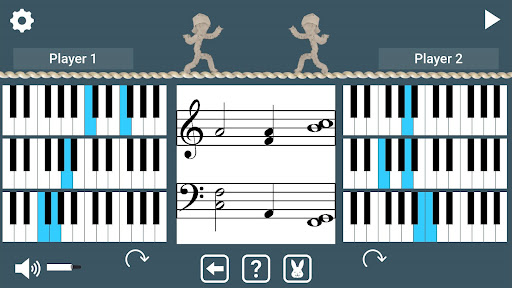
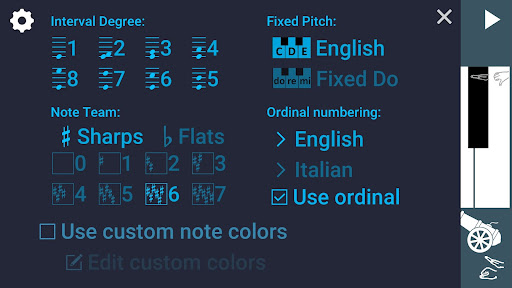
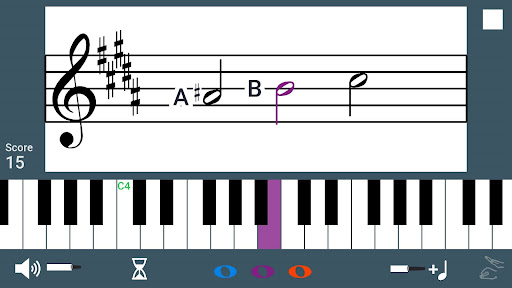
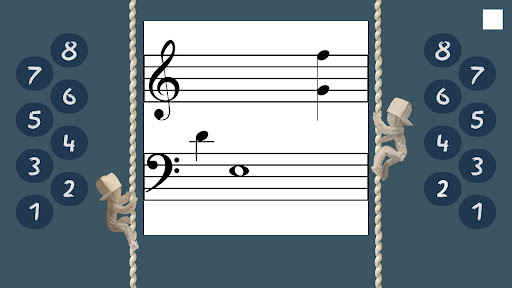
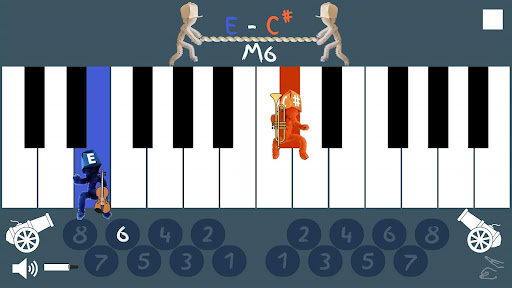
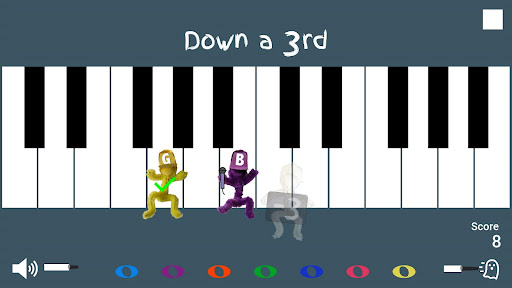
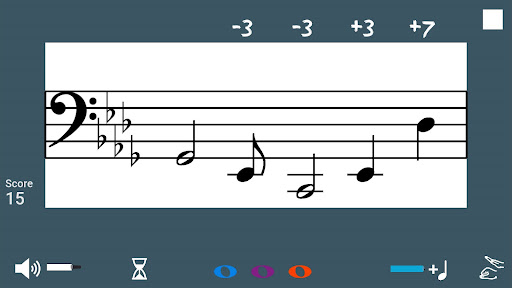
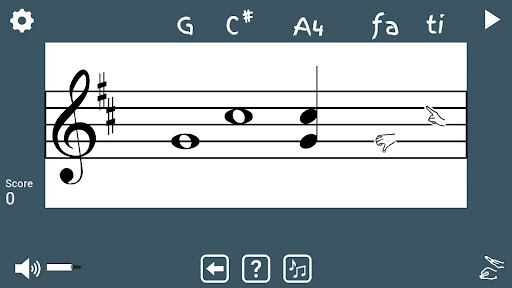
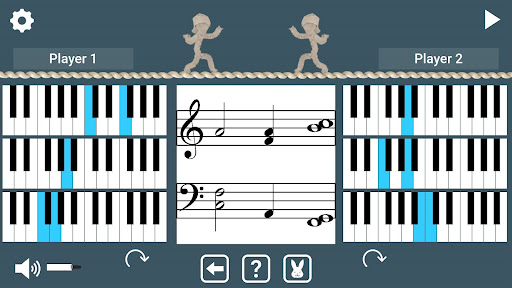
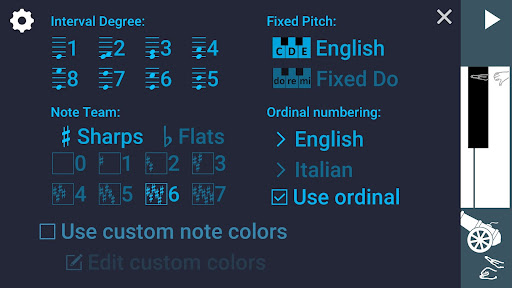
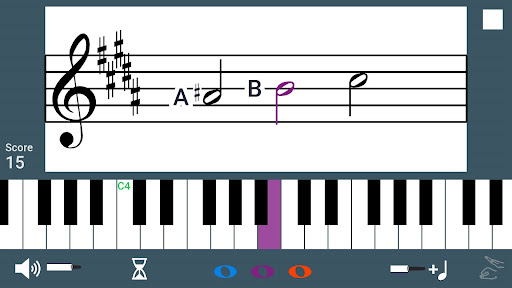
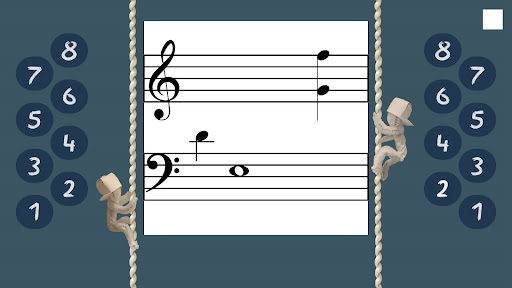
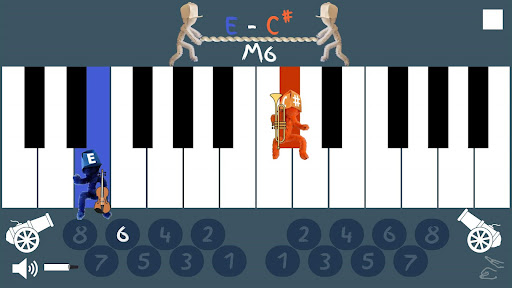
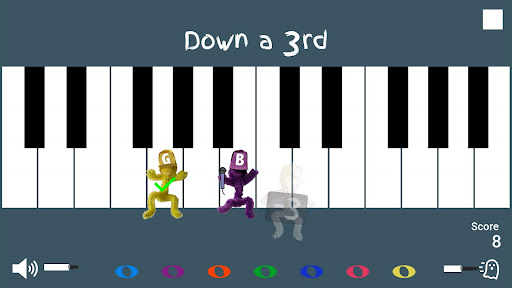
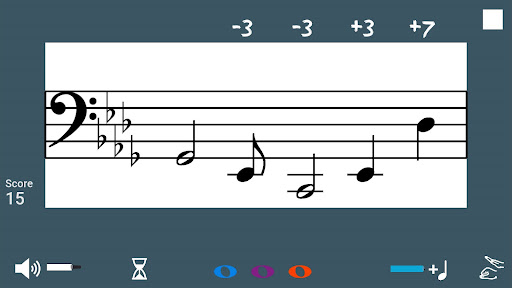
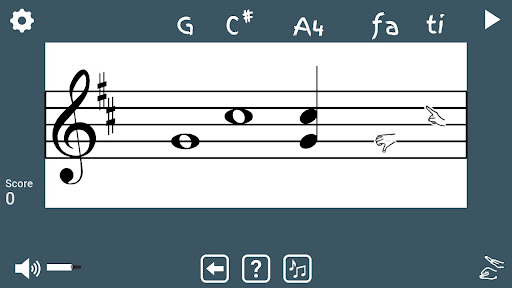
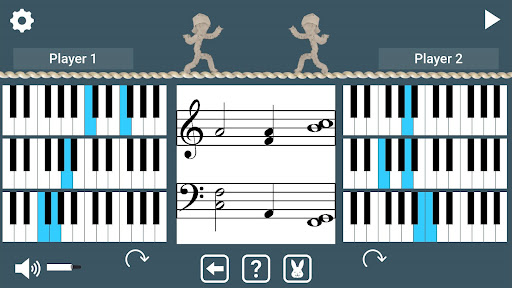
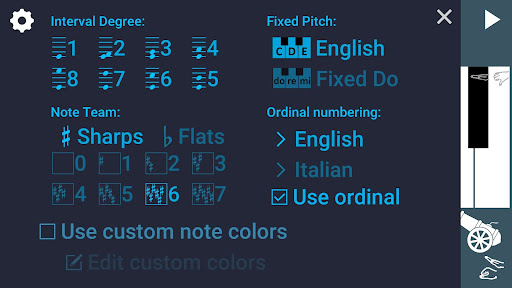
Build your intervallic music reading skills with these fun games for piano! Level 1 > Make and identify interval degrees on the piano keyboard > Single player: Don't let the ghost catch you! Drag the character to the piano key that forms the specified interval. > 2-Player: Race your opponent to select the interval degree that matches the played piano keys. Level 2 > Make and identify interval degrees on the staff. > Single player: Drag the notes on the staff to match the interval degrees you hear. See and hear how intervals change by moving notes on the staff. > 2-Player: Race your opponent in a rope-climbing competition. Select the interval degree that matches the interval on the staff to move up the rope. Level 3 > Match intervals on the staff to the keyboard. > Single player: Drag the notes on the staff to match the intervals played on the piano keyboard. > 2-Player: Re-order the keyboards to make the intervals shown on the keys match the intervals shown on the staff. See which player can stay up on the tightrope longest. Settings: > Intervals (from unison to octave) > Key signature > English or Fixed Do note naming conventions > English or Italian ordinal numbering abbreviations > Custom color scheme When not playing the game, interactively explore intervals as follows: For the single-player Level 1, drag the characters to new piano keys to see the interval type and degree name displayed for those notes. Hear the interval by tapping the interval name label. For single player Level 2 and Level 3, drag the notes to see the note names and interval type and degree change. Hear the interval by tapping the interval name label. For 2-player Level 2, touch an interval number to see and hear and example of this interval on the staff. For 2-player Level 3, touch the keyboard to hear the interval shown.
What Stickey Intervals Is Used For
Stickey Intervals appears to be a music-learning app focused on helping users practice interval recognition and reading on the piano and staff. Based on the metadata, it is designed around short game-style exercises that let learners identify intervals by ear, match them on the keyboard, and connect what they hear with what they see in notation. This makes it especially relevant for students studying piano, basic theory, or ear training on a phone.
The app also includes interactive practice outside the game modes, where users can explore intervals and hear how they change when notes are moved. Settings such as interval range, key signature, note naming conventions, and color scheme suggest it may be useful for adapting practice to different teaching systems or skill levels. The license-check permission is listed, which is a common app function and does not by itself indicate anything about learning features or quality.
Overall, Stickey Intervals seems best for practice sessions, classroom-style drills, or self-study when someone wants a simple way to reinforce interval degrees, staff reading, and piano-keyboard relationships.
Common uses
- Practice identifying musical intervals on the piano keyboard
- Learn to match intervals on the staff with what is heard
- Use game-like drills for individual or two-player practice
- Explore how intervals change by moving notes and keys
- Review interval names, degrees, and note naming systems
- Adjust settings for different theory conventions and key signatures
How to Download Stickey Intervals
If this app is not hosted directly on APKApps official link,
then for the safest and most up-to-date version, install it from its official Google Play listing.