About Set a Watch: Digital Edition
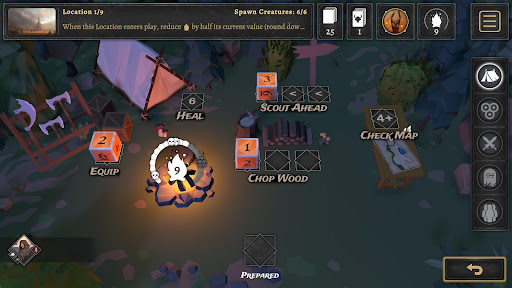
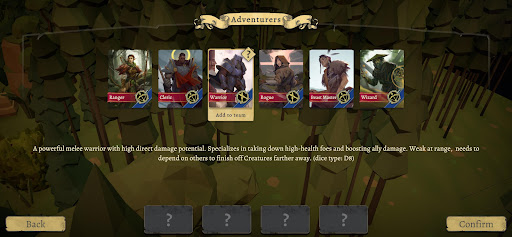
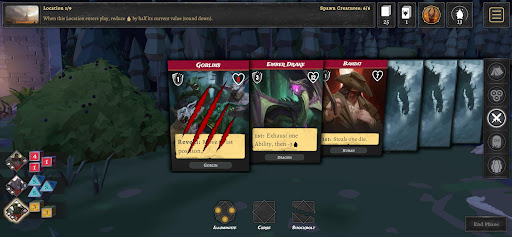
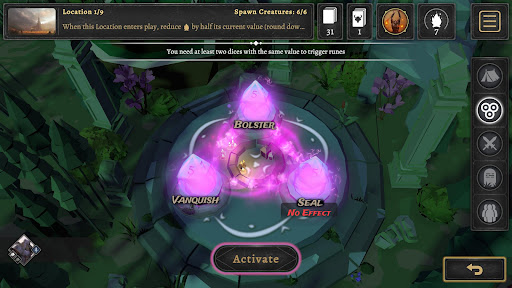
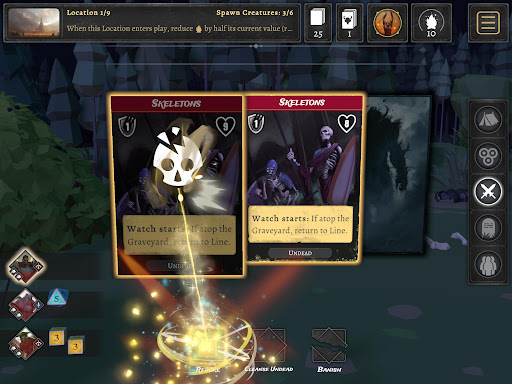
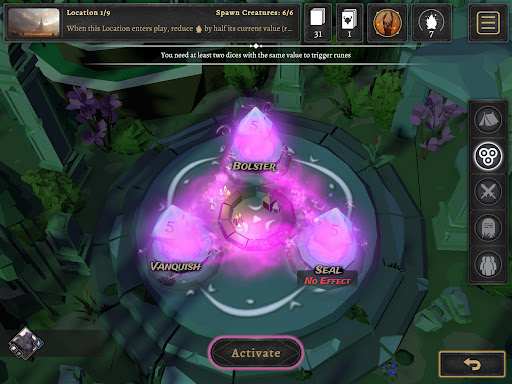
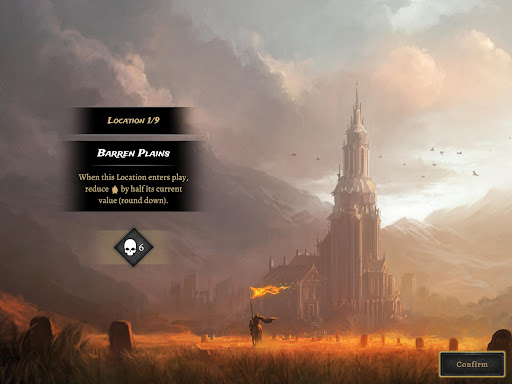
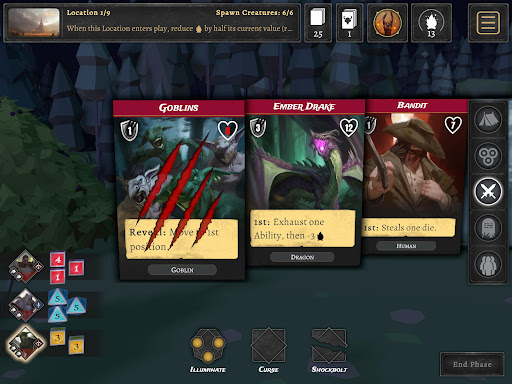
Set a Watch is an adaptation of modern board game. Tactical dice management gameplay offers unique decisions for the players trying to fight back creatures. Control a party of unique adventurers, each with distinct skills to vanquish evil before the Unhallowed consume the world in darkness. Secure nine locations to prevent the acolytes from breaking the seals ... and try to survive. Every dice roll determines your actions—attack, rest, or prepare for the next wave. Plan wisely, fight strategically, and survive the darkness. Will you rise to the challenge? Victory is earned, not given. Fight monsters using your special skills. Attack directly with dice or activate the right abilities. The right timing for each spell is key to surviving so use your options carefully - mistakes can cost you a run. Dice Management. Roll first, strategize next - every result is useful if you play it right. Finding the best way out of multiple options is the key to victory. Choose special abilities to prepare before each battle Choose your actions wisely - Heal, Scout, Equip, or Light the Fire. Will you unleash powerful magic runes now or save your best dice for the battle ahead? Six unique heroes Pick members of your team before your journey. Build the best squad or experiment with different combinations from six adventurers with unique skills. Will you overpower foes with a brute-force warrior, outwit them with a wizard’s magic, tame forest creatures to your advantage, or stand resilient in the light as a cleric? Master the Chaos Regular and Unhallowed monster abilities combine with each other, 20 different locations, 6 heroes, 30 abilities, and countless outcomes. Will you claim victory? Set a watch!
What Set a Watch: Digital Edition Is Used For
Set a Watch: Digital Edition appears to be a phone game adaptation of a modern board game focused on tactical combat and dice-driven decision-making. Based on the metadata, players manage a party of six unique heroes and use dice rolls to choose actions such as attacking, resting, preparing, healing, scouting, equipping, or lighting the fire while trying to hold back waves of monsters.
This app may be used for turn-based strategy play where timing and resource management matter. The description also suggests campaign-style runs across multiple locations, with different abilities, monsters, and outcomes creating replay value. Because it includes network permissions and license checks, it may connect to the internet for validation or related online functions, but the metadata does not indicate multiplayer or social features. It seems most relevant for users looking for a board-game-style adventure on a phone, especially one built around planning, party selection, and risk management.
Common uses
- Play a tactical dice-management adventure on a phone
- Build and customize a party from six heroes
- Choose actions like attack, rest, scout, heal, or equip
- Plan around monster waves and limited resources
- Use hero abilities and spells at the right time
- Replay different runs across multiple locations and outcomes
- Manage combat decisions in a board-game-style format
App Details
Package:
com.acram.SetAWatch
Developer:
Acram Digital sp z o.o.
Version:
1.0.2
Updated:
Mar 19, 2026
Min Android:
6.0
Age Rating:
Everyone 10+
Contains Ads:
No
In-App Purchases:
No
Official Listing
-
Official listing available on
Google Play
-
Package name:
com.acram.SetAWatch
-
Age rating:
Everyone 10+
Related Adventure Apps
Board
•
Acram Digital sp z o.o.
Version 1.2.3
⭐ 4.60
10,000+ installs
Board
•
Dire Wolf Digital
Version 1.18.7
⭐ 4.60
5,000+ installs
How to Download Set a Watch: Digital Edition
If this app is not hosted directly on APKApps official link,
then for the safest and most up-to-date version, install it from its official Google Play listing.