Tiny Fax - Send Fax from Phone icon

Phone

Tiny Fax - Send Fax from Phone

Business TinyWork Apps ⭐ 4.60 500,000+
Version 6.6.6 Everyone

Screenshots

Tiny Fax - Send Fax from Phone screenshot
Permissions Explained 11 permissions requested View details

This app requests 11 permissions. The table below explains what each permission may allow and what users should review before installing.

Status Permission What it means Why it may be used User safety note
ℹ️ Review Read Your Contacts read your contacts This is an Android permission or app-specific permission requested by the app. The app may use this permission for features related to its category, device support, background behavior, storage, connectivity, or system integration. Review this permission before installing, especially if it does not match the app’s expected purpose.
ℹ️ Review Read Phone Status And Identity read phone status and identity This is an Android permission or app-specific permission requested by the app. The app may use this permission for features related to its category, device support, background behavior, storage, connectivity, or system integration. Review this permission before installing, especially if it does not match the app’s expected purpose.
ℹ️ Review Read The Contents Of Your Usb Storage read the contents of your USB storage This is an Android permission or app-specific permission requested by the app. The app may use this permission for features related to its category, device support, background behavior, storage, connectivity, or system integration. Review this permission before installing, especially if it does not match the app’s expected purpose.
ℹ️ Review Modify Or Delete The Contents Of Your Usb Storage modify or delete the contents of your USB storage This is an Android permission or app-specific permission requested by the app. The app may use this permission for features related to its category, device support, background behavior, storage, connectivity, or system integration. Review this permission before installing, especially if it does not match the app’s expected purpose.
ℹ️ Review Take Pictures And Videos take pictures and videos This is an Android permission or app-specific permission requested by the app. The app may use this permission for features related to its category, device support, background behavior, storage, connectivity, or system integration. Review this permission before installing, especially if it does not match the app’s expected purpose.
ℹ️ Review View Network Connections view network connections This is an Android permission or app-specific permission requested by the app. The app may use this permission for features related to its category, device support, background behavior, storage, connectivity, or system integration. Review this permission before installing, especially if it does not match the app’s expected purpose.
ℹ️ Review Full Network Access full network access This is an Android permission or app-specific permission requested by the app. The app may use this permission for features related to its category, device support, background behavior, storage, connectivity, or system integration. Review this permission before installing, especially if it does not match the app’s expected purpose.
ℹ️ Review Run At Startup run at startup This is an Android permission or app-specific permission requested by the app. The app may use this permission for features related to its category, device support, background behavior, storage, connectivity, or system integration. Review this permission before installing, especially if it does not match the app’s expected purpose.
ℹ️ Review Control Vibration control vibration This is an Android permission or app-specific permission requested by the app. The app may use this permission for features related to its category, device support, background behavior, storage, connectivity, or system integration. Review this permission before installing, especially if it does not match the app’s expected purpose.
ℹ️ Review Prevent Device From Sleeping prevent device from sleeping This is an Android permission or app-specific permission requested by the app. The app may use this permission for features related to its category, device support, background behavior, storage, connectivity, or system integration. Review this permission before installing, especially if it does not match the app’s expected purpose.
ℹ️ Review Receive Data From Internet receive data from Internet This is an Android permission or app-specific permission requested by the app. The app may use this permission for features related to its category, device support, background behavior, storage, connectivity, or system integration. Review this permission before installing, especially if it does not match the app’s expected purpose.

About Tiny Fax - Send Fax from Phone

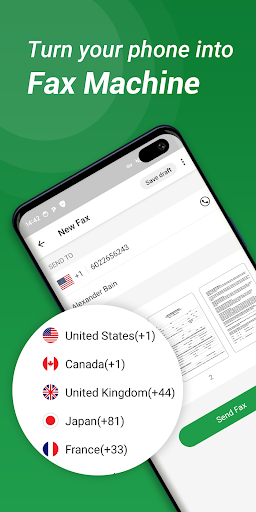
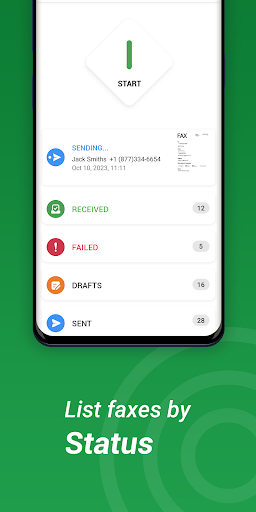
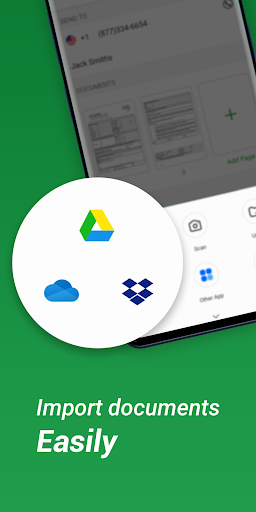
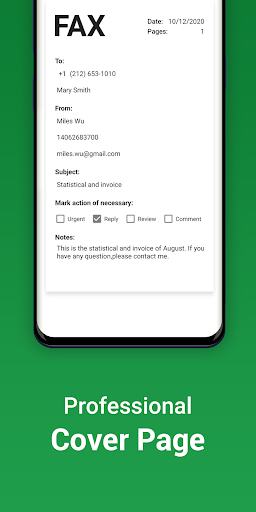
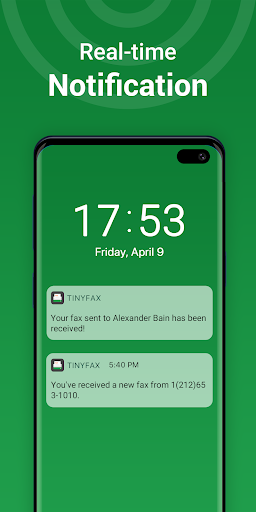
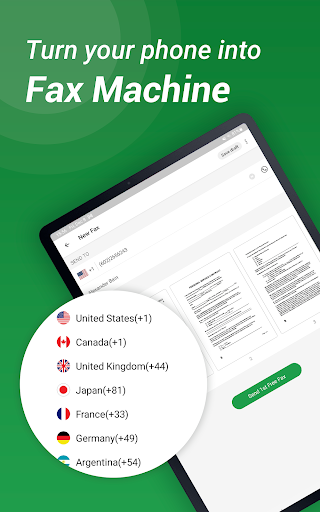
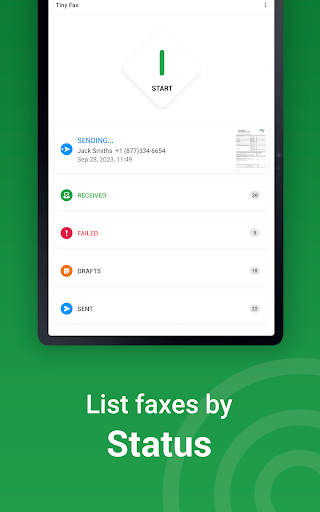
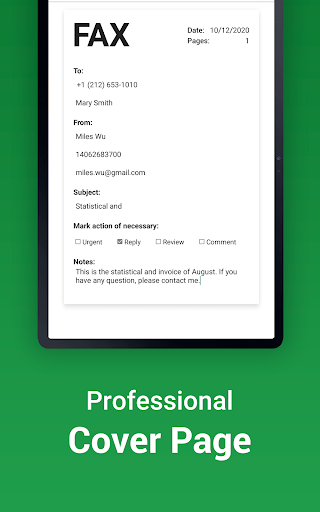
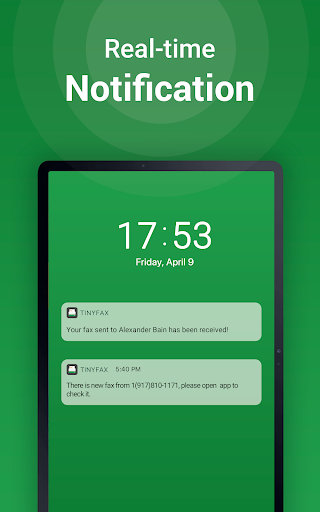
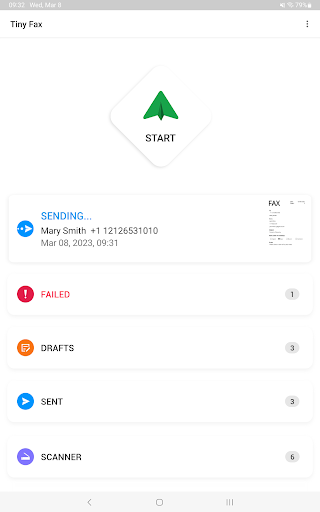
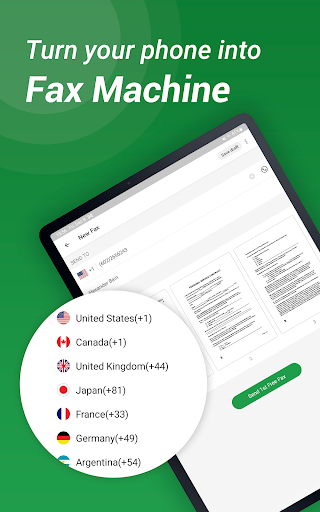
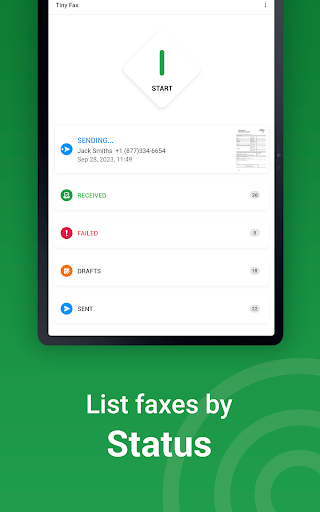
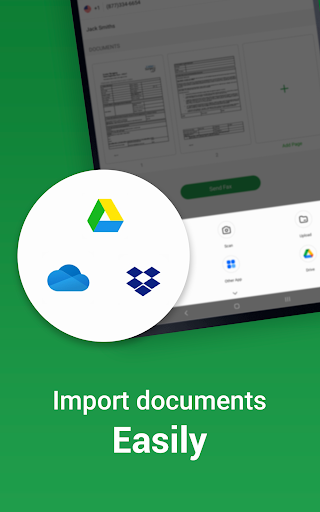
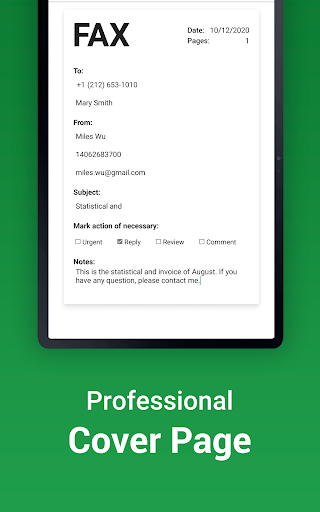
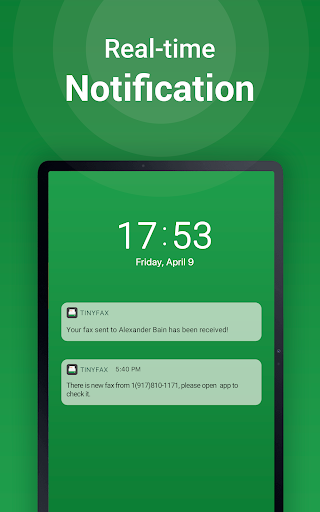
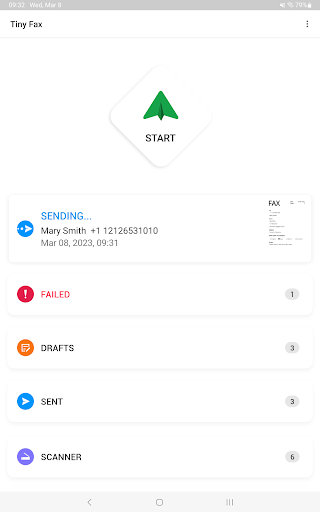
Tiny Fax which supports both sending and receiving faxes turns your phone into a fax machine for documents, photos, receipts and other texts. With Tiny Fax, you can fax or receive them anywhere and anytime. It’s easy, fast, reliable, and secure. Tiny Fax is extremely easy to use. The interface is simple and very convenient to manage your faxes. Features: - Fax documents from mail and other apps - Get a fax number to receive faxes on your phone - Fax documents from Dropbox, Google Drive, Box and OneDrive - Fax images from Gallery or using camera - Fax out multiple files at once - Multiple file formats supported - PDF, TXT, HTML, PNG, JPG - Provide international fax numbers and list of countries - Archive documents by status, easy to manage - Send faxes automatically at scheduled time - Set reminders for faxes Payment models for Unlimited Plan Subscription: - $4.99/week - $14.99/month - $39.99/year Payment models for getting fax number: - $9.99/week - $24.99/month - $79.99/year Please note the subscription is automatically renewed unless you choose to cancel the subscription at least 24 hours before the end of the current period in Subscriptions on Google Play. Download and start to use Tiny Fax to make your life easier. Please write to us before leaving negative reviews, as we can often help with your problem or help you better use the app. Permissions Used in Tiny Fax 1. Storage: Tiny Fax needs this permission to read files stored on your phone. 2. Camera: Tiny Fax needs this permission to use camera to scan docs. 3. Contacts: Tiny Fax needs this permission to read local contacts when you choose to send someone a fax. We're glad to hear your feedback. If you have any problem or suggestions please send a mail to [email protected], and you will get the response and solution in a short time.

What Tiny Fax - Send Fax from Phone Is Used For

Tiny Fax appears to be a business app for sending and receiving faxes from an Android phone. Based on the metadata, it is meant for people who still need fax access but want to handle documents digitally instead of using a separate fax machine. It may be useful for sending forms, receipts, photos, and other files from the phone, including files picked from cloud storage or created with the camera.

The app also appears to support receiving faxes by assigning a fax number, which makes it relevant for users who need a mobile fax inbox. Permission access to storage, contacts, and the camera suggests the app may read local files, let you choose recipients from your address book, and scan paper documents directly. The business category and fax-related features make it most relevant for office tasks, document handling, and occasional personal faxing on a phone.

Common uses

  • Send fax documents from your phone
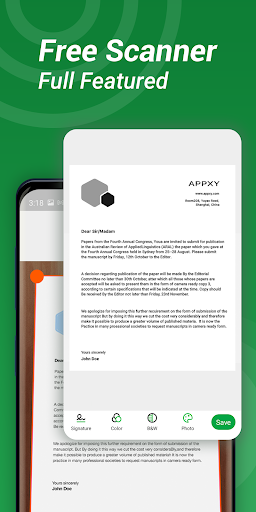
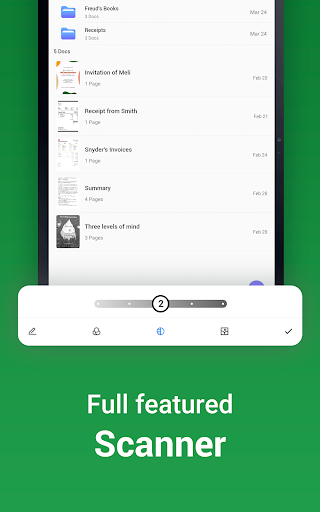
  • Scan paper pages with the camera
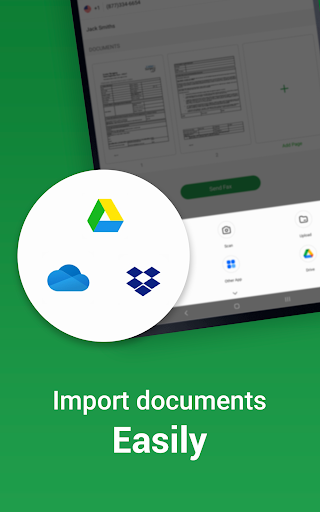
  • Fax files from cloud storage services
  • Receive faxes using a phone fax number
  • Send multiple files in one fax job
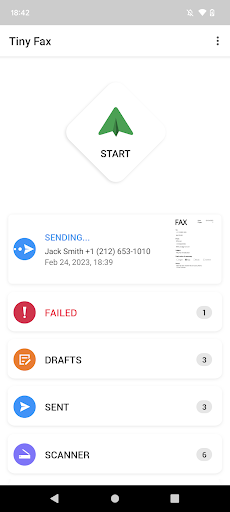
  • Manage fax history by status
  • Set scheduled fax sending and reminders
Best for:
mobile faxing document sending small business use office tasks phone app

App Details

Package:
com.appxy.tinyfax
Category:
Business
Developer:
TinyWork Apps
Version:
6.6.6
Updated:
Aug 31, 2025
Min Android:
5.0
Age Rating:
Everyone
Contains Ads:
Yes
In-App Purchases:
Yes

Official Listing

  • Official listing available on Google Play
  • Package name: com.appxy.tinyfax
  • Age rating: Everyone

Explore More

Browse more apps in Business or explore the Phone hub .

Related Business Apps

Tiny Scanner - PDF Scanner App icon

Tiny Scanner - PDF Scanner App

Business TinyWork Apps

All-in-one powerful app, digitize your paperwork with ease.

Version 8.15.0 40.8 MB ⭐ 4.60 10,000,000+ installs
FAX App: Send Faxes from Phone icon

FAX App: Send Faxes from Phone

Business Municorn

Send & Receive mobile PDF documents from your Android phone. Doc Scanner app.

Version 3.28.0 14.0 MB ⭐ 4.50 1,000,000+ installs

How to Download Tiny Fax - Send Fax from Phone

If this app is not hosted directly on APKApps official link, then for the safest and most up-to-date version, install it from its official Google Play listing.