Third Eye Hidden Camera Record icon

Phone

Third Eye Hidden Camera Record

Tools DOSA Apps ⭐ 4.70 5,000,000+
Version 3.0.3 Everyone

Screenshots

Third Eye Hidden Camera Record screenshot
Permissions Explained 12 permissions requested View details

This app requests 12 permissions. The table below explains what each permission may allow and what users should review before installing.

Status Permission What it means Why it may be used User safety note
ℹ️ Review Read The Contents Of Your Usb Storage read the contents of your USB storage This is an Android permission or app-specific permission requested by the app. The app may use this permission for features related to its category, device support, background behavior, storage, connectivity, or system integration. Review this permission before installing, especially if it does not match the app’s expected purpose.
ℹ️ Review Modify Or Delete The Contents Of Your Usb Storage modify or delete the contents of your USB storage This is an Android permission or app-specific permission requested by the app. The app may use this permission for features related to its category, device support, background behavior, storage, connectivity, or system integration. Review this permission before installing, especially if it does not match the app’s expected purpose.
ℹ️ Review Take Pictures And Videos take pictures and videos This is an Android permission or app-specific permission requested by the app. The app may use this permission for features related to its category, device support, background behavior, storage, connectivity, or system integration. Review this permission before installing, especially if it does not match the app’s expected purpose.
ℹ️ Review Record Audio record audio This is an Android permission or app-specific permission requested by the app. The app may use this permission for features related to its category, device support, background behavior, storage, connectivity, or system integration. Review this permission before installing, especially if it does not match the app’s expected purpose.
ℹ️ Review View Wi Fi Connections view Wi-Fi connections This is an Android permission or app-specific permission requested by the app. The app may use this permission for features related to its category, device support, background behavior, storage, connectivity, or system integration. Review this permission before installing, especially if it does not match the app’s expected purpose.
ℹ️ Review View Network Connections view network connections This is an Android permission or app-specific permission requested by the app. The app may use this permission for features related to its category, device support, background behavior, storage, connectivity, or system integration. Review this permission before installing, especially if it does not match the app’s expected purpose.
ℹ️ Review Full Network Access full network access This is an Android permission or app-specific permission requested by the app. The app may use this permission for features related to its category, device support, background behavior, storage, connectivity, or system integration. Review this permission before installing, especially if it does not match the app’s expected purpose.
ℹ️ Review Draw Over Other Apps draw over other apps This is an Android permission or app-specific permission requested by the app. The app may use this permission for features related to its category, device support, background behavior, storage, connectivity, or system integration. Review this permission before installing, especially if it does not match the app’s expected purpose.
ℹ️ Review Control Vibration control vibration This is an Android permission or app-specific permission requested by the app. The app may use this permission for features related to its category, device support, background behavior, storage, connectivity, or system integration. Review this permission before installing, especially if it does not match the app’s expected purpose.
ℹ️ Review Prevent Device From Sleeping prevent device from sleeping This is an Android permission or app-specific permission requested by the app. The app may use this permission for features related to its category, device support, background behavior, storage, connectivity, or system integration. Review this permission before installing, especially if it does not match the app’s expected purpose.
ℹ️ Review Google Play License Check Google Play license check This is an Android permission or app-specific permission requested by the app. The app may use this permission for features related to its category, device support, background behavior, storage, connectivity, or system integration. Review this permission before installing, especially if it does not match the app’s expected purpose.
ℹ️ Review Receive Data From Internet receive data from Internet This is an Android permission or app-specific permission requested by the app. The app may use this permission for features related to its category, device support, background behavior, storage, connectivity, or system integration. Review this permission before installing, especially if it does not match the app’s expected purpose.

About Third Eye Hidden Camera Record

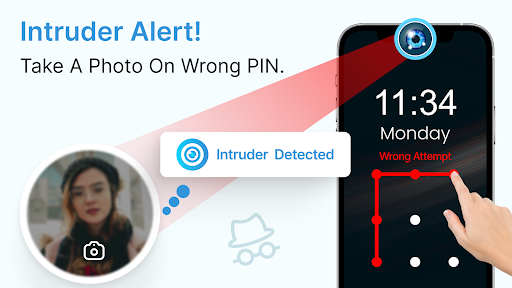
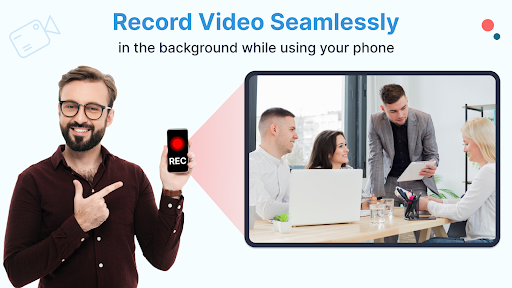
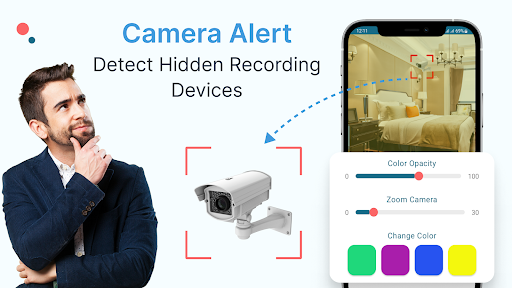
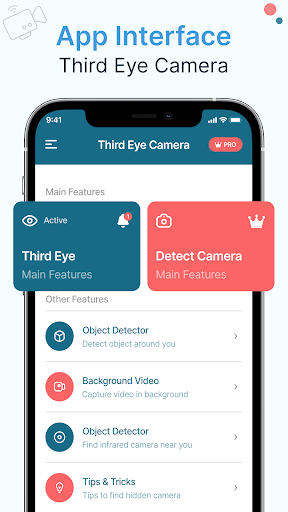
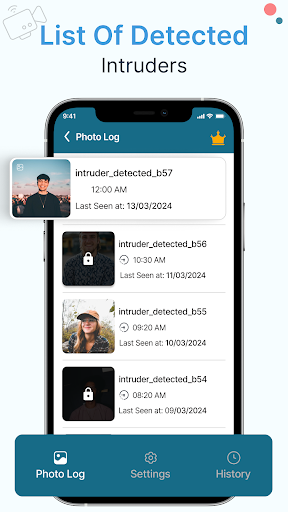
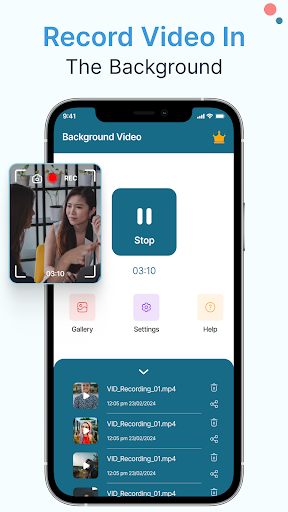
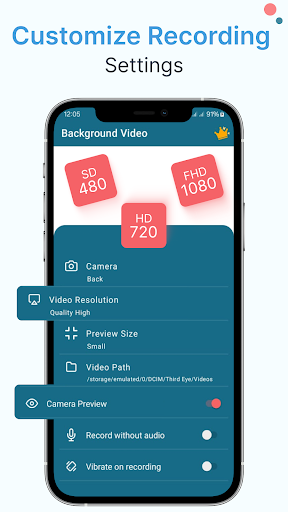
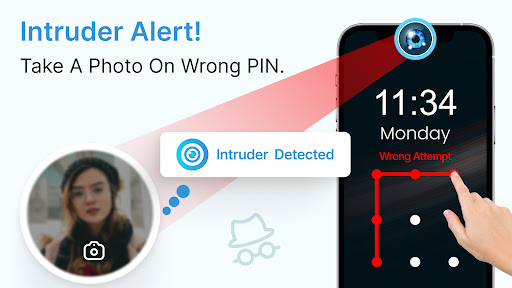
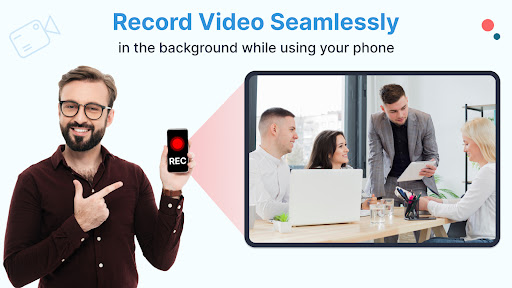
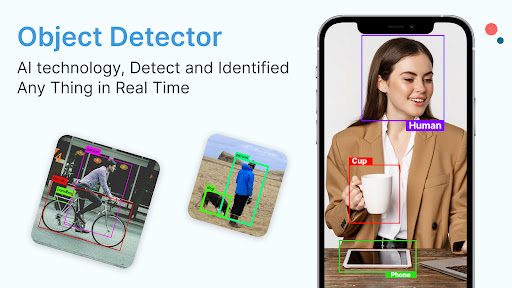
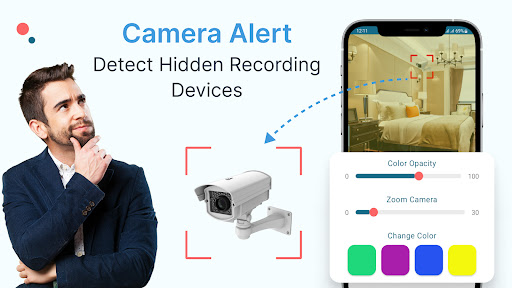
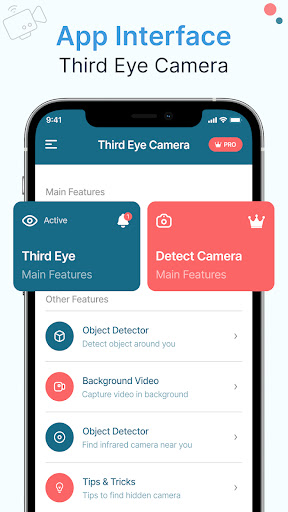
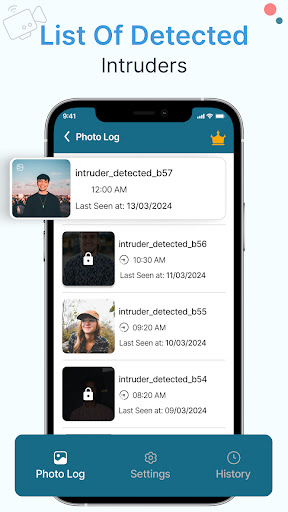
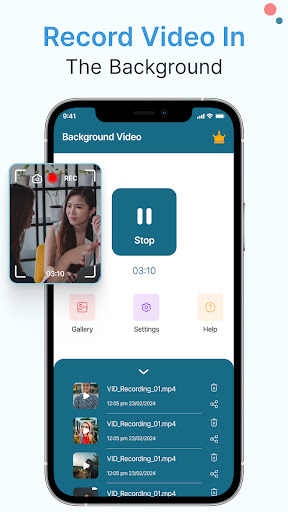
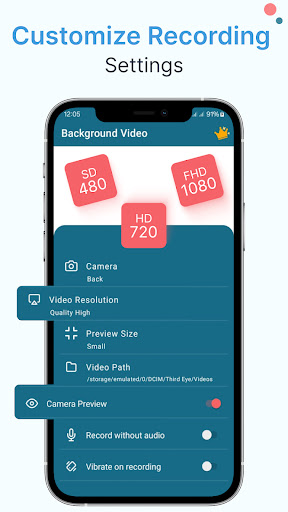
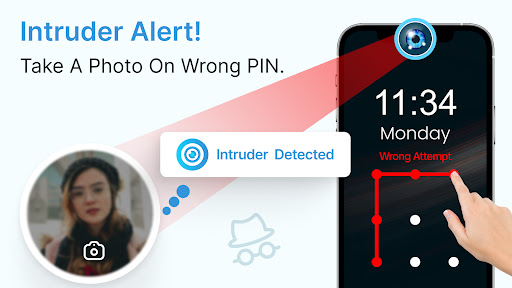
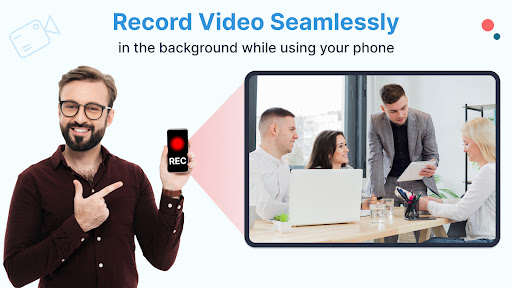
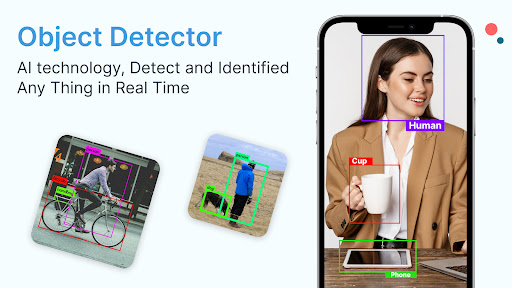
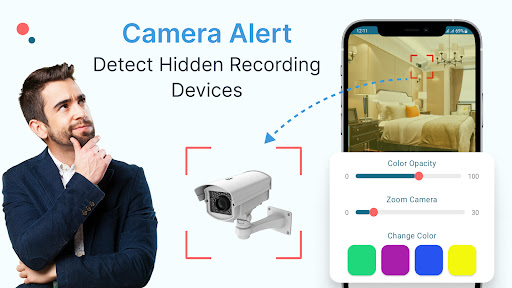
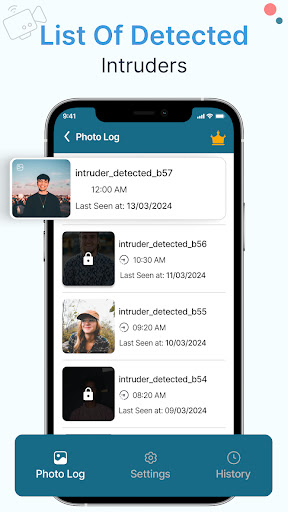
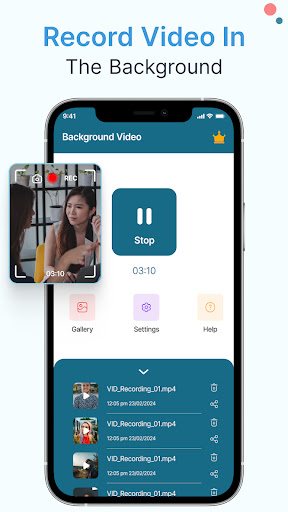
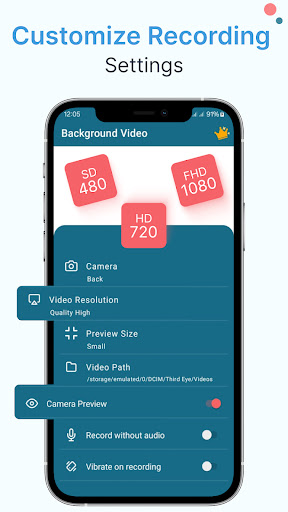
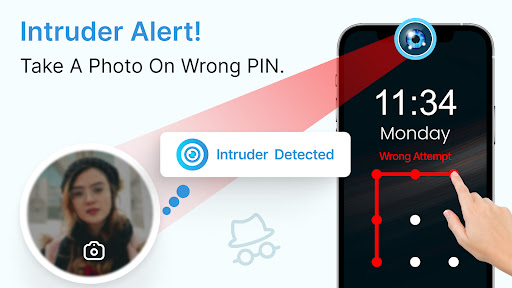
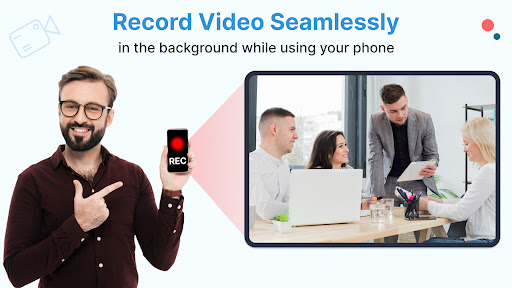
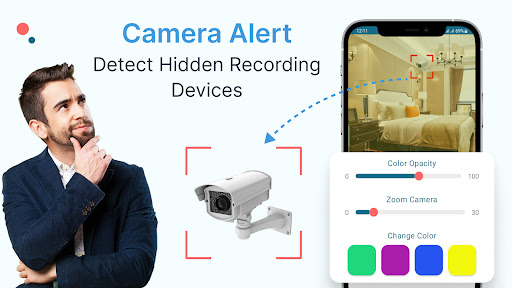
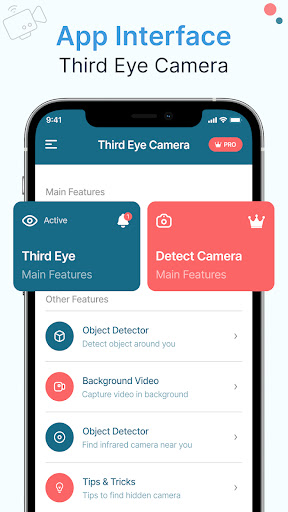
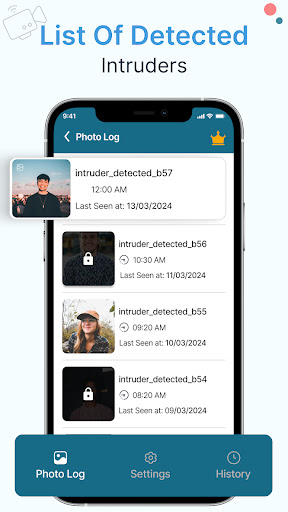
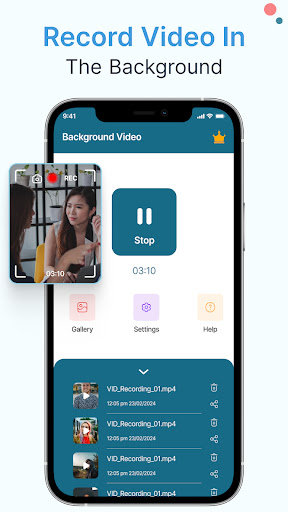
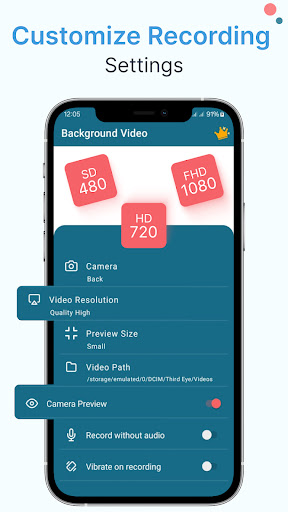
Third Eye Hidden Camera App - Your Secret Security Companion! Are you looking for a discreet way to enhance your phone's security and record videos seamlessly in the background? The Third Eye Hidden Camera App is the perfect solution for capturing moments, detecting intruders, and ensuring privacy like never before. With advanced features and user-friendly functionality, this Intruder Selfie Catcher app transforms your device into a powerful tool for security and convenience. Main Features of Third Eye Hidden Camera App: 🎥 Continuous Video Recording: Record videos for extended periods without interruptions; 📸 Intruder Selfie Catcher: Capture unauthorized access attempts with front-camera selfies; 🔒 Intruder Selfie Phone Lock: Lock your phone and snap intruder selfies automatically; 🤫 Silent Video Recorder: Record videos discreetly with no shutter sounds; 🎬 Off Screen Video Recorder: Secret Camera - Capture videos even when your screen is locked; 🎥 Background Video Recorder: Discreet Camera - Record seamlessly while using other apps; ⏰ Scheduled Recording: Automatically start and stop recordings at specific times; 🔑 Infrared Camera Detector: Detect hidden cameras with invisible infrared light scanning; 📸 High-Quality Recording: Capture videos in excellent resolution and frame rates; 🎯 One-Tap Background Video Recorder: Discreet Camera. Enhance Security with Intruder Selfie Features! Intruder Selfie Catcher and Intruder Selfie Phone Lock will be your ultimate privacy shield. The following Third Eye Hidden Camera App features- detecting unauthorized access attempts and snapping a photo of the intruder with the front camera. Images are well kept on your device itself for security and discreteness. Whether that is protecting your phone or monitoring some suspicious activity, this feature will give you peace of mind. Record Videos Anytime with Off Screen Video Recorder: Secret Camera!🎥 The Off Screen Video Recorder: Secret Camera and Background Video Recorder: Discreet Camera features allow you to capture videos seamlessly while using other apps or with your device locked. These Third Eye Hidden Camera App capabilities ensure you never miss an important moment, whether you're recording lectures, meetings, or personal notes. Silent recording and scheduled recording options make it easy to use the app without drawing attention. Stay Protected with Advanced Camera Detection!🔍 The Infrared Camera Detector ensures your privacy by scanning for hidden cameras using invisible infrared light. This Off Screen Video Recorder: Secret Camera advanced feature is essential for identifying concealed recording devices and maintaining security in sensitive environments. Your Privacy Matters - Safe and Secure Usage!📱 The Third Eye Hidden Camera App prioritizes your privacy. All recorded videos and captured selfies are saved exclusively on your device, with no data shared or stored on external servers. The Background Video Recorder: Discreet Camera app requires…

What Third Eye Hidden Camera Record Is Used For

Based on the metadata, Third Eye Hidden Camera Record appears to be a tools app focused on discreet video capture and phone security monitoring on Android phones. It is described as supporting background or off-screen recording, which suggests it may be used when someone wants to record video while using other apps or while the screen is locked. The title and description also indicate an intruder-selfie style feature that may take a front-camera photo after unauthorized access attempts.

The listed permissions fit that use case: camera and microphone access for video recording, storage access for saving media, network permissions for app communication, and draw-over-other-apps access for overlay-style controls. Mentions of scheduled recording and infrared camera detection suggest it may also be used for timed recording sessions or checking for hidden cameras in a room. On a phone, this kind of app would commonly be used for personal device monitoring, situational recording, or privacy-related checks rather than general media creation.

Common uses

  • May record video in the background while other apps are open
  • May capture intruder selfies after phone lock or unauthorized access attempts
  • May support off-screen recording when the display is locked
  • May be used for scheduled recording at set times
  • May save video and photos to the device storage
  • May use camera and microphone permissions for recording functions
  • May include a hidden camera detection feature for privacy checks
Best for:
phone users privacy monitoring background recording security checks scheduled capture

App Details

Package:
com.ashnatech.thirdeye.intruderselfie.backgroundvideorecording
Category:
Tools
Developer:
DOSA Apps
Version:
3.0.3
Updated:
Jul 22, 2025
Min Android:
6.0
Age Rating:
Everyone
Contains Ads:
Yes
In-App Purchases:
Yes

Official Listing

  • Official listing available on Google Play
  • Package name: com.ashnatech.thirdeye.intruderselfie.backgroundvideorecording
  • Age rating: Everyone

Explore More

Browse more apps in Tools or explore the Phone hub .

Related Tools Apps

AlfredCamera Home Security app icon

AlfredCamera Home Security app

House & Home Alfred Systems Inc.

Turn old phones into security cameras, baby monitors, pet cams, and more.

Version 2026.6.1 82.5 MB ⭐ 4.70 50,000,000+ installs
HD Camera icon

HD Camera

Photography Pixl Concerto Tech

Professional camera app for 4K video, HD brighter selfie & RAW moment camera pro

Version 1.4.9 5.3 MB ⭐ 4.57 10,000,000+ installs

How to Download Third Eye Hidden Camera Record

If this app is not hosted directly on APKApps official link, then for the safest and most up-to-date version, install it from its official Google Play listing.