IPTV Player - Opus icon

Phone

IPTV Player - Opus

Video Players & Editors Biel llc ⭐ 4.10 100,000+
Version Varies with device Everyone

Screenshots

IPTV Player - Opus screenshot
Permissions Explained 9 permissions requested View details

This app requests 9 permissions. The table below explains what each permission may allow and what users should review before installing.

Status Permission What it means Why it may be used User safety note
ℹ️ Review Read The Contents Of Your Usb Storage read the contents of your USB storage This is an Android permission or app-specific permission requested by the app. The app may use this permission for features related to its category, device support, background behavior, storage, connectivity, or system integration. Review this permission before installing, especially if it does not match the app’s expected purpose.
ℹ️ Review Modify Or Delete The Contents Of Your Usb Storage modify or delete the contents of your USB storage This is an Android permission or app-specific permission requested by the app. The app may use this permission for features related to its category, device support, background behavior, storage, connectivity, or system integration. Review this permission before installing, especially if it does not match the app’s expected purpose.
ℹ️ Review Take Pictures And Videos take pictures and videos This is an Android permission or app-specific permission requested by the app. The app may use this permission for features related to its category, device support, background behavior, storage, connectivity, or system integration. Review this permission before installing, especially if it does not match the app’s expected purpose.
ℹ️ Review View Wi Fi Connections view Wi-Fi connections This is an Android permission or app-specific permission requested by the app. The app may use this permission for features related to its category, device support, background behavior, storage, connectivity, or system integration. Review this permission before installing, especially if it does not match the app’s expected purpose.
ℹ️ Review View Network Connections view network connections This is an Android permission or app-specific permission requested by the app. The app may use this permission for features related to its category, device support, background behavior, storage, connectivity, or system integration. Review this permission before installing, especially if it does not match the app’s expected purpose.
ℹ️ Review Full Network Access full network access This is an Android permission or app-specific permission requested by the app. The app may use this permission for features related to its category, device support, background behavior, storage, connectivity, or system integration. Review this permission before installing, especially if it does not match the app’s expected purpose.
ℹ️ Review Prevent Device From Sleeping prevent device from sleeping This is an Android permission or app-specific permission requested by the app. The app may use this permission for features related to its category, device support, background behavior, storage, connectivity, or system integration. Review this permission before installing, especially if it does not match the app’s expected purpose.
ℹ️ Review Google Play License Check Google Play license check This is an Android permission or app-specific permission requested by the app. The app may use this permission for features related to its category, device support, background behavior, storage, connectivity, or system integration. Review this permission before installing, especially if it does not match the app’s expected purpose.
ℹ️ Review Receive Data From Internet receive data from Internet This is an Android permission or app-specific permission requested by the app. The app may use this permission for features related to its category, device support, background behavior, storage, connectivity, or system integration. Review this permission before installing, especially if it does not match the app’s expected purpose.

About IPTV Player - Opus

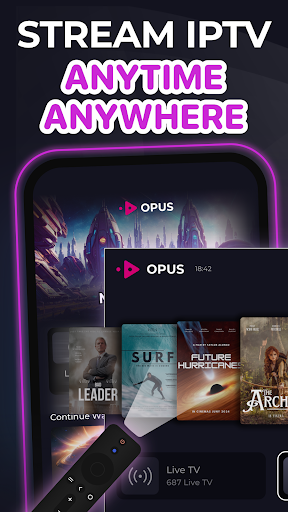
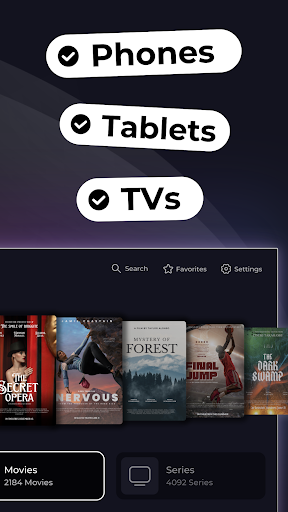
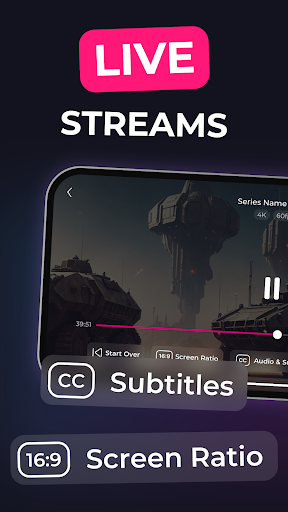
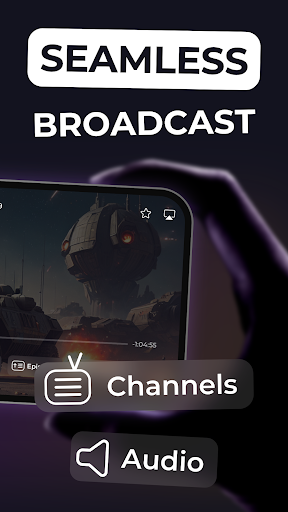
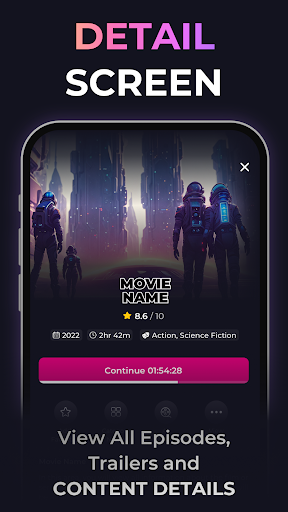
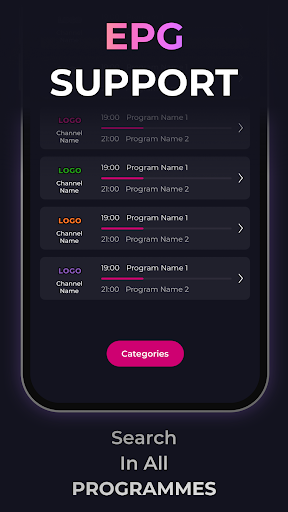
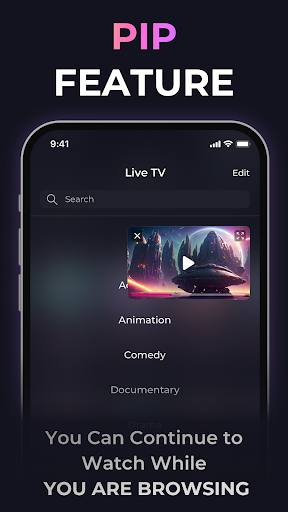
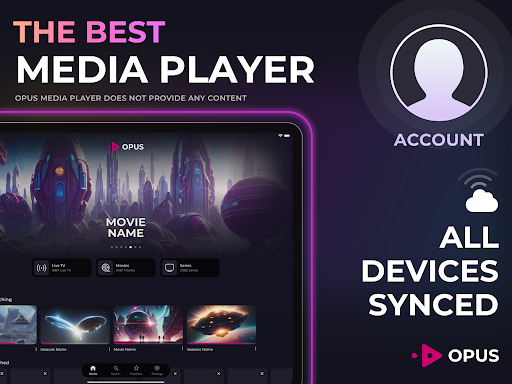
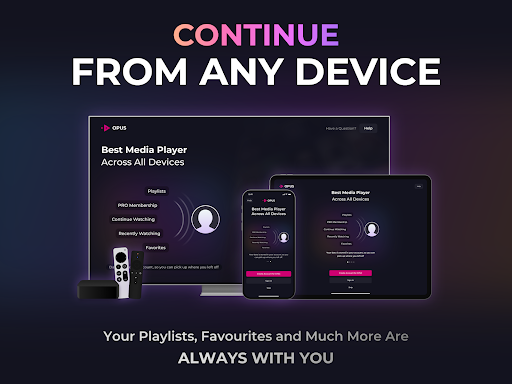
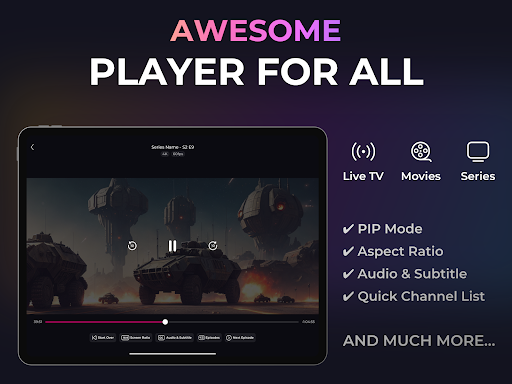
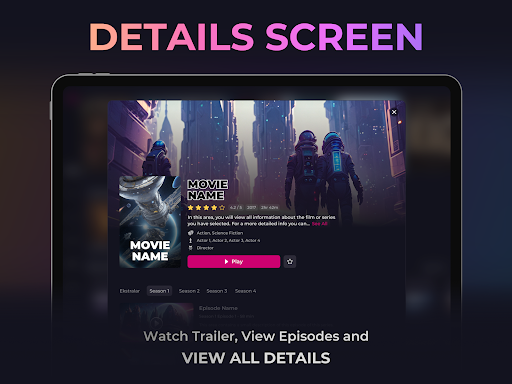
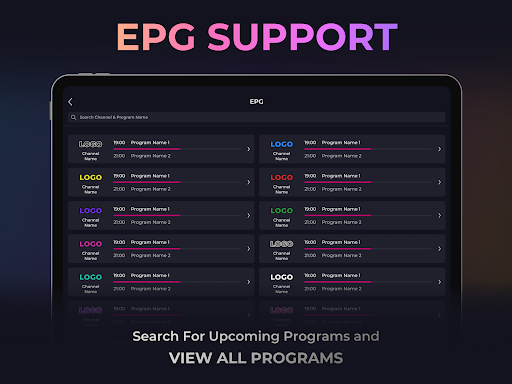
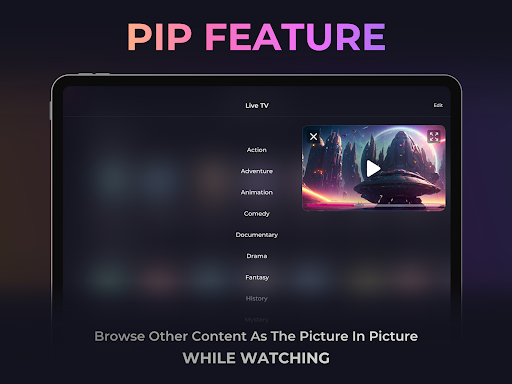
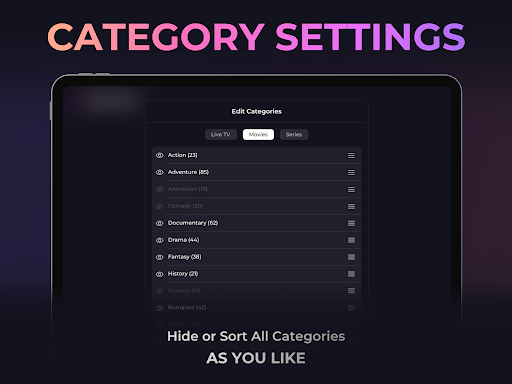
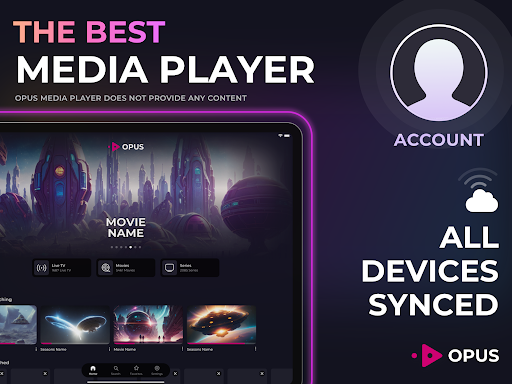
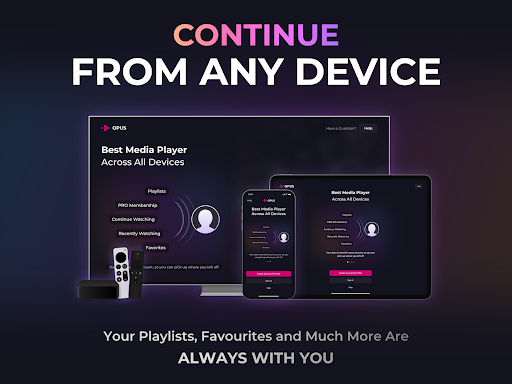
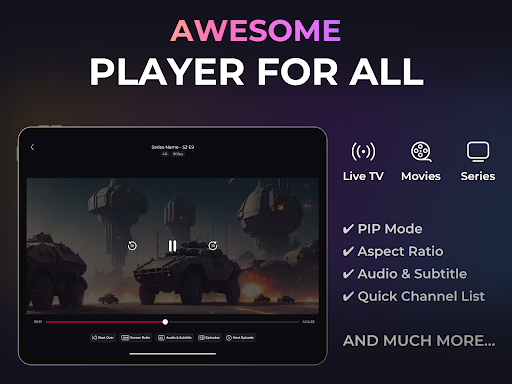
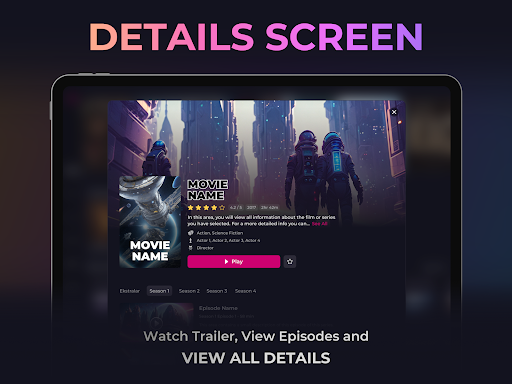
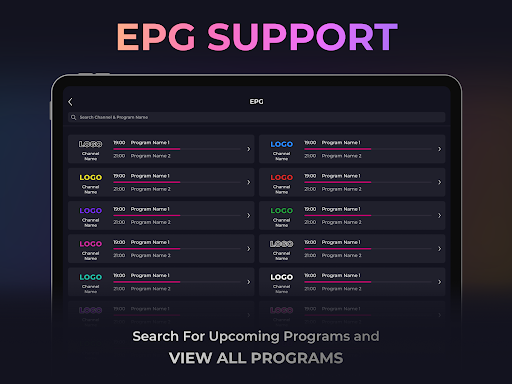
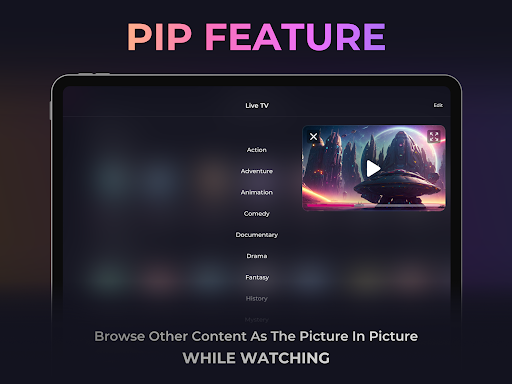
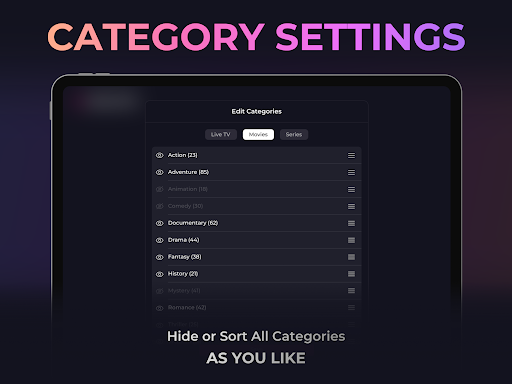
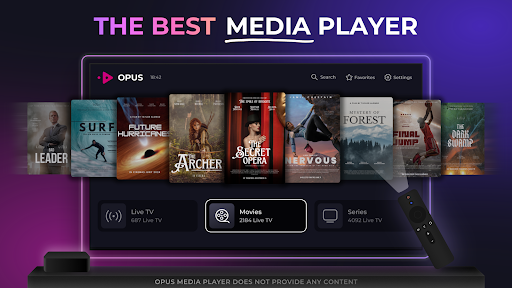
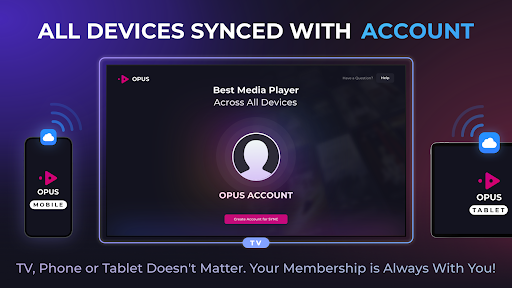
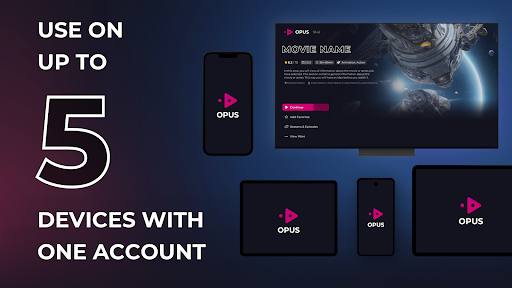
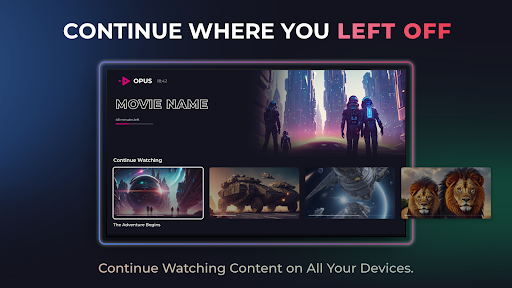
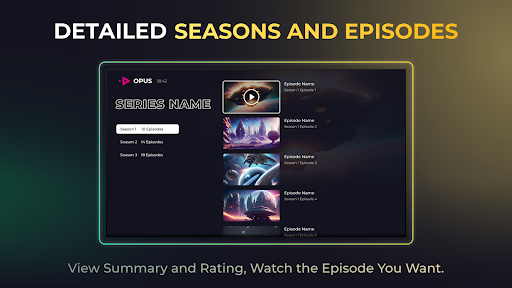
Watch your favorite digital content, live tv stream, movies, and series as they should be! Complete smart IPTV player solution, available to download now. IMPORTANT: Opus Media Player DOES NOT PROVIDE ANY CONTENT AND HAS NO AFFILIATION WITH ANY THIRD-PARTY IPTV PROVIDER. Are you tired of traditional and boring TV broadcasts? Introducing the IPTV Player by Opus, in other words, IPTV Smarters Pro Player, offering a fun TV experience for all your devices. The most powerful IPTV Smart player for all your devices including Android TV box. You can add your videos or streams to the M3U or Xtream IPTV pro and enjoy your ultimate smart IPTV pro streaming experience. Complete IPTV smart player app for Xtream & M3U, available to download now. IPTV Pro FEATURES: - Smart, modern & sleek UI for your M3U & Xtream IPTV playlist - Create an Opus Account to manage all devices in sync - Edit your Xtream IPTV smart playlist on the go - EPG for your live TV channels - Popular movies, series, and TV shows based on your playlist - Compatible with most M3U and Xtream IPTV playlists - Continue watching where you left off with cross-platform support - Quick access to your favorite live TV channels, videos, movies, series, and TV shows - Picture-in-picture support - Change the video's aspect ratio to watch in your style - Use smart search to find what you are looking for - Manage multiple playlists in smarters player Download the IPTV Smarters Player by Opus for Android and enjoy your favorite content! **DISCLAIMER** - IPTV Player by Opus does not provide or solicit any audiovisual content to the users. - IPTV Player by Opus has no affiliation with any third-party provider whatsoever. - Users must provide their content. - We strictly do not endorse the streaming of copyright-protected material without permission of the copyright holder. - To use the App, you undertake not to watch any copyrighted video or live streams through any content service provider. - The screenshots on this page are provided as examples only and do not point to any actual video content. Neither IPTV Player by Opus nor its founder provides digital content and is not responsible for your content. To use this application, you are asked to provide your content.

What IPTV Player - Opus Is Used For

IPTV Player - Opus appears to be a phone app for organizing and playing IPTV-style media content from sources the user already has access to. Based on the metadata, it is commonly used with M3U and Xtream playlists to watch live TV streams, movies, and series in one place, rather than providing content itself. It also mentions support for an electronic program guide, favorites, multiple playlists, and resume playback, which suggests it is meant for managing a personalized viewing setup.

Because it includes network access and storage permissions, the app may need internet connectivity to load streams and read or save local playlist or media-related files. The “prevent device from sleeping” permission also fits long-form viewing use cases. Since the app is listed under Video Players & Editors and is described as compatible with Android TV boxes, it seems useful for people who want a dedicated player for streamed content on a phone or larger-screen device.

In practice, this kind of app is often used as a playback interface, while the user supplies the playlist or provider details. It may be helpful for switching between channels, checking program information, and continuing where you left off across devices if account sync is used.

Common uses

  • Play IPTV playlists from M3U or Xtream sources
  • Watch live TV streams, movies, and series in one app
  • Check channel listings with EPG-style program information
  • Save favorite channels or titles for quicker access
  • Resume playback across sessions when supported
  • Manage more than one playlist in the same player
  • Use on a phone, and potentially with Android TV boxes
Best for:
IPTV playback Live TV viewers Playlist-based streaming Phone users Large-screen streaming

App Details

Package:
com.biel.opus.mediaplayer
Developer:
Biel llc
Version:
Varies with device
Updated:
Oct 27, 2025
Min Android:
7.0
Age Rating:
Everyone
Contains Ads:
No
In-App Purchases:
Yes

Official Listing

  • Official listing available on Google Play
  • Package name: com.biel.opus.mediaplayer
  • Age rating: Everyone

Explore More

Browse more apps in Video Players & Editors or explore the Phone hub .

Related Video Players & Editors Apps

Yatse icon

Yatse

Video Players & Editors Tolriq

Original Kodi remote with easy remote control, streaming & more since 2011!

Version 6.0.1.0 13.9 MB ⭐ 4.54 1,000,000+ installs

How to Download IPTV Player - Opus

If this app is not hosted directly on APKApps official link, then for the safest and most up-to-date version, install it from its official Google Play listing.