Bluetooth - Auto Connect icon

Phone

Bluetooth - Auto Connect

Tools Devolutionapps ⭐ 4.10 1,000,000+
Version 84.0 Everyone

Screenshots

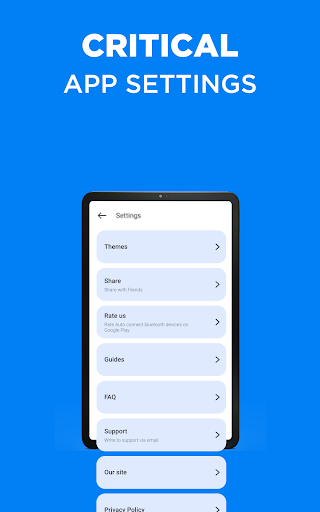
Bluetooth - Auto Connect screenshot
Permissions Explained 14 permissions requested View details

This app requests 14 permissions. The table below explains what each permission may allow and what users should review before installing.

Status Permission What it means Why it may be used User safety note
ℹ️ Review Approximate Location (network Based) approximate location (network-based) This is an Android permission or app-specific permission requested by the app. The app may use this permission for features related to its category, device support, background behavior, storage, connectivity, or system integration. Review this permission before installing, especially if it does not match the app’s expected purpose.
ℹ️ Review Precise Location (gps And Network Based) precise location (GPS and network-based) This is an Android permission or app-specific permission requested by the app. The app may use this permission for features related to its category, device support, background behavior, storage, connectivity, or system integration. Review this permission before installing, especially if it does not match the app’s expected purpose.
ℹ️ Review Read Phone Status And Identity read phone status and identity This is an Android permission or app-specific permission requested by the app. The app may use this permission for features related to its category, device support, background behavior, storage, connectivity, or system integration. Review this permission before installing, especially if it does not match the app’s expected purpose.
ℹ️ Review Read The Contents Of Your Usb Storage read the contents of your USB storage This is an Android permission or app-specific permission requested by the app. The app may use this permission for features related to its category, device support, background behavior, storage, connectivity, or system integration. Review this permission before installing, especially if it does not match the app’s expected purpose.
ℹ️ Review Modify Or Delete The Contents Of Your Usb Storage modify or delete the contents of your USB storage This is an Android permission or app-specific permission requested by the app. The app may use this permission for features related to its category, device support, background behavior, storage, connectivity, or system integration. Review this permission before installing, especially if it does not match the app’s expected purpose.
ℹ️ Review View Wi Fi Connections view Wi-Fi connections This is an Android permission or app-specific permission requested by the app. The app may use this permission for features related to its category, device support, background behavior, storage, connectivity, or system integration. Review this permission before installing, especially if it does not match the app’s expected purpose.
ℹ️ Review View Network Connections view network connections This is an Android permission or app-specific permission requested by the app. The app may use this permission for features related to its category, device support, background behavior, storage, connectivity, or system integration. Review this permission before installing, especially if it does not match the app’s expected purpose.
ℹ️ Review Pair With Bluetooth Devices pair with Bluetooth devices This is an Android permission or app-specific permission requested by the app. The app may use this permission for features related to its category, device support, background behavior, storage, connectivity, or system integration. Review this permission before installing, especially if it does not match the app’s expected purpose.
ℹ️ Review Access Bluetooth Settings access Bluetooth settings This is an Android permission or app-specific permission requested by the app. The app may use this permission for features related to its category, device support, background behavior, storage, connectivity, or system integration. Review this permission before installing, especially if it does not match the app’s expected purpose.
ℹ️ Review Full Network Access full network access This is an Android permission or app-specific permission requested by the app. The app may use this permission for features related to its category, device support, background behavior, storage, connectivity, or system integration. Review this permission before installing, especially if it does not match the app’s expected purpose.
ℹ️ Review Run At Startup run at startup This is an Android permission or app-specific permission requested by the app. The app may use this permission for features related to its category, device support, background behavior, storage, connectivity, or system integration. Review this permission before installing, especially if it does not match the app’s expected purpose.
ℹ️ Review Control Vibration control vibration This is an Android permission or app-specific permission requested by the app. The app may use this permission for features related to its category, device support, background behavior, storage, connectivity, or system integration. Review this permission before installing, especially if it does not match the app’s expected purpose.
ℹ️ Review Prevent Device From Sleeping prevent device from sleeping This is an Android permission or app-specific permission requested by the app. The app may use this permission for features related to its category, device support, background behavior, storage, connectivity, or system integration. Review this permission before installing, especially if it does not match the app’s expected purpose.
ℹ️ Review Receive Data From Internet receive data from Internet This is an Android permission or app-specific permission requested by the app. The app may use this permission for features related to its category, device support, background behavior, storage, connectivity, or system integration. Review this permission before installing, especially if it does not match the app’s expected purpose.

About Bluetooth - Auto Connect

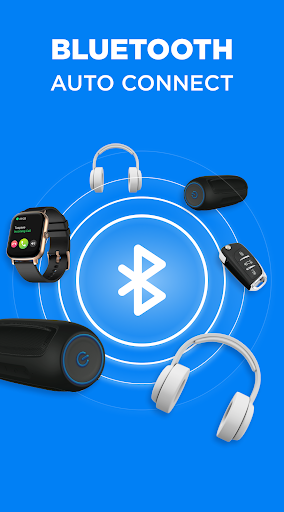
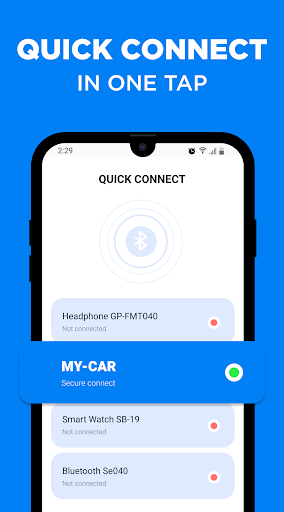
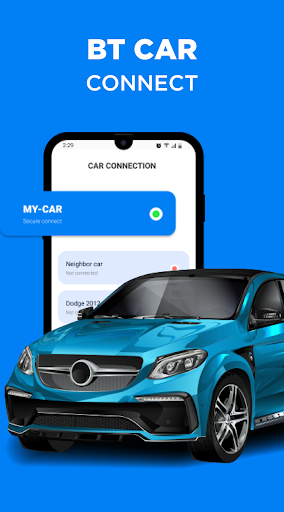
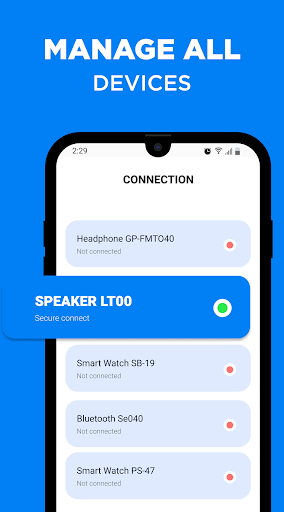
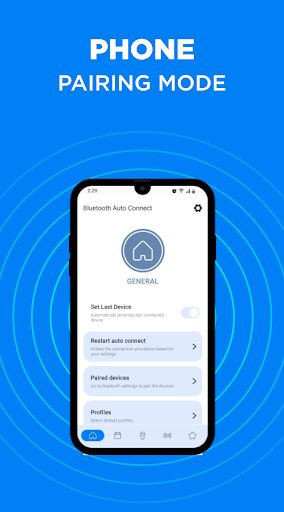
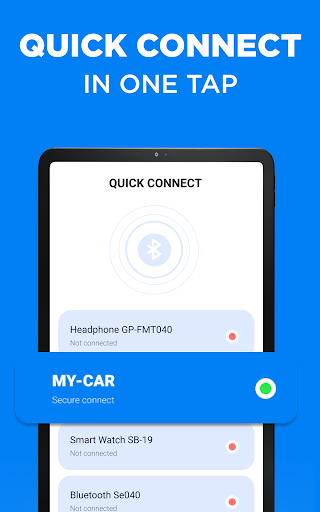
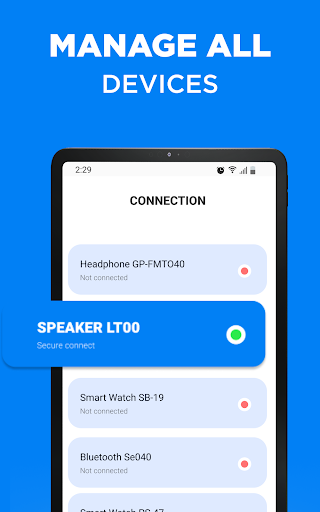
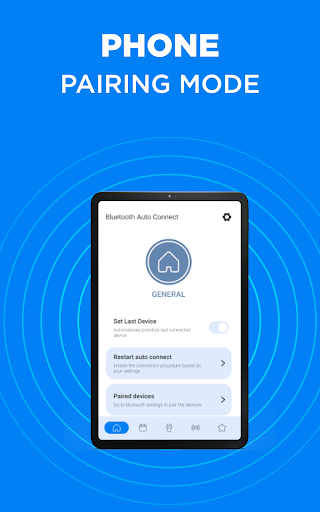
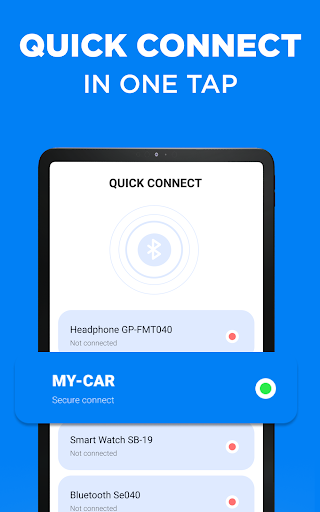
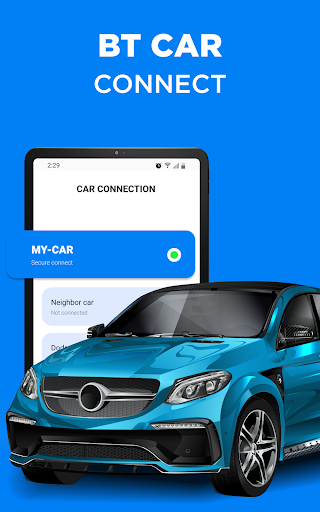
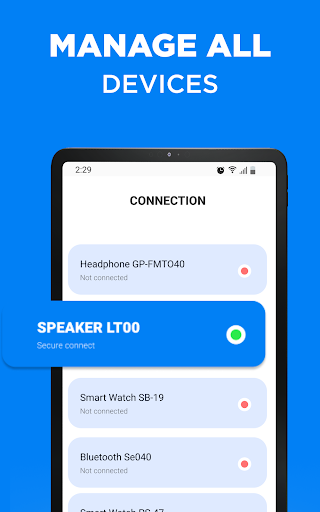
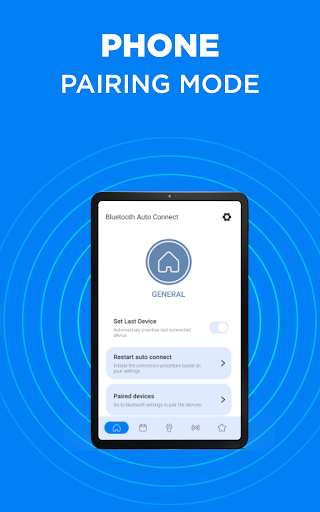
Are you facing difficulties 😥with creating a bt connect to a paired gadgets and struggling to establish a strong Bt connection between gadgets? Our newly launched Bluetooth finder application encompasses all these beneficial features. Additional details about the most valuable features of the Connect program: ✅The "Auto-Connect" tool enables you to manage all your devices efficiently or choose specific gadgets to connect automatically. This is particularly helpful if you use several devices daily and want to avoid the hassle of manual connection. With the Bluetooth finder function, you can pick which device you want to connect to if multiple gadgets are on at once. ✅The "Reconnect" function eliminates the need to turn Blue tooth on and off repeatedly. If your phone or other paired device loses connection, you can quickly find and reconnect to it without any difficulty. This tool is especially beneficial if you encounter frequent connection drops throughout the day. ✅You can create a priority list of all your pair gadgets, so you can choose which ones are more important to connect to when all of them are available. This is beneficial for individuals who use multiple Blue tooth devices and prefer a seamless connection experience. For example, if you prioritize your headphones, you can listen to your music uninterrupted, even if your speakers are on at the same time. Are you ready to start using Mobile Connect? 🔔 Follow these steps: Turn on Bt on your phone and other gadgets, then download and install the Bluetooth Finder program. When BitTorrent is on, your phone will sync to the latest device by selecting the "Set Last Device" option. The most popular feature of the app is automatic Bluetooth connection. When the gadget is out of range, Bt will automatically turn off. The "Reconnecting" option in Mobile Connect allows you to quickly turn on and off all settings. 📌 Handy opportunities of the Mobile Connect app: ✅ Auto Connect: If your Bt connection is not stable, you may use this feature to automatically connect to a selected device without going through the Bluetooth menu. ✅ Priority List: You will be able to prioritize your gadgets to help the program decide which device to connect to when multiple devices are turned on. ✅ User-Friendly: The app has a simple and modern design that is easy to understand without any special instructions. It is suitable for both experienced and new users. Additionally, all features are free to use. ✅ Support for Multiple Profiles: The app supports various profiles such as Phone Book, Media Audio, Networking, etc. ✅ Charger/Calls Control: These optional settings allow you to better manage your phone's battery and calls within the program, without needing any additional programs. ✅ Reconnect: Instead of opening and closing the Bluetooth menu every time you encounter connection issues or your gadget is not paired, you can simply tap the "Reconnect" button in the app. Also try PRO version to get some more features…

What Bluetooth - Auto Connect Is Used For

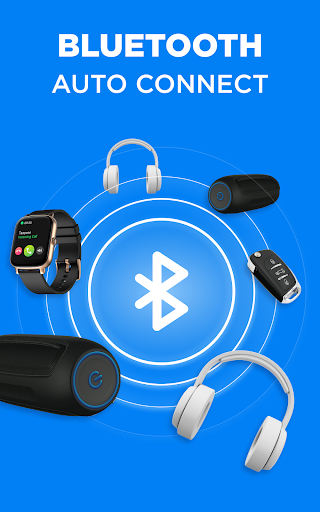
Bluetooth - Auto Connect appears to be a tools app for managing Bluetooth connections on a phone. Based on the metadata, it is focused on helping users reconnect to paired devices, choose which device should connect first, and reduce the need to manually open Bluetooth settings each time a connection changes.

This kind of app may be useful for people who regularly switch between multiple Bluetooth accessories such as headphones, speakers, or other paired gadgets. The listed Bluetooth-related permissions, along with startup and network access, suggest it is meant to monitor and manage connection behavior in the background and help restore links when devices move out of range or disconnect. It may also be intended for users who want a more automated way to handle frequent Bluetooth pairing and reconnection on an Android phone.

Common uses

  • Automatically reconnects to paired Bluetooth devices
  • Helps choose which device should connect first when multiple devices are available
  • May reduce the need to repeatedly open Bluetooth settings
  • Useful when Bluetooth accessories disconnect often during daily use
  • Can support users who switch between several paired gadgets
  • Appears designed for background connection management on a phone
  • May be relevant for keeping preferred devices connected more consistently
Best for:
Bluetooth device users Phone app users People with multiple accessories Frequent reconnects Tools app users

App Details

Package:
com.bluetooth.device.autoconnect.colorful
Category:
Tools
Developer:
Devolutionapps
Version:
84.0
Updated:
Mar 10, 2026
Min Android:
7.0
Age Rating:
Everyone
Contains Ads:
Yes
In-App Purchases:
Yes

Official Listing

  • Official listing available on Google Play
  • Package name: com.bluetooth.device.autoconnect.colorful
  • Age rating: Everyone

Explore More

Browse more apps in Tools or explore the Phone hub .

Related Tools Apps

JBL Headphones icon

JBL Headphones

Music & Audio Harman Consumer, Inc.

Redefine your music experience with JBL Headphones app.

Version 5.20.11 105.2 MB ⭐ 4.58 10,000,000+ installs
Headphones icon

Headphones

Tools Sony Corporation

Personalize your music experience even more.

Version 10.4.1 52.4 MB ⭐ 4.34 10,000,000+ installs
Bose Connect icon

Bose Connect

Music & Audio Bose Corporation

Bose Connect unlocks the full potential of your Bose Bluetooth® Product.

Version 21.0 49.8 MB ⭐ 4.21 10,000,000+ installs
AmpMe icon

AmpMe

Music & Audio AmpMe Inc

Play Music & Watch Videos at the SAME TIME on multiple devices!

Version 9.2.2 105.5 MB ⭐ 3.08 10,000,000+ installs

How to Download Bluetooth - Auto Connect

If this app is not hosted directly on APKApps official link, then for the safest and most up-to-date version, install it from its official Google Play listing.