About AirMirror: TV Cast via AirPlay
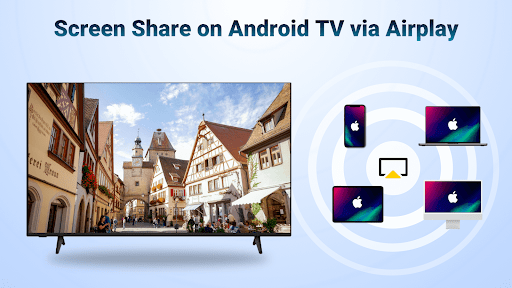
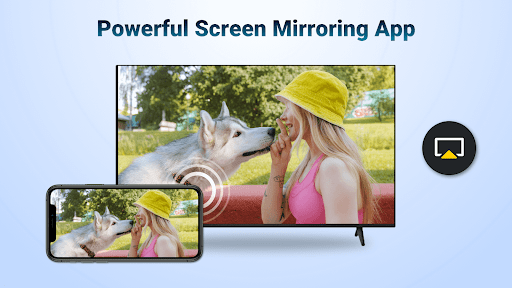
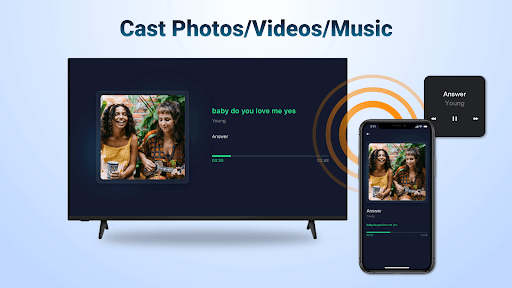
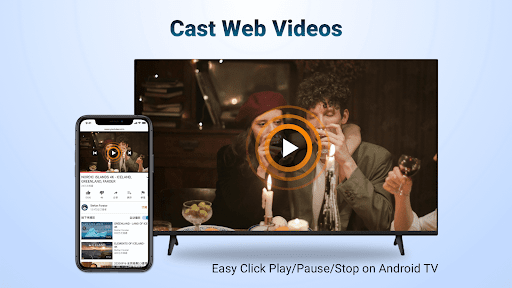
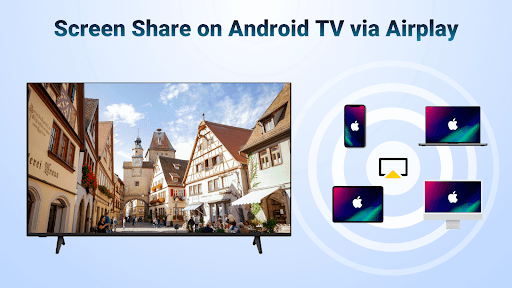
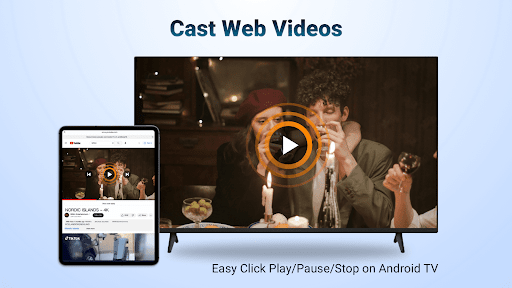
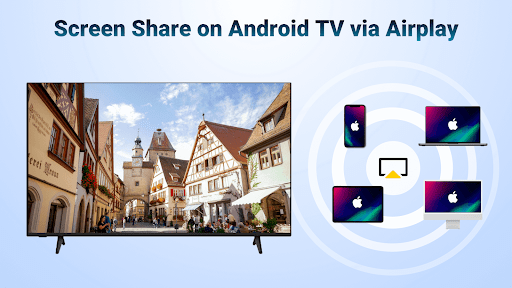
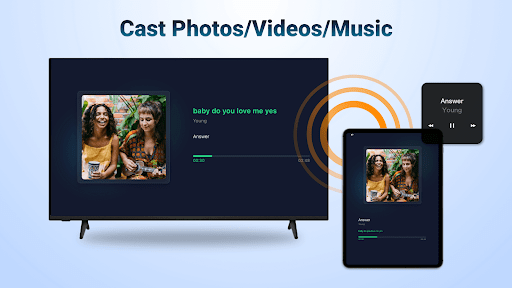
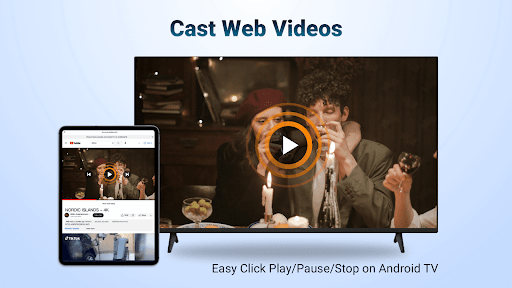
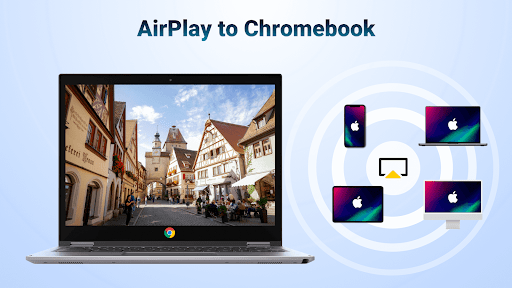
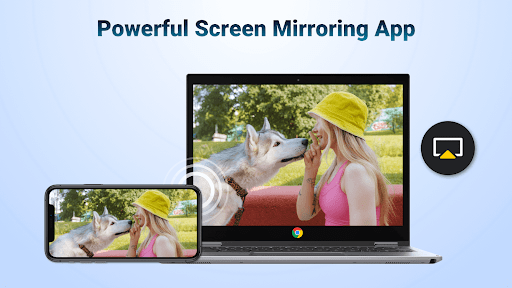
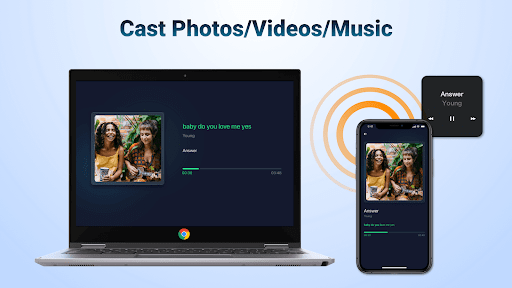
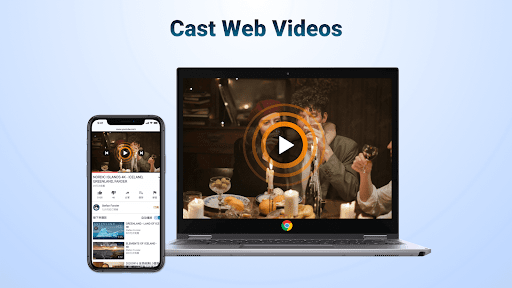
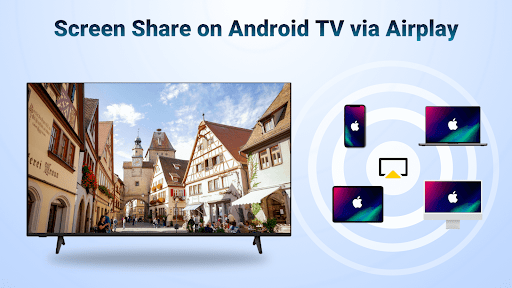
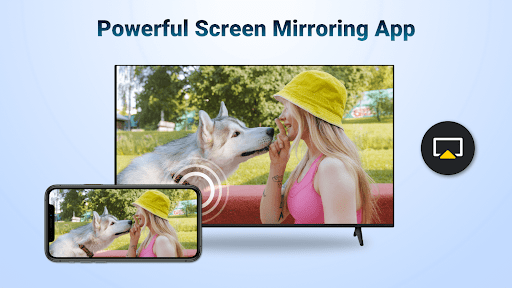
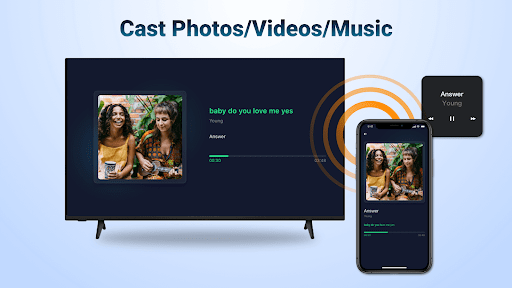
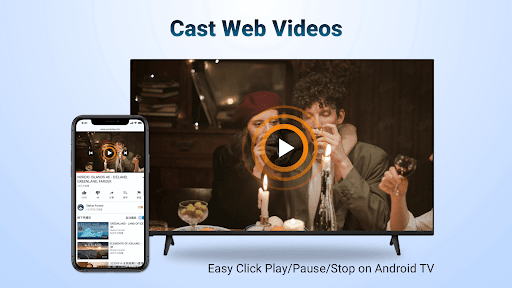
AirMirror receiver to Android TV is a wireless streaming receiver application which enables users to seamlessly mirror and cast from iPhone/iPad/Mac to Android TV over WiFi. With this helpful mirroring receiver app, you can directly mirror the screen or air cast photos, web videos and audios from iOS devices to Android TV without encountering the trouble of switching frequently from Apple to Android devices or paying to install any additional converters. This Apple mirroring receiver can help you: Screen mirror from your iOS device to share the teaching content on Android TV. Screen share your presentation from iPhone on a big TV display during business meetings. Share the relaxing game time with friends by mirroring screen of multiplayer game. Share your happy travel experience with families by air casting travel photos to Android TV. Exercise with the fitness instructor by airstreaming your fitness videos to Android TV. Stream iPhone/iPad music to Android TV with great sound quality to enjoy the beauty of music. Discuss the plot with buddies by screen mirroring exciting movies to Android TV. Key Features: -Stream audio/video/photo from the devices enabled Airplay (itunes, iOS, ...) -Screen cast video/music from streaming media (where DRM allows) -Cast web videos via airplay, smooth & super fast -Click Play/Pause/Stop directly on the receiving end enabled airplay -You can switch between landscape and portrait on your own -Simple connectivity and stable mirroring and screen casting Steps to stream content from Apple devices with this media cast app: Download the AirMirror Cast app on Android TV where you want to receive content Make sure your iOS device and Android TV are connected to the same WiFi Launch the mirroring receiver app and the name of Android TV will be shown (remember it) Tap "Screen Mirroring" on the Apple device and choose the Android TV name to start streaming content Note: Your Android TV and the mirroring receiver app must be under the same WiFi Most connection problems can be resolved by restarting the air screen receivers or Apple devices The app does not work with DRM protected content like Netflix, paid iTunes videos, paid Google Movies etc Terms of Use: https://www.boostvision.tv/terms-of-use Privacy Policy: https://www.boostvision.tv/privacy-policy Visit Our Page: https://www.boostvision.tv
What AirMirror: TV Cast via AirPlay Is Used For
AirMirror: TV Cast via AirPlay appears to be a receiver app for Android TV that helps stream content from iPhone, iPad, or Mac over Wi‑Fi. Based on the metadata, it is mainly used for screen mirroring and casting photos, web videos, audio, and other media to a larger TV display. That makes it useful in home entertainment, classroom, and meeting-room settings where sharing a mobile screen on a TV is helpful.
The app’s network permissions, such as full network access and viewing Wi‑Fi/network connections, fit its role as a wireless casting tool. The permission to prevent the device from sleeping may support uninterrupted playback while mirroring. The metadata also notes that it works on the same Wi‑Fi network and may not support DRM-protected services, so it seems intended for general mirroring and media casting rather than protected streaming playback.
Common uses
- Mirror an iPhone or iPad screen to an Android TV
- Cast photos, web videos, and audio over Wi‑Fi
- Show slides or teaching content on a larger display
- Share presentations in business meeting setups
- Display mobile games or travel media on a TV
- Use as a receiver app on Android TV or similar large screens
App Details
Package:
com.boost.airplay.receiver
Developer:
BoostVision
Version:
1.4.8
Updated:
Jan 6, 2026
Min Android:
6.0
Age Rating:
Everyone
Contains Ads:
No
In-App Purchases:
Yes
Official Listing
-
Official listing available on
Google Play
-
Package name:
com.boost.airplay.receiver
-
Age rating:
Everyone
Related Video Players & Editors Apps
Entertainment
•
Apple
Watch Apple TV+, movies, and more.
Version Varies with device
29.7 MB
⭐ 3.90
100,000,000+ installs
Tools
•
iKame Applications - Begamob Global
Screen Mirror & Remote for Chromecast. Instantly cast videos, photos & web to TV
Version 4.2.1
69.5 MB
⭐ 3.90
50,000,000+ installs
Productivity
•
datronicsoft Technology GmbH
Multi Monitor Remote Desktop. Screen share, mirror and extend. USB, WiFi and LAN
Version 2.1.10
3.4 MB
⭐ 4.58
5,000,000+ installs
Productivity
•
TeamViewer
Get instant remote assistance for your device
Version 15.53.459
47.7 MB
⭐ 4.45
50,000,000+ installs
Business
•
AnyDesk Software GmbH
Remote access from anywhere. Fast and secure. All operating systems and devices
Version 7.1.0
20.4 MB
⭐ 2.64
50,000,000+ installs
How to Download AirMirror: TV Cast via AirPlay
If this app is not hosted directly on APKApps official link,
then for the safest and most up-to-date version, install it from its official Google Play listing.