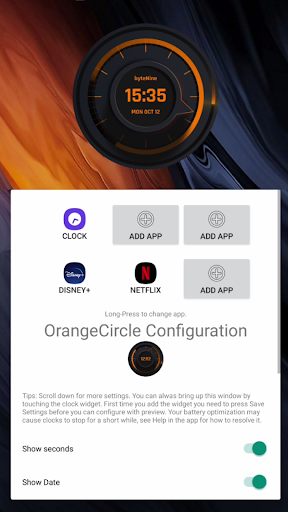
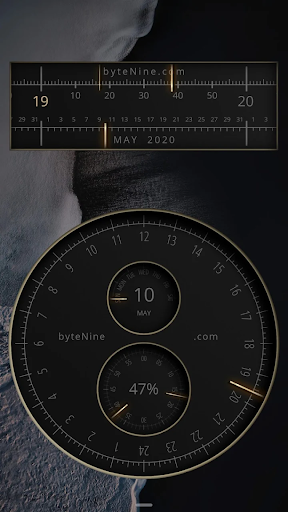
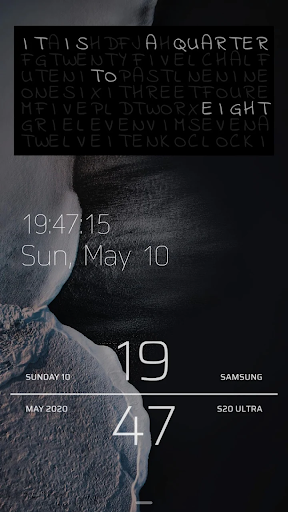
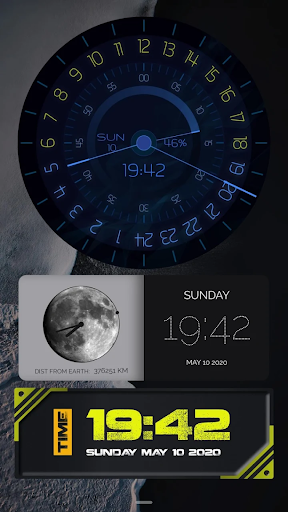
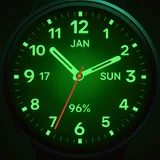
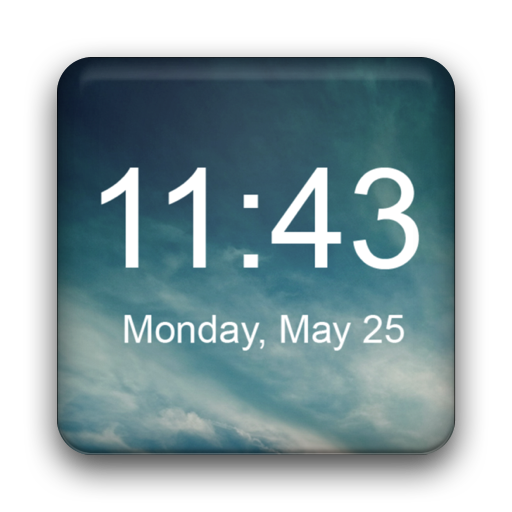
Android Clock Widgets icon

Phone

Android Clock Widgets

Personalization GeniusTools Labs ⭐ 3.90 1,000,000+
Version 5.1.0 Everyone

Screenshots

Android Clock Widgets screenshot
Permissions Explained 11 permissions requested View details

This app requests 11 permissions. The table below explains what each permission may allow and what users should review before installing.

Status Permission What it means Why it may be used User safety note
ℹ️ Review Approximate Location (network Based) approximate location (network-based) This is an Android permission or app-specific permission requested by the app. The app may use this permission for features related to its category, device support, background behavior, storage, connectivity, or system integration. Review this permission before installing, especially if it does not match the app’s expected purpose.
ℹ️ Review Precise Location (gps And Network Based) precise location (GPS and network-based) This is an Android permission or app-specific permission requested by the app. The app may use this permission for features related to its category, device support, background behavior, storage, connectivity, or system integration. Review this permission before installing, especially if it does not match the app’s expected purpose.
ℹ️ Review View Wi Fi Connections view Wi-Fi connections This is an Android permission or app-specific permission requested by the app. The app may use this permission for features related to its category, device support, background behavior, storage, connectivity, or system integration. Review this permission before installing, especially if it does not match the app’s expected purpose.
ℹ️ Review View Network Connections view network connections This is an Android permission or app-specific permission requested by the app. The app may use this permission for features related to its category, device support, background behavior, storage, connectivity, or system integration. Review this permission before installing, especially if it does not match the app’s expected purpose.
ℹ️ Review Full Network Access full network access This is an Android permission or app-specific permission requested by the app. The app may use this permission for features related to its category, device support, background behavior, storage, connectivity, or system integration. Review this permission before installing, especially if it does not match the app’s expected purpose.
ℹ️ Review Run At Startup run at startup This is an Android permission or app-specific permission requested by the app. The app may use this permission for features related to its category, device support, background behavior, storage, connectivity, or system integration. Review this permission before installing, especially if it does not match the app’s expected purpose.
ℹ️ Review Control Vibration control vibration This is an Android permission or app-specific permission requested by the app. The app may use this permission for features related to its category, device support, background behavior, storage, connectivity, or system integration. Review this permission before installing, especially if it does not match the app’s expected purpose.
ℹ️ Review Prevent Device From Sleeping prevent device from sleeping This is an Android permission or app-specific permission requested by the app. The app may use this permission for features related to its category, device support, background behavior, storage, connectivity, or system integration. Review this permission before installing, especially if it does not match the app’s expected purpose.
ℹ️ Review Set An Alarm set an alarm This is an Android permission or app-specific permission requested by the app. The app may use this permission for features related to its category, device support, background behavior, storage, connectivity, or system integration. Review this permission before installing, especially if it does not match the app’s expected purpose.
ℹ️ Review Google Play License Check Google Play license check This is an Android permission or app-specific permission requested by the app. The app may use this permission for features related to its category, device support, background behavior, storage, connectivity, or system integration. Review this permission before installing, especially if it does not match the app’s expected purpose.
ℹ️ Review Receive Data From Internet receive data from Internet This is an Android permission or app-specific permission requested by the app. The app may use this permission for features related to its category, device support, background behavior, storage, connectivity, or system integration. Review this permission before installing, especially if it does not match the app’s expected purpose.

About Android Clock Widgets

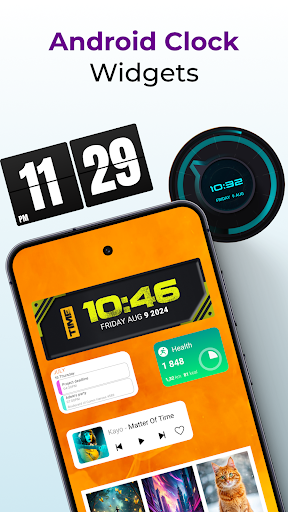
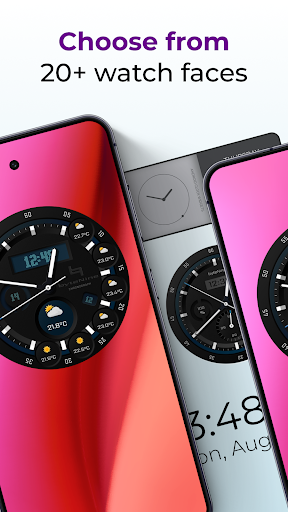
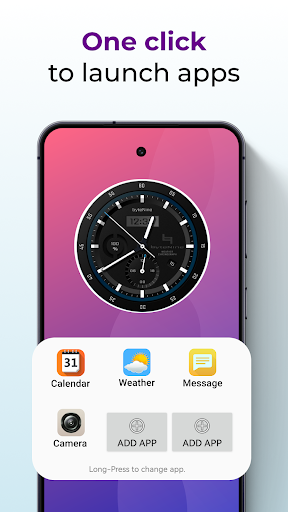
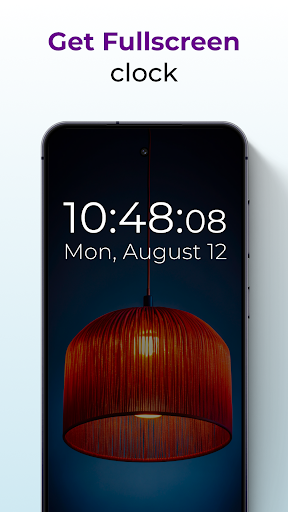
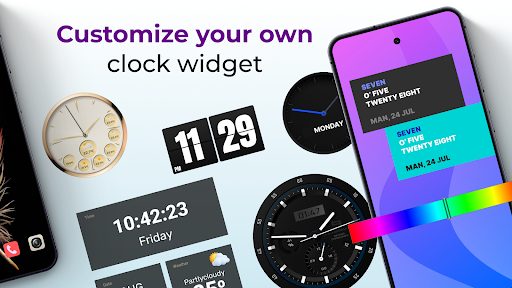
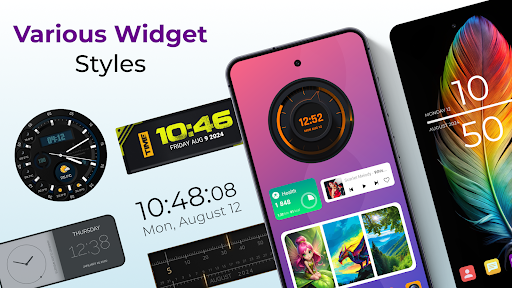
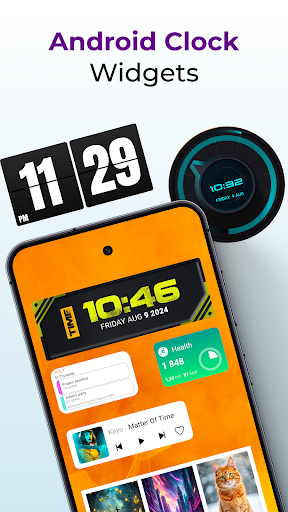
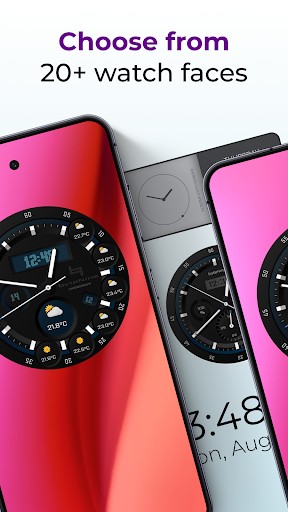
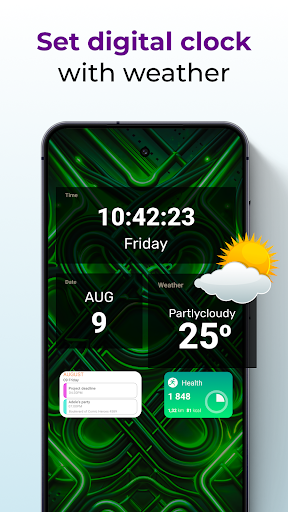
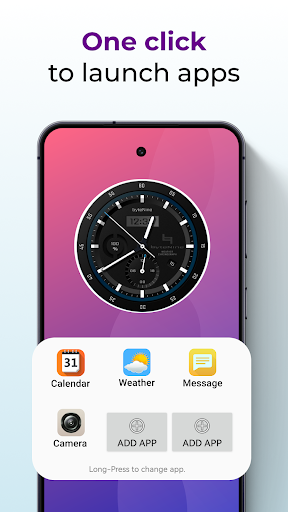
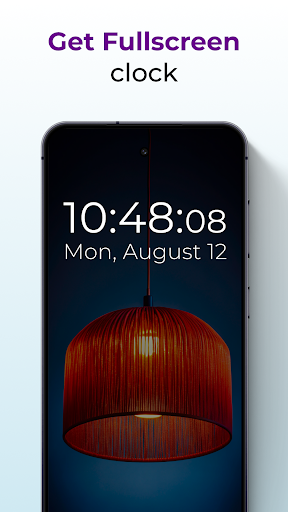
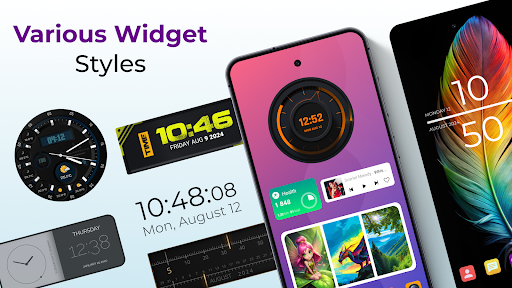
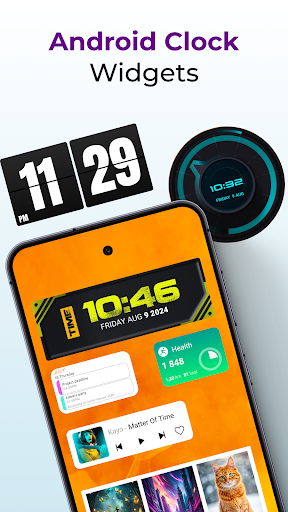
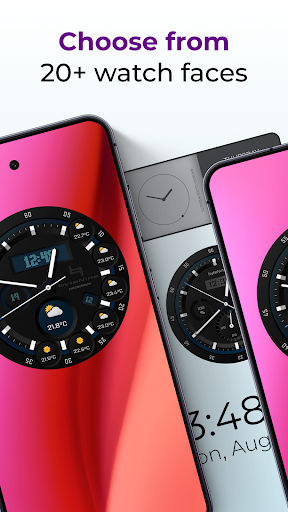
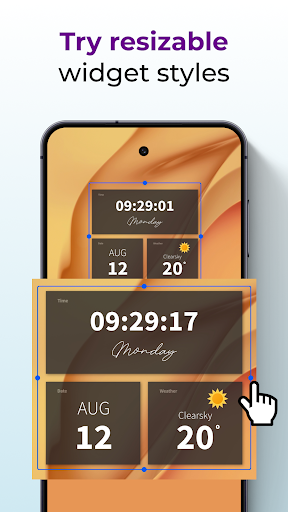
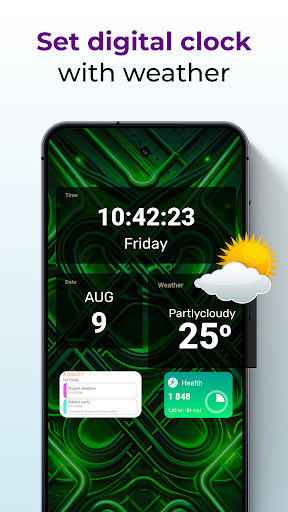
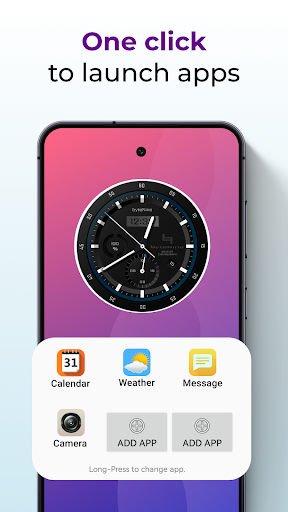
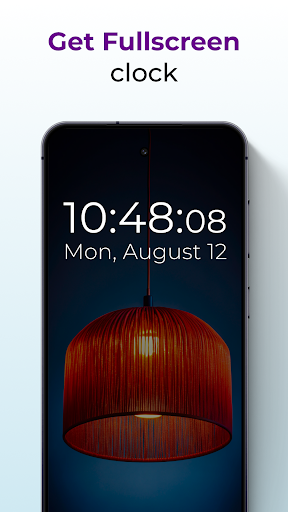
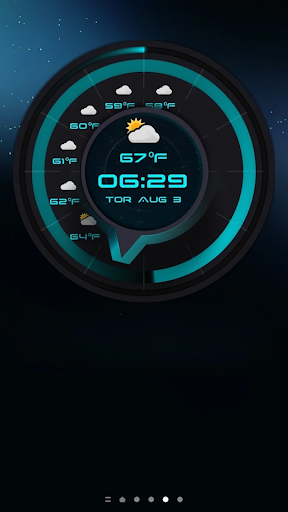
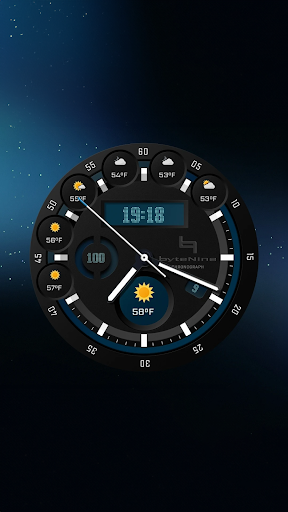
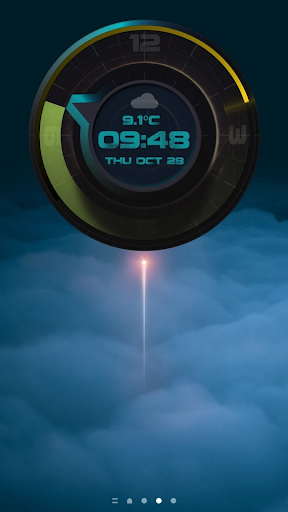
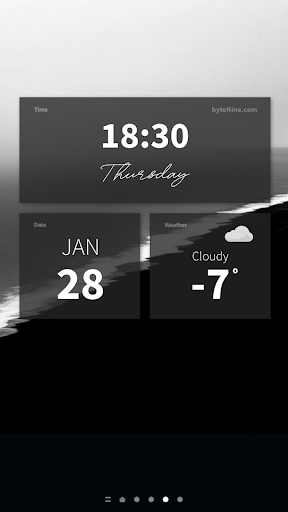
Digital Clock Widget For Home Screen - Enhance Your Android Experience! Are you seeking a sleek and functional time widget for your Android device? Look no further than our Digital Clock Widget For Home Screen, the ultimate solution for all your timekeeping needs. Tailored for users who appreciate form and function, this Widget Clock And Date offers a seamless blend of style and utility. 📄 Digital Clock Widget For Home Screen Key Features:📄 🕒Show seconds for precise timekeeping; 🌟Beautiful high-quality graphics that enhance your home screen; 🔄Preview while editing for perfect customization; 📏Scalable to almost any size, fitting any screen perfectly; ☀️Weather added to some styles for a comprehensive view; 📱6 Configurable apps to launch when you click the watch; 📱Works on both phones and tablets for versatility; ✒️Add personal text, change font, and color on many watches; 📲No need for additional apps for widgets to work. Simple and effective. Upgrade Your Home Screen With Widget Clock And Date Stay on time with this sleek digital clock widget for home screen. Say goodbye to plain and boring time-tellers and welcome a visually stunning and highly customizable time tool! Efficient and Stylish Digital Clock Widget For Home Screen:🕒 With our Android Clock Widget, you get a beautifully designed time-teller that not only tells time but also enhances the aesthetic appeal of your screen. Customize your Clock Widgets For Android to match your style and preferences, making it uniquely yours. Start Looking At Time In Style! Experience the ultimate convenience with Widget Clock And Date, a feature-packed tool that keeps you informed at a glance. Get the Date And Time Widget Today! Enhance your Android experience with our amazing software. Easily customizable and featuring high-quality graphics, this tool offers precision timekeeping and a visually appealing display. Add style and function using a digital clock widget for home screen. Analog Clock Widget:🕰️ If you prefer a classic look, our Analog Clock Widget offers a timeless design with modern functionalities. Customize it to your liking and enjoy the elegance it brings to your Android device. Personalize your display with a digital clock widget for home screen! Comprehensive Date And Time Widget:🗓️ Stay on top of your schedule with our Date And Time Widget, which provides clear and accurate time and date information right on your screen. This feature of the Digital Clock Widget For Home Screen ensures you never miss an important event. Advanced Features of Android Clock Widget:📱 Easy to use and beautifully designed digital clock widget for home screen. Our Clock Widgets For Android go beyond just telling time. With features like weather updates, app shortcuts, and customizable text, you can make your screen functional and stylish. Personalize your watches with different fonts, colors, and additional text to make them yours. Empower Your Home Screen with Digital Clock Widget For Home Screen! Embrace the…

What Android Clock Widgets Is Used For

Android Clock Widgets appears to be a home-screen personalization app centered on showing time and date in a customizable widget format. Based on the metadata, it is commonly used by people who want a clock display that is easier to see at a glance and better matched to their wallpaper or layout than a default clock widget.

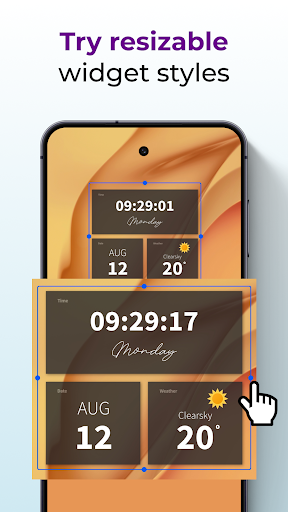
The app description suggests it may support digital and analog clock styles, date display, and some weather elements in certain designs. It also mentions options like seconds display, font and color changes, personal text, widget resizing, and previewing changes while editing. The listed permissions, such as network access and location, may relate to weather or other online widget features, while startup and wake-related permissions may help keep the widget updated on the home screen.

Because this is a phone app in the Personalization category, it seems mainly intended for everyday home-screen use rather than for active, in-app tasks. It may be useful for users who want a quick visual time readout, a more customized Android look, or a widget that can launch selected apps when tapped.

Common uses

  • Display time and date on the Android home screen
  • Choose between digital and analog clock widget styles
  • Customize fonts, colors, and personal text on supported widgets
  • Resize the widget to fit different home-screen layouts
  • Show seconds for more detailed time tracking
  • Use weather elements in styles that include them
  • Set tap actions to open selected apps
Best for:
home screen customization quick time checking widget users phone app personalization

App Details

Package:
com.bytenine.androidclockwidgets
Developer:
GeniusTools Labs
Version:
5.1.0
Updated:
Mar 26, 2026
Min Android:
6.0
Age Rating:
Everyone
Contains Ads:
Yes
In-App Purchases:
Yes

Official Listing

  • Official listing available on Google Play
  • Package name: com.bytenine.androidclockwidgets
  • Age rating: Everyone

Explore More

Browse more apps in Personalization or explore the Phone hub .

Related Personalization Apps

Smart Launcher 6 ‧ Home Screen icon

Smart Launcher 6 ‧ Home Screen

Personalization Smart Launcher Team

Customize your home screen with stunning themes, blur, widgets & icons.

Version 6.6 build 007 patch 1 20.5 MB ⭐ 4.60 50,000,000+ installs

How to Download Android Clock Widgets

If this app is not hosted directly on APKApps official link, then for the safest and most up-to-date version, install it from its official Google Play listing.