Profile Picture Border Frame icon

Phone

Profile Picture Border Frame

Personalization ZipoApps ⭐ 4.80 5,000,000+

Use a profile picture maker to create a unique profile photo with photo borders.

Version 2.4.9 27.8 MB Everyone

Screenshots

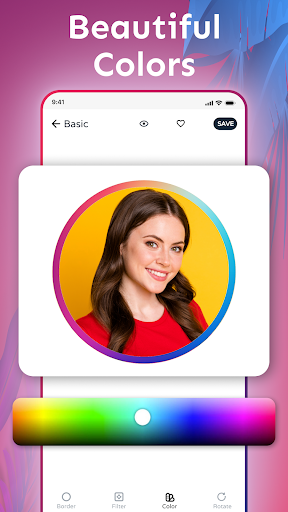
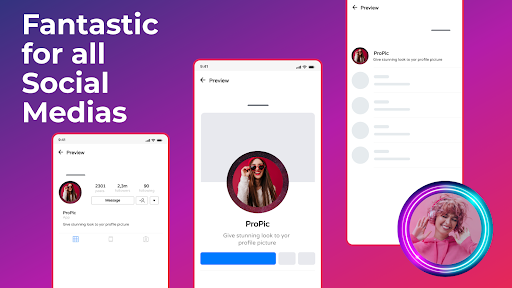
Profile Picture Border Frame screenshot
Permissions Explained 15 permissions requested View details

This app requests 15 permissions. The table below explains what each permission may allow and what users should review before installing.

Status Permission What it means Why it may be used User safety note
ℹ️ Review Access Wifi State android.permission.ACCESS_WIFI_STATE This is an Android permission or app-specific permission requested by the app. The app may use this permission for features related to its category, device support, background behavior, storage, connectivity, or system integration. Review this permission before installing, especially if it does not match the app’s expected purpose.
Common View network status android.permission.ACCESS_NETWORK_STATE Allows the app to check whether the device is connected to Wi-Fi, mobile data, or another network. Often used to avoid loading content when offline or to adjust loading based on connection quality. Generally low risk by itself.
Common Internet access android.permission.INTERNET Allows the app to open network connections and communicate with online services. Commonly used for streaming, syncing, login, ads, analytics, downloads, cloud features, and app updates. Common permission. Review the app’s behavior if it does not appear to need online access.
ℹ️ Review Read Media Images android.permission.READ_MEDIA_IMAGES This is an Android permission or app-specific permission requested by the app. The app may use this permission for features related to its category, device support, background behavior, storage, connectivity, or system integration. Review this permission before installing, especially if it does not match the app’s expected purpose.
⚠️ Sensitive Read external storage android.permission.READ_EXTERNAL_STORAGE Allows the app to read files from shared device storage. Used by media players, file managers, backup apps, editors, upload tools, and document apps. Sensitive permission. Review carefully if the app does not need access to files or media.
⚠️ Sensitive Modify external storage android.permission.WRITE_EXTERNAL_STORAGE Allows the app to write or modify files in shared device storage. Used for saving downloads, media files, exports, edited documents, backups, or cached content. Sensitive permission. Make sure file access matches the app’s purpose.
ℹ️ Review Keep device awake android.permission.WAKE_LOCK Allows the app to prevent the device from sleeping while a task is running. Used for media playback, downloads, navigation, alarms, calls, or long-running background tasks. Review battery usage if the app keeps the device awake too often.
ℹ️ Review Gms Permission Ad Id com.google.android.gms.permission.AD_ID This is an Android permission or app-specific permission requested by the app. The app may use this permission for features related to its category, device support, background behavior, storage, connectivity, or system integration. Review this permission before installing, especially if it does not match the app’s expected purpose.
ℹ️ Review Vending Billing com.android.vending.BILLING This is an Android permission or app-specific permission requested by the app. The app may use this permission for features related to its category, device support, background behavior, storage, connectivity, or system integration. Review this permission before installing, especially if it does not match the app’s expected purpose.
ℹ️ Review Send notifications android.permission.POST_NOTIFICATIONS Allows the app to send notifications to the device. Used for alerts, reminders, messages, account activity, updates, or media controls. Review notification settings if the app sends too many alerts.
ℹ️ Review C2dm Permission Receive com.google.android.c2dm.permission.RECEIVE This is an Android permission or app-specific permission requested by the app. The app may use this permission for features related to its category, device support, background behavior, storage, connectivity, or system integration. Review this permission before installing, especially if it does not match the app’s expected purpose.
ℹ️ Review Com Applovin Array Apphub Permission Bind Apphub Service com.applovin.array.apphub.permission.BIND_APPHUB_SERVICE This is an Android permission or app-specific permission requested by the app. The app may use this permission for features related to its category, device support, background behavior, storage, connectivity, or system integration. Review this permission before installing, especially if it does not match the app’s expected purpose.
ℹ️ Review Finsky Permission Bind Get Install Referrer Service com.google.android.finsky.permission.BIND_GET_INSTALL_REFERRER_SERVICE This is an Android permission or app-specific permission requested by the app. The app may use this permission for features related to its category, device support, background behavior, storage, connectivity, or system integration. Review this permission before installing, especially if it does not match the app’s expected purpose.
ℹ️ Review Foreground Service android.permission.FOREGROUND_SERVICE This is an Android permission or app-specific permission requested by the app. The app may use this permission for features related to its category, device support, background behavior, storage, connectivity, or system integration. Review this permission before installing, especially if it does not match the app’s expected purpose.
ℹ️ Review Receive Boot Completed android.permission.RECEIVE_BOOT_COMPLETED This is an Android permission or app-specific permission requested by the app. The app may use this permission for features related to its category, device support, background behavior, storage, connectivity, or system integration. Review this permission before installing, especially if it does not match the app’s expected purpose.

About Profile Picture Border Frame

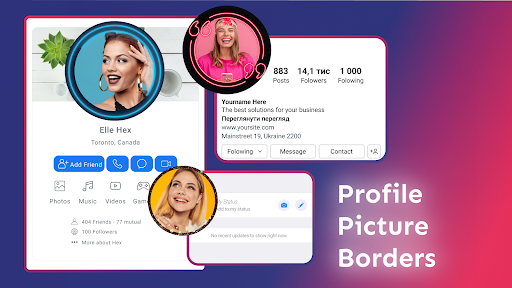
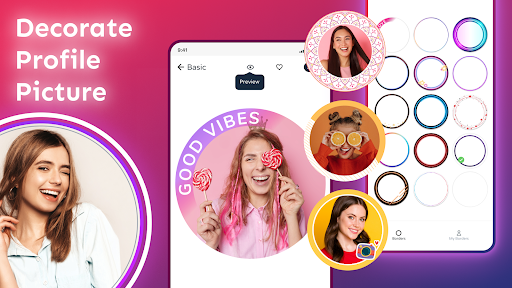
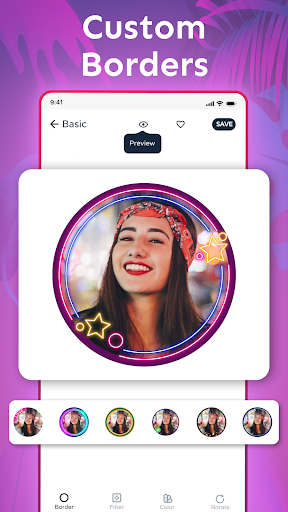
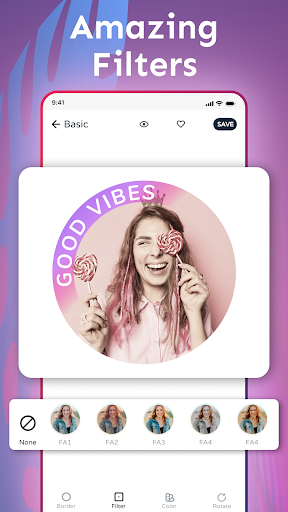
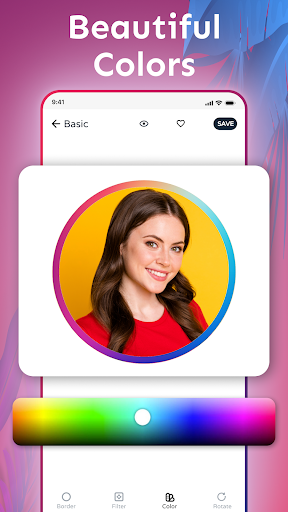
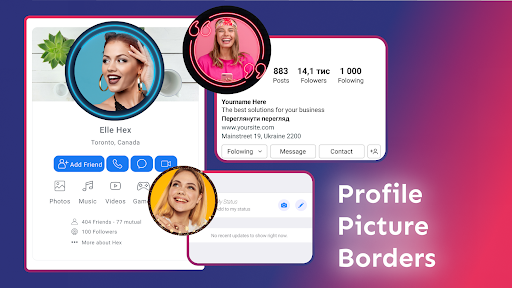
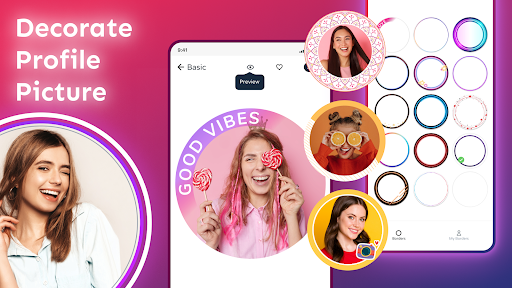
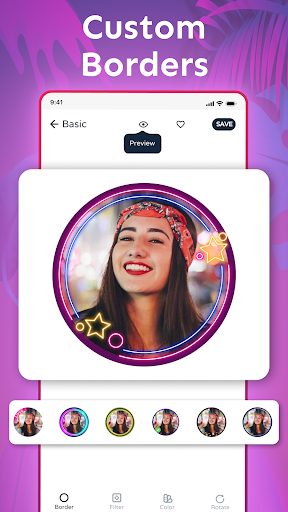
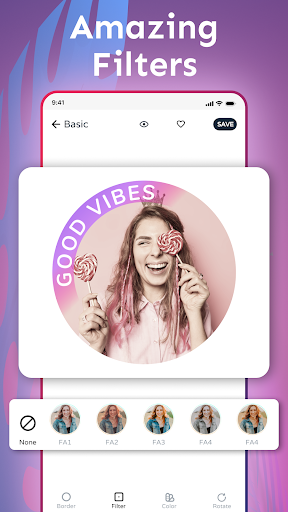
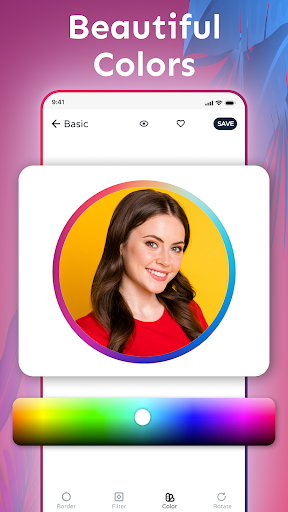
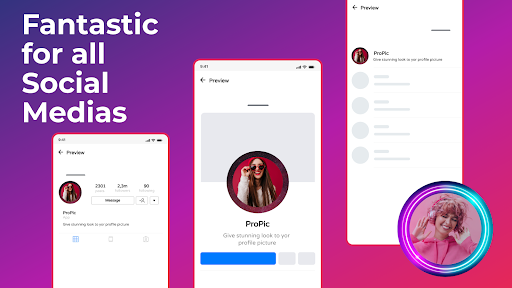
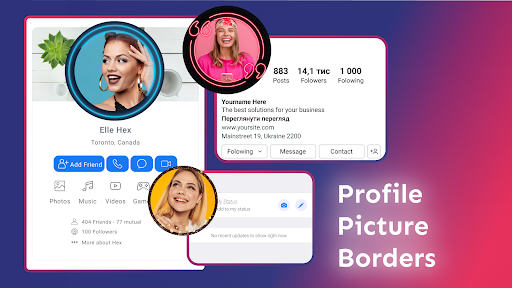
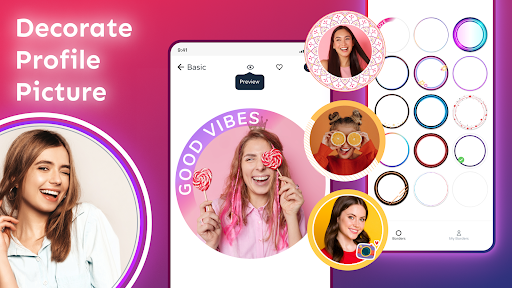
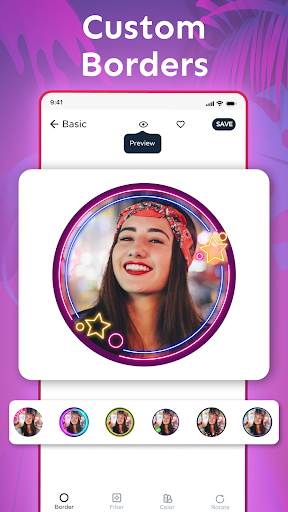
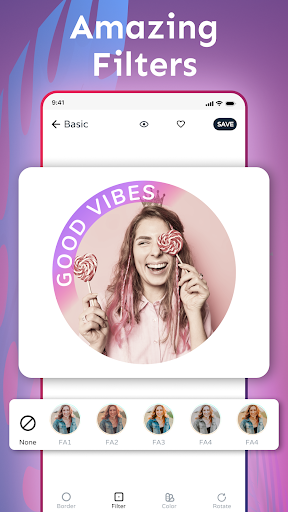
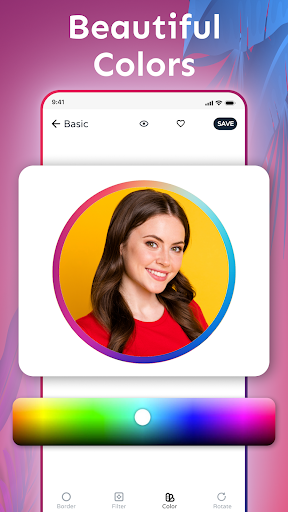
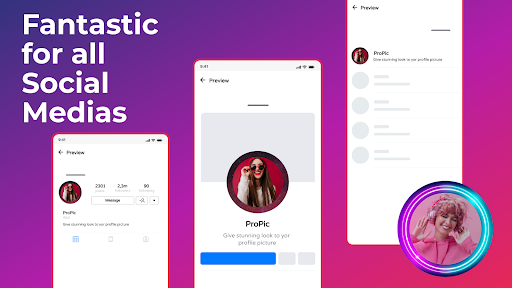
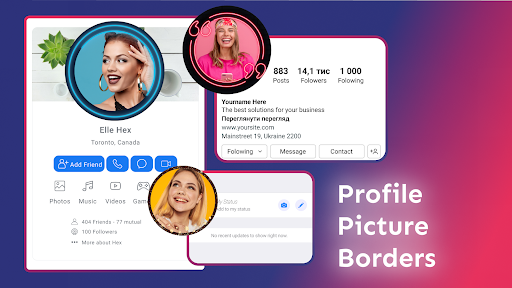
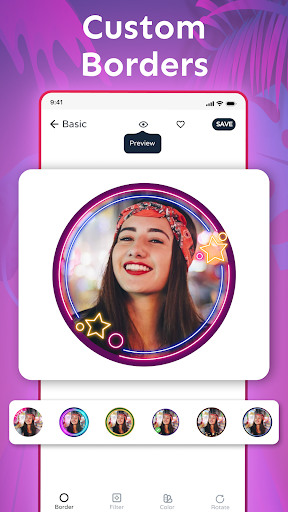
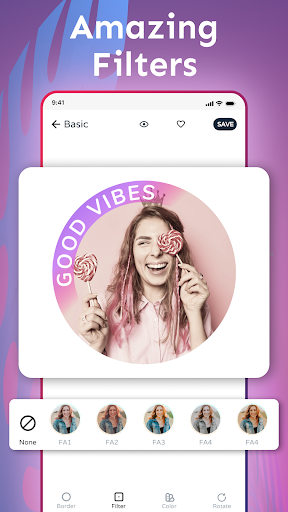
Create the most attractive profile picture with beautiful and aesthetic profile picture borders! Engage more audience on your profile easily with the profile picture border maker. 😍 Profile Picture Border Frame app is loaded with tons of fantastic profile frames to give your profile photo a spectacular look! 😎 The Profile Picture Border Frame Maker lets you preview and add a stunning frame to your selfies or pictures. Discover fantastic options for your Profile Picture Border Frame! Easy to use ➡️ Fantastic Results! ✔️ 👉 Tap-Tap-Tap: Tap a few times on your screen to give your DP an attractive look. Profile Picture Maker app is packed with loads of beautiful DP frames to beautify your profile picture. 👉 Profile Photo Border: Select an Insta DP border, make it your profile picture, and increase your profile views. Simple as that! Yes, you read it right! Having a profile frame can increase profile visits. 👉 Profile Photo Border messaging apps: Add a beautiful frame to your profile photo and easily create an attractive profile picture! 👉 DP Border: With the Profile Picture Border Frame app, you can also generate a good-looking profile DP border for your profile picture. 👉 Social Media Profile Picture Frame: Get more friend requests by adding a DP frame to your profile. 👉 Preview & Save: It’s effortless to use the Profile Picture Border Frame app. Just add a photo, browse a variety of photo frames, preview them with your image, and click the save button when you like one. 👉 Share: Share easily on social media. Note: - Profile Picture Maker app is neither affiliated to any other app nor claims to own a trademark to use the name and logo of any third-party app. Edit like a PRO with a simple-to-use tool to make your profile photo beautiful! Beautify I Profile Picture Maker App with aesthetic profile photo frames! 😍 Stunning collection of borders and frames! Share your beautiful profile image with thousands of like-minded people. Make your profile picture unique! Disclaimer All product names, logos, brands, trademarks and registered trademarks, which are not owned by us, are property of their respective owners. All company, product and service names used in this app are for identification purposes only. Use of these names, trademarks and brands does not imply endorsement. Profile Picture Border Frame app is owned by us. We are not affiliated, associated, authorized, endorsed by, or in any way officially connected with any 3rd party apps or companies.

What Profile Picture Border Frame Is Used For

Profile Picture Border Frame is a personalization app that appears to be used for adding decorative borders or frames to profile photos. Based on the metadata, it focuses on helping users choose a photo, preview different frame styles, and save a finished image for use as a profile picture or display photo.

This type of app is commonly used on phones when someone wants to make a social or messaging profile image look more polished or distinctive. The included storage and media permissions suggest it needs access to photos on the device so users can pick an image and save the edited result. It also includes network and ad-related permissions, which may support online content, updates, or advertising shown inside the app.

In practical terms, the app may be useful for quickly testing different border styles before sharing a profile image to social apps, messaging apps, or other accounts. It seems oriented toward simple editing rather than full photo manipulation, so it may fit users who want a fast way to create a framed avatar without complex tools.

Common uses

  • Add decorative borders to selfies or profile photos
  • Preview frame styles before saving an image
  • Create a display picture for social or messaging apps
  • Use device photos as the base image for editing
  • Save finished profile images to local storage
  • Share the edited picture after creating it
  • Browse frame options in a simple phone-based editor
Best for:
social profile photos quick photo framing phone editing avatar creation simple personalization

App Details

Package:
com.circle.profile.picture.border.maker.dp.instagram
Developer:
ZipoApps
Version:
2.4.9
Updated:
Mar 26, 2025
Min Android:
5.0
Age Rating:
Everyone
Contains Ads:
Yes
In-App Purchases:
Yes

Official Listing

  • Official listing available on Google Play
  • Package name: com.circle.profile.picture.border.maker.dp.instagram
  • Age rating: Everyone

Explore More

Browse more apps in Personalization or explore the Phone hub .

Related Personalization Apps

Background Eraser Photo Editor icon

Background Eraser Photo Editor

Photography Photo Editor & Collage Maker

Photo editor & BG eraser – Remove background, auto cutout & make PNG images.

Version 2.311.96 27.0 MB ⭐ 4.80 50,000,000+ installs
PicsKit icon

PicsKit

Photography changpeng

Layer-based photo editor & design kit with AI eraser, filters, glitch, neon, etc

Version 2.7 34.9 MB ⭐ 4.51 10,000,000+ installs

How to Download Profile Picture Border Frame

If this app is not hosted directly on APKApps official link, then for the safest and most up-to-date version, install it from its official Google Play listing.