About DiskDigger Pro file recovery
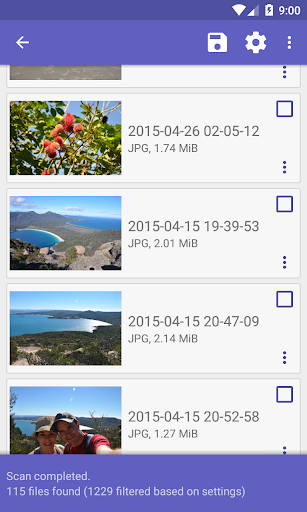
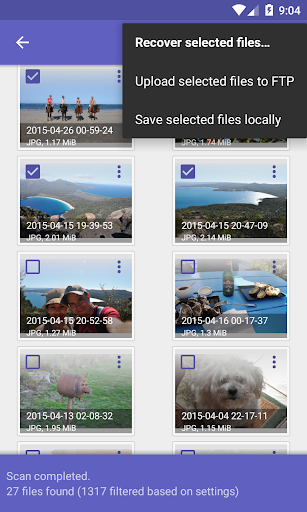
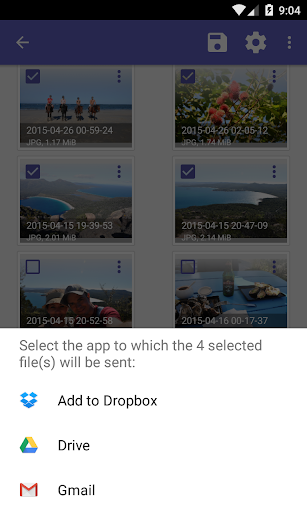
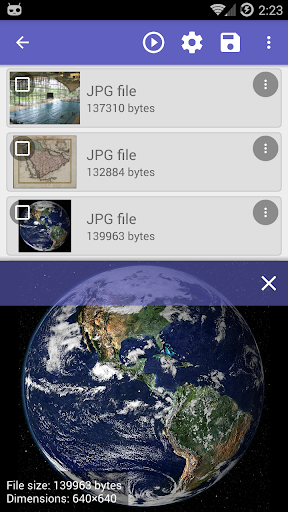
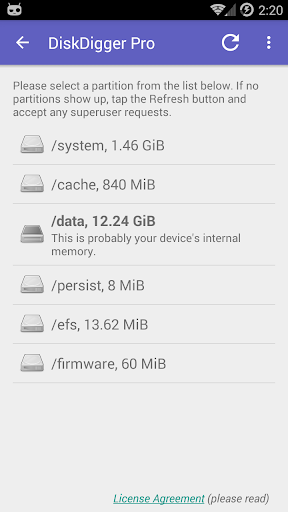
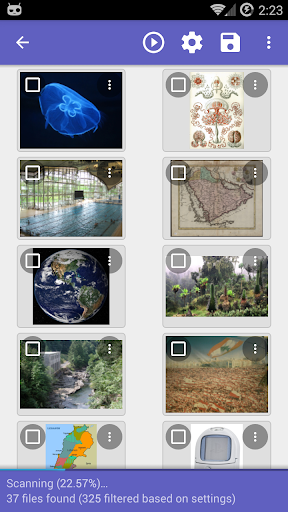
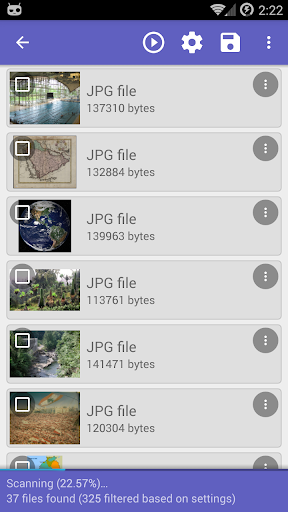
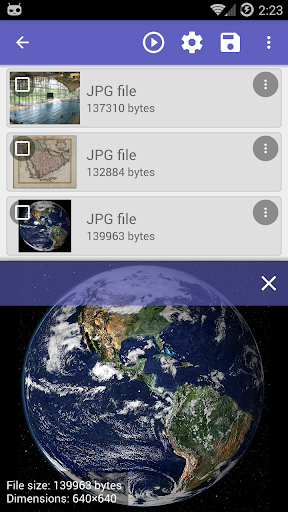
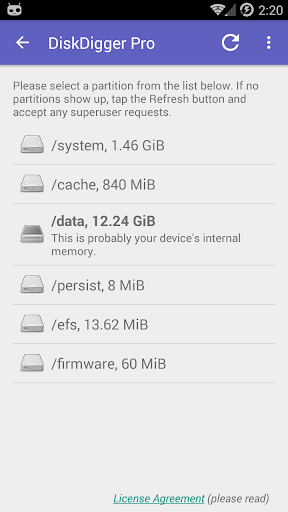
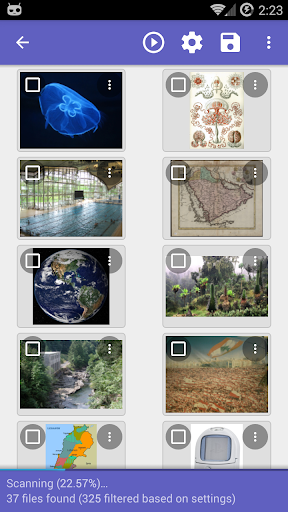
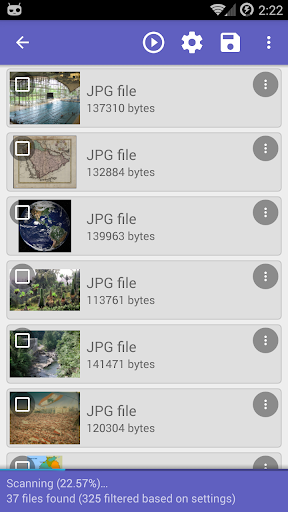
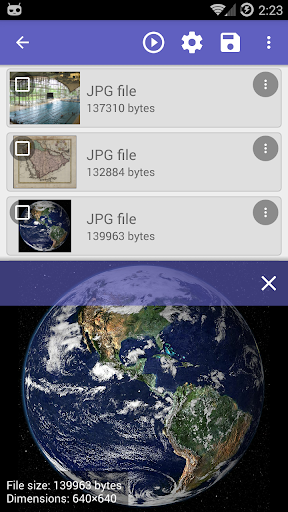
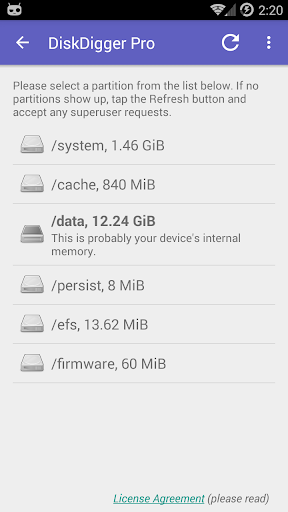
DiskDigger Pro (for rooted devices!) can undelete and recover lost photos, documents, videos, music, and more from your memory card or internal memory (see supported file types below). Whether you accidentally deleted a file, or even reformatted your memory card, DiskDigger's powerful data recovery features can find your lost files and let you restore them. Note: if your device is not rooted, the app can only perform a "limited" scan for for deleted photos and videos. To be able to search for other types of files, and to search your device's entire internal memory, the device needs to be rooted. On a non-rooted device, the app can only recover lower-resolution versions of your photos that it finds in your device's cache and thumbnail directories. After the scan is complete, tap the "Clean up" button to permanently delete any items that you no longer need (currently an experimental feature, available only in the Basic Scan). You can also use the "Wipe free space" option to erase the remaining free space on your device, so that any deleted files can no longer be recoverable. For complete instructions, please see http://diskdigger.org/android You can upload your recovered files directly to Google Drive, Dropbox, or send them via email. The app also allows you to upload the files to an FTP server, or save them to a different local folder on your device. DiskDigger can recover the following file types: JPG, PNG, MP4 / 3GP / MOV, M4A, HEIF, GIF, MP3, AMR, WAV, TIF, CR2, SR2, NEF, DCR, PEF, DNG, ORF, DOC / DOCX, XLS / XLSX, PPT / PPTX, PDF, XPS, ODT / ODS / ODP / ODG, ZIP, APK, EPUB, SNB, VCF, RAR, OBML16, OGG, OGA, OGV, OPUS.
What DiskDigger Pro file recovery Is Used For
DiskDigger Pro file recovery appears to be a utility for finding and restoring deleted files on Android phones. Based on the metadata, it is mainly used for recovering photos, videos, music, documents, and other file types from internal storage or a memory card after accidental deletion or formatting. The app’s recovery capabilities seem to depend on the device state, with broader scans available on rooted devices and more limited photo/video recovery on non-rooted devices.
Because it requests storage access and internet access, the app may also be used to save recovered items to another folder or send them to cloud or email destinations. The metadata also mentions options for cleaning up recovered items and wiping free space, which suggests it can be part of a file-recovery and storage-maintenance workflow. As a phone app in the Tools category, it appears aimed at users who need to search for lost personal files directly from an Android device.
Common uses
- Recover accidentally deleted photos and videos
- Search for lost documents, audio, and archives on supported devices
- Scan internal memory or a memory card for recoverable files
- Use limited photo recovery on non-rooted phones
- Save recovered files to local storage or send them to cloud or email destinations
- Optionally wipe free space after deletion to reduce recoverability
- Review found items and remove unneeded results during cleanup
App Details
Package:
com.defianttech.diskdiggerpro
Developer:
Defiant Technologies, LLC
Version:
1.0-pro-2026-03-28
Updated:
Mar 28, 2026
Min Android:
6.0
Age Rating:
Everyone
Contains Ads:
No
In-App Purchases:
No
Official Listing
-
Official listing available on
Google Play
-
Package name:
com.defianttech.diskdiggerpro
-
Age rating:
Everyone
Related Tools Apps
Tools
•
Shenzhen Wondershare Software Co., Ltd.
Version 5.2.20.987
⭐ 3.90
10,000,000+ installs
Tools
•
Development Colors
Recover deleted messages and files from your notifications
Version 12.0.0 WR-
22.0 MB
⭐ 3.99
10,000,000+ installs
How to Download DiskDigger Pro file recovery
If this app is not hosted directly on APKApps official link,
then for the safest and most up-to-date version, install it from its official Google Play listing.