About Logic Circuit Simulator
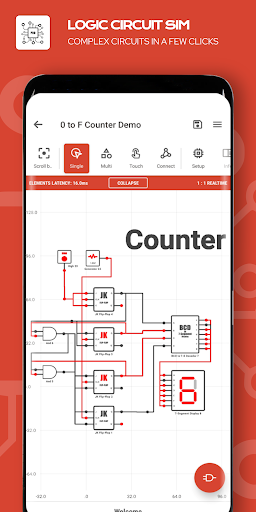
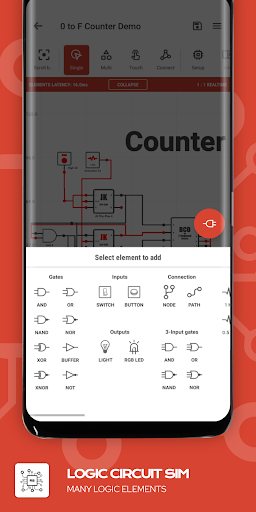
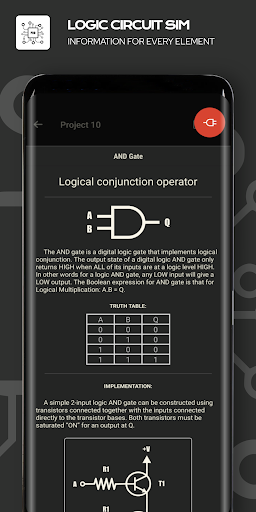
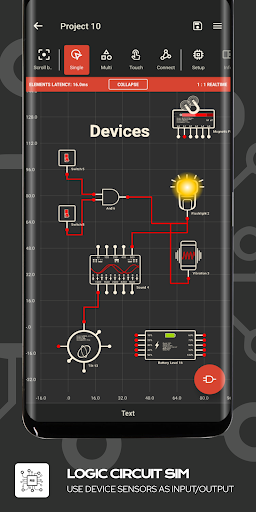
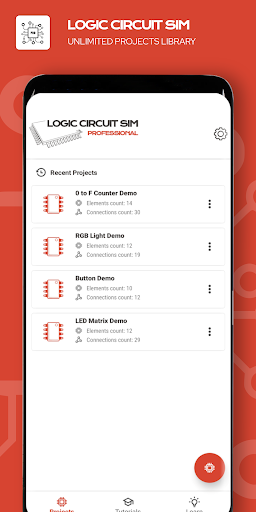
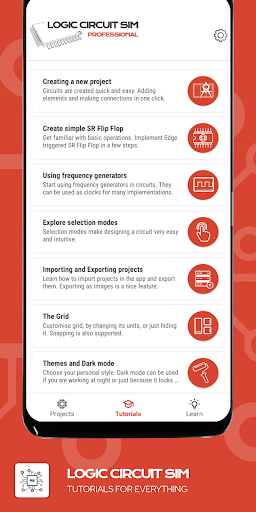
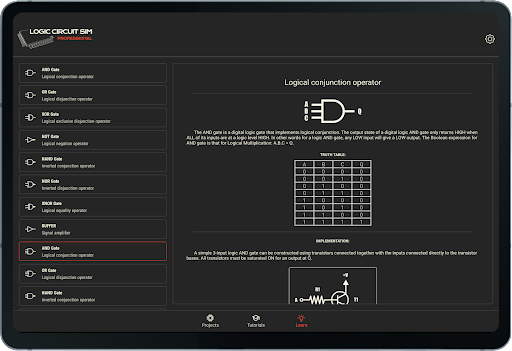
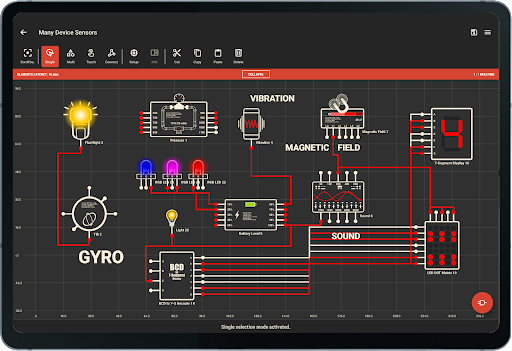
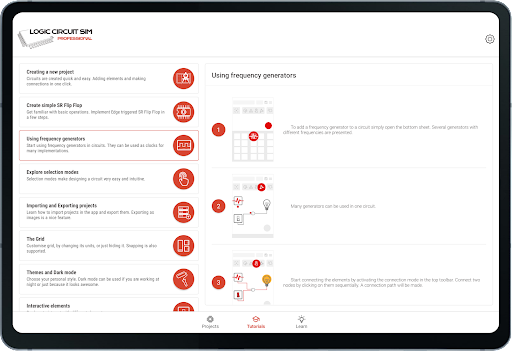
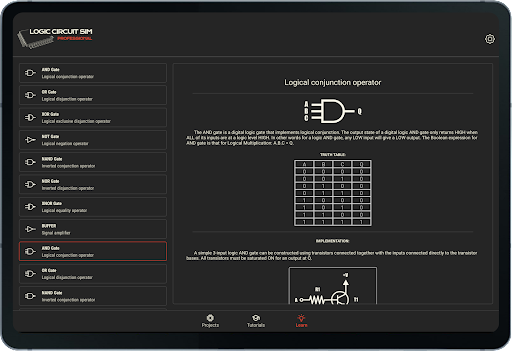
Logic Circuit Simulator provides you the field to design you own digital circuit. If you have heard of Multisim, SPICE, LTspice, Proteus or Altium, this logic electronics simulator might be your friend. Do you want to understand how electronics works? The application helps you learn the basics of electronics and electrical engineering. Create amazing logic circuits with all the provided electronics logic elements. Use variety of elements to evolve, experiment and learn electronics and electrical engineering. -The simulator makes designing COMBINATIONAL LOGIC CIRCUIT quick and easy by its intuitive interface and a lot of options to explore. -Educational - the application provides a lot of information for all the elements that can be used. -Import, export and share circuits by ease. -Embed electronics circuits in each other. -Many tutorials and use tips are here to help, if you struggle. -Great tablet support - our simulator is designed to take the most of your -tablet. -The application is customizable with great themes and Dark mode (keep eyes safe). -Many elements which are used in electronics are available - lots of logic gates, programmable arrays, latches, flip-flops, generators, device sensors... Available options: -Importing and exporting projects -Tutorials -Educational information for everything -Use tips -Grid settings -Grid units -Easy position by snap to grid -Multi-selection mode -Circuit embedding -Edit easily with CUT, COPY and PASTE functions and more... Use device's sensors as inputs or outputs. Many sensors can be used as inputs: - Proximity (Far/Near); - Light sensor (detect lux, 6 Levels); - Charge detector (on AC, on USB, Wirelessly, Full Battery); - Orientation sensor (Portrait/Landscape); - Accelerometer sensor; - Media Volume buttons detector (Volume UP, Volume DOWN); - Battery sensor (Charge, Temperature, Technology, 10 Levels); - Tilt detector (4 directions); - Noise meter (10 Levels); - Magnetic field sensor (uT, 6 Levels); - Pressure sensor (mBar, 10 Levels)(if supported by device). Many device's components can be used as outputs too : - Buzzer (Frequency) ; - Vibration ; - Sound (10 inputs for different frequencies) ; - Flashlight . Available elements - AND GATE - OR GATE - XOR GATE - NOT GATE / INVERTER GATE - NAND GATE - NOR GATE - XNOR GATE - BUFFER GATE - TRI-STATE BUFFER GATE - 3 INPUT AND GATE - 3 INPUT OR GATE - 3 INPUT NAND GATE - 3 INPUT NOR GATE - IC - CIRCUIT EMBED - PROGRAMMABLE LOGIC ARRAY - PLA - PROGRAMMABLE ARRAY LOGIC - PAL - READ ONLY MEMORY - ROM - MULTIPLEXER - MUX - DEMULTIPLEXER - DEMUX - HIGH LOGIC CONSTANT - LOW LOGIC CONSTANT - NODES - TEXTS - FREQUENCY GENERATOR 0.5 HZ - FREQUENCY GENERATOR 1 HZ - FREQUENCY GENERATOR 40 HZ - FREQUENCY GENERATOR 1 kHZ - FREQUENCY GENERATOR 40 kHZ - TOGGLE SWITCH - PULSE BUTTON - LIGHT BULB - 7-SEGMENT DISPLAY - BCD TO 7-SEGMENT DISPLAY DECODER - 14-SEGMENT DISPLAY - RGB LED - LED DOT MATRIX - SR FLIP-FLOP - D FLIP-FLOP - JK FLIP-FLOP - T FLIP-FLOP - SR LATCH -…
What Logic Circuit Simulator Is Used For
Logic Circuit Simulator appears to be an education app for building and testing digital logic circuits on an Android phone. Based on the metadata, it is mainly used for learning the basics of electronics and electrical engineering by arranging logic elements, experimenting with circuit behavior, and exploring how combinational logic works.
It may be useful for students, hobbyists, or anyone who wants a hands-on way to study digital electronics. The app includes tutorial and educational information, plus import/export and sharing options for circuit projects. Tablet support is mentioned, but the app type is listed as phone, so it seems intended for touch-based circuit design on mobile screens. The listed permissions also fit the simulator’s features: audio recording may relate to sensor or noise-based inputs, while flashlight and vibration permissions may support output elements or device interaction in circuits.
Common uses
- Design digital logic circuits on a mobile device
- Experiment with gates, latches, flip-flops, and related elements
- Learn circuit behavior through tutorials and built-in educational info
- Use phone sensors or device inputs as part of circuit simulations
- Import, export, and share circuit projects
- Test outputs such as sound, vibration, or flashlight effects
- Use grid and snap-to-grid tools for more precise layout work
App Details
Package:
com.duracodefactory.logiccircuitsimulator
Developer:
Stefan Belinov
Version:
36.0.1
Updated:
Jan 8, 2026
Min Android:
6.0
Age Rating:
Everyone
Contains Ads:
No
In-App Purchases:
No
Official Listing
-
Official listing available on
Google Play
-
Package name:
com.duracodefactory.logiccircuitsimulator
-
Age rating:
Everyone
Related Education Apps
Education
•
SkillCat
Version 7.0.3
⭐ 4.90
100,000+ installs
How to Download Logic Circuit Simulator
If this app is not hosted directly on APKApps official link,
then for the safest and most up-to-date version, install it from its official Google Play listing.