About Sharper Clock - Watch Face
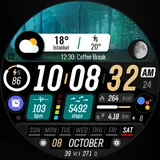
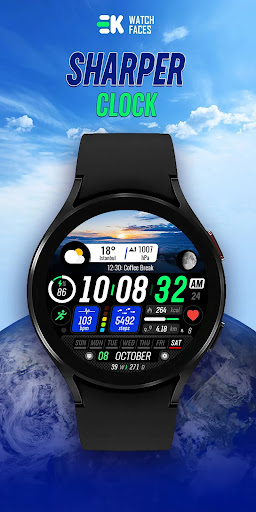
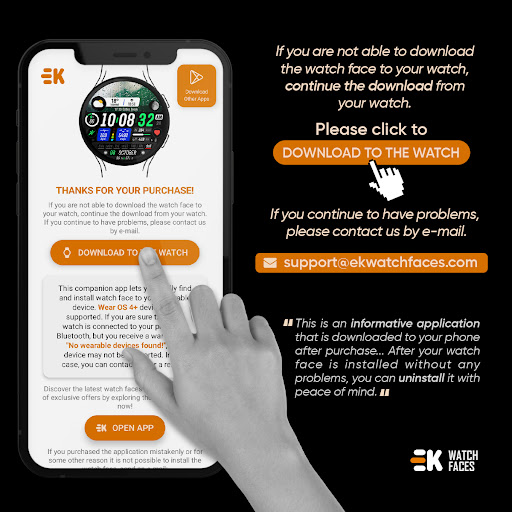
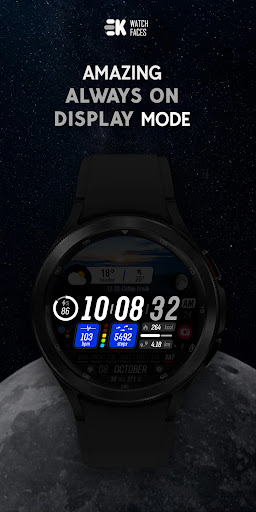
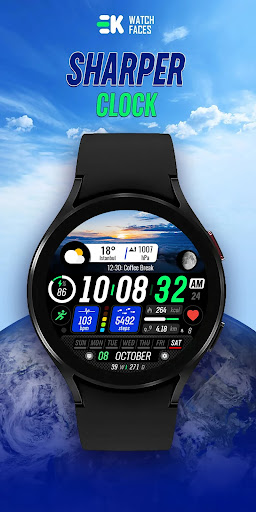
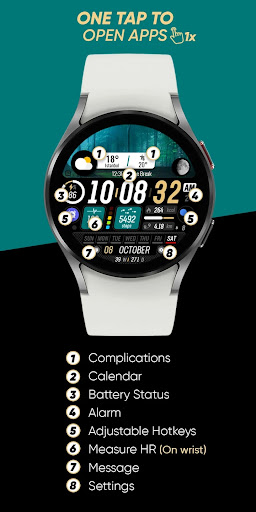
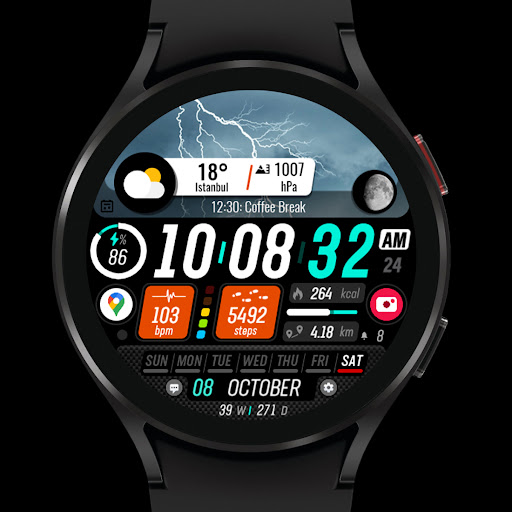
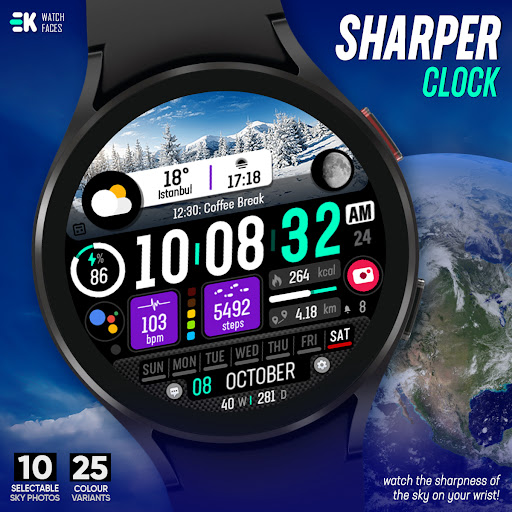
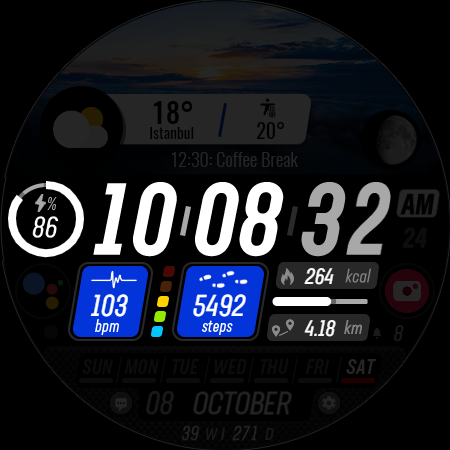
🌟 Built for Wear OS [ Only for Wear OS devices - API 33+ ] 📌 INSTALLATION NOTES: 1 - 🔗 Ensure your watch is properly connected to your phone. Open the Phone App on your phone and tap on "DOWNLOAD TO THE WATCH", then follow the instructions on your watch. ⌛ A few minutes after tapping the install button on your watch, the watch face will be installed. You can then select your new watch face! 📱 The phone app serves as a placeholder to make it easier to install and find the watch face on your Wear OS device. ⚠️ Note: If you find yourself stuck in a payment loop, don’t worry! You will only be charged once, even if prompted to pay again. Wait 5 minutes or restart your watch and try again. This could be a synchronization issue between your device and Google servers. 2 - 💻 Alternatively, you can try installing the watch face from a web browser on your PC. ⚠️ Please note that any issues on this side are NOT developer-dependent. The developer has no control over the Play Store from this side. Thank you. 🌤️ Watch the sharpness of the sky on your wrist.. FEATURES ● 📷 10 selectable sky photos ● 🎨 25 colours variants ● 🌕 Live moon phases ● 🕒 12/24 H (Based on your phone time setting) ● 🚧 Km/Mil supported (Automatically selected based on phone language (in United States and United Kingdom)) ● 📊 Steps - Calories - Battery - Next Event - Heart rate (On wrist) - Calendar - 2 custom complications - 4 shortcuts - Days in year - Week in year - Unread notification count ● 👀 Always on display supported 🔑 For full functionality, please manually enable Sensors & receive complication data permissions! WEB https://www.ekwatchfaces.com INSTAGRAM https://www.instagram.com/ekwatchfaces FACEBOOK https://www.facebook.com/ekwatchfaces TWITTER https://twitter.com/ekwatchfaces PINTEREST https://www.pinterest.com/ekwatchfaces YOUTUBE https://bit.ly/2TowlDE
What Sharper Clock - Watch Face Is Used For
Sharper Clock - Watch Face appears to be a Wear OS watch face app designed for people who want to personalize the look and information layout on their smartwatch. Based on the metadata, it is not a standalone productivity tool; the phone app mainly acts as a setup helper so the watch face can be downloaded to a Wear OS device. The app is listed for Wear OS devices with API 33+, so it is most relevant when used with a compatible smartwatch rather than as a general phone app.
Common use cases include changing the watch’s appearance with selectable sky photos and color variants, and viewing glanceable wrist information such as time format, moon phase, steps, calories, battery level, next event, heart rate, calendar details, and notification count. The metadata also mentions always-on display support, which suggests it may be used by people who want a watch face that remains readable throughout the day. Some functions, such as sensor-based data and complication data, may require enabling permissions on the watch for full functionality.
Common uses
- Set up and download the watch face to a compatible Wear OS watch
- Personalize the watch display with different sky images and color options
- Check common fitness and status metrics at a glance on the wrist
- View calendar and next-event information from the watch face
- Use shortcuts and custom complications for quicker access to watch functions
- Display moon phase and time format details directly on the watch face
- Use always-on display support for continuous wrist visibility
App Details
Package:
com.ekwatchfaces.sharperclock
Developer:
EK Watch Faces™
Version:
Varies with device
Updated:
Jul 30, 2025
Min Android:
Varies with device
Age Rating:
Everyone
Contains Ads:
No
In-App Purchases:
No
Official Listing
-
Official listing available on
Google Play
-
Package name:
com.ekwatchfaces.sharperclock
-
Age rating:
Everyone
Related Personalization Apps
Personalization
•
Zedge
Discover millions of background wallpapers & ringtones or make your own with AI.
Version 9.14.2
55.5 MB
⭐ 4.70
500,000,000+ installs
Personalization
•
LBE Tech
Run multiple accounts of the same app on a single device
Version 4.0.9557
34.4 MB
⭐ 4.10
100,000,000+ installs
Personalization
•
Nexileap
6000+ Emojis, Custom Keyboard, Fonts, Themes, Genmoji AI Generator,Stickers,GIFs
Version 3.6.3.1
36.7 MB
⭐ 4.70
100,000,000+ installs
Personalization
•
Nebuchadnezzar DOO
Check Wallcraft Live 4D Wallpaper - 4k HD wallpapers & stunning 3D backgrounds!
Version Varies with device
29.6 MB
⭐ 4.60
100,000,000+ installs
Personalization
•
Delicate theme for Android App
Install our stylish keyboard with Neon Love Theme now!
Version 10.7.2.0323
33.2 MB
⭐ 4.60
100,000,000+ installs
Personalization
•
Battery Stats Saver
Ultimate Gallery Lock App - Hide Pictures, Videos and Lock Apps Instantly!
Version 2.1.12
24.6 MB
⭐ 4.60
100,000,000+ installs
How to Download Sharper Clock - Watch Face
If this app is not hosted directly on APKApps official link,
then for the safest and most up-to-date version, install it from its official Google Play listing.