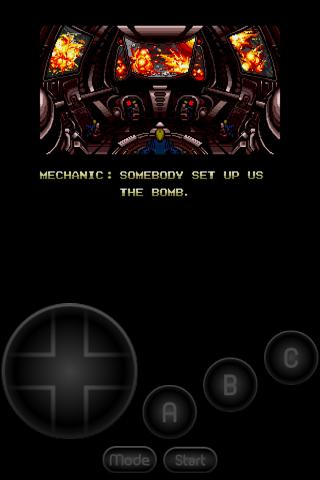
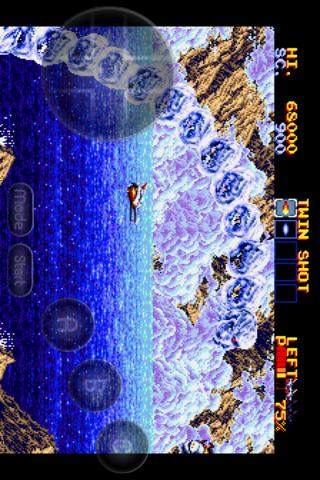
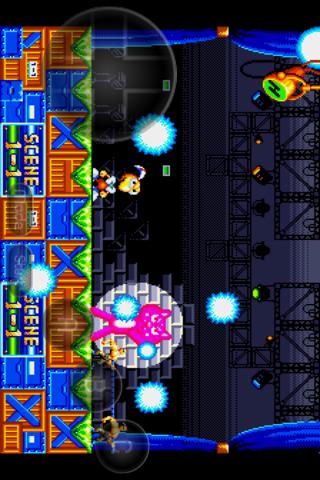
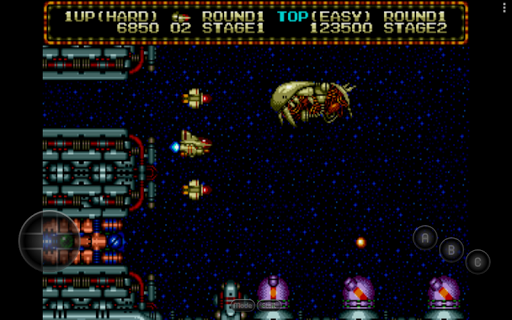
About MD.emu (Genesis Emulator)
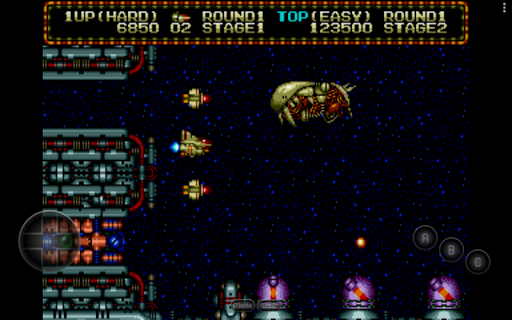
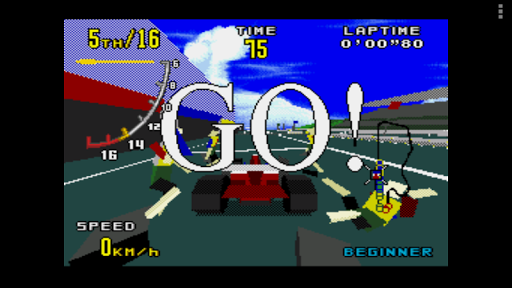
Advanced open-source Sega Genesis/Mega Drive, Sega CD, and Master System/Mark III emulator based on portions of Genesis Plus/Gens/Picodrive/Mednafen with a minimalist UI and a focus on low audio/video latency, supporting a wide variety of devices from the original Xperia Play to modern devices like the Nvidia Shield and Pixel phones. Sega CD support is currently considered beta, please do not report game-specific issues with it yet. Features include: * Supports .bin, .smd, .gen, and .sms file formats, optionally compressed with ZIP, RAR, or 7Z * SVP chip support for Virtua Racing * CD emulation via loading .cue or .bin files (requires USA/Japan/Europe BIOS) * Supports FLAC, Ogg Vorbis, and Wav audio track formats * 6-button controller and 4-player multitap support * Gun support (Menacer and Justifier) * Cheat code support using .pat file format (same as Kega Fusion, Gens, Genesis Plus GX, etc.) * Configurable on-screen controls * Bluetooth/USB gamepad & keyboard support compatible with any HID device recognized by the OS like Xbox and PS controllers No ROMs are included with this app and must be supplied by the user. It supports Android's storage access framework for opening files on both internal and external storage (SD cards, USB drives, etc.). View the full update changelog: https://www.explusalpha.com/contents/emuex/updates Follow development of my apps on GitHub and report issues: https://github.com/Rakashazi/emu-ex-plus-alpha Please report any crashes or device-specific problems via email (include your device name and OS version) or GitHub so future updates continue to run on as many devices as possible.
What MD.emu (Genesis Emulator) Is Used For
MD.emu appears to be a classic game emulator for playing Sega Genesis / Mega Drive, Sega CD, and Master System / Mark III titles on Android phones. Based on the metadata, it is intended for users who already have compatible game files and want to load them locally on their device, rather than a store with built-in games. Its minimalist interface and emphasis on low audio/video latency suggest it is commonly used for responsive gameplay and testing across different Android hardware.
The app’s file and storage permissions fit that use case: it needs access to storage so users can open ROMs and disc images from internal memory, SD cards, or USB-connected storage. Bluetooth permissions and HID controller support indicate it may also be used with external gamepads or keyboards, while on-screen controls help when no controller is attached. It also mentions support for various compressed file formats, save-related gameplay features such as cheats, and special hardware cases like the SVP chip for Virtua Racing. Sega CD support is described as beta in the metadata, so that part may be less stable than the core Genesis emulation features.
Common uses
- Playing Sega Genesis and Mega Drive games on an Android phone
- Loading Sega CD and Master System / Mark III game files from storage
- Using Bluetooth or USB controllers for more traditional gameplay
- Using touch controls when no physical controller is available
- Running compatible ROM, disc image, and compressed archive formats
- Applying cheat files for supported games
- Accessing games stored on internal storage, SD cards, or USB drives
App Details
Package:
com.explusalpha.MdEmu
Developer:
Robert Broglia
Version:
Varies with device
Updated:
Mar 17, 2026
Min Android:
Varies with device
Age Rating:
Everyone
Contains Ads:
No
In-App Purchases:
No
Official Listing
-
Official listing available on
Google Play
-
Package name:
com.explusalpha.MdEmu
-
Age rating:
Everyone
Related Arcade Apps
Arcade
•
devMiyax
Version 1.19.14-PRO
⭐ 4.40
50,000+ installs
Arcade
•
ABAFE
Version Varies with device
⭐ 0.00
100+ installs
Action
•
Emulation Online
Version Varies with device
⭐ 0.00
100+ installs
How to Download MD.emu (Genesis Emulator)
If this app is not hosted directly on APKApps official link,
then for the safest and most up-to-date version, install it from its official Google Play listing.