About Radio Code Unlock Instantly
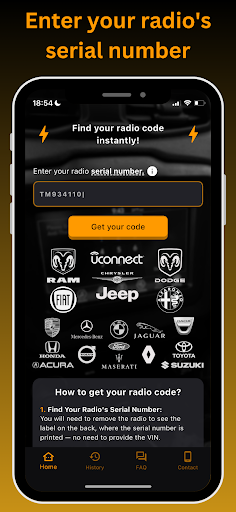
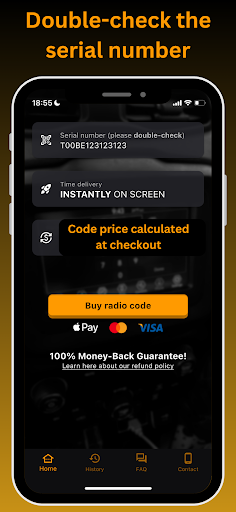
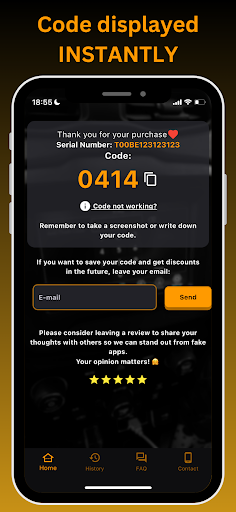
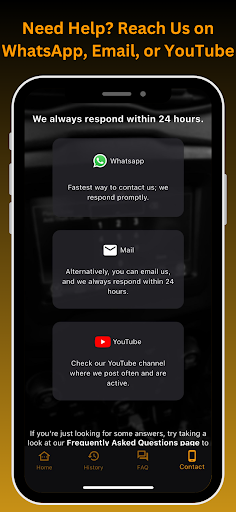
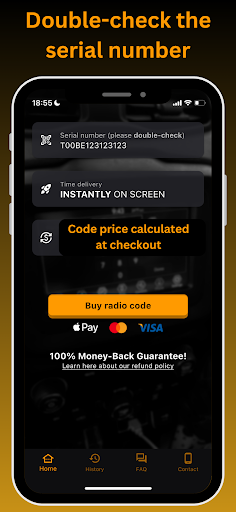
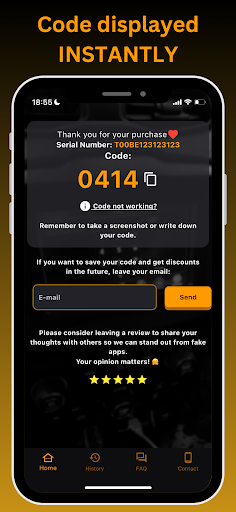
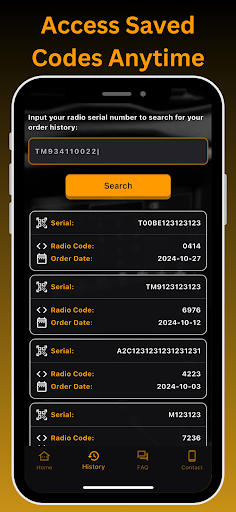
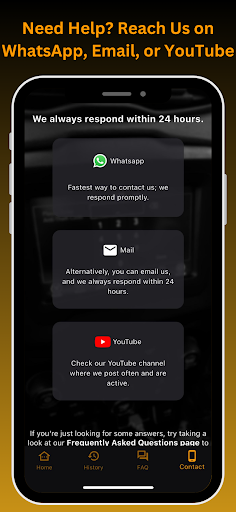
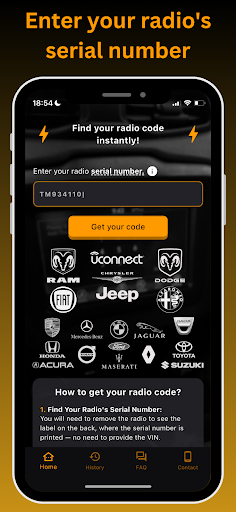
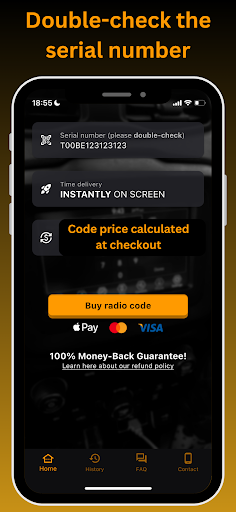
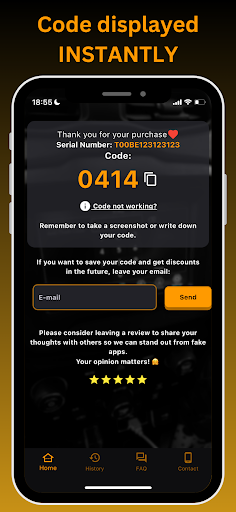
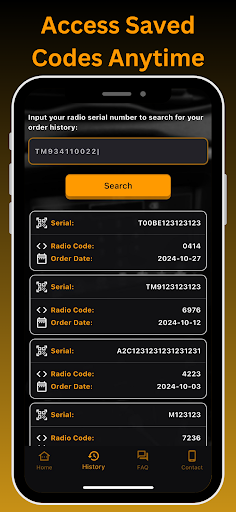
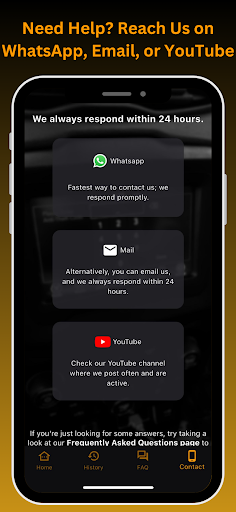
❓ How to Use This App Simply enter your radio’s serial number (S/N) into our app to check if your code is instantly⚡ available on-screen after payment. 📲💸 The serial number is located on the label after removing the radio. No VIN required—each code is unique to the radio’s serial number and can't be retrieved with the VIN. 🔑✨ Why is My Radio Locked? 1. Battery Disconnection or Change: Power loss triggers a code request on many radios. 2. New Radio Installation: Replacement radios often require a code for security. If you can’t find your code, our app helps calculate it. 🔍 How to Find Your Radio Unlock Code 🚗 Just 3 Steps: 1. Locate Your Serial Number: Pull out the radio; the serial is on the label, often above/below the barcode. 2. Enter & Get Your Code: Type the serial, then click "Get Your Code." 📝➡️ 3. Confirm & Purchase: Double-check, click "Buy Code" ✔️💳, then pay to see your unlock code instantly on-screen. 💻⚡ 💬 24/7 Support via WhatsApp, or Email - Always respond within 24hours 🔑🔓 Supports a wide range of radio unlock codes, including: Chrysler radio code Jeep radio code Dodge RAM radio code Uconnect radio code Fiat radio code - Also compatible with models from Maserati, Alfa Romeo, Honda, Acura, Jaguar, Lancia, Mercedes Benz, Toyota, Ford, Volvo, Porsche, BMW, Renault, Dacia, Iveco, Scania, DAF, MAN, and Suzuki. - Works with radio manufacturers such as Alpine, Panasonic, Harman, Continental, Daiichi, Blaupunkt, Bosch, Becker, MYGIG, and Delphi. 📻Radio code available for Models: Uconnect: 3.0 4.3 5.0 6.5 7 8.4 12.0 inch screen. PANASONIC: 12.0 8.4 : CON, UAV, UAX, UCX, UDX, UJX RB5 RB6 RE2 RE3 RE6 UAQ UAS UAV UAX UCQ UCS UCV UCX UDM UDQ UDV UDX UGQ UGV UJM UJQ UJV UJX UKQ UKV ULQ ULV UMQ UMV - Media Center : 640 RE2 740N RB5 HARMAN MYGIG NTG4: RE1, REN, REP, RER, REU, REW, REX, REZ, RHP, RHR, RHW, 735N Refresh JNAV RHP HARMAN UCONNECT: 5.0 8.4 12 inch screen VP2 VP3 VP4 : RA2 / VP2H NA SD , RG2 / VP2H EU , RJ2 / VP2H ROW / RA3 / VP3 CA MX NA ROW JP RA4 / VP3 VP4, RG3 / VP3, RJ3 / VP3, RM4 / VP4 - R1 EXT INT : ER, NA 3B MY22, RW, NA ALPINE: RB1 RBL RBS RAD REL RET REQ RBP REC REJ RBY RBT RAE CONTINENTAL UCONNECT VP1 VP2 - FIAT 520 560 637 ECE DAB NAV TBM NAFTA ROW REFRESH 521 ICS 5 7 8.4 / VP2RFP - 240 RHA DELPHI and APTIV Uconnect : 3.0 RA1 / VP1, 4.3 REB RHA, 5.0 RA2 RG2 RJ2 / VP2, UCA UDA UJA / VP2RFP 7.0 UAG / UCG UGG UJG ULG / 7 SDARS VP2RFP, Uconnect 8.4 UAM UCM UJM VP2RFP 🔍Sample Serial Numbers: Codes display instantly ⚡: T00BE (T00BE351823197) ⚡ TM9 (TM9341100221) ⚡ T0MYD / T0BYD (T0MYD164822563) Delphi Iveco Aptiv ⚡ TVPQN TQN (TVPQN32427GRQA) ⚡ T0012 (T0012566327123) ⚡ A2C (A2C1231231231231231) ⚡ – Continental Made in Czech Republic & Hungary A3C (A3C03487600H0581) ⚡ – Fiat Continental Made in Mexico A2C-A3C small label - Requires QR-code read from motherboard ⚡ T**AA (TT1AA3192E2346, TQ1AA, TQAAA, TH1AA) ⚡ – Any character between T and AA 89F (89FLYVB131095089) ⚡ – Delphi, Volvo, Renault Truck M and V (M123123, V123123) ⚡ – Ford…
What Radio Code Unlock Instantly Is Used For
Radio Code Unlock Instantly appears to be an app for looking up or obtaining vehicle radio unlock codes using a radio serial number. Based on the metadata, it is aimed at situations where a car stereo asks for a security code after a battery change, radio replacement, or other power loss event. It is categorized under Auto & Vehicles and is described as a phone app, so it seems intended for use directly on Android phones while someone is handling the radio details from the vehicle or paperwork.
The app’s flow is described around entering the radio serial number, checking availability, and then purchasing a code if one is found. The permission list suggests it uses network access for online lookup or payment-related steps, and the prevent-device-from-sleeping permission may support keeping the process active while a user is waiting or completing the request. Based on the metadata, it may be most relevant for drivers, repair shops, or anyone trying to recover access to a locked factory radio without using a VIN-based method.
Common uses
- Enter a radio serial number to check for an unlock code
- Use it when a car radio is requesting a security code
- Review radio details from the unit label before submitting
- Complete the lookup and payment process on a phone
- Access network-based code retrieval or order steps
- Keep the app active during the lookup process