Cinema FV-5 icon

Phone

Cinema FV-5

Photography FGAE Apps ⭐ 2.80 100,000+
Version 2.2.1 5.7 MB Everyone

Screenshots

Cinema FV-5 screenshot
Permissions Explained 12 permissions requested View details

This app requests 12 permissions. The table below explains what each permission may allow and what users should review before installing.

Status Permission What it means Why it may be used User safety note
⚠️ Sensitive Camera access android.permission.CAMERA Allows the app to use the device camera. Used for QR scanning, taking photos, video calls, document capture, AR features, or profile images. Sensitive permission. Grant only when camera features are expected.
⚠️ Sensitive Microphone access android.permission.RECORD_AUDIO Allows the app to record audio from the device microphone. Used for voice messages, calls, video chat, speech search, audio recording, or voice commands. Sensitive permission. Only grant it to apps where microphone use is expected.
⚠️ Sensitive Modify external storage android.permission.WRITE_EXTERNAL_STORAGE Allows the app to write or modify files in shared device storage. Used for saving downloads, media files, exports, edited documents, backups, or cached content. Sensitive permission. Make sure file access matches the app’s purpose.
ℹ️ Review Vending Check License com.android.vending.CHECK_LICENSE This is an Android permission or app-specific permission requested by the app. The app may use this permission for features related to its category, device support, background behavior, storage, connectivity, or system integration. Review this permission before installing, especially if it does not match the app’s expected purpose.
⚠️ Sensitive Approximate location android.permission.ACCESS_COARSE_LOCATION Allows the app to access an approximate device location. Used for weather, local content, regional features, nearby services, or location-based settings. Sensitive permission. Review whether the app needs location access.
⚠️ Sensitive Precise location android.permission.ACCESS_FINE_LOCATION Allows the app to access the device’s precise location when granted by the user. Used for maps, navigation, local recommendations, weather, rideshare, nearby devices, or location-based content. Sensitive permission. Grant only when location access matches the app’s purpose.
ℹ️ Review Storage android.permission.STORAGE This is an Android permission or app-specific permission requested by the app. The app may use this permission for features related to its category, device support, background behavior, storage, connectivity, or system integration. Review this permission before installing, especially if it does not match the app’s expected purpose.
ℹ️ Review Flashlight android.permission.FLASHLIGHT This is an Android permission or app-specific permission requested by the app. The app may use this permission for features related to its category, device support, background behavior, storage, connectivity, or system integration. Review this permission before installing, especially if it does not match the app’s expected purpose.
ℹ️ Review Modify Audio Settings android.permission.MODIFY_AUDIO_SETTINGS This is an Android permission or app-specific permission requested by the app. The app may use this permission for features related to its category, device support, background behavior, storage, connectivity, or system integration. Review this permission before installing, especially if it does not match the app’s expected purpose.
ℹ️ Review Broadcast Sticky android.permission.BROADCAST_STICKY This is an Android permission or app-specific permission requested by the app. The app may use this permission for features related to its category, device support, background behavior, storage, connectivity, or system integration. Review this permission before installing, especially if it does not match the app’s expected purpose.
ℹ️ Review Bluetooth access android.permission.BLUETOOTH Allows the app to use Bluetooth features. Used for headphones, controllers, wearables, cars, smart devices, nearby sharing, or accessories. Review if the app has no obvious nearby-device or accessory feature.
⚠️ Sensitive Read external storage android.permission.READ_EXTERNAL_STORAGE Allows the app to read files from shared device storage. Used by media players, file managers, backup apps, editors, upload tools, and document apps. Sensitive permission. Review carefully if the app does not need access to files or media.

About Cinema FV-5

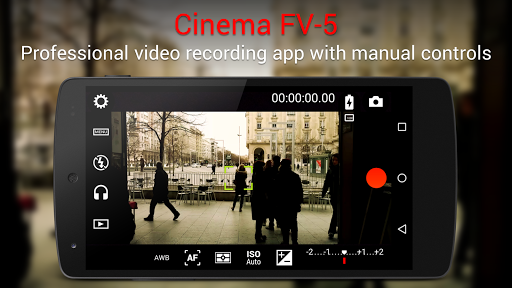
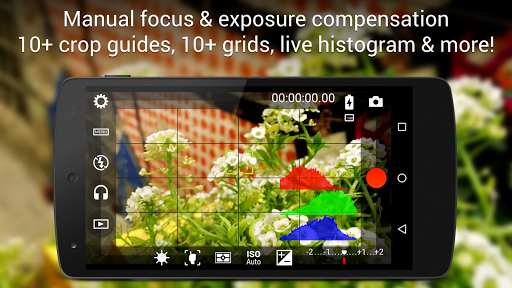
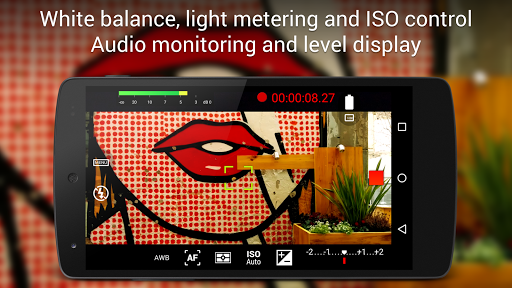
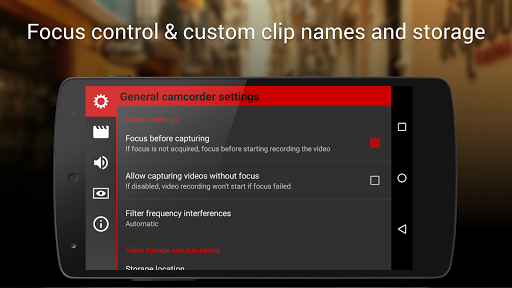
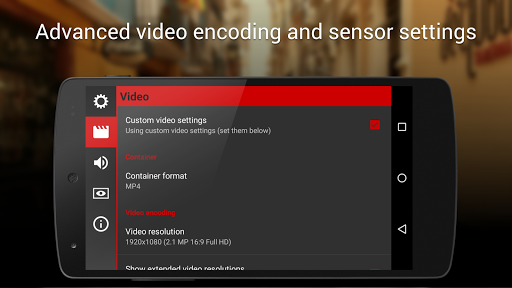
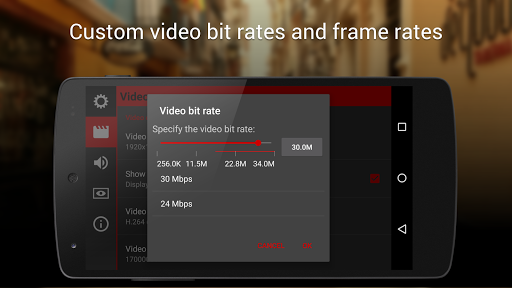
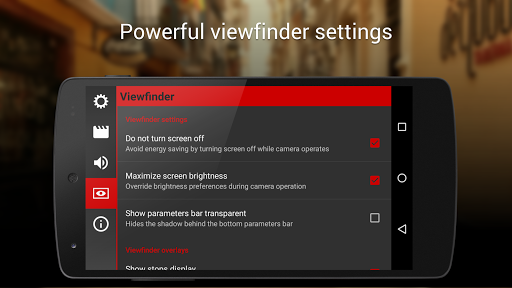
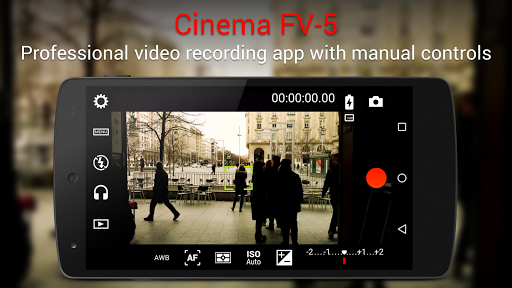
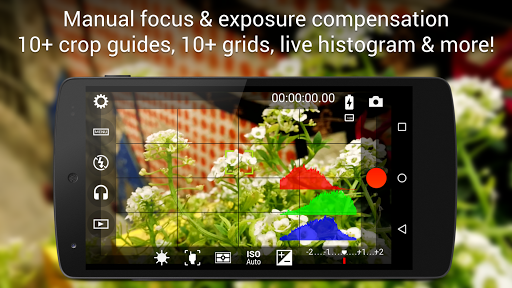
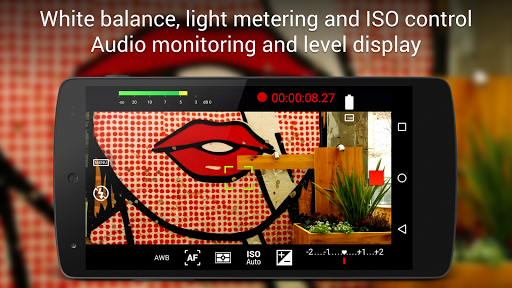
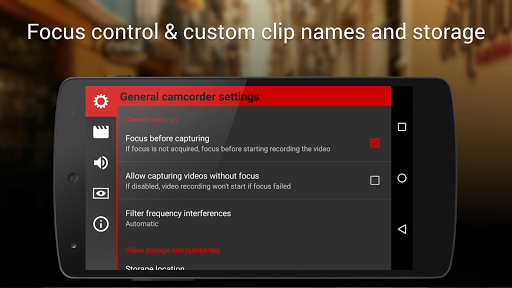
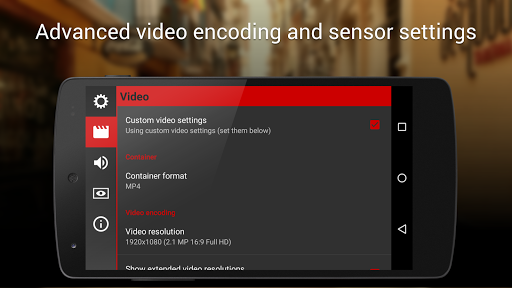
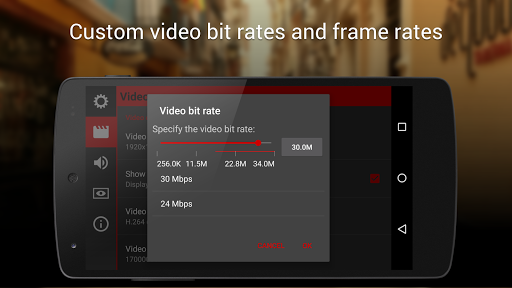
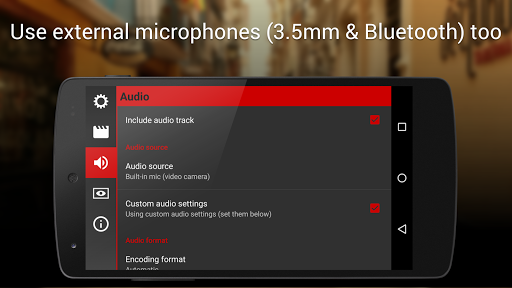
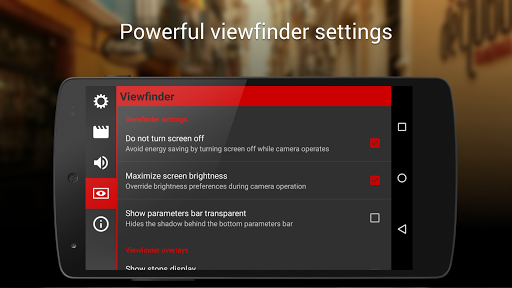
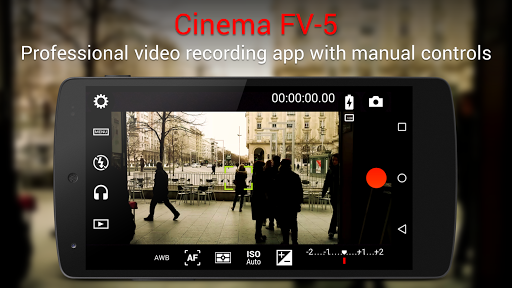
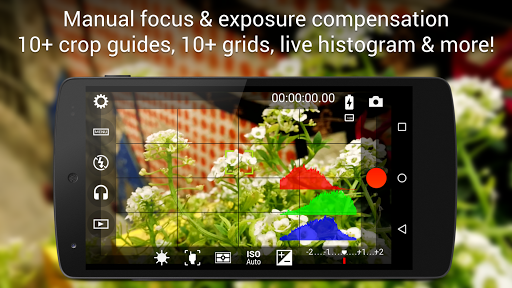
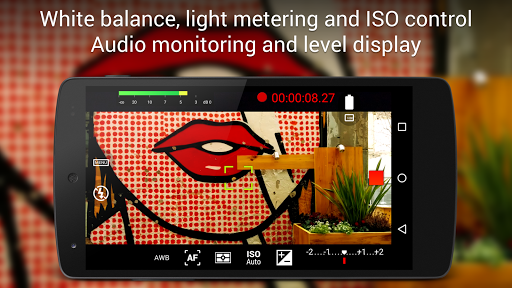
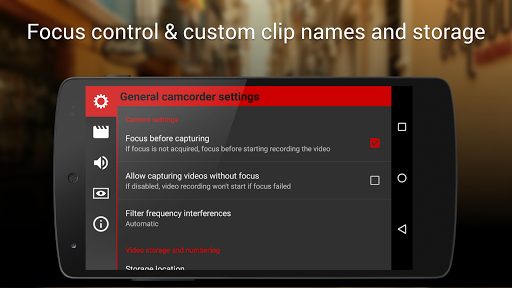
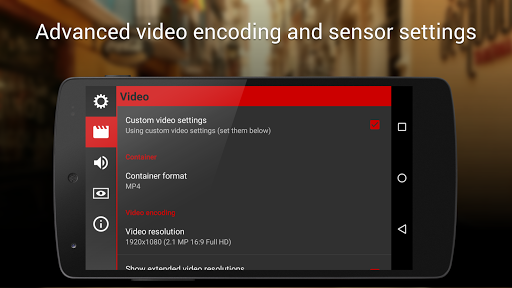
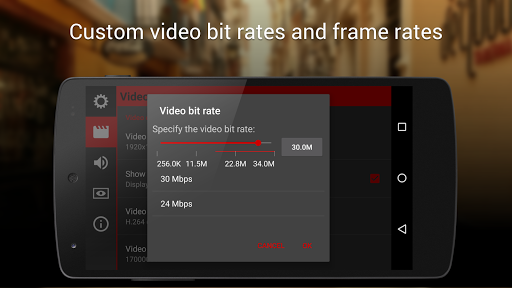
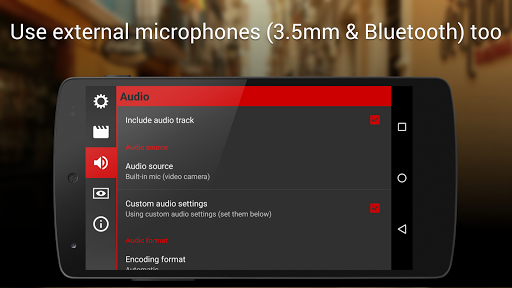
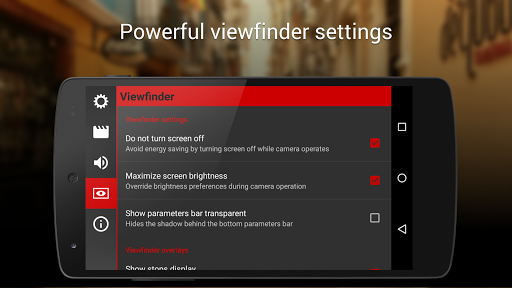
Cinema FV-5 is a professional video camera application for mobile devices, that puts professional manual controls in your fingertips. Tailored to enthusiast and professional videographers and filmmakers, with this video camera application you can capture the best footage with top-of-the-line controls for perfect postproduction purposes. The only limit is your imagination and creativity! Major features: ● Adjust all the image sensor parameters that you only thought pro-videocameras had: exposure compensation, ISO, light metering mode (matrix/center/spot), focus mode and white balance. ● Change sensor parameters (like ISO, exposure compensation or white balance) also during recording. ● Focus adjustments during recording: lock focus on your subject before recording and change focus planes while recording. ● Professional viewfinder: 10+ compositing grids, 10+ crop guides available, safe areas display and much more. ● The most advanced electronic viewfinder on a video camera: live RGB and luminance histogram are available also during recording. ● Professional sound metering options: display audio peaks and sound clipping warnings during recording. ● Use any audio input source for your video: built-in microphone, external (wired) microphone or wireless (Bluetooth) headset. ● Choose video and audio codec, adjust the bitrates, audio sampling rates and number of channels. ● Record in 4K UHD (Ultra High Definition) video on supported devices. ● All camera functions assignable to volume keys. You can adjust EV, ISO, color temperature, zoom and more using volume keys (including those in cable-headsets) as well as focusing and recording. Devices with hardware camera shutter keys are also supported. ● Video geotagging support. ● Autofocus, macro, touch focus and infinity focus modes, plus a focus lock switch (AF-L). ● Autoexposure (AE-L) and auto white balance (AWB-L) locks in Android 4.0+. You can also lock exposure and white balance during clip recording automatically. ● Zoom after and while recording. Set specific focal lengths thanks to the 35mm equivalent-based focal length display. ● Powerful video clips organization options: different storage locations and fully customizable file names (even with variables). Cinema FV-5 is the perfect app for producing the best footage for any short- to medium-sized production. With it you can record the best material possible with any medium- to high-end device. Cinema FV-5 specially supports Android-based compact cameras, so you can even leverage a high-quality, optically stabilized zoom. The footage captured with Cinema FV-5 can be easily edited on any NLE application. For more information, visit the official website http://www.cinemafv5.com or download the official Cinema FV-5 User Guide at http://www.cinemafv5.com/tutorials/user_manual.php. For technical support, please read the FAQ (http://www.cinemafv5.com/faq.php) or write to [email protected]. Permissions explained: - Approximate location and precise…

What Cinema FV-5 Is Used For

Cinema FV-5 appears to be a phone app for recording video with manual camera controls. Based on the metadata, it is aimed at people who want more control over exposure, focus, white balance, audio input, and other recording settings than a basic camera app usually provides. It may be especially useful when you want to fine-tune footage for editing or postproduction.

The app category and listed permissions suggest it works directly with the camera, microphone, storage, and optional location data for video geotagging. Common use cases may include filming short projects, capturing scenes with controlled exposure, recording with an external or Bluetooth microphone, and adjusting settings while recording. Since it is described as a professional video camera app, it seems geared toward users who are comfortable managing camera settings on a mobile device.

Common uses

  • Record video with manual exposure, ISO, focus, and white balance controls
  • Adjust image settings during recording for more precise shooting
  • Use the app for filmed content that needs closer postproduction control
  • Monitor audio levels and clipping while recording
  • Connect supported external or Bluetooth audio sources for video capture
  • Add location data to recordings when geotagging is needed
  • Use on a phone device for handheld video shooting and mobile filming
Best for:
Mobile videographers Manual video control Filmmakers Phone recording Audio-aware shooting

App Details

Package:
com.flavionet.android.cinema.pro
Category:
Photography
Developer:
FGAE Apps
Version:
2.2.1
Updated:
Oct 30, 2025
Min Android:
5.0
Age Rating:
Everyone
Contains Ads:
No
In-App Purchases:
No

Official Listing

  • Official listing available on Google Play
  • Package name: com.flavionet.android.cinema.pro
  • Age rating: Everyone

Explore More

Browse more apps in Photography or explore the Phone hub .

Related Photography Apps

How to Download Cinema FV-5

If this app is not hosted directly on APKApps official link, then for the safest and most up-to-date version, install it from its official Google Play listing.