About FPV Freerider Recharged
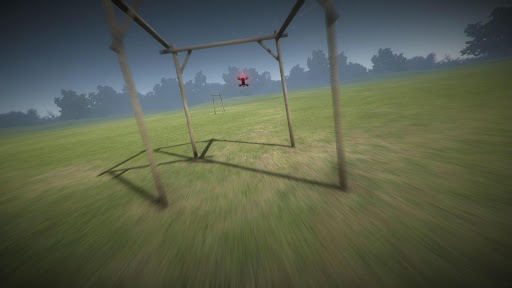
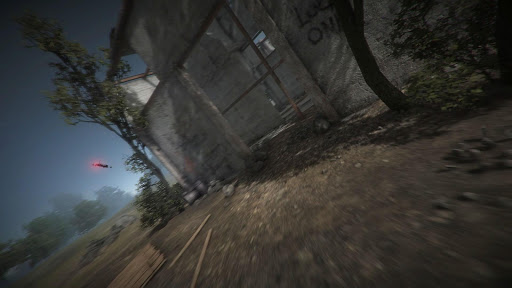
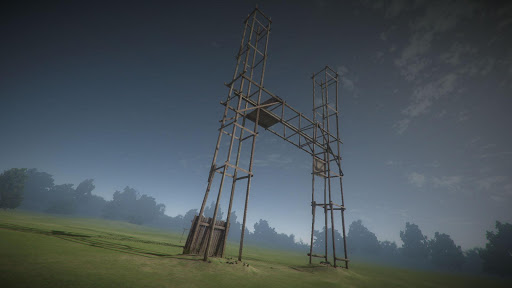
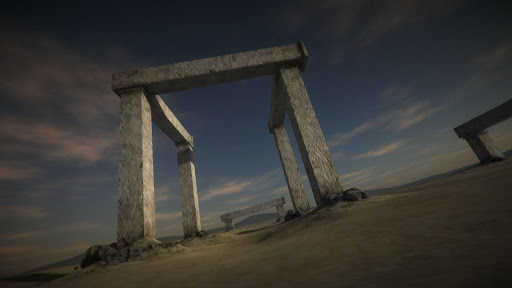
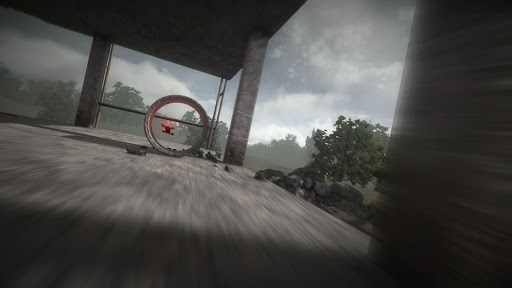
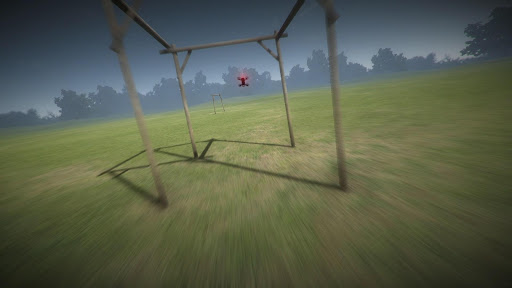
Please read the full description: This is a simulator, not a game. The simulator enables you to practice your FPV racing/freestyle and LOS flying skills on your android device. This simulator requires a powerful device. You will get best performance if selecting Low Screen Resolution and Lowest Graphics Quality on the main menu. Also, if possible activate "Performance Mode" or similar in your phone settings to get the best performance. (There is a free version of the original FPV Freerider app that you can try to see if it works on your setup. If the original FPV Freerider app works on your device, chances are pretty good that FPV Freerider Recharged will work too. Recharged is more demanding though). Supports self-leveling and acro mode, as well as 3D mode (for inverted flying). Custom settings for input rates, camera and physics. Google Cardboard side-by-side VR view option. Touchscreen controls support mode 1, 2, 3 and 4. Mode 2 is default. You can use touchscreen controls to fly, but flying a racequad with touchscreen controls is very hard. Using a good physical controller (such as an RC radio connected via USB OTG) is highly recommended. There are a lot of videos on youtube that shows how to connect an RC transmitter to FPV Freerider. You can also find more info in the manual, there is a link at the end of this text. Physical controllers are configurable between mode 1,2,3 and 4 during the Calibrate Controller procedure. Controllers that have been successfully used include FrSKY Taranis, Spektrum, Devo, DJI FPV, Turnigy, Flysky, Jumper, Radiomaster, Eachine, Detrum, Graupner and Futaba RC radios, Realflight and Esky USB Controllers, Logitech, Moga, Xbox and Playstation gamepads. This version of FPV Freerider Recharged is adapted to android devices. In order to keep the file size low and performance up, it does not contain the usual built-in levels of the desktop version. Instead it has some adjusted/previously unreleased levels more suitable for mobile devices. The full level editor is included. The levels are fully compatible with the desktop version of Recharged. You can use the touchscreen to create and edit levels. Levels can be saved and loaded locally on your device. It can be difficult to make precise editing on a small screen - for extensive editing it is recommended to use a USB/bluetooth mouse (and keyboard). An even better alternative is to use the desktop version to create your levels and then simply copy them to the correct folder on your android device. The correct folder is usually found at "/storage/emulated/0/Android/data/com.Freeride.FreeriderRecharged/files" (or "Internal Storage/Android/Data/com.Freeride.FreeriderRecharged/files/") You can find more information in the user manual (PDF) https://drive.google.com/file/d/0BwSDHIR7yDwSelpqMlhaSzZOa1k/view?usp=sharing portable drone / multirotor / quadrocopter / miniquad / racequad simulator
What FPV Freerider Recharged Is Used For
FPV Freerider Recharged appears to be a drone flight simulator for Android phones, based on the metadata. It is designed for practicing FPV racing, freestyle flying, and line-of-sight control skills without using a real drone. The app also mentions touchscreen controls and support for external controllers, so it may be used either for casual practice on a phone or for more realistic training with a connected RC radio or gamepad.
Based on the description, this simulator seems aimed at users who want to learn or refine flight control techniques such as self-leveling, acro mode, and inverted 3D flying. It also includes adjustable input rates, camera, and physics settings, which suggests it may help users experiment with different control setups before flying in real life. The mention of USB storage access likely relates to saving and loading custom levels locally, while full network access may support online-related functions or content access depending on the app’s setup.
Because it is a simulation app rather than a game, it may be most useful for training, testing controller configuration, and practicing flight habits on a mobile device before spending time on actual hardware.
Common uses
- Practice FPV racing and freestyle flying on a phone
- Train line-of-sight drone control skills
- Use touchscreen controls for basic flight practice
- Connect a physical RC controller or gamepad for more realistic input
- Adjust rates, camera, and physics to match preferred flying style
- Create, edit, save, and load custom levels locally
- Try VR-style side-by-side viewing with Google Cardboard support
App Details
Package:
com.Freeride.FreeriderRecharged
Developer:
FPV Freerider
Version:
2.5
Updated:
Oct 9, 2025
Min Android:
5.1
Age Rating:
Everyone
Contains Ads:
No
In-App Purchases:
No
Official Listing
-
Official listing available on
Google Play
-
Package name:
com.Freeride.FreeriderRecharged
-
Age rating:
Everyone
Related Simulation Apps
Racing
•
Vega Odyssey
Version Varies with device
⭐ 0.00
100+ installs
How to Download FPV Freerider Recharged
If this app is not hosted directly on APKApps official link,
then for the safest and most up-to-date version, install it from its official Google Play listing.