




About Bubble Level PRO
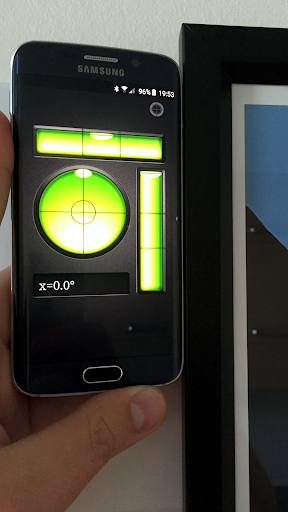
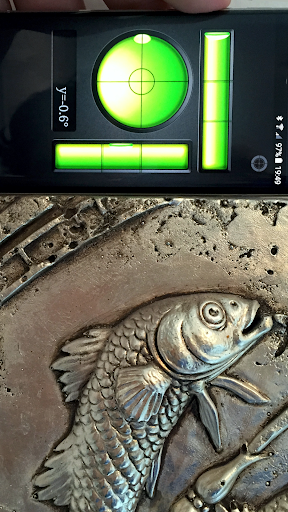
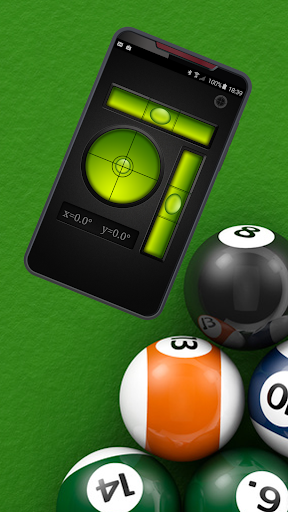
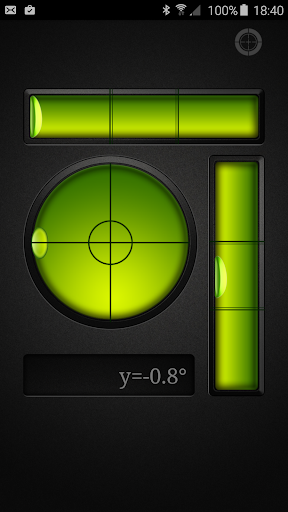
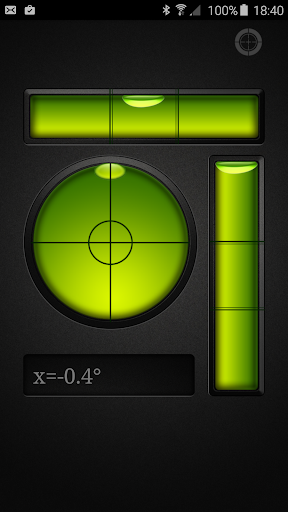
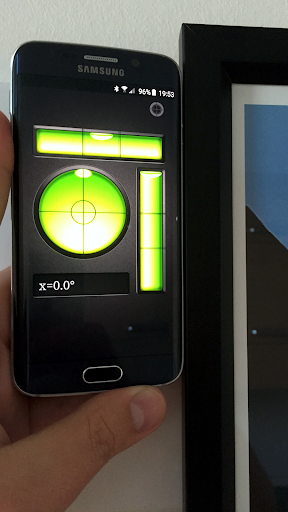
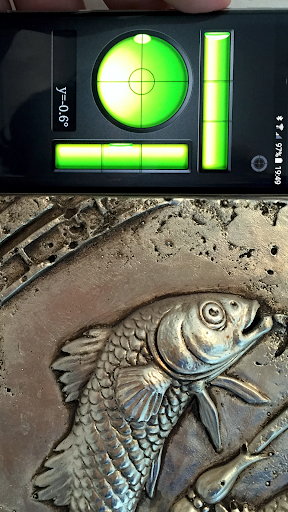
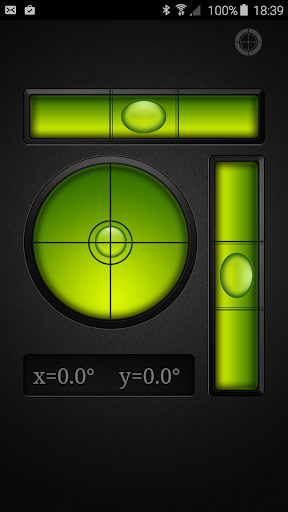
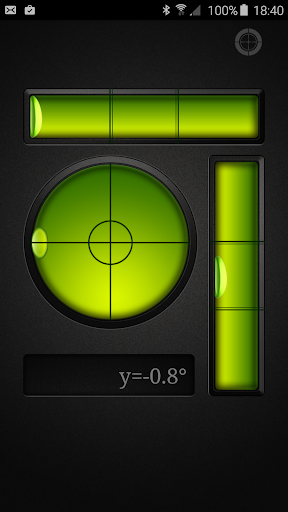
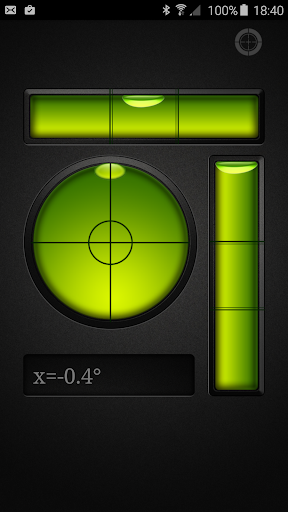
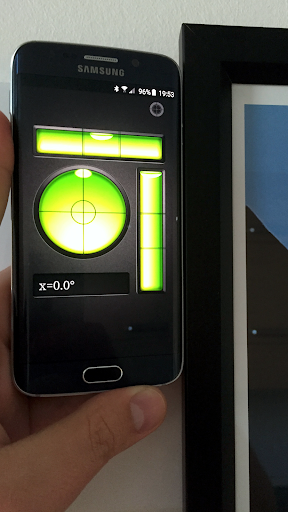
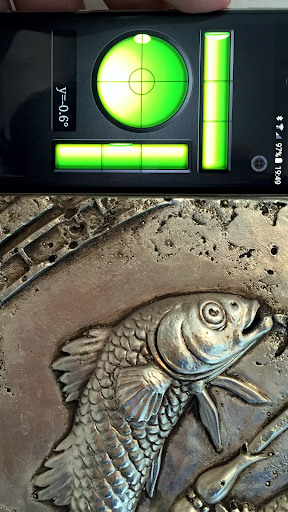
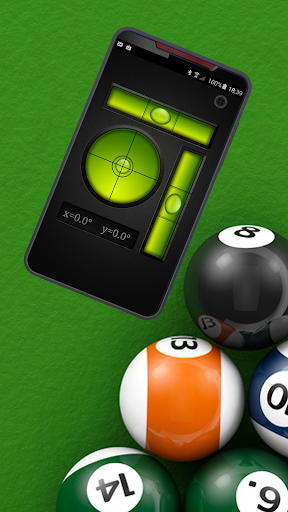
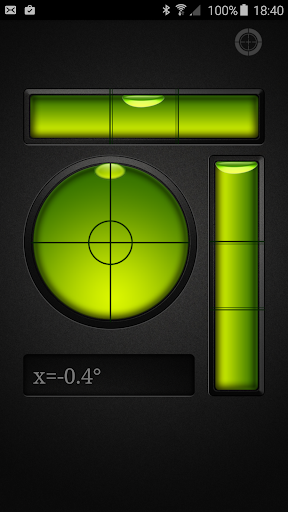
This is ad free (no ads) version of my app: https://play.google.com/store/apps/details?id=com.gamma.bubblelevel A bubble level, spirit level or simply a spirit is an instrument designed to indicate whether a surface is horizontal (level) or vertical (plumb). Bubble Level app is handy, accurate, simple to use and incredibly useful tool for your Android device. A traditional modern level meter has a slightly curved glass tube which is incompletely filled with a liquid, usually a colored spirit or alcohol, leaving a bubble in the tube. At slight inclinations the bubble travels away from the center position, which is usually marked. Bubble Level app tries to mimic the real level meter and displays the data as real level meter would. Bubble Level app also features a bull's eye level meter which is a circular, flat-bottomed device with the liquid under a slightly convex glass face with a circle at the center. It serves to level a surface across a plane, while the tubular level only does so in the direction of the tube. Bubble Level app tries to mimic the real bull's eye level and displays the data as real bull's eye level meter would. Where can you use Bubble Level? A bubble level is usually used in construction, carpentry and photography to determine if objects on which you're working on are level. Used properly, a bubble level can help you create flawlessly leveled pieces of furniture, help you when hanging paintings or other items on the wall, level billiard table, level table tennis table, set up a tripod for photographs, level your trailer or camper and much more. It’s a must have device for any home or apartment. Your device should already be calibrated by the manufacturer. In case you believe it is wrongly calibrated you can recalibrate your device by opening calibration, placing your device screen facing up on a perfectly leveled surface (like the floor of your room) and press SET. Press RESET to return to your device default factory calibration.
What Bubble Level PRO Is Used For
Bubble Level PRO appears to be a phone tool for checking whether a surface is level or plumb. Based on the metadata, it mimics a traditional spirit level and also includes a bull’s-eye style level, so it may be used for simple alignment tasks on an Android device without carrying a physical tool.
Common uses may include hanging frames, arranging furniture, checking shelves, setting up a tripod, or leveling small items during home projects. The app context suggests it is aimed at practical, hands-on measurement use in situations like construction, carpentry, photography, and general household setup. The listed network permissions may relate to app functionality or related services, while “prevent device from sleeping” could help keep the screen active during measurement or calibration. It also mentions calibration controls, so users may be able to reset or adjust readings if needed.
Common uses may include hanging frames, arranging furniture, checking shelves, setting up a tripod, or leveling small items during home projects. The app context suggests it is aimed at practical, hands-on measurement use in situations like construction, carpentry, photography, and general household setup. The listed network permissions may relate to app functionality or related services, while “prevent device from sleeping” could help keep the screen active during measurement or calibration. It also mentions calibration controls, so users may be able to reset or adjust readings if needed.
Common uses
- Check whether a surface is level or vertical
- Help with home repair and setup tasks
- Align shelves, frames, or furniture
- Assist with tripod or camera setup
- Use as a quick pocket-style level on a phone
- Recalibrate the sensor if readings seem off
App Details
Package:
com.gamma.bubblelevel2
com.gamma.bubblelevel2
Category:
Tools
Tools
Developer:
Gamma Play
Gamma Play
Version:
2.14
2.14
Updated:
Aug 21, 2025
Aug 21, 2025
Min Android:
6.0
6.0
Age Rating:
Everyone
Everyone
Contains Ads:
No
No
In-App Purchases:
No
No
Official Listing
- Official listing available on Google Play
- Package name: com.gamma.bubblelevel2
- Age rating: Everyone
Related Tools Apps

TopScan
Version 6.20.004
⭐ 3.10
100,000+ installs

CuboAi Smart Baby Monitor
Ease Your Mind, Journey On
Version 2.23.2
86.7 MB
⭐ 1.60
100,000+ installs

Mantis Laser Academy
Version 3.6
⭐ 4.60
100,000+ installs
How to Download Bubble Level PRO
If this app is not hosted directly on APKApps official link, then for the safest and most up-to-date version, install it from its official Google Play listing.