AR Plan 3D Tape Measure, Ruler icon

Phone

AR Plan 3D Tape Measure, Ruler

Tools Grymala apps ⭐ 4.40 10,000,000+
Version 4.10.4 Everyone

Screenshots

AR Plan 3D Tape Measure, Ruler screenshot
Permissions Explained 11 permissions requested View details

This app requests 11 permissions. The table below explains what each permission may allow and what users should review before installing.

Status Permission What it means Why it may be used User safety note
ℹ️ Review Approximate Location (network Based) approximate location (network-based) This is an Android permission or app-specific permission requested by the app. The app may use this permission for features related to its category, device support, background behavior, storage, connectivity, or system integration. Review this permission before installing, especially if it does not match the app’s expected purpose.
ℹ️ Review Precise Location (gps And Network Based) precise location (GPS and network-based) This is an Android permission or app-specific permission requested by the app. The app may use this permission for features related to its category, device support, background behavior, storage, connectivity, or system integration. Review this permission before installing, especially if it does not match the app’s expected purpose.
ℹ️ Review Read The Contents Of Your Usb Storage read the contents of your USB storage This is an Android permission or app-specific permission requested by the app. The app may use this permission for features related to its category, device support, background behavior, storage, connectivity, or system integration. Review this permission before installing, especially if it does not match the app’s expected purpose.
ℹ️ Review Take Pictures And Videos take pictures and videos This is an Android permission or app-specific permission requested by the app. The app may use this permission for features related to its category, device support, background behavior, storage, connectivity, or system integration. Review this permission before installing, especially if it does not match the app’s expected purpose.
ℹ️ Review View Wi Fi Connections view Wi-Fi connections This is an Android permission or app-specific permission requested by the app. The app may use this permission for features related to its category, device support, background behavior, storage, connectivity, or system integration. Review this permission before installing, especially if it does not match the app’s expected purpose.
ℹ️ Review View Network Connections view network connections This is an Android permission or app-specific permission requested by the app. The app may use this permission for features related to its category, device support, background behavior, storage, connectivity, or system integration. Review this permission before installing, especially if it does not match the app’s expected purpose.
ℹ️ Review Full Network Access full network access This is an Android permission or app-specific permission requested by the app. The app may use this permission for features related to its category, device support, background behavior, storage, connectivity, or system integration. Review this permission before installing, especially if it does not match the app’s expected purpose.
ℹ️ Review Control Vibration control vibration This is an Android permission or app-specific permission requested by the app. The app may use this permission for features related to its category, device support, background behavior, storage, connectivity, or system integration. Review this permission before installing, especially if it does not match the app’s expected purpose.
ℹ️ Review Prevent Device From Sleeping prevent device from sleeping This is an Android permission or app-specific permission requested by the app. The app may use this permission for features related to its category, device support, background behavior, storage, connectivity, or system integration. Review this permission before installing, especially if it does not match the app’s expected purpose.
ℹ️ Review Read Google Service Configuration read Google service configuration This is an Android permission or app-specific permission requested by the app. The app may use this permission for features related to its category, device support, background behavior, storage, connectivity, or system integration. Review this permission before installing, especially if it does not match the app’s expected purpose.
ℹ️ Review Receive Data From Internet receive data from Internet This is an Android permission or app-specific permission requested by the app. The app may use this permission for features related to its category, device support, background behavior, storage, connectivity, or system integration. Review this permission before installing, especially if it does not match the app’s expected purpose.

About AR Plan 3D Tape Measure, Ruler

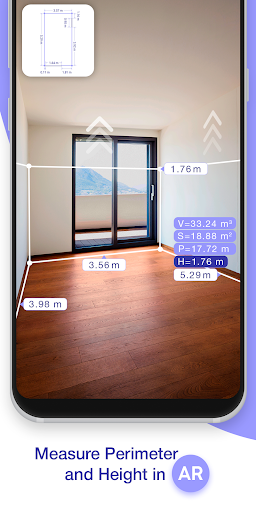
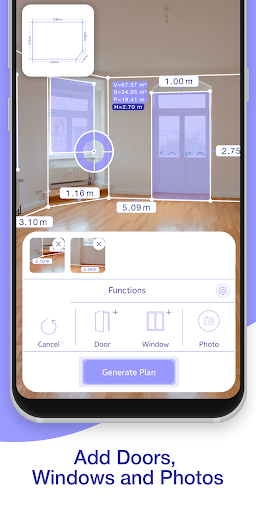
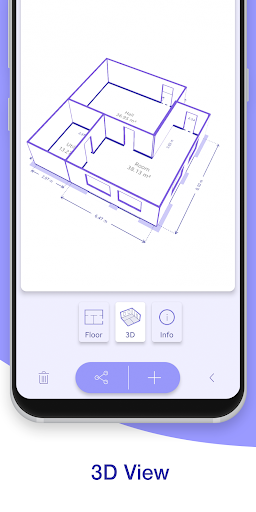
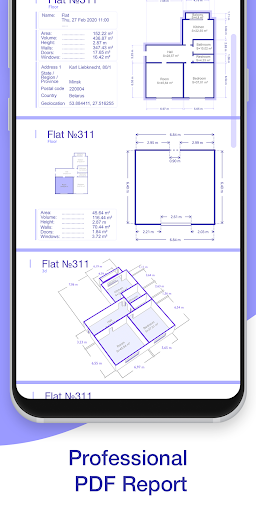
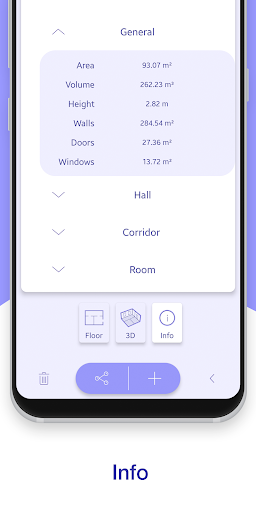
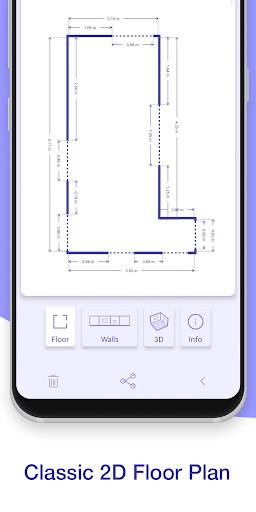
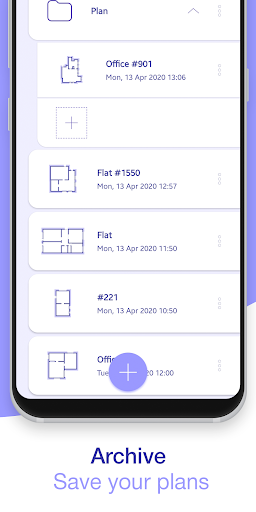
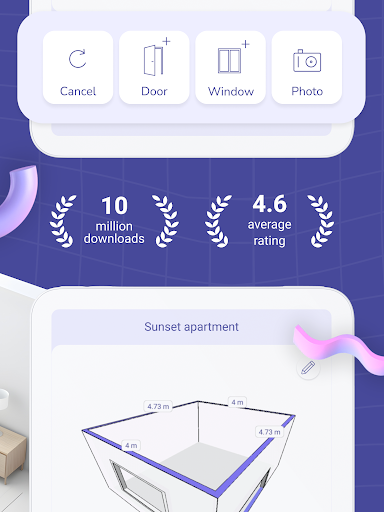
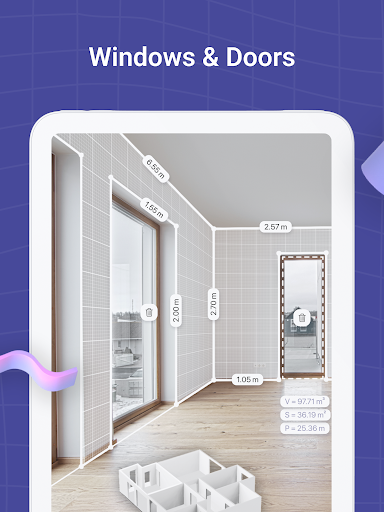
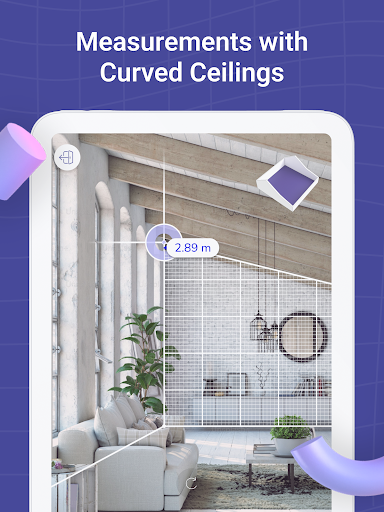
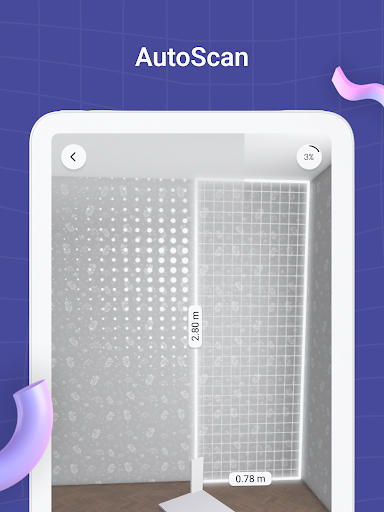
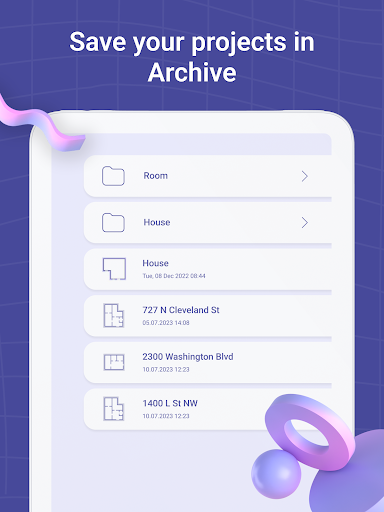
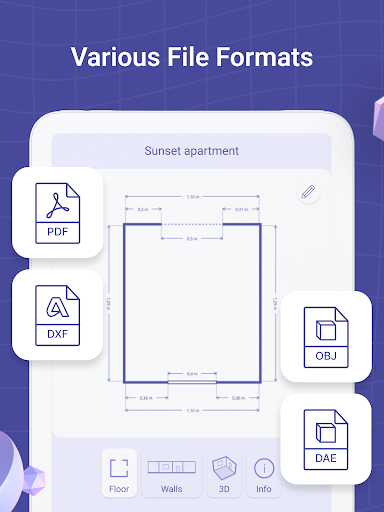
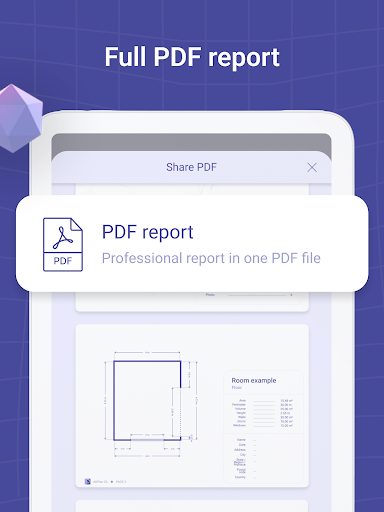
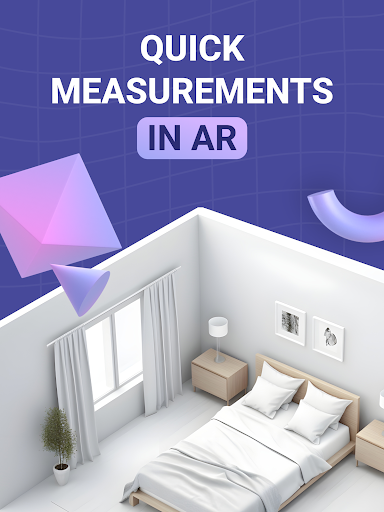
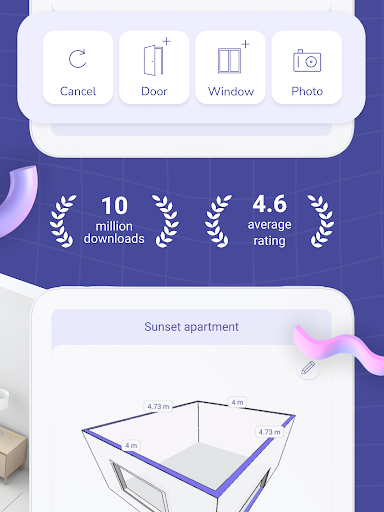
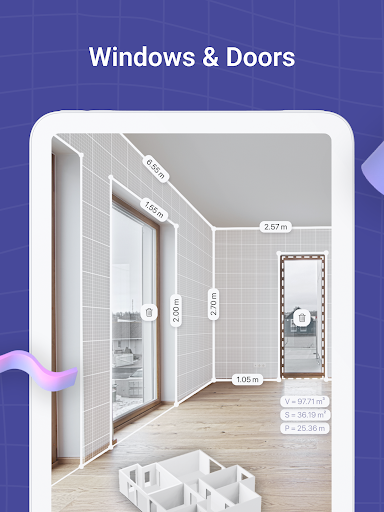
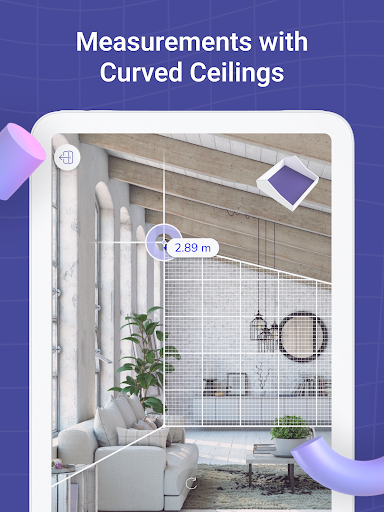
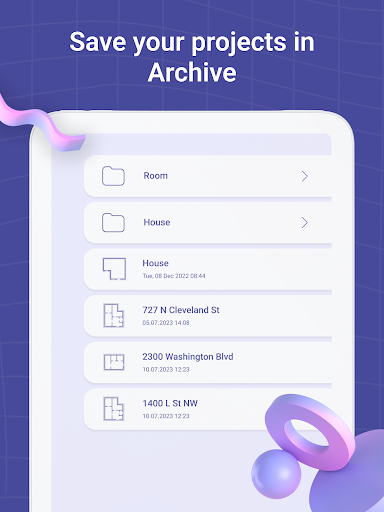
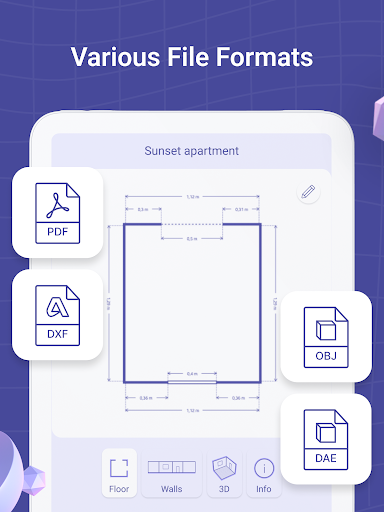
AR Floorplan 3D – Innovative measurement app, augmented reality (AR, lidar scanner) for quick room measurement. AR camera sensor technology allows to lay virtual tape measure ruler on a real-world surfaces, making measurement process and 3D floor planner creation much easier and quicker. Use the device camera sensor - sketch home, draw blueprints, build design. With AR Plan 3D ruler app you can: 1) Tape measure perimeter and height of the room in Metric or Imperial units (cm, m, mm ruler app, inch ruler app, feet, yard). 2) Tape measure doors, windows, house flooring. 3) Use the lidar scanner, camera sensor to automatically calculate perimeter, floor square, walls square and other layout values, which might be useful for construction materials quantity estimations. 4) 3D Floorplanner – create 3D floor plan, draw room sketch, build design with all measured dimensions. 5) Floorplanner design – classic floorplan creator, draw house layout, build layout, blueprint maker. 6) 2D Side view Floor planner – scan and create side view floorplan sketch with doors and windows. 7) Store and view floor plan measurements and saved blueprints in the Floor planner Archive. 8) Share house floor plan measurements via email, message, social network, etc. Some features are Core only. Our commitment to innovation extends to every feature of AR Plan 3D. With the integration of Apple's advanced technology, our app offers a pro-level design experience that's accessible to all. Whether you're measuring for construction materials or planning a new house layout, our lidar scanner and AR capabilities make the process seamless. Plus, with the ability to share your plans via correo, redes sociales, or mensaje, collaborating on projects has never been easier. In the ever-evolving world of home design, AR Plan 3D stands out as a beacon of innovation. Our app is not just about measuring and planning; it's about creating magic in your living spaces. With each update, we strive to enhance your experience, incorporating feedback to make our app the ultimate tool for architects, designers, and homeowners alike. Whether you're planning a simple room redesign or a comprehensive house overhaul, AR Plan 3D is here to transform your design journey. Discover how easy it is to measure a room with your phone using AR Floorplan 3D – the ultimate AR measuring app that lets you use AR to create a floor plan and scan rooms with a lidar scanner. With your device camera, you can measure distance with camera, draw 3D floor plan layouts, and create house plan in AR for renovation or design projects. Instantly design home layout with app, take room measurements automatically, and build floor plan from scan with precise dimensions. You can also measure height using AR ruler, plan room design in 3D, and generate blueprint with lidar for architects and homeowners alike. Whether you need to measure walls and floor area, scan and visualize home in 3D, or simply use phone as a tape measure, AR Floorplan 3D…

What AR Plan 3D Tape Measure, Ruler Is Used For

AR Plan 3D Tape Measure, Ruler appears to be a tools app for measuring spaces with a phone camera and augmented reality features. Based on the metadata, it is commonly used to estimate room dimensions, check heights and perimeter lengths, and measure elements like doors, windows, and flooring without relying only on a physical tape measure.

The app also seems aimed at creating basic floor plans and blueprints. It may help users sketch a room layout, view measurements in metric or imperial units, and save or share plans for later reference. The permission list suggests it may use the camera, location services, storage, and network access, which fits functions such as scanning, saving project files, and syncing or sharing measurement data. It appears most relevant for home planning, renovation prep, and simple construction-related measurements on a phone.

Common uses

  • Measure room dimensions with AR or camera-based tools
  • Check perimeter, height, and surface areas
  • Measure doors, windows, and flooring for planning
  • Create 2D or 3D floor plan sketches
  • Save measurement sets and floor plan drafts
  • Share plans or measurements with others
  • Use metric or imperial units for different projects
Best for:
Home planning Room measurement Floor plan sketching Renovation prep Phone users

App Details

Package:
com.grymala.arplan
Category:
Tools
Developer:
Grymala apps
Version:
4.10.4
Updated:
Jan 16, 2026
Min Android:
8.0
Age Rating:
Everyone
Contains Ads:
Yes
In-App Purchases:
Yes

Official Listing

  • Official listing available on Google Play
  • Package name: com.grymala.arplan
  • Age rating: Everyone

Explore More

Browse more apps in Tools or explore the Phone hub .

Related Tools Apps

magicplan icon

magicplan

Productivity Sensopia Inc

Instantly create and share floor plans, field reports, and estimates.

Version 2026.13.0 186.9 MB ⭐ 4.20 10,000,000+ installs
Easy Area icon

Easy Area

Maps & Navigation Marothia Techs

Easiest Area calculator for measuring land area & distance of GPS maps, photos.

Version 2.96 7.1 MB ⭐ 4.10 1,000,000+ installs

How to Download AR Plan 3D Tape Measure, Ruler

If this app is not hosted directly on APKApps official link, then for the safest and most up-to-date version, install it from its official Google Play listing.